Free Bulk QR Code Generator from a ListPaste your list, one code per line, and every line becomes its own QR code. Print them on sheets or save them as image files. No sign-up, and nothing you paste is uploaded.
Whole page · the printed page has no watermark or logo.
Related tools
Goes well with this one
Was this tool useful?
Notice: Generated via SnapPaperwork. For your own links and details. Do not make codes that pretend to be another business, or stick your code over someone else’s.
Something missing? Tell me what you need.
Many QR codes at once, from a list
Paste a list and every line becomes its own QR code: a link to each table’s menu, a different link for every product, a ticket number, a name tag, a row from a spreadsheet. Give a line a name and the name goes under the code and into the file name.
Then print the codes on sheets to cut out, or download them as image files in a ZIP to use in your own designs. The codes are made in your browser and nothing you paste is uploaded. They are plain static codes that hold the link or text itself, so they never expire.
How to make bulk QR codes in 3 steps
-
Paste your list
One code per line. Type or paste a name, then “|”, then the content, or paste two columns from a spreadsheet. A line with only content is fine too.
-
Check the preview
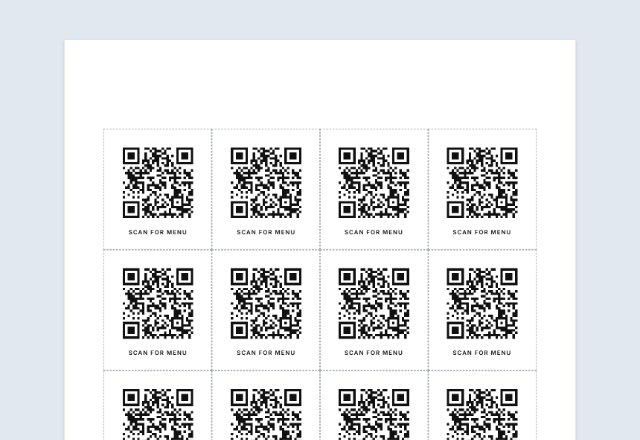
The sheets on the right show every code. Lines that cannot be made are listed with the reason, and you are warned if a code would print too small to scan.
-
Print or save
Print the sheets or download them as a PDF, or download a ZIP of PNG or SVG files with an index.csv that says which file holds which content.
What to type on each line
Every line makes one code. There are three ways to write a line, and you can mix them in one list.
- Content only: example.com/menu
- A name and the content, with “|” between them: Table 4 | example.com/menu?table=4
- Two spreadsheet columns pasted in, name first: the tab the spreadsheet puts between cells works like “|”.
- Empty lines are skipped. Only the first “|” (or tab) splits a line, so the content can hold more of them.
Links or plain text
With “Web links”, https:// is added when a line has no web address start, so example.com/menu works. A line that is not a web address (no dot, or with spaces) is listed as a problem instead of making a code that goes nowhere.
With “Plain text”, the content goes into the code exactly as you typed it. A phone shows the text when it scans the code. Content that starts like a phone number or email (tel:, mailto:) is read by phones as that, so plain text is also the way to make those. One list uses one choice: put links and text in two batches.
One QR code holds roughly 2,300 characters of plain English text, fewer with accented or other-alphabet letters. A line that is longer is listed as a problem.
How big to print the codes
Every extra character adds squares, and the squares must stay big enough to scan. A rule of thumb used here: about half a millimetre for each square (counting the blank border), and never a code narrower than 2 cm. A short link makes a small code; a long link with tracking parameters makes a dense one.
The page checks every code against the width you picked and names the lines that are too dense, with the next size that suits them. Shorter links (a short address on your own site that redirects) always make easier codes. Print one sheet and scan a code with your phone before printing the lot.
Image files in a ZIP
PNG files are plain black on white at the size you choose, and work in any document, design program or sign maker. SVG files are drawn as shapes, so they stay sharp at any size, which is best for professional printing.
Each file is named after its name in your list, or after its content when it has no name, with unusual characters replaced so any computer accepts it. Names that come out the same get -2, -3… after them, and you can add a running number in front. The ZIP also holds index.csv, a spreadsheet that lists each file name, name and content.
Printing on label sheets
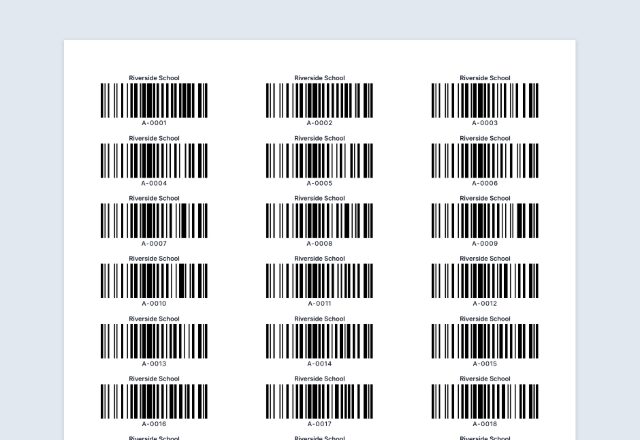
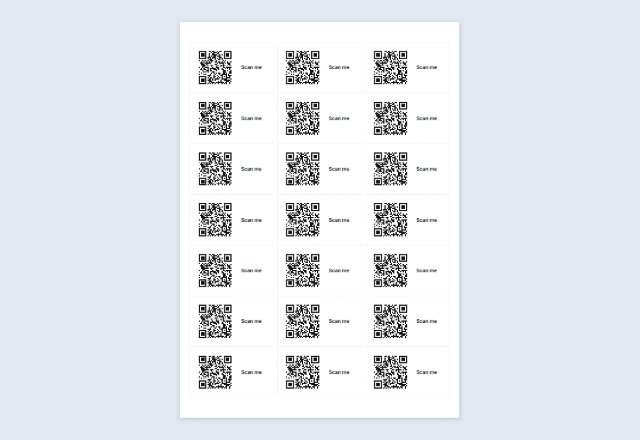
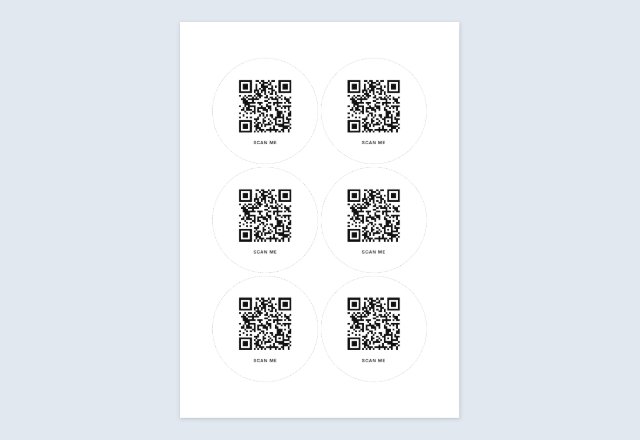
The sheets here are plain paper with dashed lines to cut along. To put a different code on every label of an Avery-style sheet, the Barcode Label Generator takes the same kind of list and lays each QR code on the label size you pick.
What stays on your device
The list is read and the codes are drawn in your browser. Nothing is sent to a server, and the ZIP and PDF are made on your device. Your list and settings are saved in this browser only, so they are there next time; Clear Form removes the list.
QR Code is a registered trademark of DENSO WAVE INCORPORATED.
Frequently asked questions
Is the bulk QR code generator free?
Yes. No account, no watermark, and the codes never expire, because each code holds its link or text itself.
How many QR codes can I make at once?
Up to 500 in one list. If you have more, make a second batch with the rest.
Can I use a spreadsheet or CSV file?
Copy the cells from the spreadsheet and paste them into the box. One column of links works, and so do two columns with the name first. The page does not open files, so it never has your file.
Will every code be different?
Yes. Each line makes its own code. If two lines are the same, they make the same code, and the second file name gets -2 after it.
Can I make bulk QR codes for links and text in the same list?
One list uses one choice, either web links or plain text. Make two batches if you need both.
Can I print the codes on Avery labels?
The sheets on this page are for cutting out. For Avery-style label sheets use the Barcode Label Generator, which can put a different QR code on each label of the size you choose.
Why does it say a code is too dense?
Long content makes a code with many small squares. At a small printed width the squares get tiny and some phones cannot read them. Choose a wider size, or shorten the content.
Can I change a link after printing?
No. A static code holds the link itself, so a new link needs a new code. If you may want to change it, point the code at a short address on your own site and change where that address goes.
Is my list uploaded or stored on your servers?
No. The codes are made in your browser and nothing you paste is sent to me. The list is saved on your own device so it is there next time.