Free Static QR Code Generator — No Expiration, No Sign-upA static code made on this page: no expiry date, no scan tracking. Save it as an image, print a sheet of stickers, or send a link to it.
Static code · made in your browser · no watermark.
Pick a sign above.
Made for a specific use
Put your code on something people can use
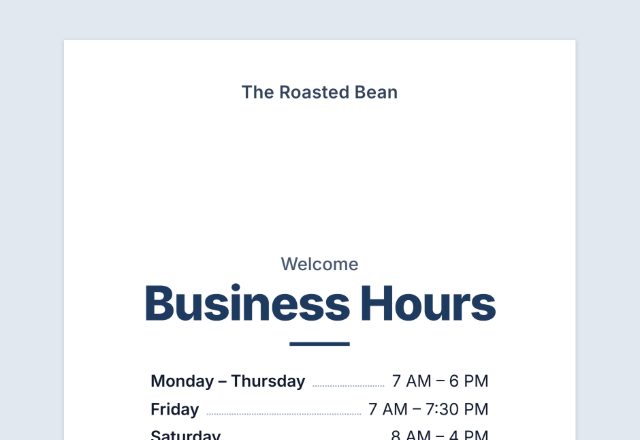
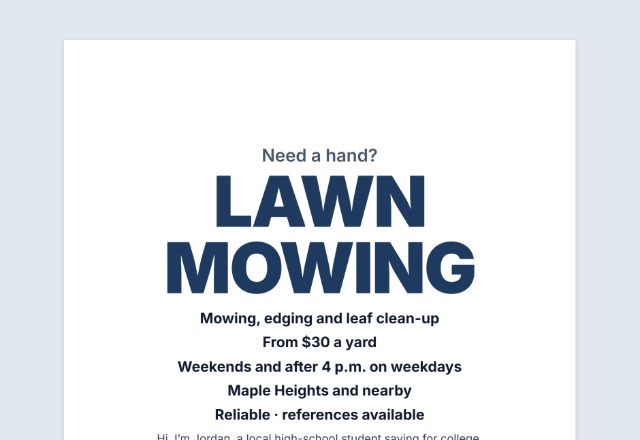
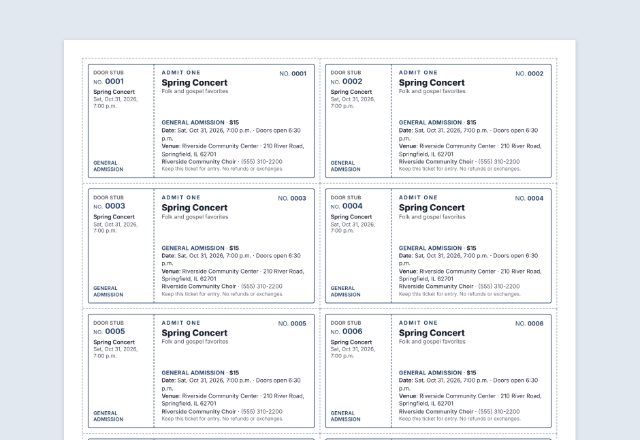
Each of these makes the code and the paper it goes on, ready to print.
 QR code scannerRead a code from a picture, a screenshot or the camera
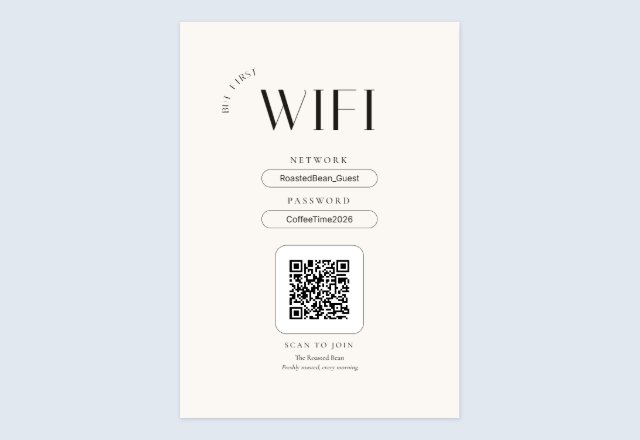 WiFi QR signGuests scan to join, no typing the password
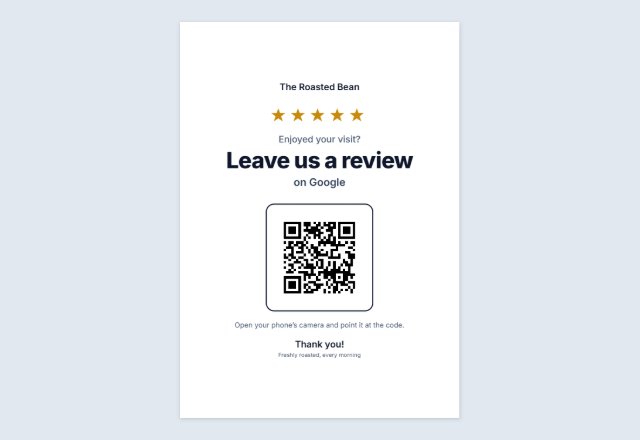 Google review QR signAsk for reviews at the counter
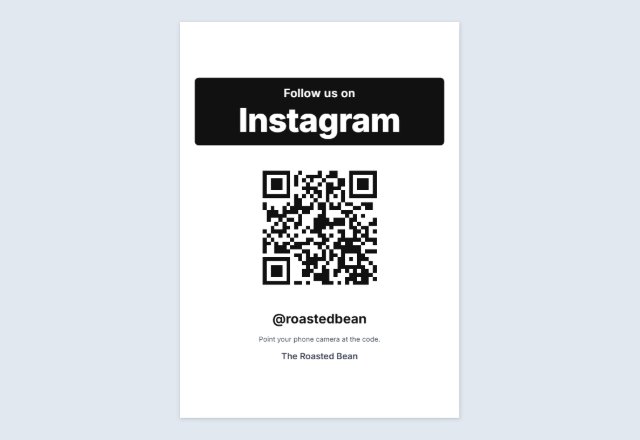 Instagram follow sign“Follow us” with your @name, for the counter
 vCard contact QR codeOne scan saves your name, phone and email
 Email or text us signOpens a ready-to-send email or text to you
 Text QR codeShows a message, clue or code word. No link
 TikTok QR signOpens your profile or one video
 YouTube QR codeYour channel, a video or a playlist
 Facebook page QR codeYour page, group or event
 Venmo, PayPal or Cash App sign“Pay with” and your name, for a stall or a tip jar
 Menu QR sign“Scan for our menu” for every table
 Yelp or Tripadvisor signWorded to follow each site’s rules
 Wedding photo sharing signGuests add their photos to your album
 Wedding RSVP QR cards4 cards per sheet for the invitations
 Event check-in signRSVP or check in on their own phone
 Google Form QR codeLink to your form on a “Fill in our form” sign
 QR code for a PDFOpens a PDF you shared on Drive, Dropbox, OneDrive or your site
 Spotify & Apple Music QRA “Listen on” sign for your song, album or playlist
 Call us QR codeYour number ready to dial, on a “Call us” sign
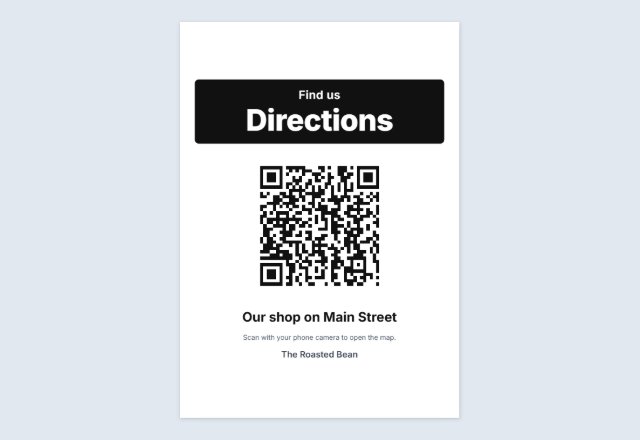 Google Maps QR codeA “Find us” sign that opens your place on the map
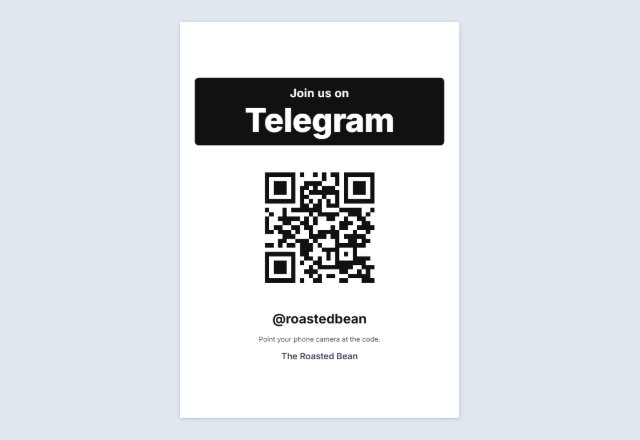 Telegram QR codeYour username, channel or group, on a “Join us” sign
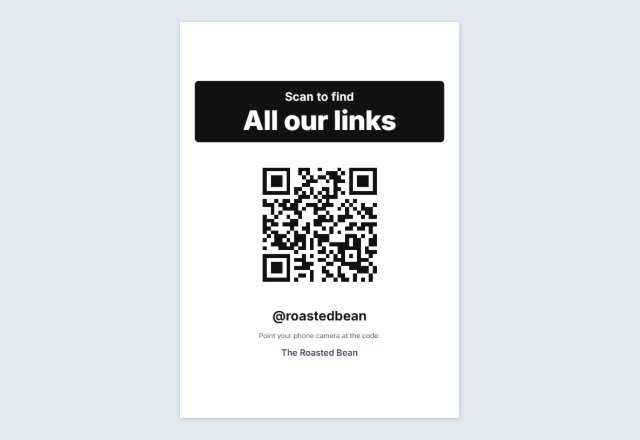 Linktree QR codeOne code that leads to all your links
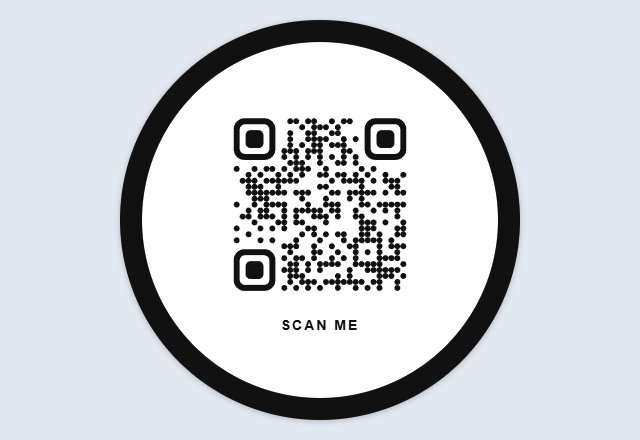 Circle QR codeYour code in a round badge, in dots or rounded squares
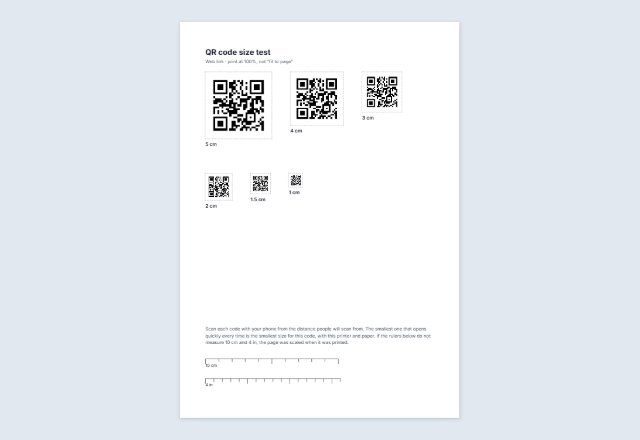 Sample QR codes for testingHarmless test codes, and one code at six sizes to print
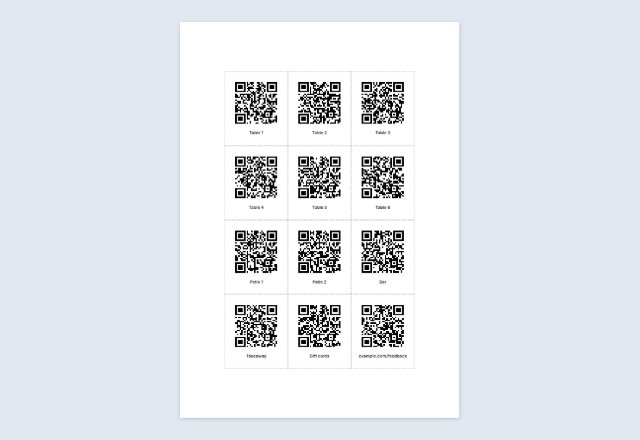 Bulk QR code generatorMany different codes from a list: sheets or a ZIP of files
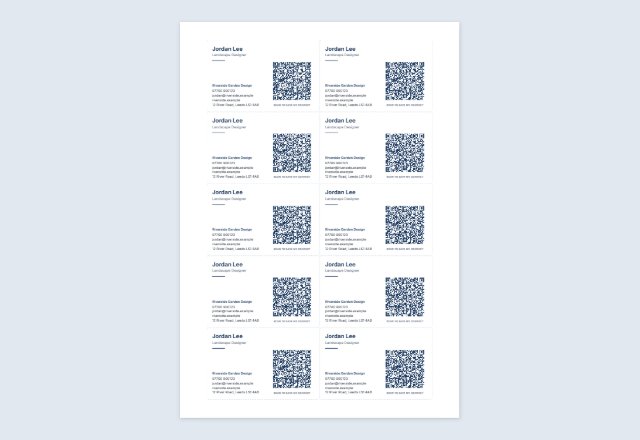 Business card with a QR codeYour details and a code that saves your contact, 10 per sheet
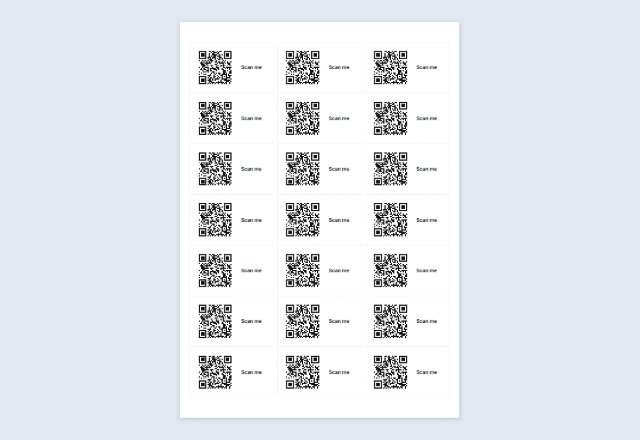 QR code on Avery labelsThe same code on every label of a sheet
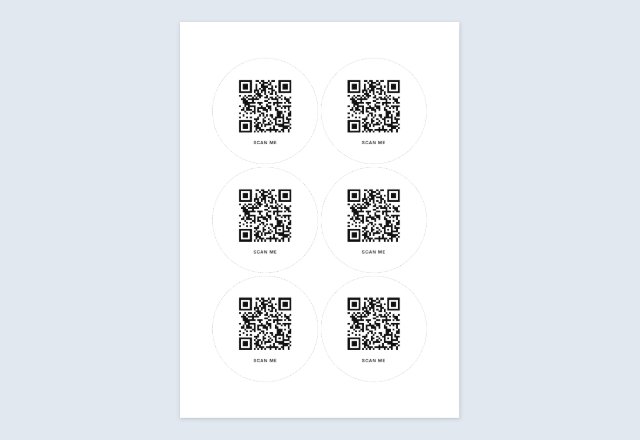 Square or round QR stickersA sheet to print and cut, any size
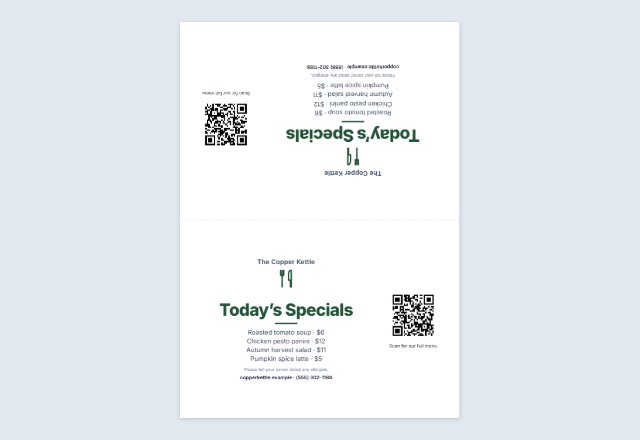 Table tent with a QR codeMenu, specials or offer folded on every table
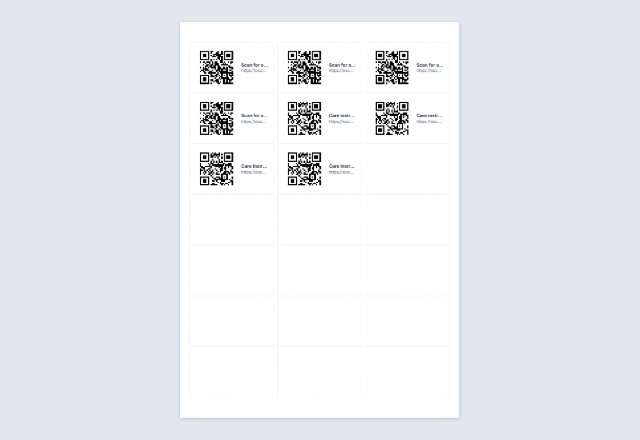 Numbered QR code labelsA different code on every Avery label, from a list
Related tools
Goes well with this one
Was this tool useful?
Notice: Generated via SnapPaperwork. For your own links and details. Do not make codes that pretend to be another business, or stick your code over someone else’s.
Something missing? Tell me what you need.
A free QR code generator with no sign-up and no expiry date
Welcome to SnapPaperwork’s free static QR code generator: a quick way to make high-quality QR codes for your business, your events or personal use.
Unlike generators that send every scan through their own server, and can switch a code off when a free trial ends, the codes made here are 100% static and never expire. Your details stay private: everything is made right in your browser, and nothing is uploaded.
Whether you need a printable QR code for flyers, a vCard QR code, or a vector SVG and a PDF for professional design and packaging, you can make and download your code in seconds, with no sign-up.
How to make a QR code in 3 steps
-
Choose what the code opens
A link, your WiFi, your contact details, a payment link, a social profile, some text, an email, a phone call or a text message. Fill in the boxes for it.
-
Check it with your phone
The page reads the code back and shows what it opens. Point your own phone camera at the screen as well, and make sure it does what you expect.
-
Save it, print it or share it
Download a PNG or SVG, print a sheet of the same code to cut into stickers, or send a share link that shows the code, ready to scan.
Static or dynamic: why this code does not expire
A static code holds your link or text itself. Phones read it straight from the paper, so it keeps working for as long as your link works. Nothing in between can switch it off.
Many “free” generators make dynamic codes instead: the code points to their own server, which forwards people to you. When a free trial ends, the forwarding can stop, sometimes after the code is already printed on menus or flyers. This page only makes static codes.
The trade-off: a static code cannot be edited after printing and does not count scans. If your link changes, make and print a new code.
What each kind of code does
- Link: opens a web page, such as your website, an online menu, a sign-up form, a PDF or a video.
- WiFi: phones offer to join your network without typing the password.
- Contact: phones offer to save your name, phone number, email and business as a new contact.
- Payment: opens the payment link you copied from your app (Venmo, Cash App, PayPal or another).
- Social: opens your profile on Instagram, Facebook, TikTok, YouTube or X.
- Text: shows a short message on the phone, such as a locker code or instructions.
- Email, phone and SMS: open a new email, a call or a text message to you, filled in and ready to send.
How big to print it
Longer content makes a denser code, with more and smaller squares. The Print size section shows how many squares your code has and the smallest width that is comfortable to scan up close.
For a sign that people scan from a few steps away, go bigger. A common rule of thumb is a code about one tenth as wide as the scanning distance: around 10 cm (4 in) for a poster read from 1 metre (3 ft). Always scan a printed test from where people will stand.
Leave the white margin around the code when you cut it out: scanners need it to find the code.
Colours and logos that still scan
Keep the code dark on a light background. Many phones cannot read a light code on a dark background, and pale colours print faintly. The page warns you when the contrast is too low.
A logo in the middle works because QR codes repeat part of their content to survive damage. With a logo, the code switches to the strongest level of this error correction and keeps the logo small. The page reads the code back to check it still works.
Share a code without downloading it
Share link makes a link that opens this page showing your code, ready to scan from the screen. It is handy for sending a code to a colleague, a print shop or a friend who will show it on a laptop or tablet.
The code’s content travels inside the link itself, after the “#” sign. That part of a link is not sent to any server, so nothing is uploaded or stored here. Anyone who has the link can see the code and what it opens, so only send it to people you would show the code to. A logo is not included in the link.
Payment codes and fake stickers
Scammers sometimes stick their own code over a real one. Print your account name next to a payment code so customers can check it before they pay, and look over your signs and tables now and then.
Before you print, scan the code with your own phone and check it opens your own account or page.
QR Code is a registered trademark of DENSO WAVE INCORPORATED. Venmo, Cash App, PayPal, Instagram, Facebook, TikTok, YouTube and X are trademarks of their owners; SnapPaperwork is not connected with any of them.
Frequently asked questions
Is this QR code generator free?
Yes. It is free, needs no account or sign-up, and adds no watermark or logo of mine to your code, image or printed sheet.
Will my QR code stop working?
Not because of this site. It is a static code that holds your link or details directly, so it works as long as the link itself works. There is no subscription behind it to run out.
Can I see how many people scanned my code?
No. Counting scans needs a server between the code and your link, which is what makes some codes expire. If your website counts visits, you can add a tag to the link you put in the code.
Can I change the link after printing?
No. The link is part of the code itself. If the address changes, make a new code and print it again.
PNG or SVG?
PNG works almost everywhere: documents, slides, emails and social posts. SVG is for a print shop or a design app such as Canva or Illustrator: it stays sharp at any size.
How do I share a QR code without downloading it?
Press Share link. It makes a link that opens this page with your code on the screen, ready to scan. The content travels inside the link and is not uploaded or stored here.
How do I make a WiFi QR code?
Choose WiFi, type the network name exactly as phones show it, the password and the security type. Phones that scan it offer to join the network. The password is never saved in your browser or sent anywhere.
Can I put my logo in the middle?
Yes, under Look. The code then uses its strongest error correction and keeps the logo small, and the page reads the code back to check it still scans. Test it with your phone before printing.
Is my information uploaded or stored?
No. The code is made in your browser and nothing you type is sent to me. Your form is saved on your own device so it is there next time, except a WiFi password, which is never saved.