Sample QR Codes for TestingReady-made codes that open nothing real. Scan them, download them for a mock-up, or print the same code at six sizes.
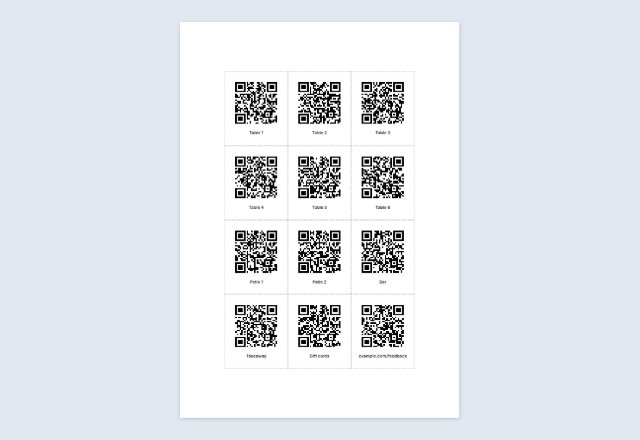
Whole page · no watermark.
Related tools
Goes well with this one
Was this tool useful?
Notice: Generated via SnapPaperwork. For your own links and details. Do not make codes that pretend to be another business, or stick your code over someone else’s.
Something missing? Tell me what you need.
Test QR codes that are safe to scan
Sometimes you do not need a QR code of your own, you need one to look at: to test a scanner app or a camera, to fill a mock-up or a slide, to check that a printer is sharp enough, or to show someone what a WiFi or contact code does.
The codes on this page are ready-made for that. They point to addresses reserved for examples, a network that does not exist and numbers in the range kept for fiction, so scanning one does nothing real. They are for testing and mock-ups, not for use.
How to use the sample QR codes
-
Scan one
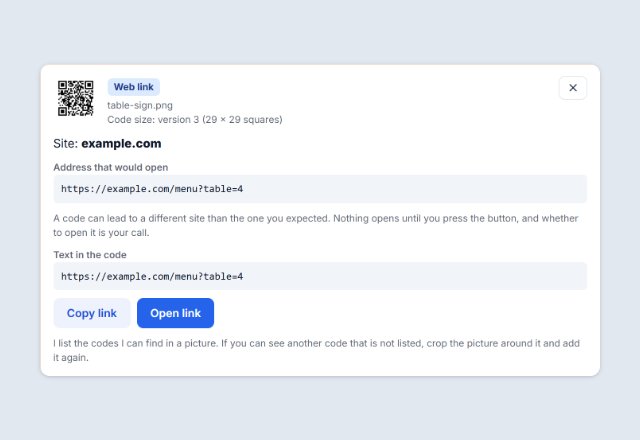
Point your phone camera at a code on the screen. Your phone shows what it holds and asks before it does anything.
-
Download what you need
Save a single code as a PNG or SVG, or take all of them in one ZIP for a mock-up.
-
Test the size
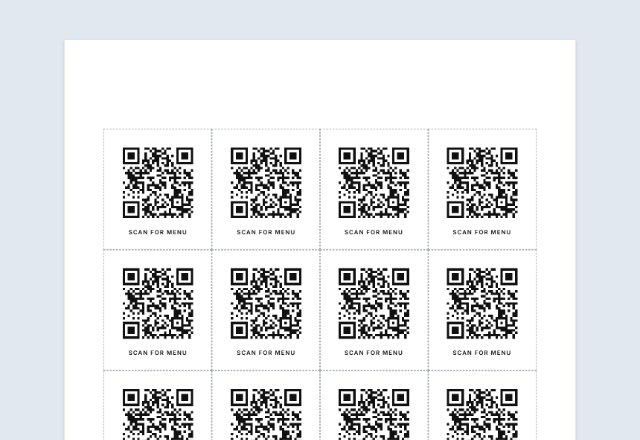
Pick a code, print the size test sheet at 100% and scan each of the six sizes to find the smallest one that works for your phone and your printer.
What each sample code holds
- Web link: the address https://example.com, a website kept by IANA for examples.
- Text: the words “This is a sample QR code”.
- WiFi: a network called SampleTestNetwork with a made-up password. The network does not exist, so a phone cannot join it.
- Contact: a contact card for “Sample Name” with an example.com email address and the number +1 555 0123.
- Email: a new email to sample@example.com with a subject and a line of text. Nothing is sent until the person taps Send.
- Phone: the number +1 555 0123 ready to dial. Numbers 555-0100 to 555-0199 are the ones set aside for fiction.
- Text message: a new text to +1 555 0123 with a short message.
- Location: a Google Maps search link for the example point on Google’s own Maps URLs page.
Finding the smallest size that scans
The size test sheet prints the same code at 1, 1.5, 2, 3, 4 and 5 cm wide, with the white border included. Scan each one with your phone from the distance people will really scan from. The smallest one that opens quickly every time is your limit for that code, with your printer and paper.
A code with more text has more squares, so it needs more room. As a working rule, allow about half a millimetre per square, and do not go below 2 cm. Test with the code you will really print: a long link needs a bigger code than the short ones here.
Print at 100% (“Actual size”), not “Fit to page”. The ruler on the sheet should measure 10 cm; if it does not, the print was scaled.
Using the codes in a mock-up
- Put a PNG on a slide or a design; use the SVG when a print shop or design app needs a sharp, scalable file.
- Keep the white border. A code cropped tight against other graphics is harder to scan.
- Replace the sample with a real code before anything is printed or published: a sample code on a real flyer sends people nowhere.
QR Code is a registered trademark of DENSO WAVE INCORPORATED.
Frequently asked questions
Are these codes safe to scan?
Yes. They point to addresses kept for examples, a network that does not exist and fictional numbers. A phone shows what a code holds before it acts, and nothing here belongs to a real account.
Can I use them on a real sign or product?
No. They are for testing and mock-ups. A real sign needs a code for your own link, and the QR code generator makes one in a minute.
Why does the WiFi code not connect?
It names a network, SampleTestNetwork, that does not exist. The code is there so that you can see how a phone offers to join a network.
Why test the size?
A code that scans on a screen can fail when it is printed small, on rough paper or with a low-ink printer. Printing the same code at six sizes shows where your setup stops working.
What is the ZIP file?
One PNG and one SVG of each code, and an index.csv that lists every file and what it holds. It is made in your browser.
Do these codes expire?
No. They are static codes with the content inside, so they do not depend on this site.
Is it free?
Yes. There is no account and no watermark.