Free Bakery Order Form TemplateList the cakes and treats, add the pickup date, deposit and what to write on the cake, then print the form or save it as a PDF. No sign-up, and nothing you type is uploaded.
Layout
Whole page · the printed page has no watermark or logo.
This order form is longer than one page and will print on two pages. Remove empty lines, shorten the notes, or try another layout.
Examples2 layouts filled in with made-up details. Open one to start with that layout.
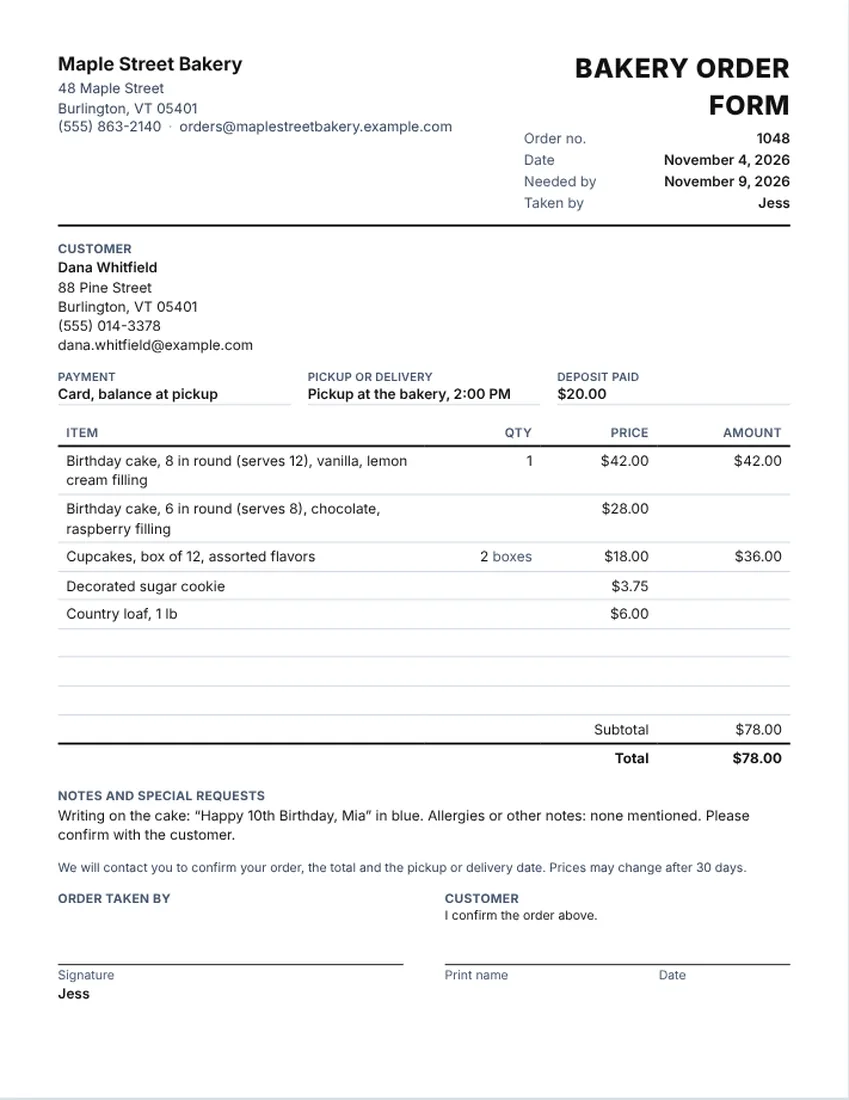
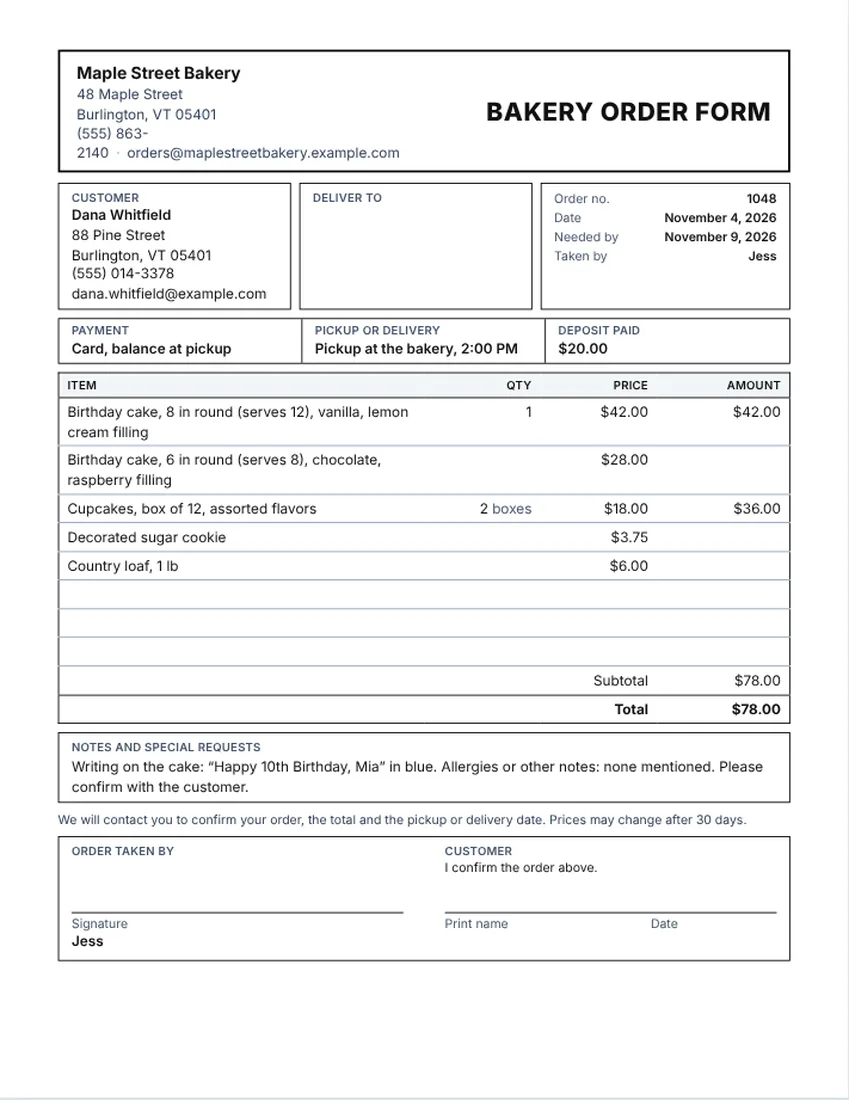
More versions of this form
Related tools
Goes well with this one
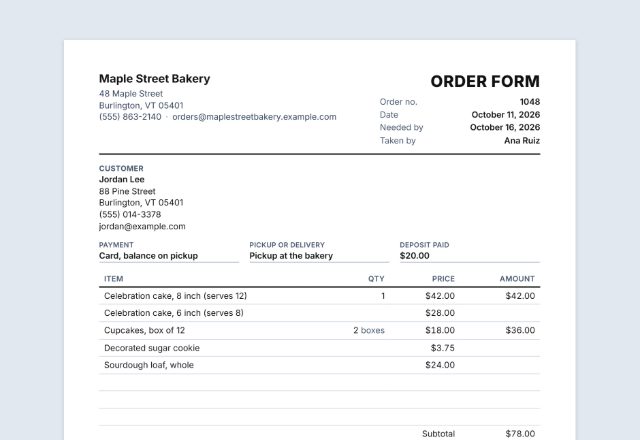
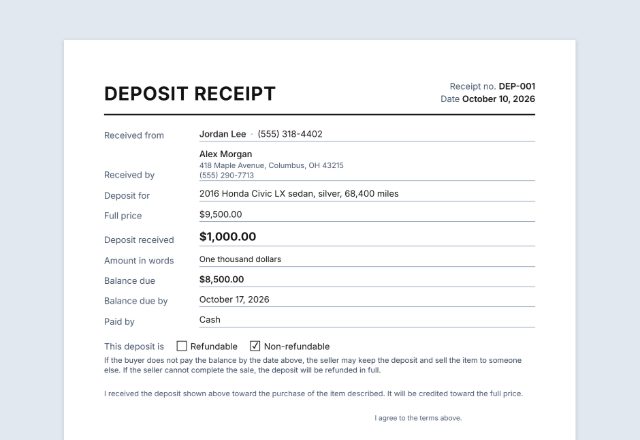
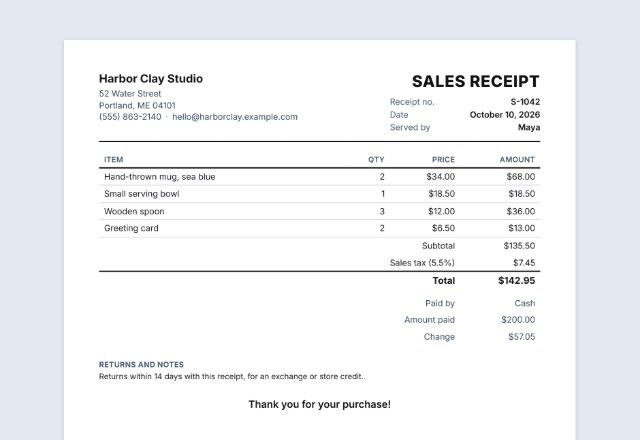
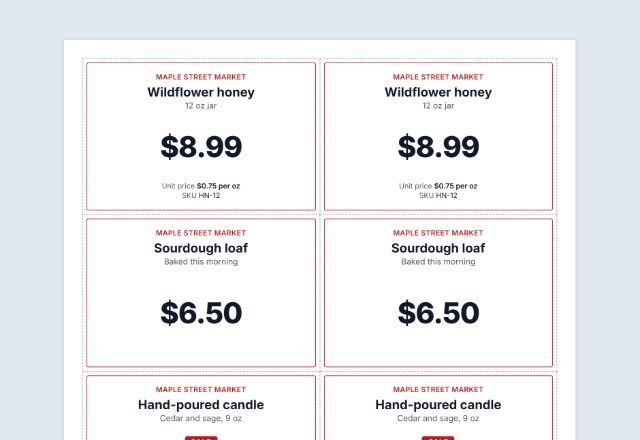
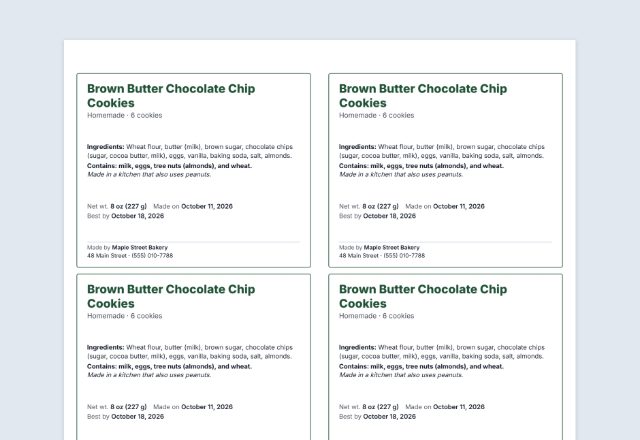
Was this tool useful?
Notice: Generated via SnapPaperwork. For genuine work and payments only. A document with false amounts, dates or details can be illegal.
Something missing? Tell me what you need.
How to make a bakery order form
-
Put your bakery and the customer at the top
Your bakery name, phone and email, then the customer’s name and phone. Add your logo if you have one.
-
List what they ordered
One line per item with a quantity and a price: cake size and flavor, cupcakes by the dozen, cookies. The total and the balance are worked out for you.
-
Add the pickup, the deposit and the writing
Fill in the pickup date and time, how much was paid up front, and exactly what to write on the cake. Print it, hand a copy to the customer and keep one.
What a bakery order form should show
- The customer’s name, phone and email, so you can reach them if something changes
- The pickup or delivery date and the time, and the address if you deliver
- Each item with size, flavor, filling and quantity, such as “8 in round, vanilla, lemon cream, serves 12”
- The writing, colors or theme for the cake, written out word for word
- The price, the deposit paid and the balance due at pickup
- A note line for allergies or special requests, in the customer’s own words
- A line that confirms the order, with a signature or a name
Sample items for a cake and bakery order
Use these as a starting point and change them to match your menu. The prices on the sample form are made up. They are not a price guide, and your own prices should reflect your costs and your area.
- Custom cake by size (6 in, 8 in, quarter sheet, half sheet), with flavor and filling
- Cupcakes or muffins by the half dozen or dozen, with flavors listed
- Decorated cookies by the dozen, with colors or theme
- Cake topper, extra tier, fondant work or special decoration as separate lines
- Bread, pastry boxes or party trays
- Delivery fee, if you offer delivery
Taking a cake order over the phone or in person
Ask for the date and time first, because that decides whether you can take the order at all. Then ask for size or number of servings, flavor, filling and the writing. Read the details back before you finish so you both agree.
Write the writing on the cake exactly as the customer says it, including spelling and capital letters. Fill in the deposit when you take it so the balance at pickup is already on the form.
Tips for fewer mix-ups
- Take a deposit on custom orders and write it on the form.
- Confirm the order a day or two before pickup by text or email.
- Keep a copy of every order sorted by pickup date.
- Put the allergy or special-request line on the form every time, even if the answer is “none”.
- Rules for selling baked goods, labels and allergens depend on where you work. Check your state’s rules, or ask your local health department.
Checked in November 2026. This page is general information, not legal advice. Rules differ from place to place and change over time.
Frequently asked questions
What should a cake order form include?
The customer’s name and phone, the pickup date and time, each item with size, flavor and filling, the writing on the cake, the price, the deposit paid, the balance due and a line for allergies or special requests.
Is there a free cake order form template I can print?
Yes. Fill it in on this page, then print it or save a PDF. It is free, needs no account and adds no watermark.
How do I add a deposit to a bakery order form?
Type the amount in the deposit box. It shows on the form so you and the customer both see what is already paid. Give a deposit receipt too if the customer asks for one.
Where do I write what goes on the cake?
Use the notes box. Write the words exactly as the customer wants them, with spelling and capitals, plus colors or a theme if they gave one.
Can I use this as a custom cake order form for my home bakery?
Yes. Add your name and logo, list your sizes and flavors, and print it. Whether you can sell from home, and what labels you need, depends on where you live. Check your state’s rules.
Can I print a blank bakery order form?
Yes. Click Clear form and print. Your customers, or you at the counter, can fill it in by hand.