Free Printable Price Tag TemplateList your items, check the preview, then print the sheets and cut along the dashed lines. No sign-up, and nothing you type is uploaded.
Design
Whole page · the printed page has no watermark or logo.
Price tags you can make hereThree ready-made sets. Open one, then change the items, prices and colours.
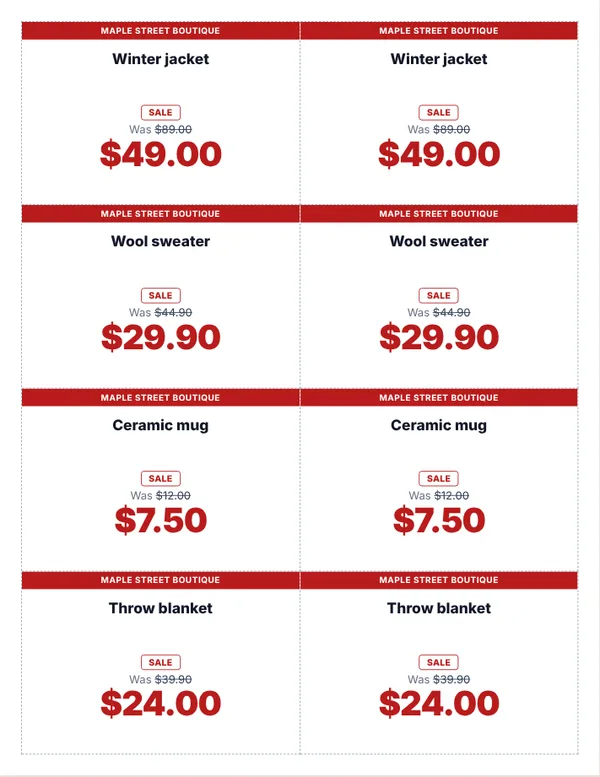 Sale price tags (was and now)
Bold cards with the old price crossed out and a SALE badge.
Make these tagsOpen
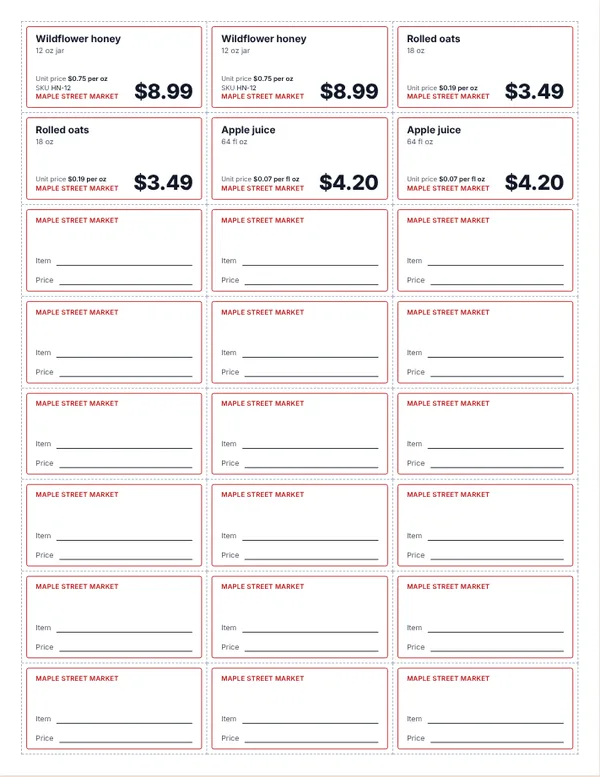 Shelf labels
24 small labels per page, with the name, the price and a unit price such as $0.75 per oz.
Make these labelsOpen
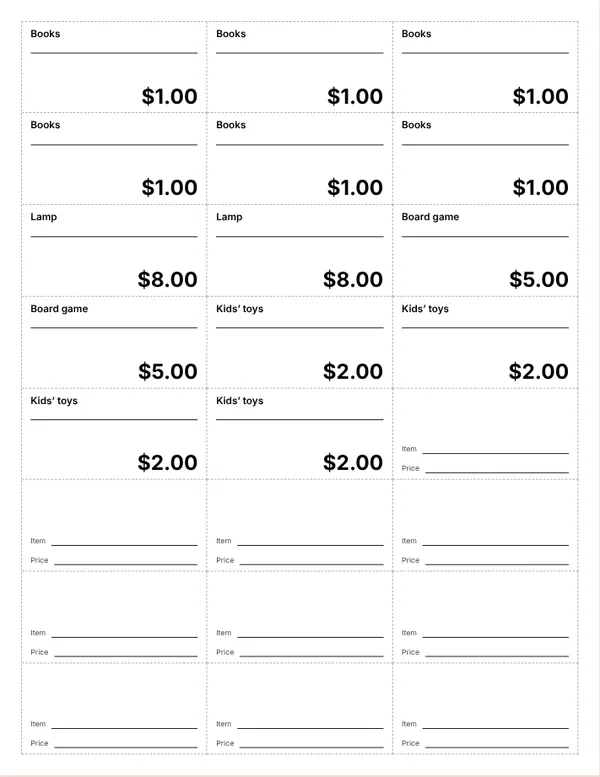 Yard sale price stickers
Black and white labels to cut out and stick on, with room to write more by hand.
Make these stickersOpen
Examples3 layouts filled in with made-up details. Open one to start with that layout, or print a blank template to fill in by hand.
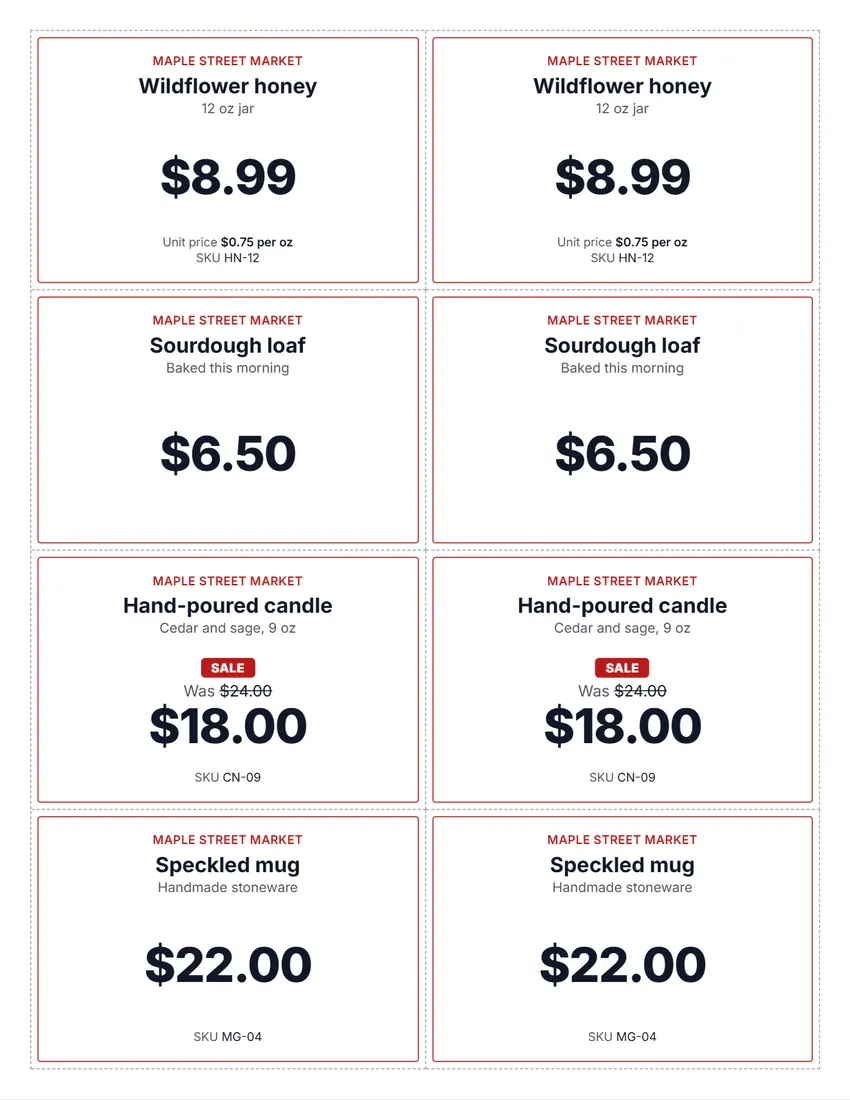 Default layout
ClassicA thin coloured frame, the item in bold and the price in large type.
Start with this layoutOpen
 Layout
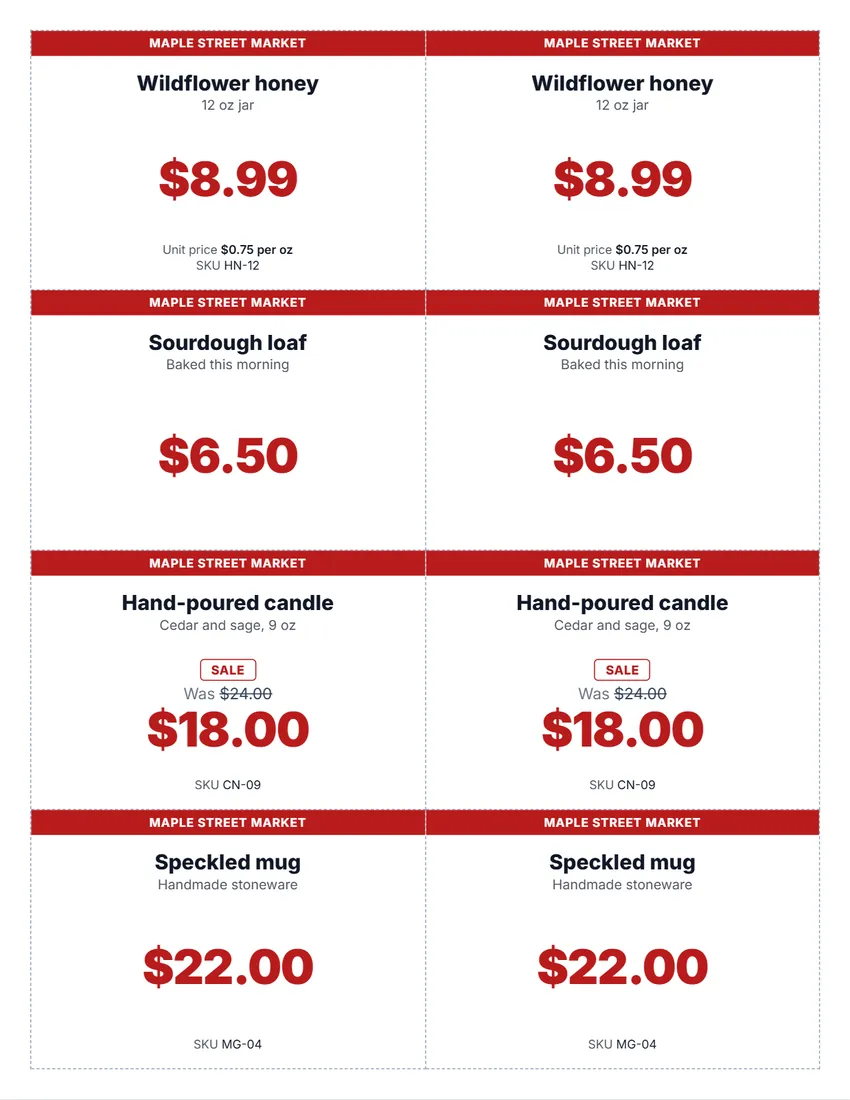
BoldA solid block of colour with the price or the shop name. Easy to read from a distance.
Start with this layoutOpen
 Layout
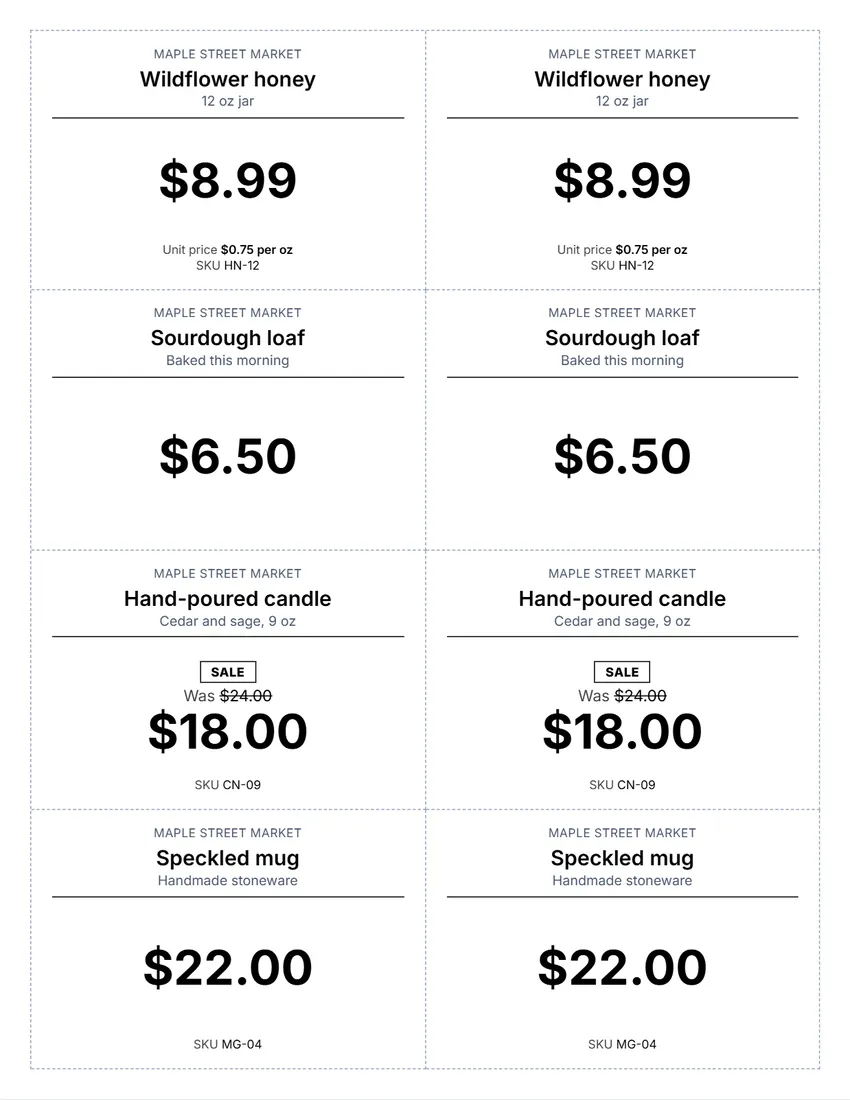
SimpleBlack and white, no logo: quick and cheap to print.
Start with this layoutOpen
Prefer to fill it in by hand? Print a blank template and write on it.
Related tools
Goes well with this one
 Gift certificateSelling gift certificates too?Open
 Store signsNeed a sign for the door?Open
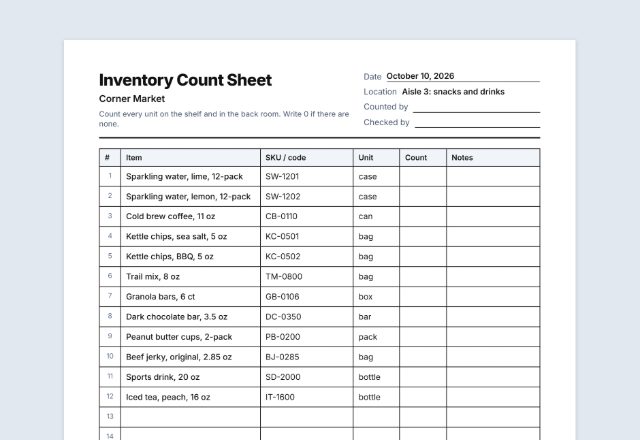 Inventory count sheetDoing a stock take?Open
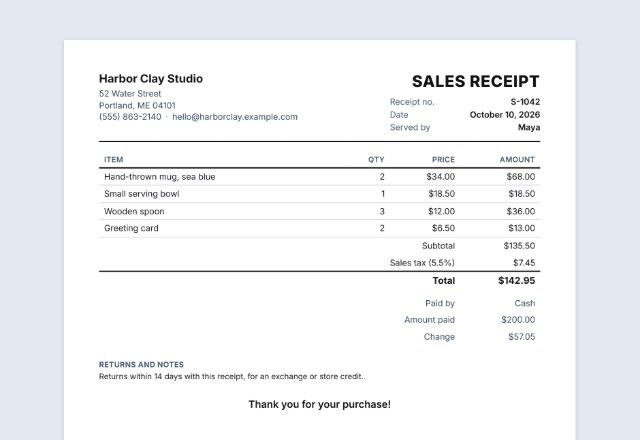 Sales receiptRinging up a sale?Open
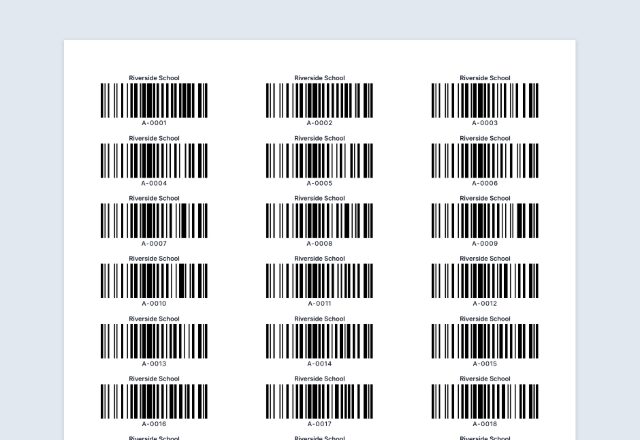 Barcode labelsNeed barcodes on the items?Open
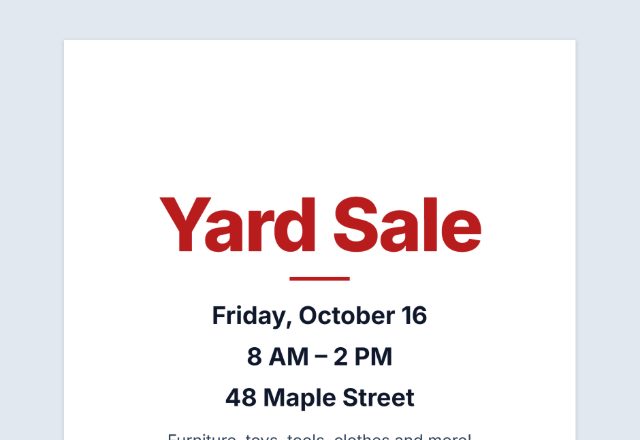 Yard sale signHolding a yard sale?Open
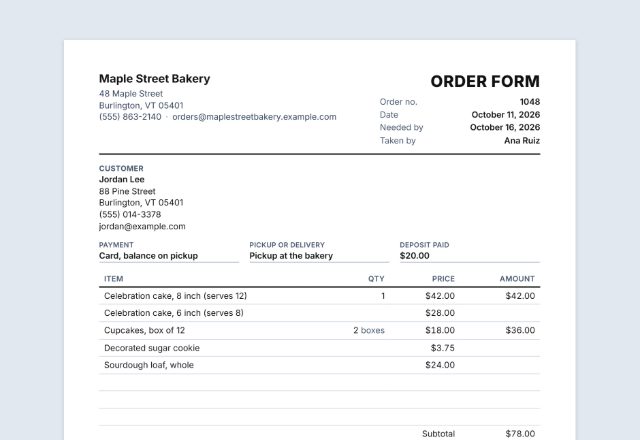 Order formTaking orders too?Open
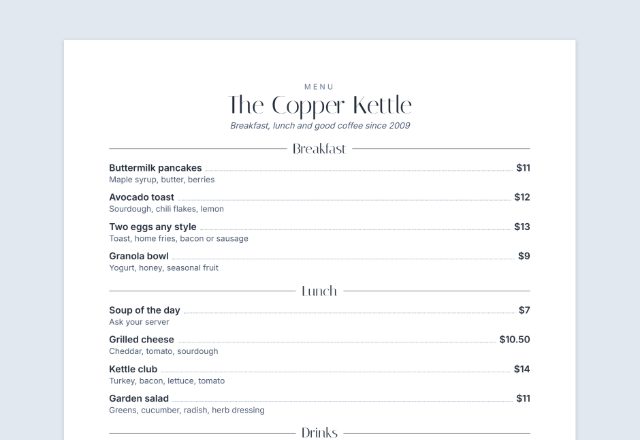 Menu makerPrinting a menu?Open
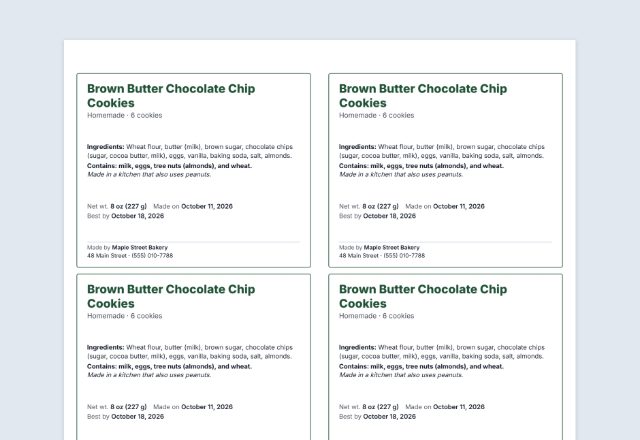 Food labelLabeling homemade food?Open
Was this tool useful?
Notice: Generated via SnapPaperwork. For prices you set in your own shop or stall. Do not show a “was” price an item never really sold at, or put your own tags on someone else’s goods.
Something missing? Tell me what you need.
How to make price tags in 3 steps
-
Choose the size and the design
Shelf labels, hang tags, price cards or half-page sale signs, in one of three designs and six ink colours, with your shop name and logo if you like.
-
List your items
Type each item’s name and price, and how many tags it needs. Add a size or details, a “was” price for sale items, a unit price or a SKU when you have them.
-
Print and cut
Print at actual size, on card stock if you can, and cut along the dashed lines. The rest of the last page can be blank tags to fill in by hand.
What to put on a price tag
- The item’s name, and the size, weight, color or flavor when there is more than one
- The price, large enough to read at arm’s length
- For sale items, the old price, struck through, next to the new one
- The unit price (price per ounce, pound, 100 g or item) when shoppers compare sizes
- A SKU or code, if you track stock or ring items up by code
- Your shop name or logo, on hang tags that leave the shop with the item
Shelf label, hang tag, price card or sign?
- Shelf labels, 24 per page: about 2.6 × 1.3 inches, for the edge of a shelf or a bin. Name on the left, price on the right.
- Hang tags, 16 per page: about 2 × 2.6 inches, with a small circle to punch for a string or a tagging gun. Good for clothing, crafts and gifts.
- Price cards, 8 per page: about 3.9 × 2.6 inches, to stand in front of baked goods, plants or a table at a market. The default.
- Sale signs, 2 per page: about 7.9 × 5.2 inches, for a window, an end cap or a sale rack.
- Sizes are for US Letter paper with a 0.3 inch margin; on A4 they are a little narrower and taller.
Sale prices and unit prices
In the United States, the FTC’s Guides Against Deceptive Pricing say a “was” price is fair to show when it is the actual price the item was openly offered at, on a regular basis, for a reasonably substantial period, recently, honestly and in good faith. A made-up “was” price, set only so the sale price looks like a bargain, is what the guides warn against (16 CFR 233.1). Many states have their own rules on sale prices as well.
Unit prices help shoppers compare sizes. Where a state or city has adopted the Uniform Unit Pricing Regulation from NIST Handbook 130, a store that shows unit prices must use the same unit for every size of a product (per ounce, pound, 100 g, fluid ounce, liter or item), round to the nearest cent from a dollar up, and below a dollar use either tenths of a cent or whole cents, not both. A shelf tag is one of the ways it allows.
Some states and cities go further and require unit prices, or a price on every item, in some kinds of stores. Check your state’s weights and measures office before you rely on shelf tags alone.
Tips for clear price tags
- Keep one design and one ink colour across the shop; save red for sale items.
- Use the same unit for the same kind of product, for example price per ounce on every jar of honey, whatever its size.
- Put the tag right under or on the item it prices, so shoppers never have to guess.
- When a price changes, print a new tag rather than writing over the old one.
- Laminate shelf labels and signs that live near water, fridges or sunlight.
Checked in October 2026. This page is general information, not legal advice. Pricing rules differ from state to state and country to country.
Frequently asked questions
How do I make sale tags with the old price crossed out?
Open “Sale price tags”, or type the old price in the “Was” box of any item. The tag then shows the old price crossed out, a SALE badge and the new price. Only use a “was” price an item really sold at.
Can I print price stickers for a yard sale or flea market?
Yes. Open “Yard sale price stickers”, type each item and its price, and set how many stickers you want of each. Print on plain paper and cut along the dashed lines, or print on sticker paper. The empty labels at the end of the page have a line to write the item and price by hand.
Is this price tag maker free?
Yes. It is free to use, needs no account or sign-up, and never adds a watermark or a SnapPaperwork logo to your tags.
Can I put different items on one sheet?
Yes. Add as many items as you need (up to 60), each with its own name and price, and set how many tags each one gets. The tags fill the sheet in order, onto as many pages as they need.
How do I show a sale price?
Type the old price in “Was”. The tag shows it struck through next to the new price, with a SALE badge you can reword. Only use a “was” price the item really sold at.
Can a price be something like “2 for $5”?
Yes. A plain number such as 8.99 is printed as money in the currency you choose; anything else, such as “2 for $5” or “$3 a pound”, is printed just as you type it.
How do I work out a unit price?
Divide the price by the size: an 8.99 jar of 12 ounces is about $0.75 per ounce. Use the same unit for every size of the same product so shoppers can compare.
Can I make blank price tags to fill in by hand?
Yes. With no items listed, the sheet is blank tags with lines for the item and the price. With items, tick “Fill the rest of the last page with blank tags” to use up the page.
What paper should I use?
Card stock for hang tags and price cards, plain paper or label sheets for shelf labels. Print at 100% (“Actual size”), not “Fit to page”, so the dashed cut lines stay in place.
Can I add a barcode?
Not yet. You can print a SKU or code under the price, and type it in at the till.
Are my items uploaded or stored on your servers?
No. Everything you type, and your logo, stays in your browser and is never sent to me. The form is saved on your own device so it is there next time.
How do I save the tags as a PDF?
Click “Print / Save PDF” and choose “Save as PDF” as the printer, or click “Download PDF” to save a file straight to your phone or computer, one page per sheet. “Share” opens your device’s share menu with the PDF attached.