Free Barcode GeneratorType your number, check the barcode, then save it as a PNG or SVG, or print it at the size you want. No sign-up, and nothing you type is uploaded.
Whole page · the printed page has no watermark or logo.
Related tools
Goes well with this one
Was this tool useful?
Notice: Generated via SnapPaperwork. For your own products, stock and equipment. Do not copy another company’s product barcodes, or make UPC or EAN numbers you have not licensed for goods you sell in stores.
Something missing? Tell me what you need.
How to make a barcode in 3 steps
-
Choose the barcode and type the number
Code 128 suits most stock, bin and asset codes; UPC-A and EAN-13 are for retail products. For UPC and EAN, type the number without its last digit and the check digit is added; type the whole number and it is checked.
-
Set how it looks and its size
Pick the bar height, whether to show the number under the bars, and a white or see-through background. Choose the size of the image in pixels, or the width you want on paper.
-
Save or print it
Download a PNG or SVG, copy the image to paste into a document, or print it on one page at the width you chose. Scan a test copy before you rely on it.
Which barcode should I use?
- Code 128: letters, numbers and symbols, compact. The usual choice for SKUs, bin locations, asset tags and internal stock.
- Code 39: capital letters, numbers and a few symbols. Wider than Code 128; some older systems and industries still ask for it.
- UPC-A (12 digits) and EAN-13 (13 digits): retail product codes read at store checkouts. The number must be licensed (see below).
- EAN-8: a shorter retail code for small packs, also licensed.
- ITF-14: 14 digits for cartons and cases of a retail product.
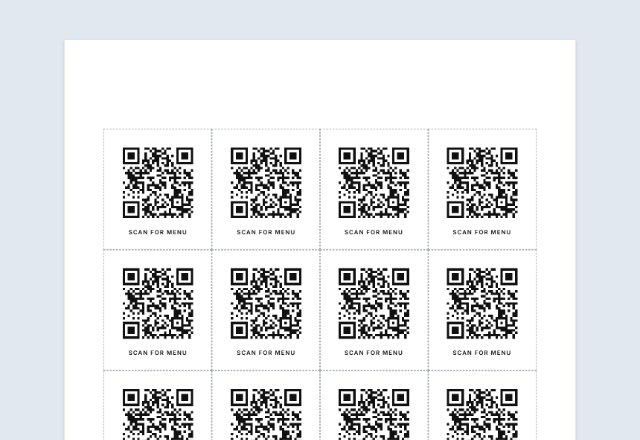
- Need a code that phones scan, for a link or a WiFi password? That is a QR code, which has its own page.
UPC and EAN numbers for products you sell
A UPC or EAN on a product sold in stores or on large marketplaces is not just a pattern of bars: the number identifies your company and the product. In the US those numbers come from GS1 US, either one at a time or as a company prefix that lets you number many products.
Numbers you invent, or buy from a reseller, may already belong to another company. Retailers check product barcodes against the GS1 records and can reject items whose numbers are not registered to the brand.
Once you have your numbers, this page can make the barcode: type the 11 or 12 digits for UPC-A, or 12 or 13 for EAN-13, and the check digit is added or checked for you. For your own shelves and stockroom, Code 128 needs no license.
Tips for barcodes that scan
- Keep the bars black on a white or light background. Colored, glossy or see-through backgrounds scan poorly, which is why the bars here are always black.
- Keep the blank space on both sides of the bars (the quiet zone): it is built into every barcode here, so do not crop the picture close to the bars.
- Do not stretch the picture on one side only. Scale it evenly, or save a larger PNG or an SVG instead.
- Make the narrow bars wide enough for the printer. The page warns you when they would print thinner than about 0.19 mm, or when a PNG would give them under 2 pixels.
- Print at 100% (“Actual size”), never “Fit to page”, and scan a test copy with your scanner or phone before printing a whole batch.
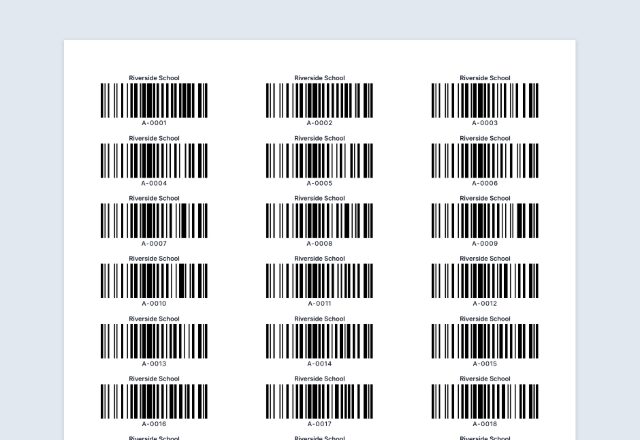
- Need many barcodes at once, or numbers counting up? The barcode label tool prints them on Avery label sheets.
Checked in October 2026. GS1, UPC and EAN are marks of GS1; SnapPaperwork is not connected with GS1.
Frequently asked questions
Is this barcode generator free?
Yes. It is free to use, needs no account or sign-up, and never adds a watermark or a SnapPaperwork logo to your barcode.
Can I make a UPC barcode here?
You can make the barcode once you have the number. UPC and EAN numbers for products sold in stores are licensed from GS1; numbers you make up may belong to someone else and can be rejected by retailers. For your own stock, use Code 128.
Do I need to work out the check digit?
No. Type 11 digits for UPC-A, 12 for EAN-13, 7 for EAN-8 or 13 for ITF-14 and the check digit is added. If you type the full number, the check digit is checked and you are told what it should be if it is wrong.
What is the difference between PNG and SVG?
A PNG is a picture with a fixed number of pixels; choose a large enough size for where you will use it. An SVG is a drawing made of shapes, so it stays sharp at any size and print shops and design programs can open it.
Why is the barcode always black and white?
Scanners read the contrast between dark bars and a light background. Black on white is the safest. You can choose a see-through background for the image, but then you must put the barcode on a white or light area yourself.
How big should I print it?
Bigger bars are easier to scan. The page shows how wide the narrowest bar will be on paper and warns you when it is thinner than about 0.19 mm. Print at 100%, then scan a test copy.
Can I print many barcodes at once?
This page makes one barcode. For many, or for numbers that count up, use the barcode label tool, which prints them on Avery label sheets.
Is my information uploaded or stored on your servers?
No. The barcode is made in your browser and nothing you type is sent to me. Your settings are saved on your own device so they are there next time.