Free Raffle Ticket TemplateFill in the form, check the preview, then print the sheets and cut along the dashed lines. No sign-up, and nothing you type is uploaded.
Design
Whole page · the printed page has no watermark or logo.
Examples3 layouts filled in with made-up details. Open one to start with that layout, or print a blank template to fill in by hand.
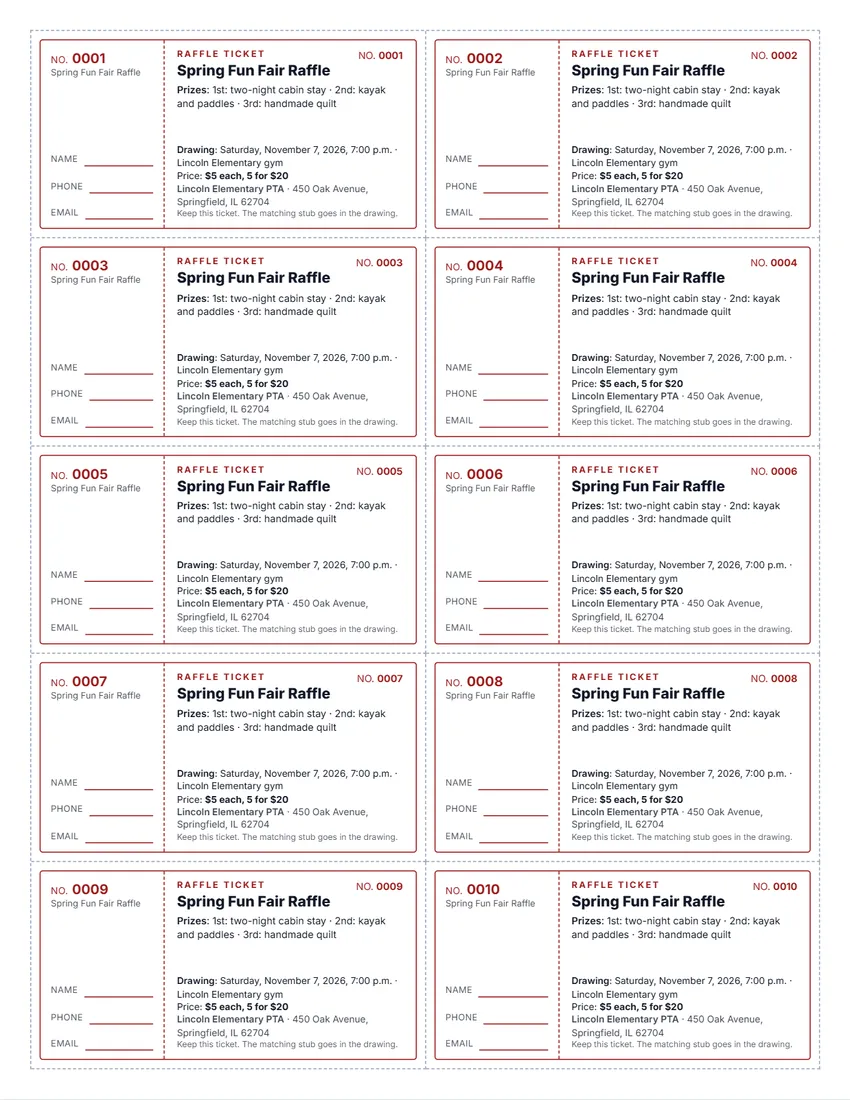 Default layout
ClassicRuled ticket with a stub, the event in large type.
Start with this layoutOpen
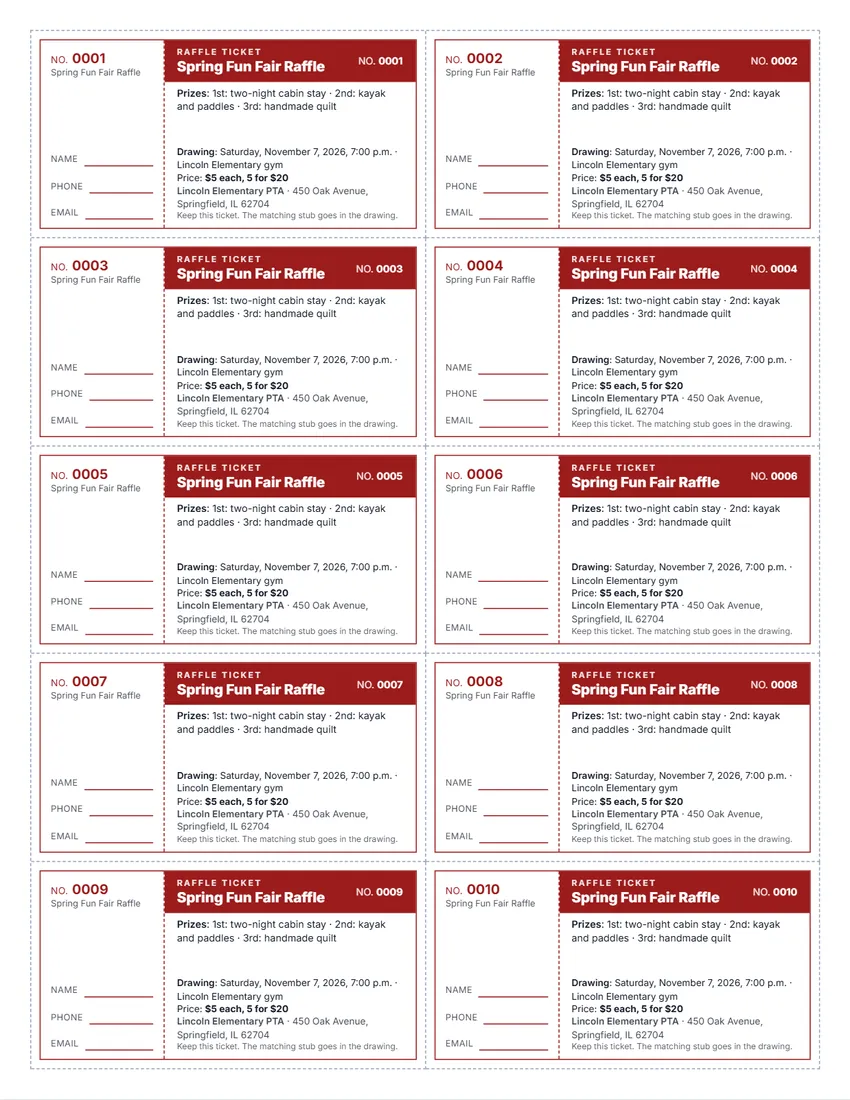 Layout
BoldA solid coloured band with the event in white.
Start with this layoutOpen
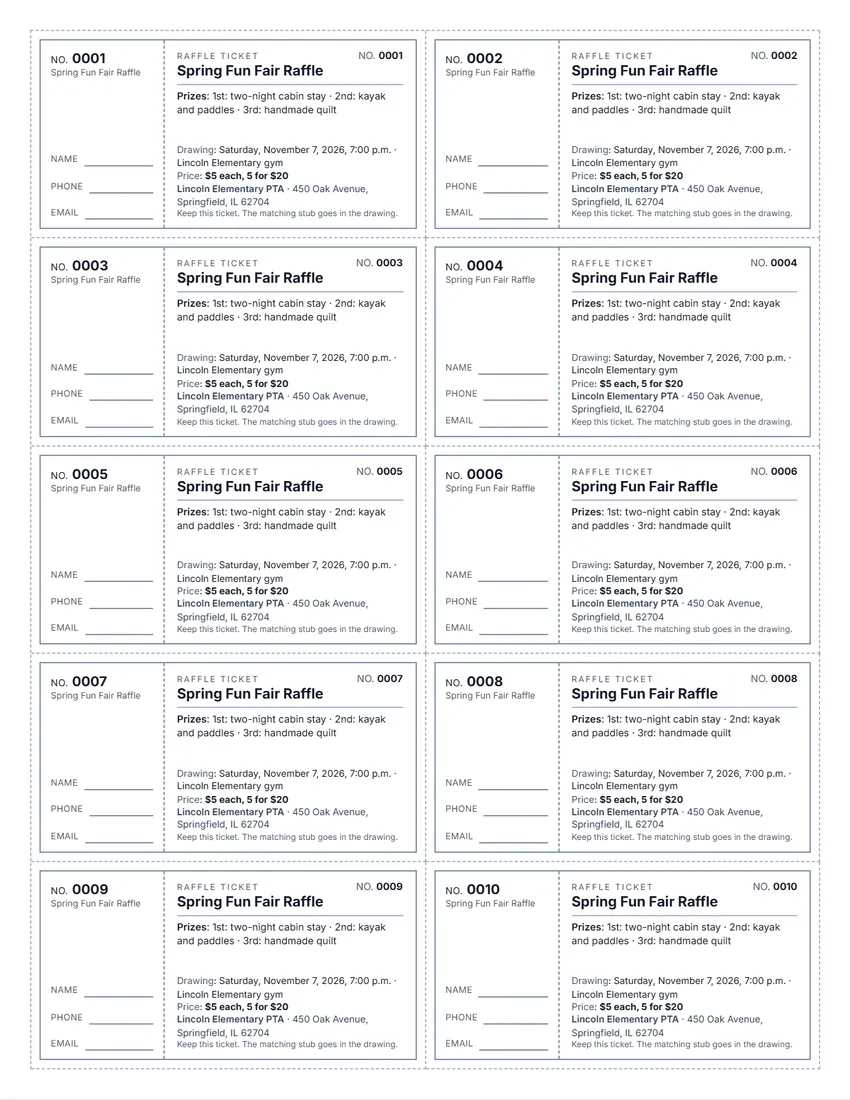 Layout
SimpleBlack and grey only, no colour: saves ink.
Start with this layoutOpen
Prefer to fill it in by hand? Print a blank template and write on it.
Related tools
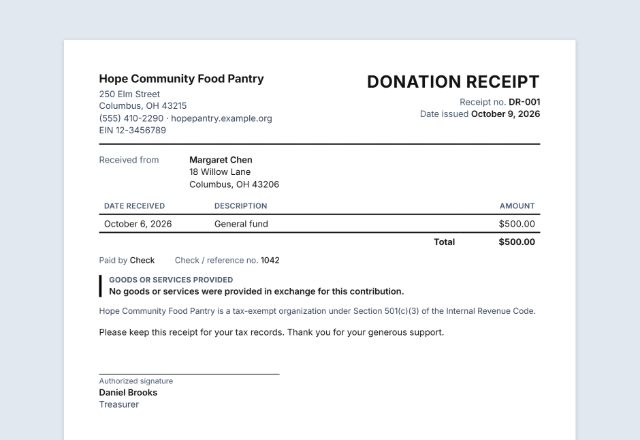
Goes well with this one
Was this tool useful?
Notice: Generated via SnapPaperwork. For raffles you are allowed to hold. Do not sell tickets for a prize that does not exist, or copy someone else’s tickets.
Something missing? Tell me what you need.
How to make raffle tickets in 3 steps
-
Describe the raffle
The event, the prizes, the ticket price and when the drawing is. Add your organization’s name and address, and a logo if you like.
-
Choose how many
5, 8 or 10 tickets a page, up to 25 pages. Each ticket and its stub get the same number, one after another. “Next batch” carries the numbers on.
-
Print, cut and sell
Print on card stock, cut along the dashed lines, and keep the stubs with the buyers’ names for the drawing.
What to put on a raffle ticket
- The name of the event or raffle
- The prizes, with a short description of each
- The ticket price
- The date of the drawing, and the time and place if you know them
- The name and address of the organization running it
- A number on the ticket and the same number on its stub
- Lines on the stub for the buyer’s name and phone number
- A license or registration number, if your state or city gave you one
Raffles and the law
In the US a raffle is a kind of gambling, and each state decides who may hold one and how. Many states allow raffles only for nonprofit or charitable groups, often after registering or getting a license. Check your state’s rules, and your city’s, before you sell a ticket.
California, for example, allows raffles by eligible nonprofit organizations that have been qualified in the state for at least a year and register with the state Department of Justice every year. Each ticket must be sold with a detachable stub, the ticket and the stub marked with the same unique number, and the winners drawn from the stubs. At least 90% of the money from ticket sales must go to charitable purposes, and tickets may not be sold online (Penal Code § 320.5).
Texas, for example, allows raffles by qualified organizations such as religious societies, volunteer fire departments and nonprofit groups, with prizes awarded in no more than four raffles a year. Every ticket must show the organization’s name, its address or the address of a named officer, the price, a general description of each prize worth more than $10, and the date of the drawing. A prize may not be money (Occupations Code chapter 2002).
Outside the US, raffles have their own national and local rules. Check them before you print.
Prizes, tickets and taxes (US)
Buying a raffle ticket is not a charitable contribution, even when the money goes to a charity, so the buyer cannot deduct it (IRS Publication 526). A receipt for a raffle ticket should not say it is tax-deductible.
A charity that awards a large prize may have to report it to the IRS on Form W-2G: for 2026, when the prize is worth $2,000 or more and at least 300 times the ticket price. When the prize, minus the ticket price, is worth more than $5,000, the organization must also withhold 24% for income tax. This applies to church raffles and charity drawings too, and to prizes that are not cash, at their fair market value.
When tickets are sold in a bundle, such as five for $1, the IRS counts each ticket as costing its share: 20 cents.
Selling the tickets and running the drawing
- Give each seller a range of numbers and write it down, so you know who sold which tickets and who owes what.
- Ask buyers to fill in the stub before they tear it off: a name and a phone number at least.
- Put all the stubs sold in one box or drum, mix them, and have someone draw them where everyone can see.
- Write down each winning number and the prize, contact the winners, and keep the stubs and your records afterwards.
- If the drawing has to move, tell the buyers. Texas, for example, allows a new date up to 30 days later; otherwise the money must be refunded.
Checked in October 2026. This page is general information, not legal or tax advice. Raffle laws differ from state to state and country to country.
Frequently asked questions
Is this raffle ticket generator free?
Yes. It is free to use, needs no account or sign-up, and never adds a watermark or a SnapPaperwork logo to your tickets.
How are the tickets numbered?
Type the first number, for example 0001 or A-100. Every ticket and its stub get the same number, and each ticket the next one, across all the pages. Zeros in front are kept. “Next batch” starts the next print run where this one ends.
How many tickets can I print?
5, 8 or 10 a page, on up to 25 pages: up to 250 tickets in one go. For more, print this batch, press “Next batch” and print again.
What size are the tickets?
On US Letter, with 10 a page each ticket is about 3.9 by 2.1 inches, stub included; with 8 a page about 3.9 by 2.6 inches; with 5 a page about 7.9 by 2.1 inches. Cut along the dashed lines.
Do I need a license to hold a raffle?
It depends on where you are. Many US states allow raffles only for nonprofit or charitable groups, often with a registration or a license, and some cities have their own rules. California, for example, asks eligible groups to register every year. Check before you sell tickets.
Are raffle tickets tax-deductible?
No. The IRS says the cost of a raffle ticket is not a charitable contribution, even when a charity runs the raffle. Do not print “tax-deductible” on the tickets.
What should the stub say?
The same number as the ticket, and lines for the buyer’s name and phone number (an email line too, if you like). The stubs go in the drawing, so you can find and contact the winners.
Can I change the wording?
Yes. Click any text on a ticket to rewrite it, or use the “Wording” section, which lists every label with the words printed now.
Is anything I type uploaded?
No. Everything you type, and your logo, stays in your browser and is never sent to me. On a shared computer, press “Clear Form” when you are done.
How do I save the tickets as a PDF?
Click “Print / Save PDF” and choose “Save as PDF” as the printer, or click “Download PDF” to save a file straight to your phone or computer. Print at 100% (“Actual size”) so the cut lines are where they should be.