Free Bingo Card GeneratorFill in the form, check the preview, then print the cards or save them as a PDF. No sign-up, and nothing you type is uploaded.
Layout
Whole page · the printed page has no watermark or logo.
These cards are longer than their pages.
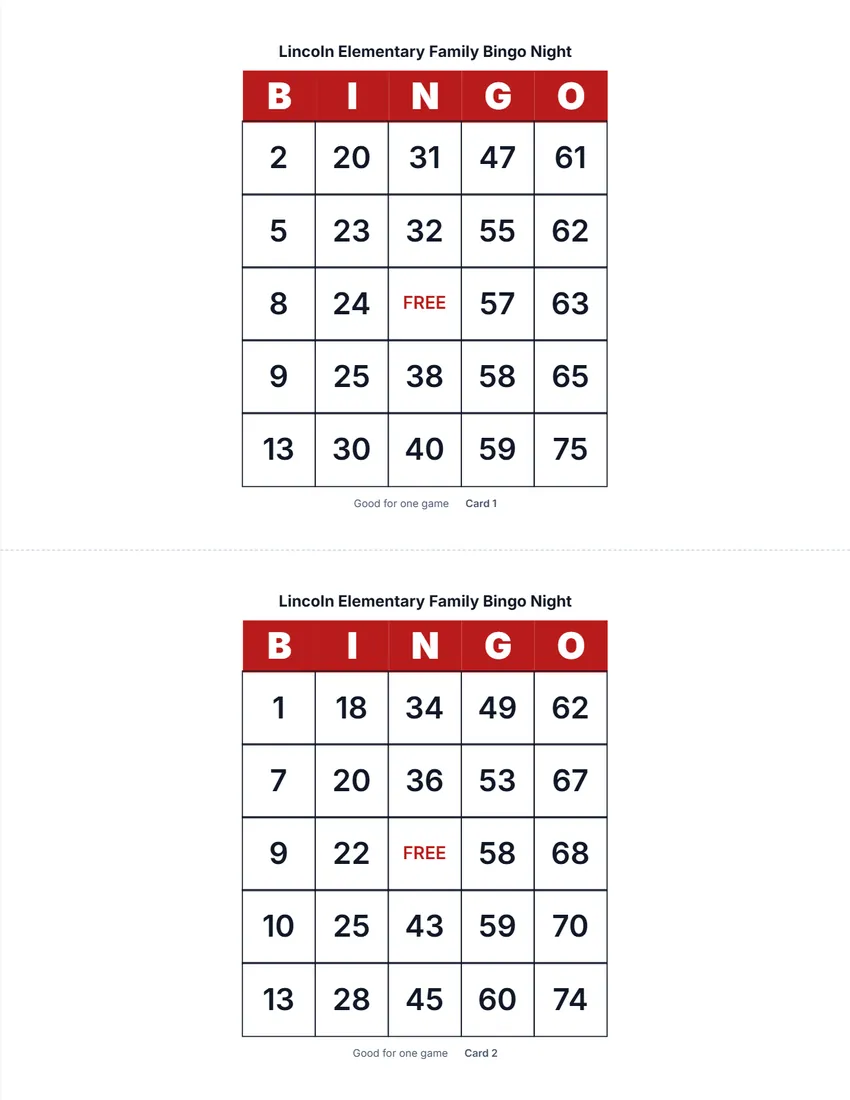
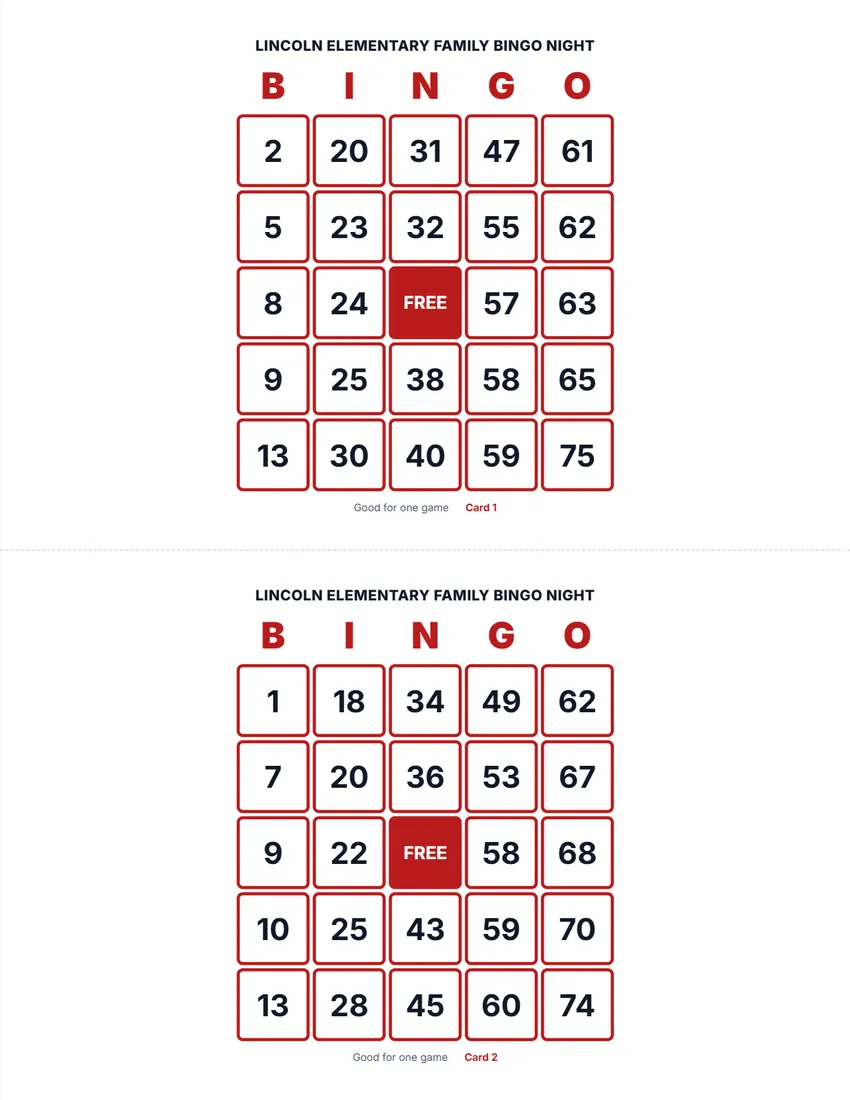
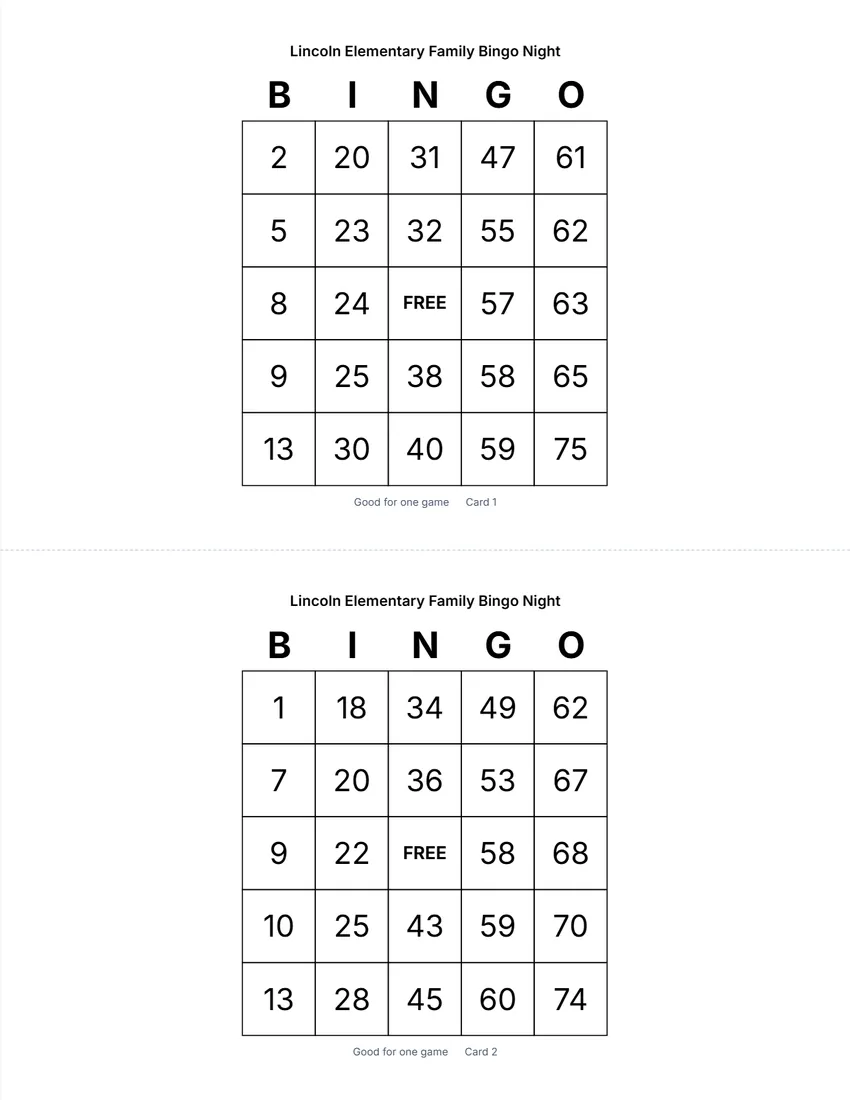
Examples3 layouts filled in with made-up details. Open one to start with that layout.
Related tools
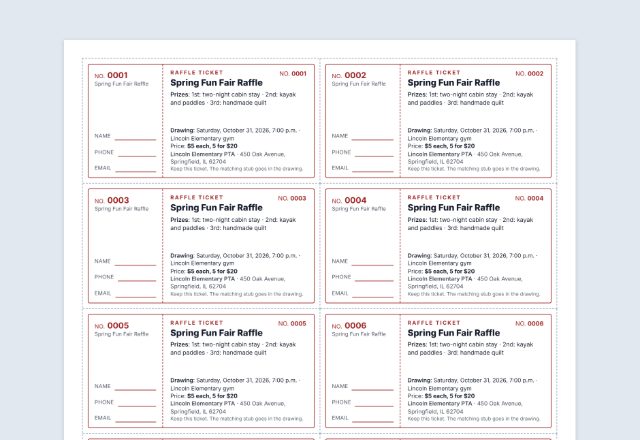
Goes well with this one
Was this tool useful?
Notice: Generated via SnapPaperwork. For games at home, school, parties and events. Bingo played for money or prizes may need a licence where you live; check your state or local rules.
Something missing? Tell me what you need.
How to make bingo cards in 3 steps
-
Choose numbers or words
Classic number bingo (1 to 75), or your own list of words for a baby shower, classroom or party.
-
Choose how many cards
Up to 100 cards, all different, one, two or four to a page. Add a title, your logo and a caller’s sheet.
-
Print and play
Print at 100%, cut along the dashed lines, and keep the game number to print the same cards again.
How to play
- Give each player a card and something to mark it with (a pen, beans or bingo daubers).
- Number bingo: the caller draws numbers at random (slips of paper from a hat work) and calls them with their letter, for example “B 7”. Word bingo: the caller reads words from a shuffled list.
- Cross off each one on the caller’s sheet, so you can check a winner’s card.
- Players mark the square if it is on their card. The free space counts as marked.
- The first player with five in a row (across, down or corner to corner) calls “Bingo!”. Check their card against the caller’s sheet.
Ideas and tips
- For a party, change the letters across the top: “BABY” plus one more letter, or the name of the event.
- Classrooms: use spelling words, sight words, times-table answers or vocabulary.
- Other ways to win: four corners, a full card (blackout), or the shape of a letter.
- Give each round a new game number to get a fresh set of cards.
- Print on card stock and put the cards in sheet protectors to reuse them with dry-erase markers.
- Bingo for money or prizes at a fundraiser may need a licence in your state or city. Check before you sell cards.
Frequently asked questions
Is this bingo card generator free?
Yes. It is free to use, needs no account or sign-up, and never adds a watermark or a SnapPaperwork logo to your cards.
Are all the cards different?
Yes. Every card is shuffled on its own, so no two are the same. The same game number always gives the same cards, so you can print a lost card again.
Can I make bingo with my own words?
Yes. Choose “My own words” and type one word or short phrase per line. You need at least 24 (25 without the free space); 35 or more makes the cards more different from each other.
How do the number cards work?
Classic 75-ball bingo: the B column has 1 to 15, I has 16 to 30, N has 31 to 45, G has 46 to 60 and O has 61 to 75, with a free space in the middle.
How many cards can I print?
Up to 100 at a time, one, two or four to a page. For more, make another batch with a different game number.
Is my information uploaded or stored on your servers?
No. Everything you type stays in your browser and is never sent to me. It is saved on your own device so it is there next time.