Free Printable Chore Chart TemplateAdd the names and the chores, choose stars and a reward, check the preview, then print the charts or save them as a PDF. No sign-up, and nothing you type is uploaded.
Layout
Whole page · the printed page has no watermark or logo.
Examples3 layouts filled in with made-up details. Open one to start with that layout, or print a blank template to fill in by hand.
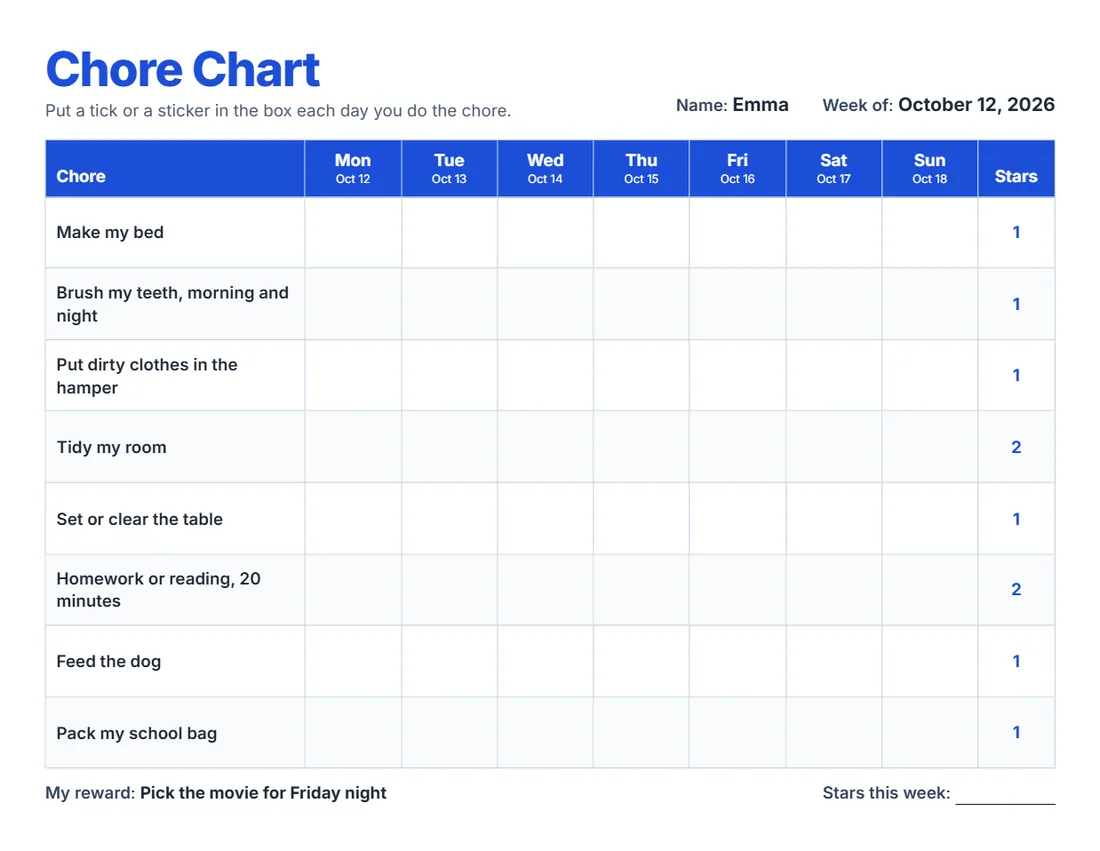 Default layout
BrightA big title and a header row in your colour.
Start with this layoutOpen
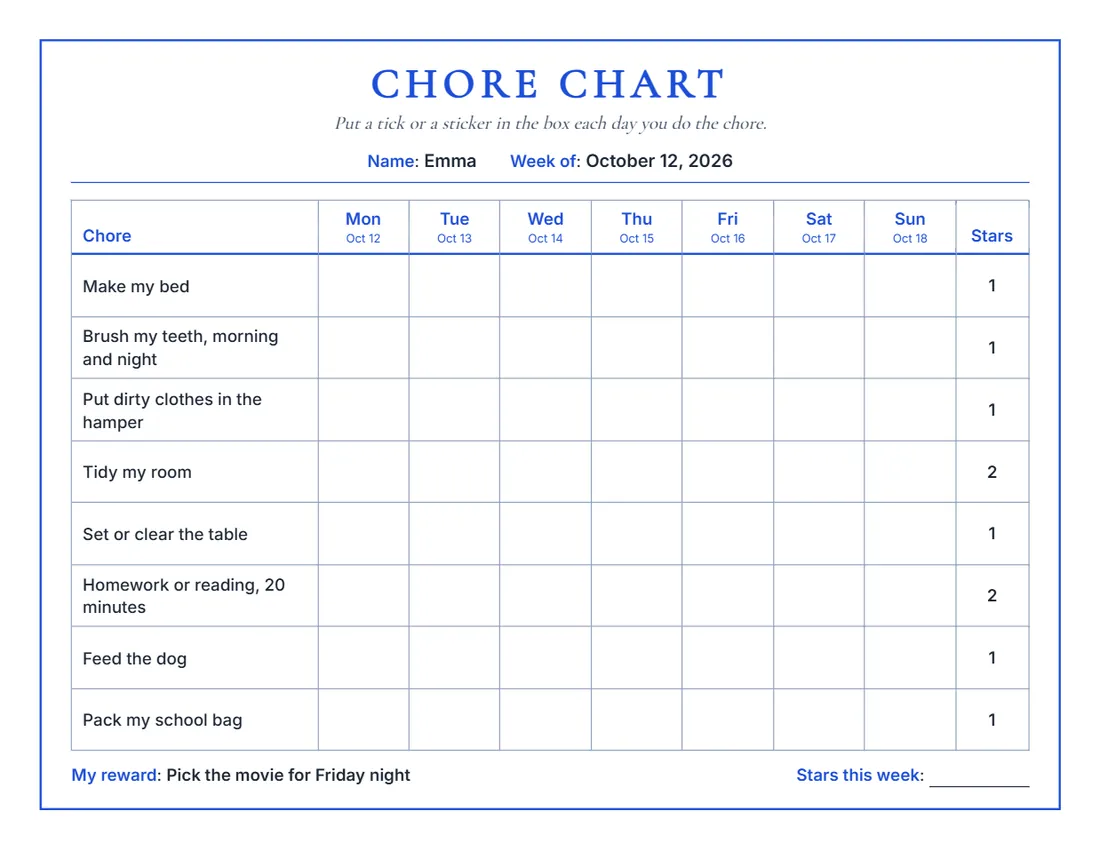 Layout
ClassicA serif title, a frame and day names in your colour.
Start with this layoutOpen
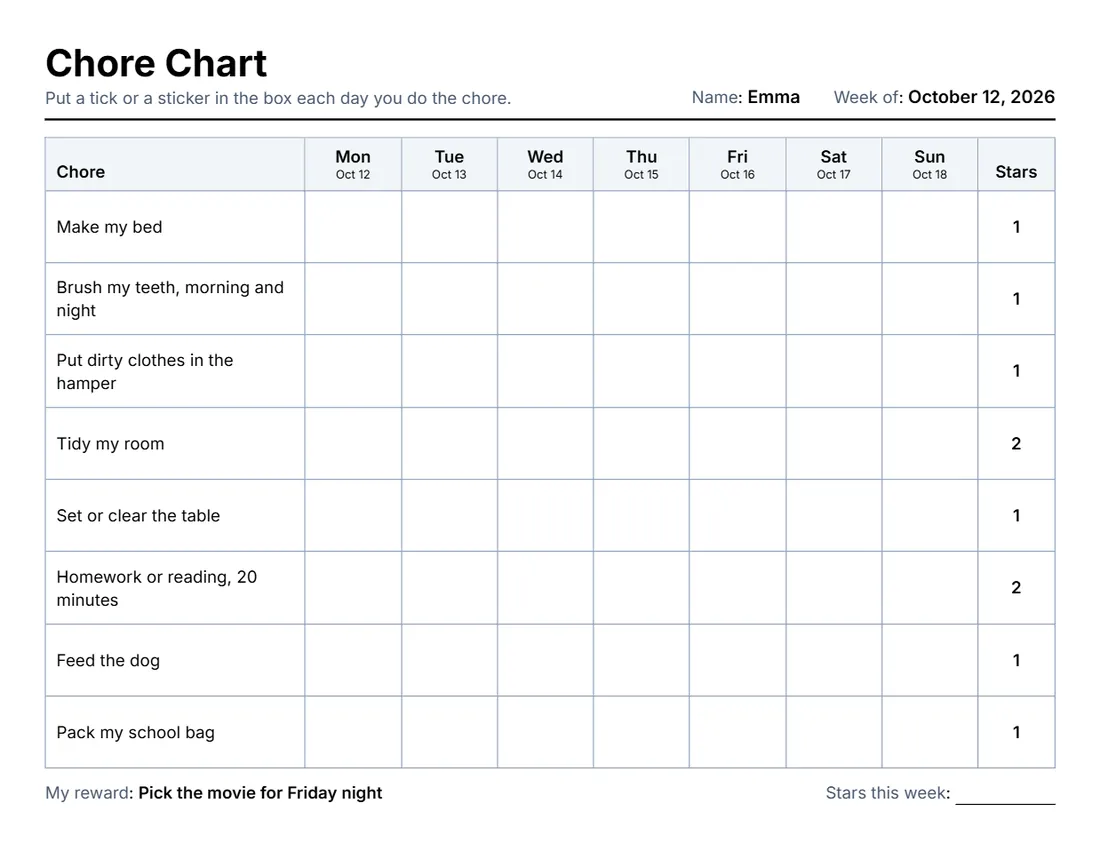 Layout
SimpleBlack and grey, a thin grid. Least ink.
Start with this layoutOpen
Prefer to fill it in by hand? Print a blank template and write on it.
Related tools
Goes well with this one
 CertificatesCelebrating a great week?Open
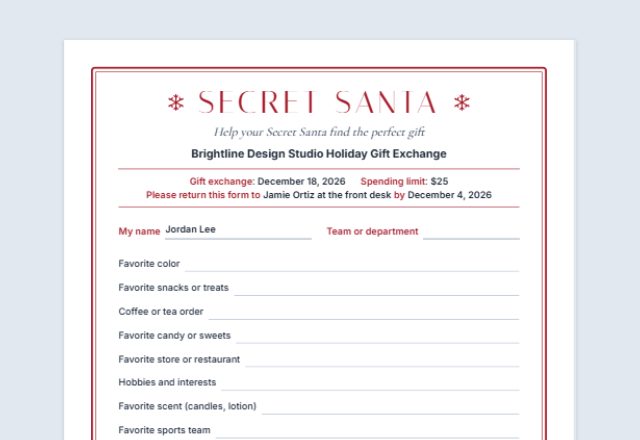 Secret Santa questionnairePlanning a family gift exchange?Open
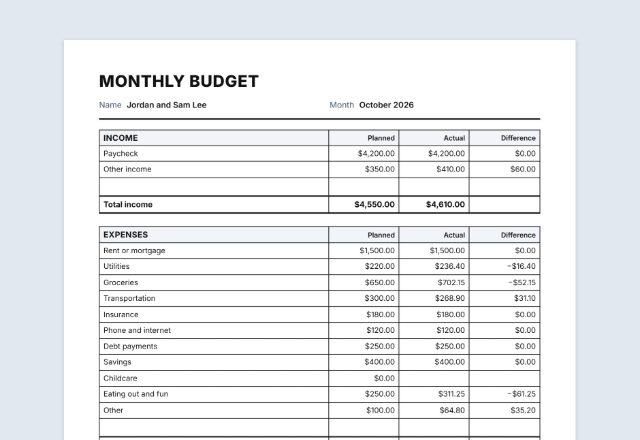 Budget plannerTeaching kids about money?Open
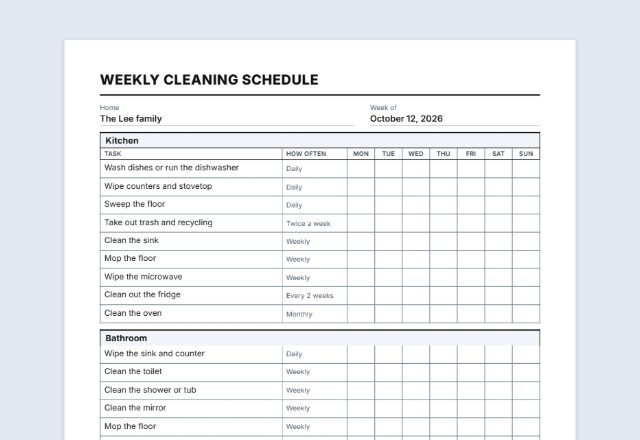 Cleaning checklistSplitting the housework?Open
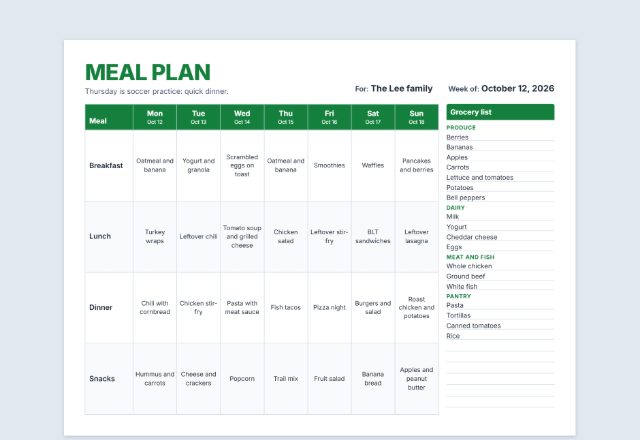 Meal plannerPlanning the week’s meals?Open
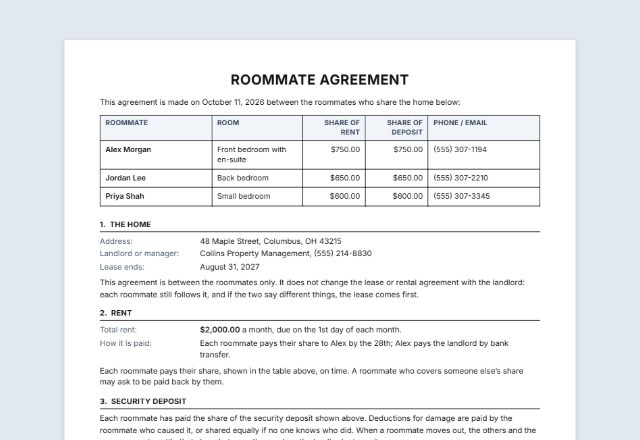 Roommate agreementRoommates sharing the chores?Open
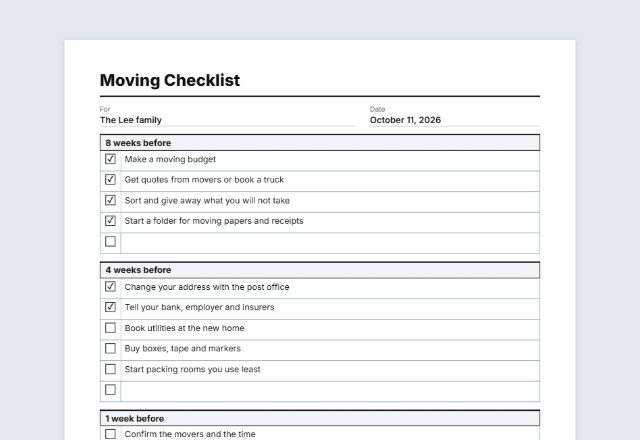 Checklist makerNeed a one-off to-do list?Open
Was this tool useful?
Notice: Generated via SnapPaperwork. For your own family or household.
Something missing? Tell me what you need.
How to make a chore chart in 3 steps
-
Add the names and the week
One chart per child (or one for the whole family). Pick the week to put the dates over the days, or leave it empty to write it in.
-
Choose the chores
Start from the standard list, rewrite it, or add your own. Turn on stars to give each chore a value and add a weekly total, and write the reward.
-
Print and put it up
Print a chart for each week, put it on the fridge, and tick a box or add a sticker each day a chore is done.
Chore ideas by age
Every child is different; these are only starting points. Pick a few your child can do on their own.
- Ages 3–5: pick up toys, put clothes in the hamper, help feed a pet, set out napkins
- Ages 6–8: make the bed, set and clear the table, water plants, sort laundry by colour
- Ages 9–12: load or empty the dishwasher, take out the trash, vacuum a room, pack their school bag
- Ages 13 and up: do their own laundry, help cook a meal, mow the lawn, clean the bathroom
Tips that make a chore chart work
- Start small: three to six chores is plenty for a young child.
- Write each chore as a clear action (“Put toys in the box”), not a vague one (“Be tidy”).
- Agree on the reward together before the week starts, and keep it small and regular.
- Tick the chart together at the same time each day, such as after dinner.
- Print a new chart each week and keep the old ones to look back on progress.
Frequently asked questions
Is this chore chart maker free?
Yes. It is free to use, needs no account or sign-up, and never adds a watermark or a SnapPaperwork logo to your charts.
Can I make a chart for each child?
Yes. Type the names one per line and each child gets their own chart with the same chores. Leave the names empty for one chart with a line to write a name on.
How do stars and rewards work?
Turn on stars and give each chore a number of stars. The chart gets a Stars column and a line for the weekly total. Write the reward on the reward line, or leave it empty to fill in by hand.
Can I print several weeks at once?
Yes. Choose up to eight weeks per person. If you picked a week, each chart shows its own dates.
Can I change the day names or start the week on Sunday?
Yes. Choose Sunday or Monday as the first day, and rewrite any day name or label in the Wording panel or straight on the chart.
Is my information uploaded or stored on your servers?
No. Everything you type stays in your browser and is never sent to me. It is saved on your own device so it is there next time.