Free Maintenance Request FormFill in the problem, how urgent it is and whether the landlord may enter, then print it to sign or save it as a PDF. Or leave it blank and print copies for your tenants. No sign-up, and nothing you type is uploaded.
Layout
Whole page · the printed page has no watermark or logo.
The form is longer than one page. Shorten the longest writing, leave out an optional section, or try another design.
Examples3 layouts filled in with made-up details. Open one to start with that layout, or print a blank template to fill in by hand.
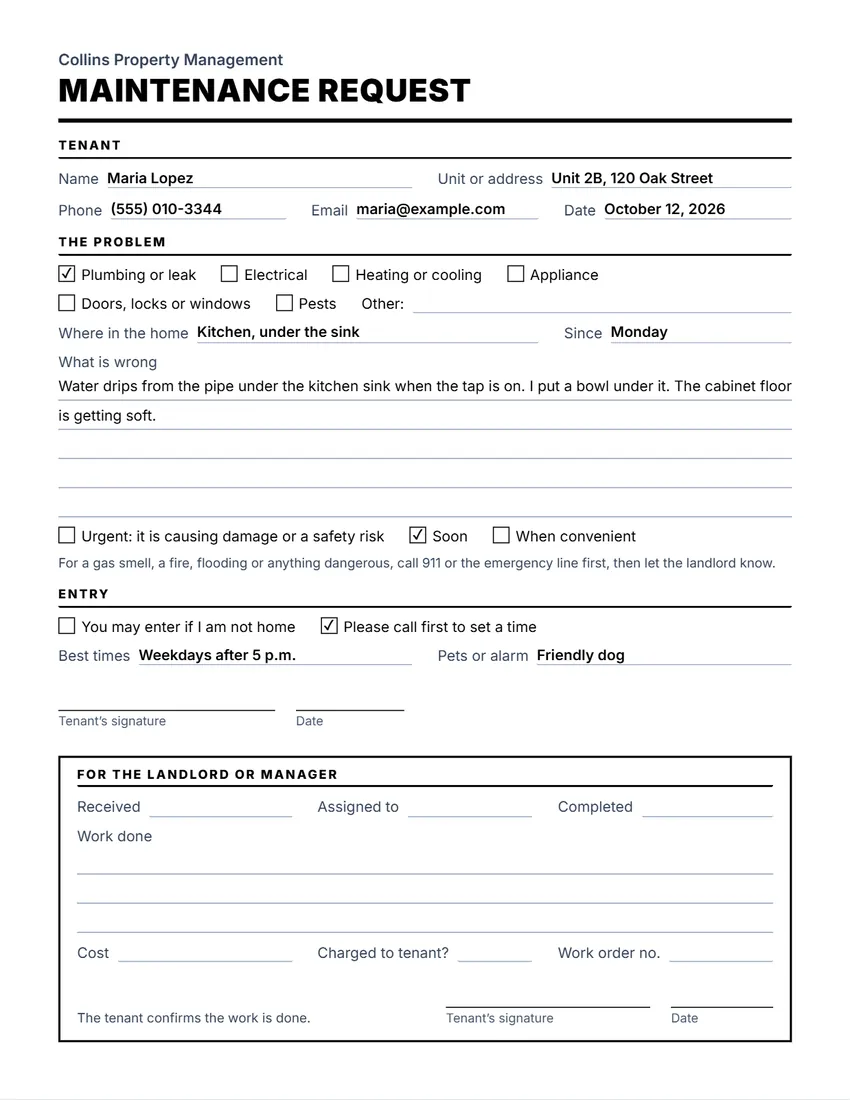 Default layout
ClassicLarge title over a heavy rule, sections in small capitals.
Start with this layoutOpen
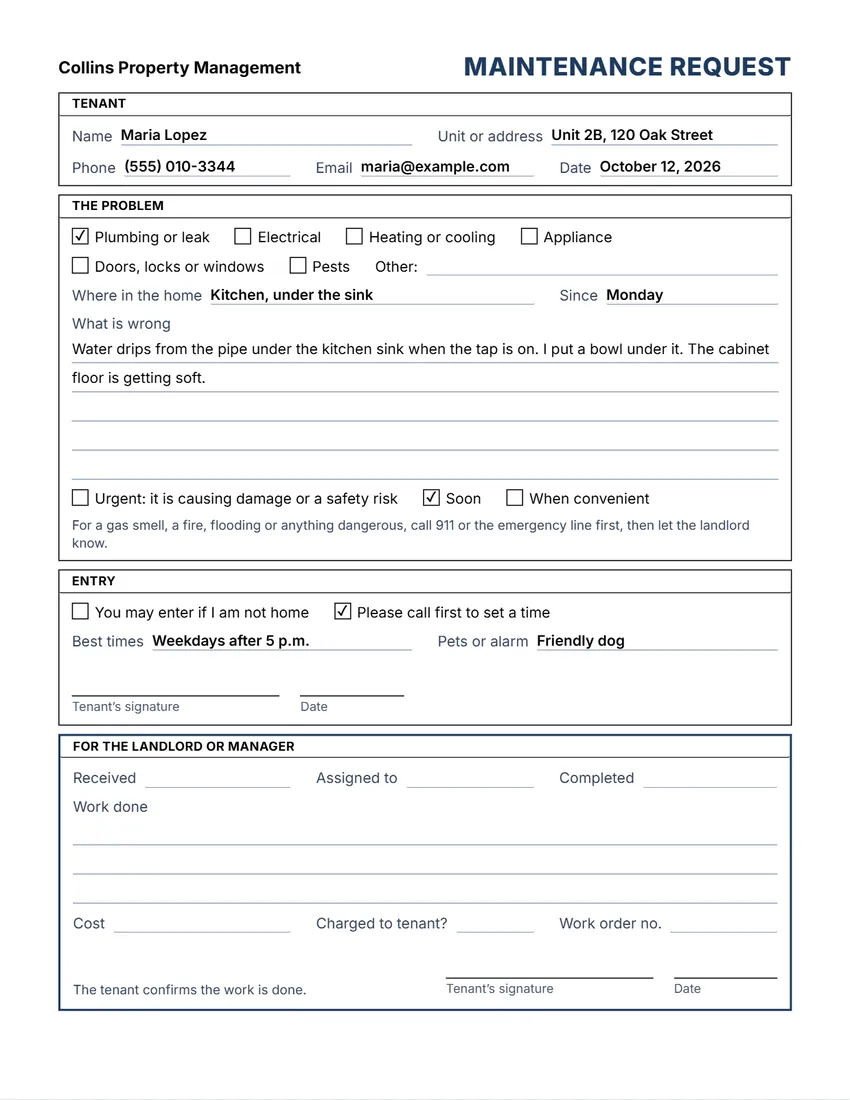 Layout
BoxedEvery section in a ruled box, like a printed office form.
Start with this layoutOpen
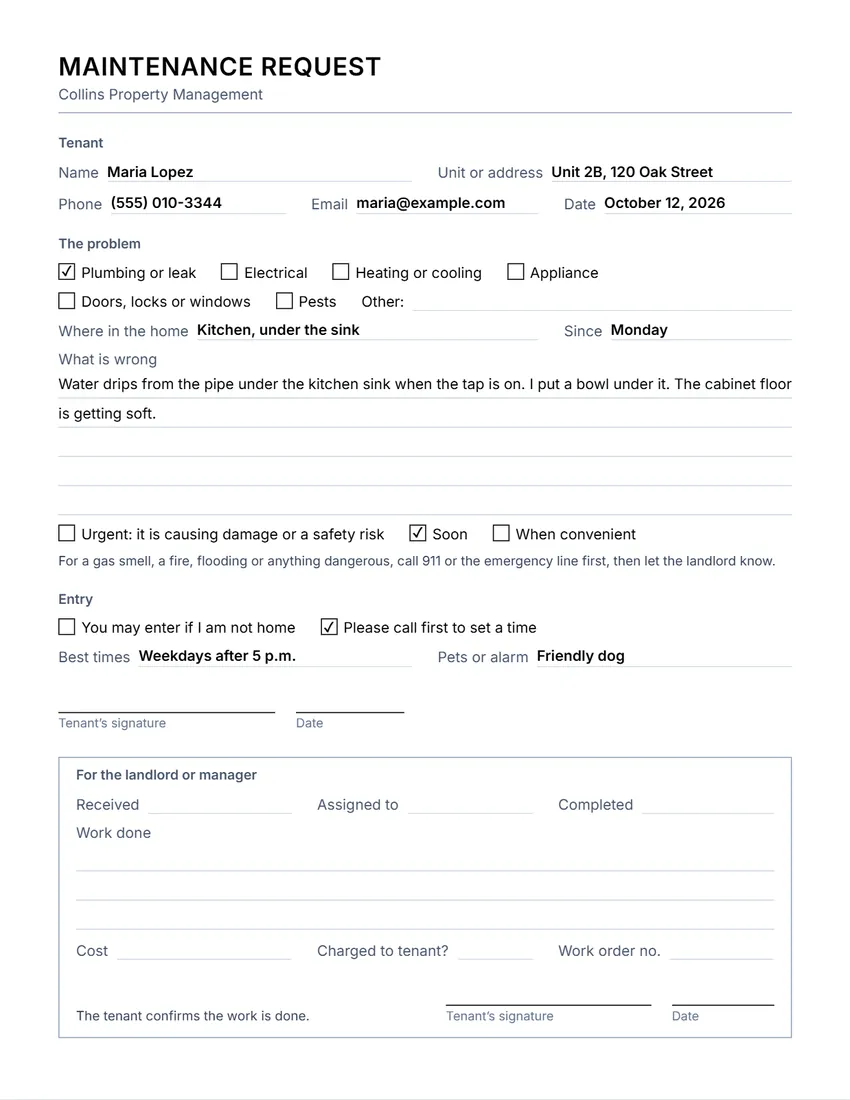 Layout
SimpleThin grey rules and plain headings. Least ink.
Start with this layoutOpen
Prefer to fill it in by hand? Print a blank template and write on it.
Related tools
Goes well with this one
Was this tool useful?
Notice: Generated via SnapPaperwork. For real repair requests. Describe the problem honestly, and keep a copy of what you hand in.
Something missing? Tell me what you need.
How to use a maintenance request form in 3 steps
-
Describe the problem
Who and which unit, what kind of problem, where in the home, since when, and what is wrong, in a few plain sentences.
-
Say how urgent it is and how to get in
Tick how urgent it is, and whether the landlord may enter when you are out or should call first. Add the best times and any pets or alarm.
-
Sign and hand it in
Sign and date it, give it to the landlord or the building office, and keep a copy or a photo. The landlord fills in the bottom part when the work is done.
What makes a good repair request
- One problem per form, so each can be tracked and closed on its own.
- Where exactly: the room and the spot (“under the kitchen sink”, “bedroom window latch”).
- What you see or hear, and since when. A photo helps: mention that you have one.
- How urgent it really is: a leak that is soaking the floor is not the same as a dripping tap.
- How to get in: whether the landlord may enter when you are out, and anything they should know (pets, alarm).
For landlords and managers
- Print a stack of blank forms with your company name, and leave them in the lobby or give one to each new tenant.
- Fill in “For the landlord or manager” as you go: when you received it, who it went to, when it was done and what it cost.
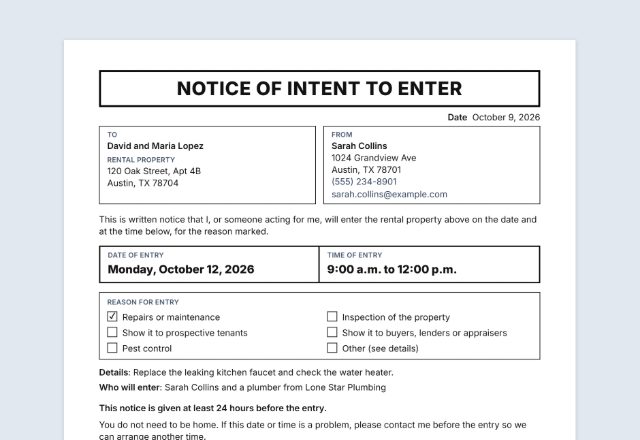
- Give the tenant notice before you enter, as the lease and the law where the home is require; the notice of entry tool can write one.
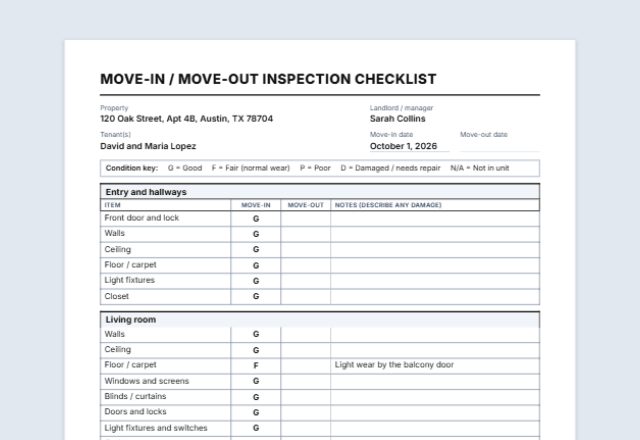
- Keep the finished forms in each unit’s file: they show what was reported and when it was fixed.
General information, not legal advice. Who must make which repairs, how fast, and the notice needed before entering depend on the lease and the law where the home is.
Frequently asked questions
Is this maintenance request form free?
Yes. It is free to use, needs no account or sign-up, and never adds a watermark or a SnapPaperwork logo to your form.
Can I print blank forms for my tenants?
Yes. Fill in your company or building name and leave everything else empty. Every empty field prints as a line to write on, and every box can be ticked by hand.
What should I do in an emergency?
For a gas smell, a fire, flooding or anything dangerous, call 911 or your emergency line first, then the landlord. A form is for problems that can wait for a reply.
Can the tenant tick the boxes on screen?
Yes. Click or tap a box on the form to tick it, or tick it in the form. Ticks are printed.
Can I leave out the landlord’s section?
Yes. Untick it in the form, for example if you send the request by email and track repairs elsewhere.
Is my information uploaded or stored on your servers?
No. Everything you type stays in your browser and is never sent to me. It is saved on your own device so it is there next time.