Free Sign-Up Sheet TemplateChoose the kind of sheet, set your columns, check the preview, then print or save it as a PDF. No sign-up, and nothing you type is uploaded.
Layout
Whole page · the printed page has no watermark or logo.
Examples2 layouts filled in with made-up details. Open one to start with that layout, or print a blank template to fill in by hand.
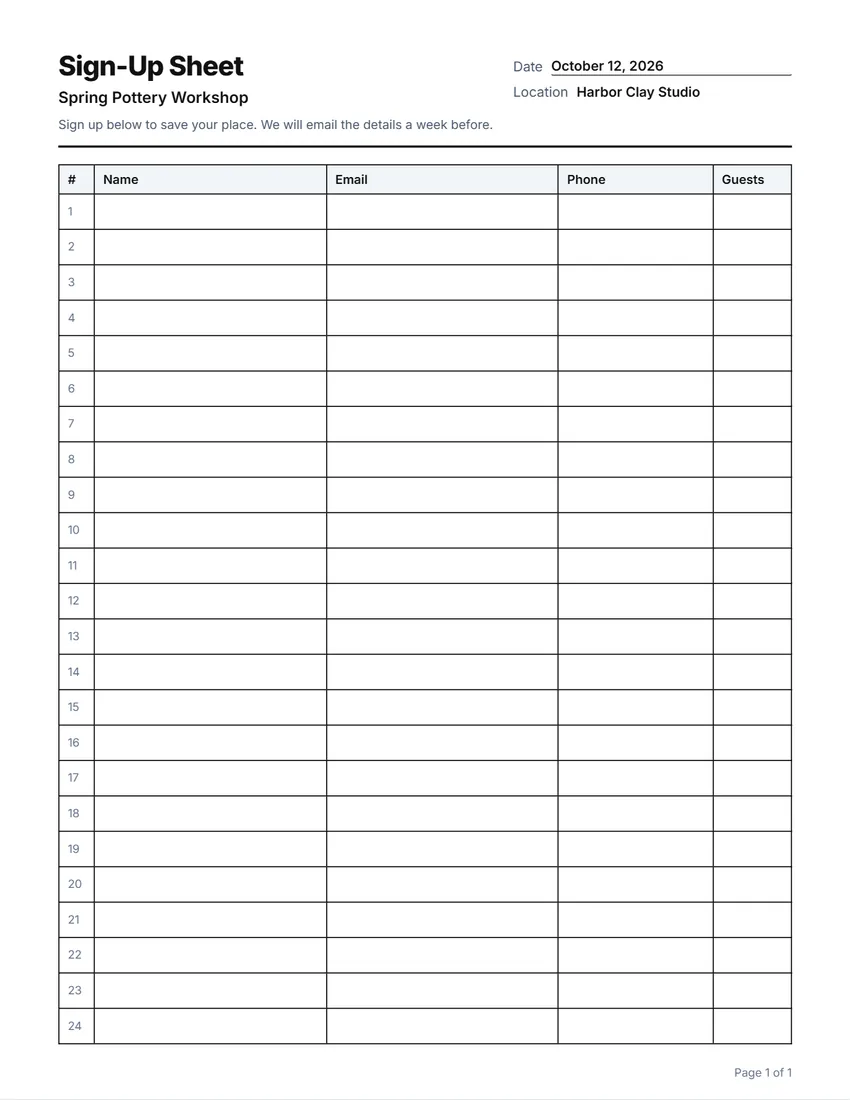 Default layout
GridEvery cell boxed, like a printed sign-in book.
Start with this layoutOpen
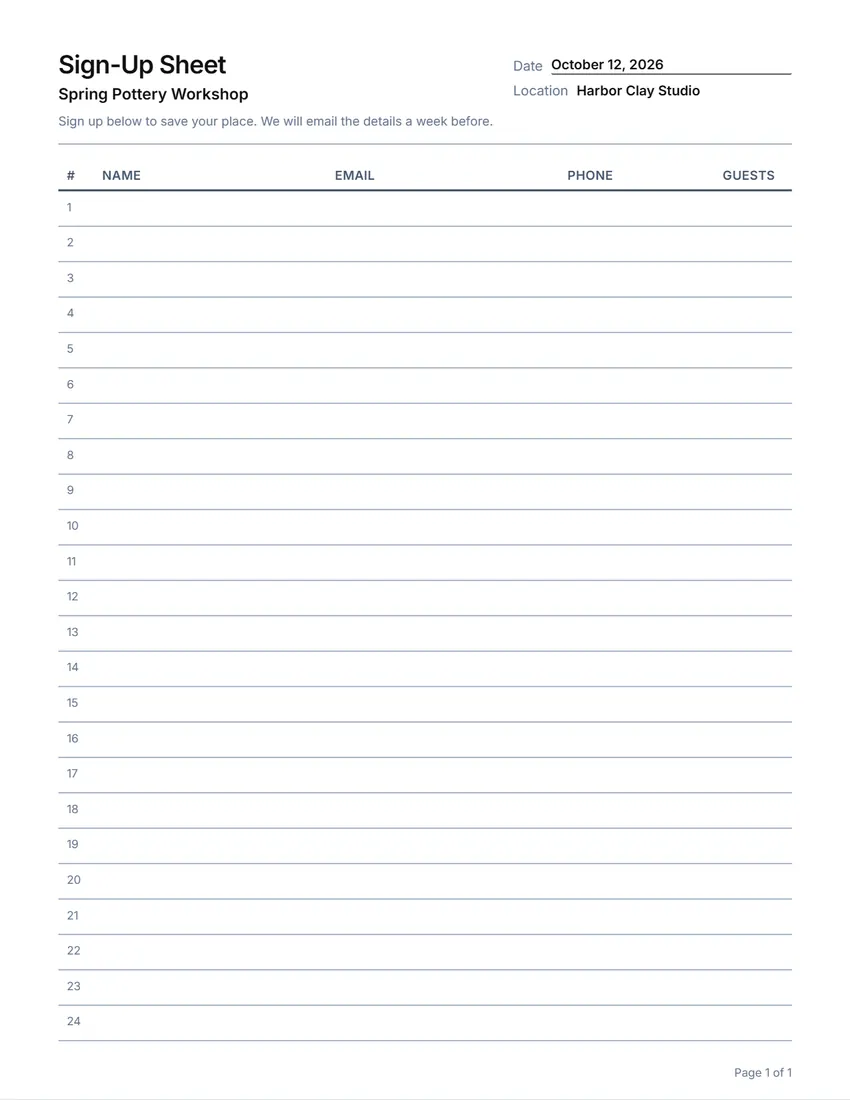 Layout
LinedLines between the rows only. Saves ink.
Start with this layoutOpen
Prefer to fill it in by hand? Print a blank template and write on it.
Related tools
Goes well with this one
Was this tool useful?
Notice: Generated via SnapPaperwork. For your own events, groups and businesses. Do not sign other people up, or use a sign-up sheet to collect details you do not need.
Something missing? Tell me what you need.
How to make a sign-up sheet in 3 steps
-
Choose the kind of sheet
General, volunteer shifts, a potluck, time slots, a team or class, or a mailing list. Each starts with the usual columns, which you can rename, widen, move, remove or add to.
-
Print the slots in
Type the shifts, time slots or things to bring, one per line, and they go in the first column; people write their name beside the one they want.
-
Print and pass it round
Print as many pages as you need. Every page has the heading and its own page number.
Which sign-up sheet do you need?
- General sign-up: name, email, phone and how many guests are coming, for a class, workshop or trip.
- Volunteer shifts: print the shifts down the side, two lines for shifts that need two people.
- Potluck: print what is needed (main dishes, sides, desserts, drinks) so people pick a gap.
- Time slots: parent–teacher conferences, appointments or interviews, one slot per line.
- Team, club or class: name, age or grade, a parent or guardian and how to reach them.
- Mailing list: name and email, at a stall, an open day or the front desk.
Ask only for what you need
Everyone who signs can see the lines above theirs. Ask only for what you need, and leave phone numbers optional where you can.
If you collect emails to send news, say so in the note at the top, and only send what you said you would.
Tips for a sign-up sheet that fills up
- Print the slots in: people sign up faster when they can see the gaps.
- Put the date, time and place in the heading so a photo of the sheet says it all.
- Number the rows to see at a glance how many have signed up.
- For the mailing list, write the email letters clearly; consider a column to tick for permission to email.
- Take a photo of the filled-in sheet before you put it away.
Checked in October 2026. This page is general information, not legal advice.
Frequently asked questions
Is this sign-up sheet maker free?
Yes. It is free to use, needs no account or sign-up, and never adds a watermark or a SnapPaperwork logo to your sheet.
Can I print time slots or shifts on the sheet?
Yes. Type them one per line under “Slots or items to print” and they appear in the first column. Repeat a line for a slot that needs two people.
Can I change the columns?
Yes. Rename, widen, move or remove any column, or add your own, up to eight.
How many pages can I print?
Up to 20. The heading and page number are on every page, and the rows are numbered all the way through.
Is my information uploaded or stored on your servers?
No. Everything you type stays in your browser and is never sent to me. It is saved on your own device so it is there next time.