Free Sign-In Sheet TemplateChoose the kind of sheet, set your columns, check the preview, then print or save it as a PDF. No sign-up, and nothing you type is uploaded.
Layout
Whole page · the printed page has no watermark or logo.
Examples2 layouts filled in with made-up details. Open one to start with that layout, or print a blank template to fill in by hand.
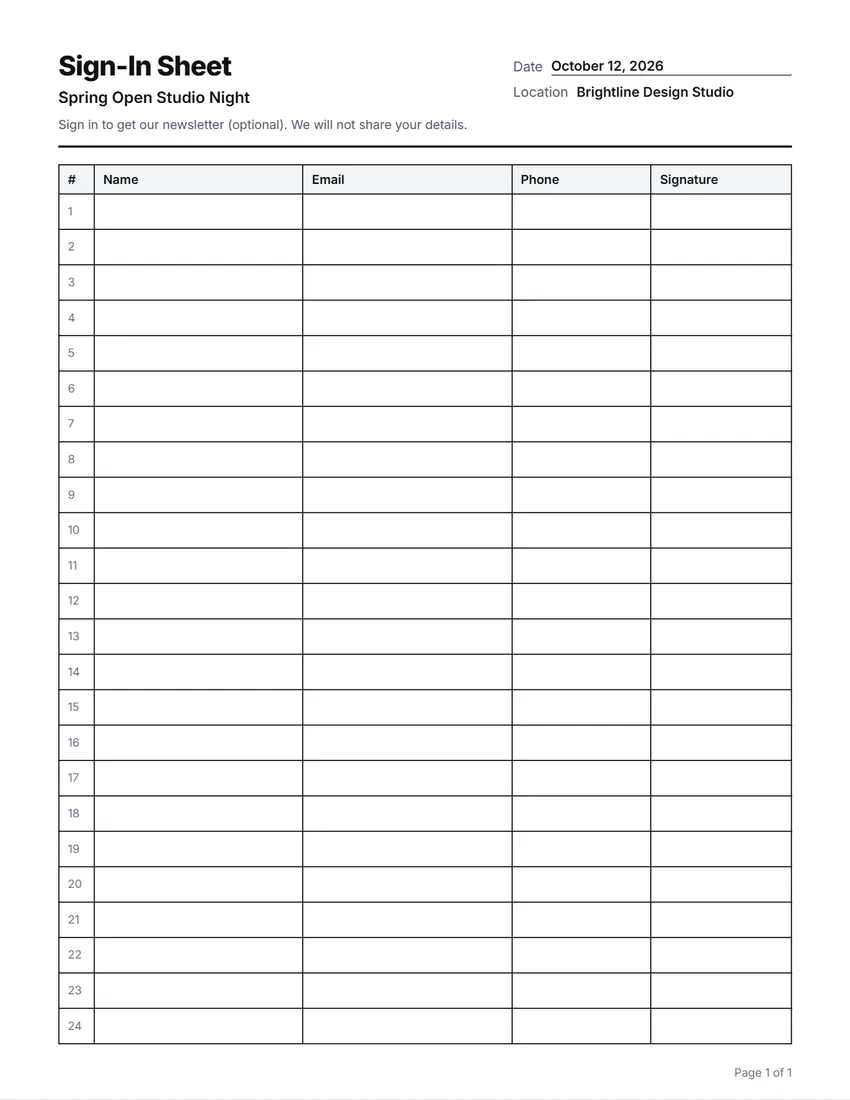 Default layout
GridEvery cell boxed, like a printed sign-in book.
Start with this layoutOpen
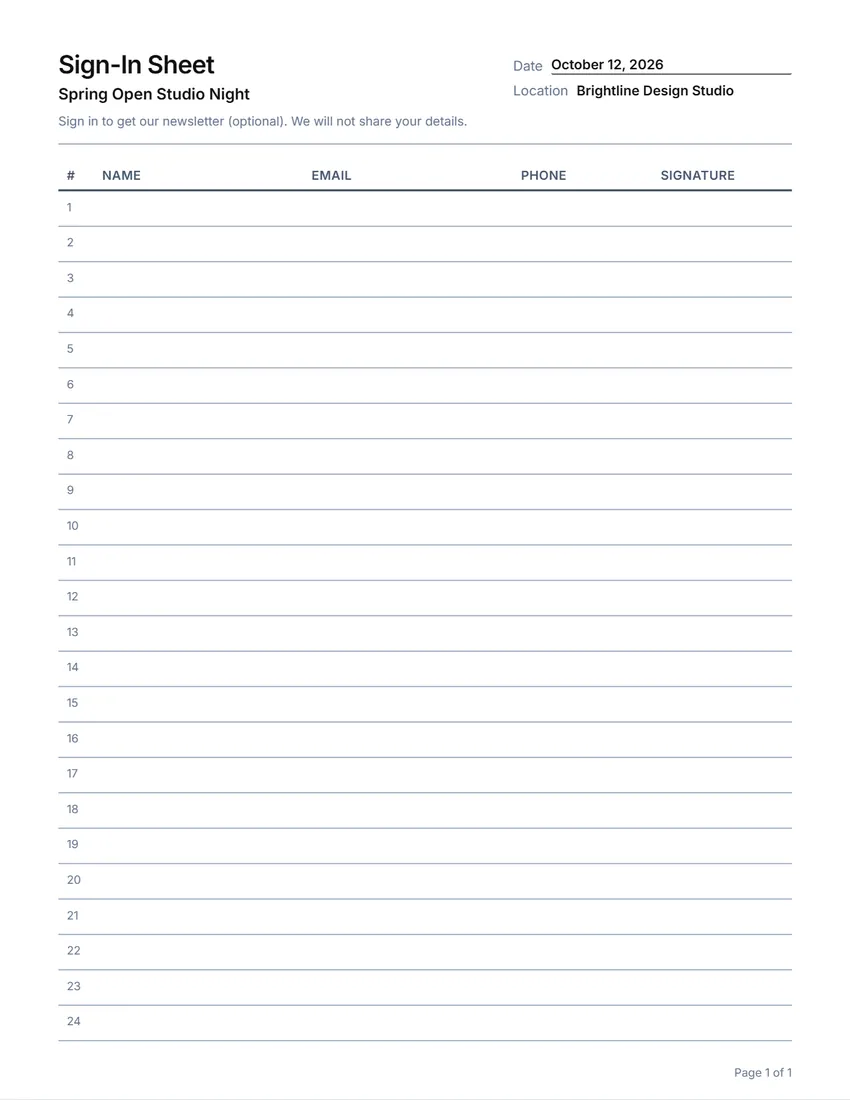 Layout
LinedLines between the rows only. Saves ink.
Start with this layoutOpen
Prefer to fill it in by hand? Print a blank template and write on it.
Made for a specific case
Related tools
Goes well with this one
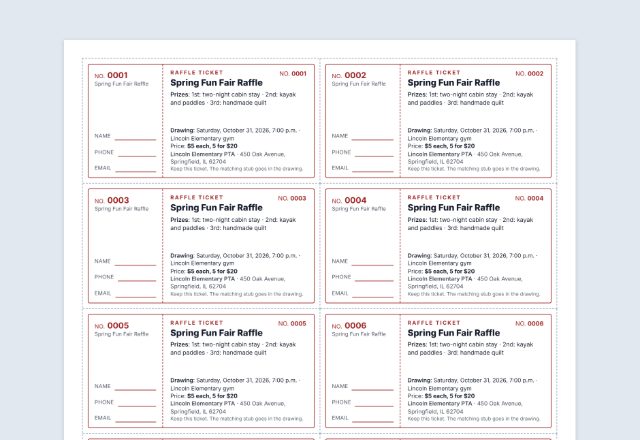 Raffle ticketsRunning a fundraiser at the event?Open
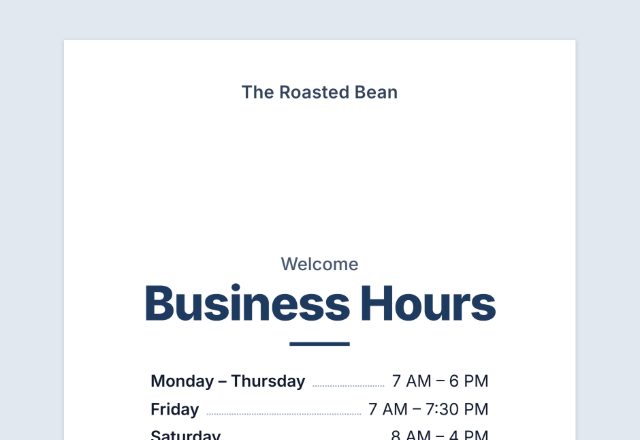 Store signsNeed a sign for the door?Open
 Event ticketsSelling tickets for it?Open
 CertificatesCourse or training finished?Open
 Meeting agendaPlanning the meeting itself?Open
 Meeting minutesTaking minutes too?Open
 Sign-up sheetNeed people to sign up first?Open
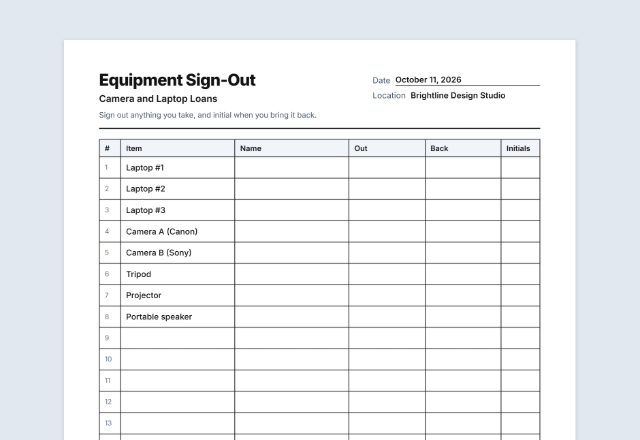 Sign-out sheetLending out keys or equipment?Open
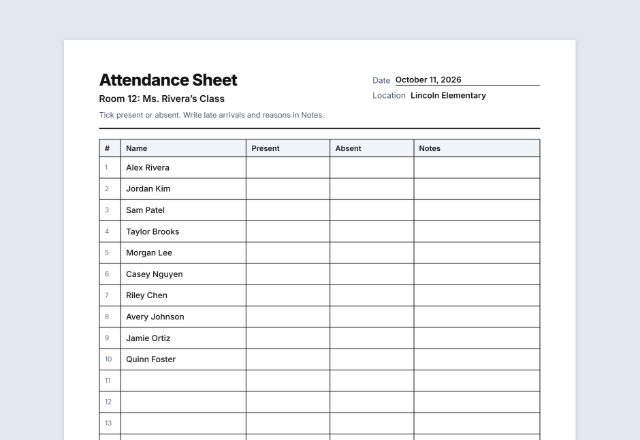 Attendance sheetTaking attendance?Open
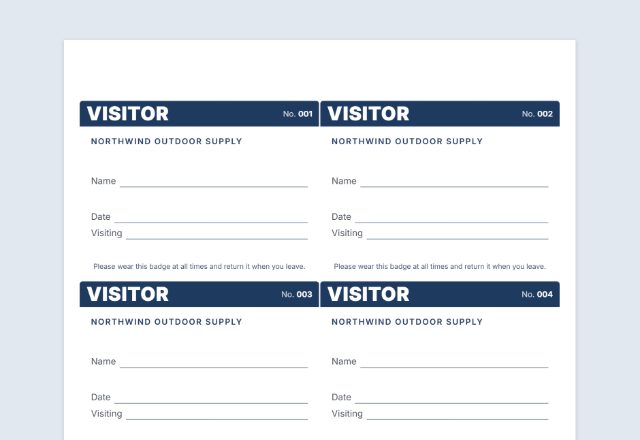 Visitor badgeGiving visitors a badge?Open
Was this tool useful?
Notice: Generated via SnapPaperwork. For your own events and premises. Do not sign other people in, or use a sign-in sheet to collect details you do not need.
Something missing? Tell me what you need.
How to make a sign-in sheet in 3 steps
-
Choose the kind of sheet
Visitors, an event, a meeting or class, an open house or volunteer hours. Each starts with the usual columns, which you can rename, widen, move, remove or add to.
-
Add the details
Your business, school or event, the date and place, a short note at the top, and your logo. For attendance, paste a list of names to print in the first column.
-
Print and put it out
Print as many pages as you need on a clipboard by the door. Every page has the heading and its own page number, so loose pages stay in order.
Which sign-in sheet do you need?
- Visitor sign-in: name, company, who they are visiting, time in and out, and a signature. For offices, workshops and front desks.
- Event sign-in: name, email, phone and signature, to keep in touch with guests at an open day, workshop or fundraiser.
- Meeting or class attendance: names printed in advance, with a column to sign or tick, for classes, training and meetings.
- Open house sign-in: name, phone, email and whether they work with an agent.
- Volunteer hours: date, name, time in and out, and hours, so each shift is counted.
Ask only for what you need
A sign-in sheet is seen by everyone who signs after you. Ask only for what you need, and leave out anything private.
In a doctor’s or dentist’s office in the United States, HHS says sign-in sheets are allowed under the HIPAA Privacy Rule as long as the information shown is limited, for example not asking for the medical reason for the visit (HHS FAQ 199, 45 CFR 164.502(a)(1)(iii)).
If you collect emails or phone numbers to stay in touch, say so in the note at the top, and keep the filled-in sheets somewhere safe.
Tips for a sign-in sheet people actually fill in
- Put the sheet on a clipboard with a pen tied to it, right where people come in.
- Use the roomy row height when people need to sign; compact fits more names per page.
- For a class, print the names in advance so everyone just signs beside their own.
- Write the date at the top of every page, or set it in the form so it prints on each one.
- Keep filled-in sheets in one folder, by date.
Checked in October 2026. This page is general information, not legal advice.
Frequently asked questions
Is this sign-in sheet maker free?
Yes. It is free to use, needs no account or sign-up, and never adds a watermark or a SnapPaperwork logo to your sheets.
Can I change the columns?
Yes. Rename any column, make it narrow, normal or wide, move it, remove it, or add your own, up to 8. You can also click a column heading on the sheet to rename it.
Can I print a list of names for attendance?
Yes. Paste or type the names, one per line, in “Names to print”. They go in the first column, one per row, onto as many pages as they need, and people sign beside their name.
How many rows fit on a page?
It depends on the row height and the header. The form tells you how many rows each page has. Compact rows fit the most; roomy rows leave space to sign.
Can I print several pages?
Yes, up to 20. Every page has the same heading and its own page number, and row numbers carry on from page to page.
Should a doctor’s office use a sign-in sheet?
In the US, HHS says it can, if the sheet shows only what is needed to sign in, for example not the reason for the visit. Ask only for the patient’s name and time if that is all you need.
Are the details I type uploaded or stored on your servers?
No. Everything you type, and your logo, stays in your browser and is never sent to me. The form is saved on your own device so it is there next time.
How do I save the sheet as a PDF?
Click “Print / Save PDF” and choose “Save as PDF” as the printer, or click “Download PDF” to save a file straight to your phone or computer, one page per sheet. “Share” opens your device’s share menu with the PDF attached.