Free Acknowledgment of Receipt FormFill in the form, check the preview, then print it or save it as a PDF. No sign-up, and nothing you type is uploaded.
Layout
Whole page · the printed page has no watermark or logo.
This receipt is longer than one page and will print on two pages. Remove an item, choose the Compact layout or turn off “Two copies on one page” to fit it on one.
Examples3 layouts filled in with made-up details. Open one to start with that layout, or print a blank template to fill in by hand.
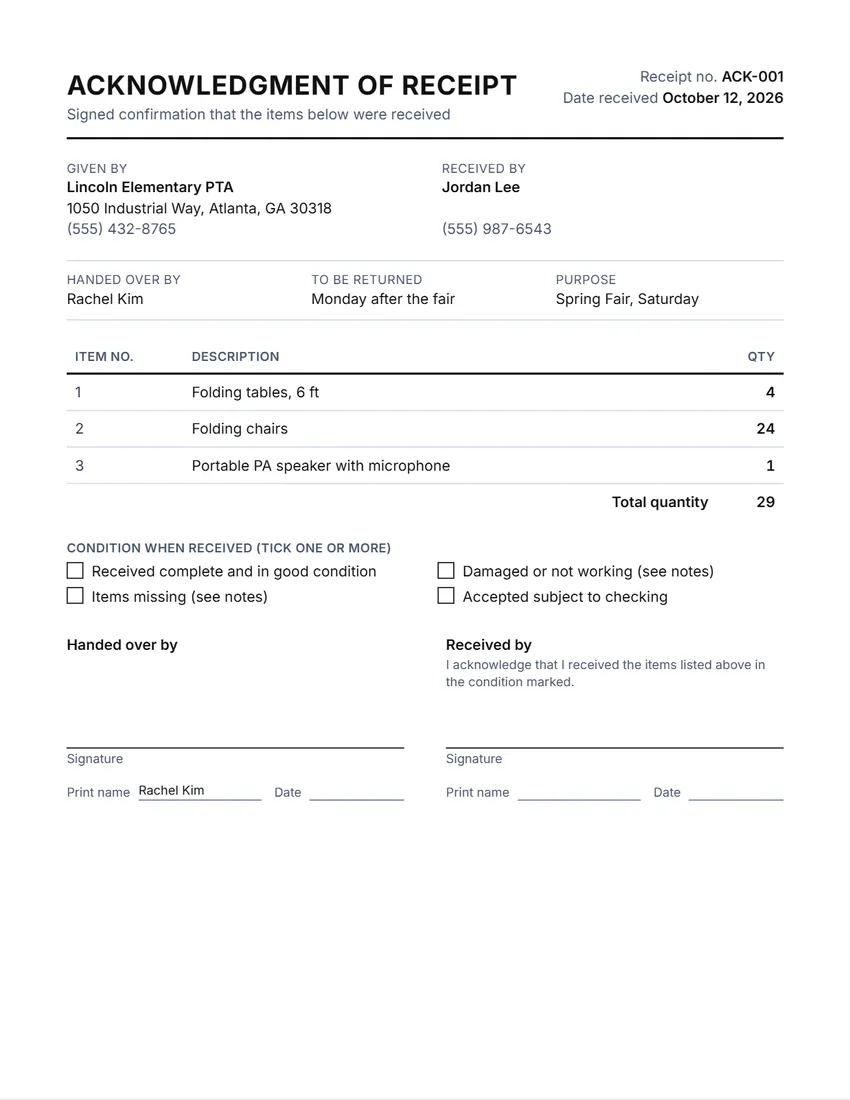 Default layout
StandardGiver and recipient side by side, item table, condition boxes and two signatures.
Start with this layoutOpen
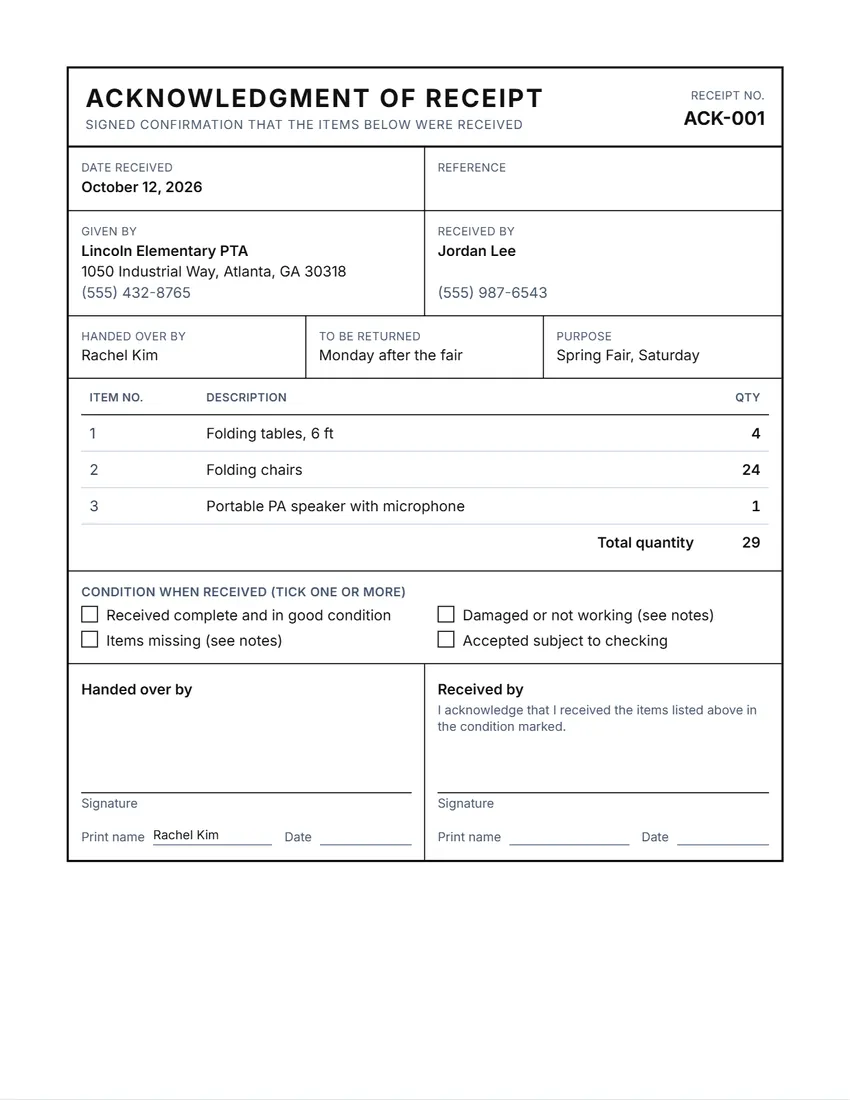 Layout
BoxedEverything in a ruled box, like a printed carbon form.
Start with this layoutOpen
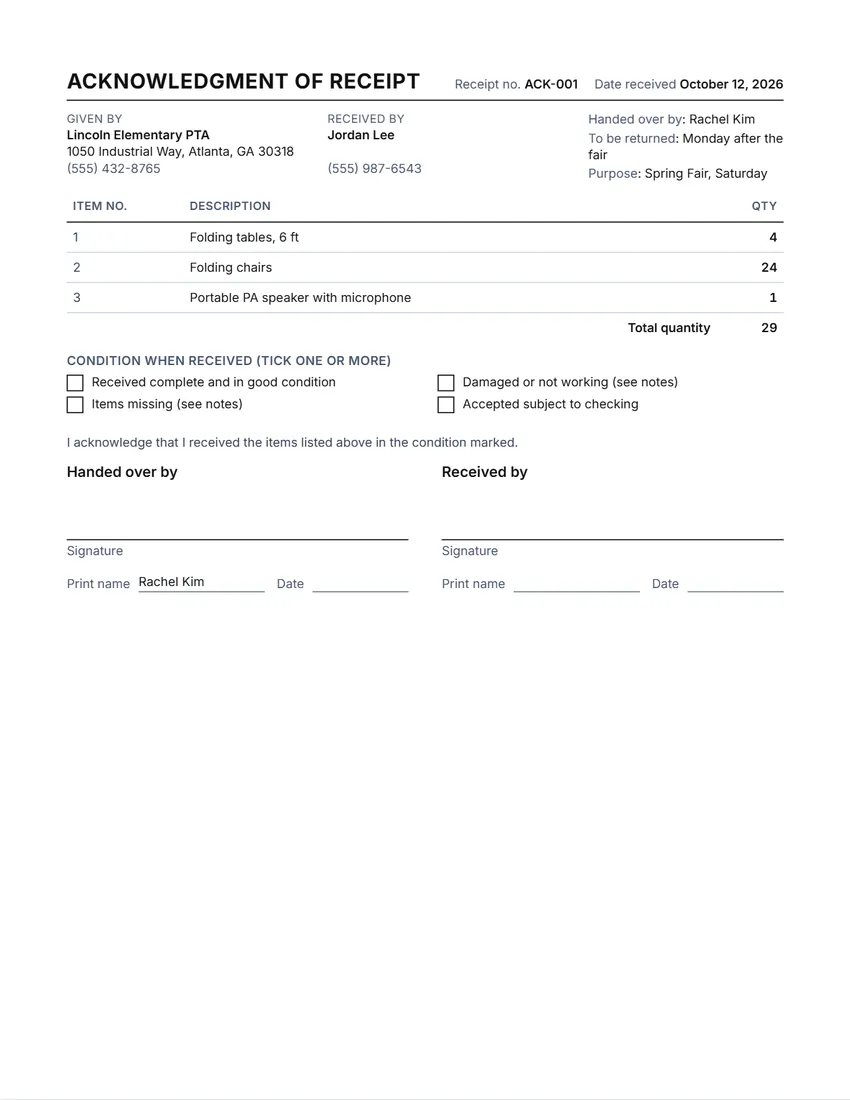 Layout
CompactSmall type and tight spacing: fits the most items, and two copies on one page.
Start with this layoutOpen
Prefer to fill it in by hand? Print a blank template and write on it.
Related tools
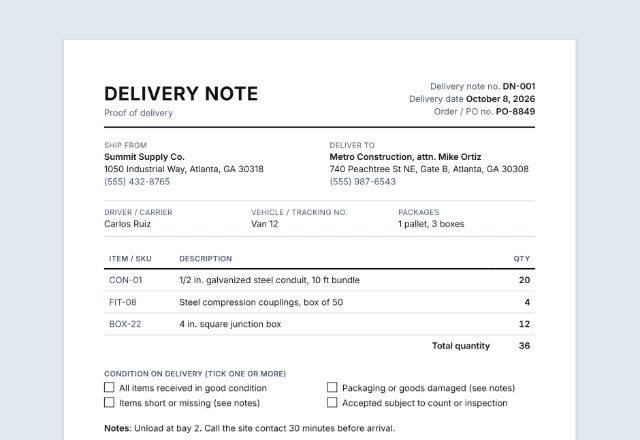
Goes well with this one
Was this tool useful?
Notice: Generated via SnapPaperwork. For real hand-overs only. Do not use it to claim that someone received something they did not, or to sign for someone else.
Something missing? Tell me what you need.
How to make an acknowledgment of receipt in 3 steps
-
Choose what is handed over
Items, documents, keys or equipment. The title, the column headings and the sentence the recipient signs follow your choice.
-
List the items
Up to 15 lines with a number (key, serial or reference), a description and a quantity. Add values if you need them, and a return date.
-
Print, hand over and sign
Both sides sign, on screen or on paper. Print two copies on one page so each side keeps one.
What an acknowledgment of receipt should include
- Who handed the items over and who received them
- The date of the hand-over
- Each item, key or document, with a number that identifies it (serial, key or reference number)
- How many of each
- The condition the items were in, ticked by the person receiving
- Whether and when they must be returned
- A short statement by the recipient, their signature, printed name and the date
Four kinds of receipt
- Items or property
- Anything lent or handed over: tables and chairs for an event, tools, a returned item, lost property given back to its owner.
- Documents
- Original papers handed to a tenant, client, employee or office: a signed lease, certificates, a file. The recipient confirms what they received, so there is no argument later about what was in the envelope.
- Keys
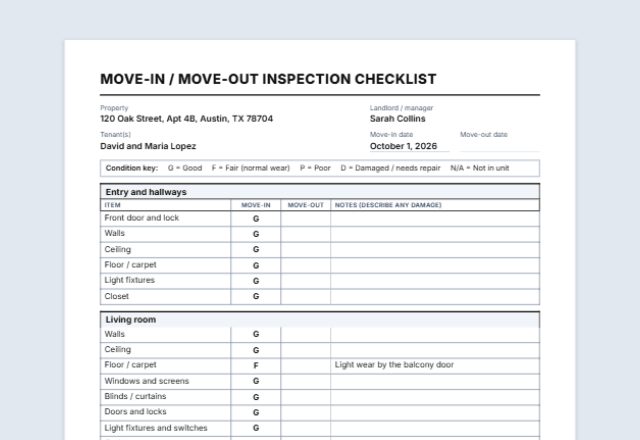
- Keys, fobs and access cards for a rental, an office or a vehicle. The recipient agrees not to copy them and to give them back. Pair it with a move-in checklist when a tenant moves in.
- Equipment or company property
- Laptops, phones, uniforms and tools issued to an employee or volunteer. Add serial numbers and values, and the recipient agrees to look after them and return them.
Tips for a clear hand-over
- Write serial numbers and key numbers, not just “laptop” or “2 keys”: they are what makes the record useful later.
- Let the person receiving tick the condition boxes themselves, and note any damage before they sign.
- Print two copies on one page (the Compact layout) so each side keeps a signed copy.
- When the items come back, write “Returned” and the date on your copy, or make a new receipt the other way round.
- Keep the receipt with the lease, the employee file or the event papers it belongs to.
This page is general information, not legal advice. A signed receipt shows what was handed over and when; what each side must do afterwards depends on your agreement, lease or employment terms.
Frequently asked questions
Is this acknowledgment of receipt generator free?
Yes. It is free to use, needs no account or sign-up, and never adds a watermark or a SnapPaperwork logo to your receipt.
What is an acknowledgment of receipt?
A short signed note in which someone confirms they received certain items, documents, keys or equipment on a certain date. It is proof of the hand-over, so there is no argument later about what was given and when.
Is it the same as a payment receipt?
No. This one records things handed over. For money paid, use a payment receipt or a cash receipt, which shows the amount, how it was paid and what it was for.
Can I make a key receipt for a tenant or employee?
Yes. Choose “Keys”: the title becomes “Key receipt”, the columns become key number and what the key opens, and the tenant or employee signs that they will not copy the keys and will return them.
Can the person receiving sign on my phone?
Yes. Hand them your phone and they sign in the box. Their signature is never saved: it disappears when you close or refresh the page, so it cannot end up on the next receipt.
Is my information uploaded or stored on your servers?
No. Everything you type stays in your browser and is never sent to me. It is saved on your own device so it is there next time, apart from the recipient's signature.