Free Meeting Minutes TemplateNote who came, what was discussed and decided, and who does what by when. Check the preview, then print the minutes or save them as a PDF. No sign-up, and nothing you type is uploaded.
Layout
Whole page · the printed page has no watermark or logo.
The minutes are longer than one page and will print on two. That is fine for long meetings; to keep one page, shorten the notes or use fewer empty action rows.
Examples3 layouts filled in with made-up details. Open one to start with that layout.
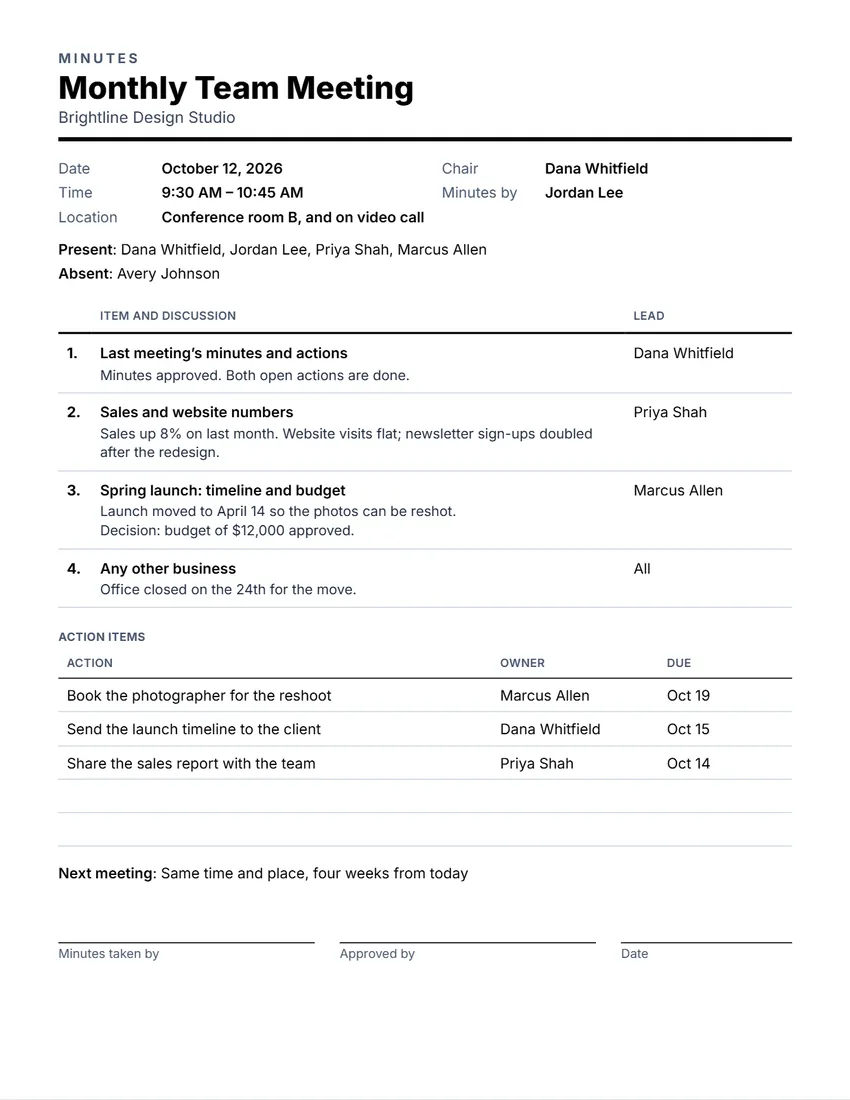 Default layout
ClassicTitle over a heavy rule, items with the discussion, action items.
Start with this layoutOpen
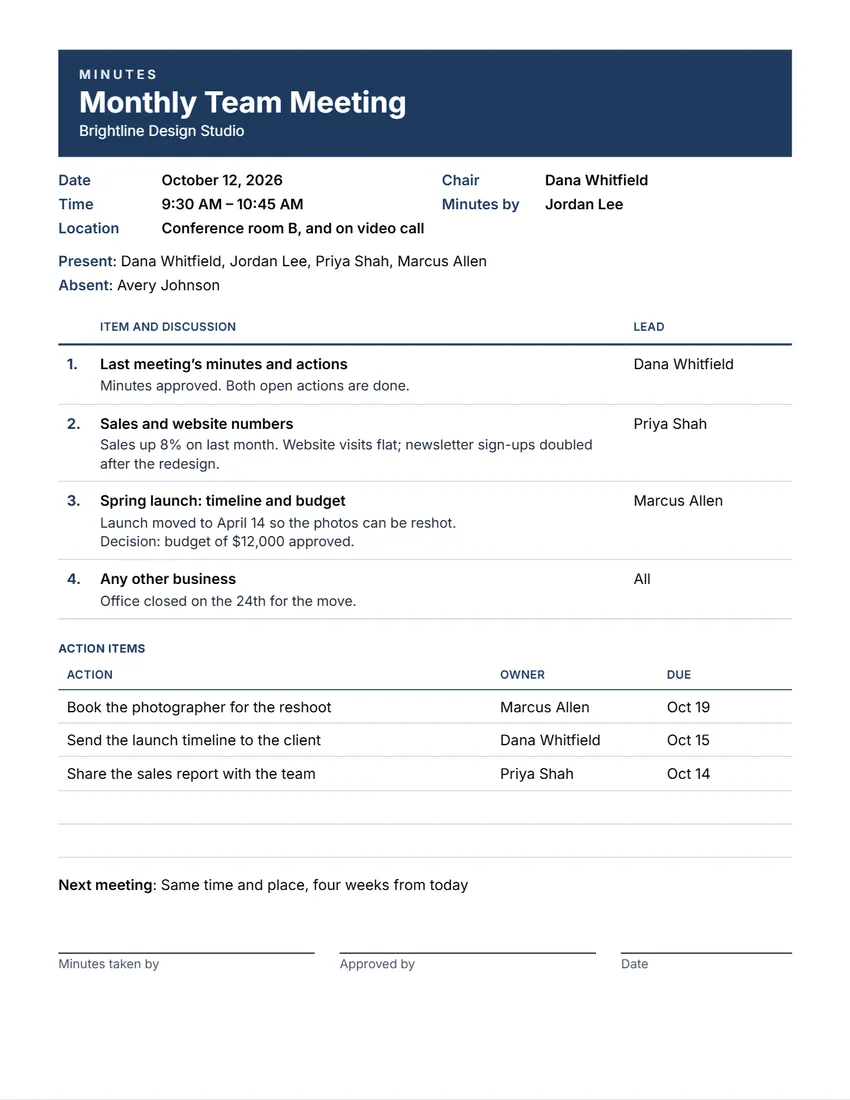 Layout
ModernColour band with the meeting’s name, headings in the same colour.
Start with this layoutOpen
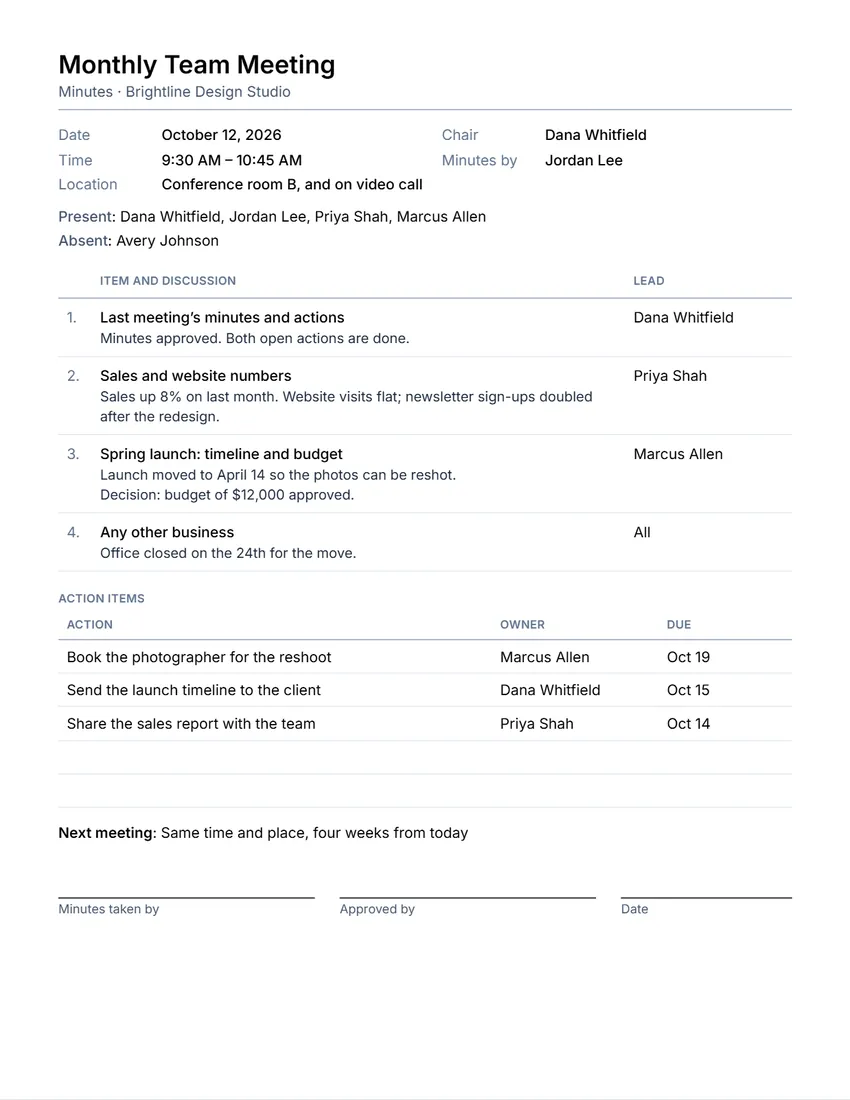 Layout
SimpleThin grey lines, plain type. Least ink.
Start with this layoutOpen
Related tools
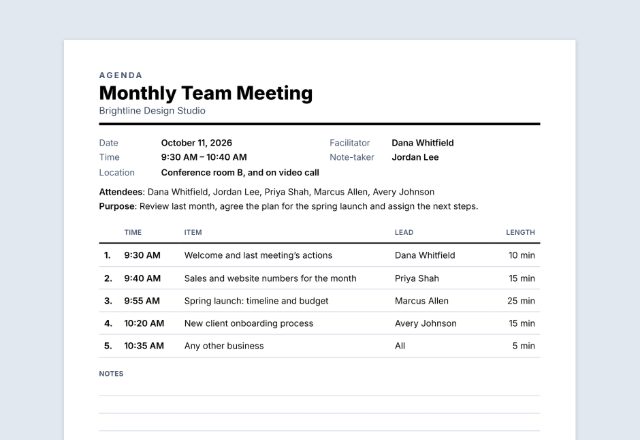
Goes well with this one
Was this tool useful?
Notice: Generated via SnapPaperwork. For your own meetings. Minutes should record what really happened; do not change them after they are approved without saying so.
Something missing? Tell me what you need.
How to write meeting minutes in 3 steps
-
Note the meeting and who came
Name, date, start and end times, the place, the chair and who took the minutes. List who was present and who was absent or sent apologies.
-
Write each item
For every item on the agenda, write a short summary of what was discussed and what was decided. Add the action items: what will be done, by whom and by when.
-
Share and approve
Send the PDF to everyone invited. At the next meeting, approve the minutes and sign the printed copy if your group keeps signed records.
What to put in meeting minutes
- The meeting’s name, date, start and end times, and place
- Who chaired, who took the minutes, who was present and who was absent
- Each item: a short summary of the discussion and the decision
- Action items: what, who and by when
- When the next meeting is
- Space to sign once the minutes are approved
Tips for clear minutes
- Write the minutes the same day, while the meeting is fresh.
- Summarize; you do not need every word. Record decisions and who agreed to do what.
- Write decisions plainly, for example “Decision: budget of $12,000 approved.”
- Use the agenda’s items as your headings, in the same order.
- Boards, homeowners’ associations and companies may have rules (in their by-laws) on what the minutes must include and how they are approved.
Frequently asked questions
Is this meeting minutes maker free?
Yes. It is free to use, needs no account or sign-up, and never adds a watermark or a SnapPaperwork logo to your minutes.
What is the difference between an agenda and minutes?
The agenda is the plan, sent before the meeting. The minutes are the record of what was discussed and decided, written after it.
How detailed should minutes be?
Short is usually best: a few lines per item with the decision and any action. Some boards need more; check your by-laws.
Can I add action items?
Yes. Add each action with who will do it and by when, and choose how many empty rows to leave for actions written by hand.
Can the minutes run onto two pages?
Yes. A long meeting prints on two pages; the page warns you so you can shorten the notes if you want one page.
Is my information uploaded or stored on your servers?
No. Everything you type stays in your browser and is never sent to me. It is saved on your own device so it is there next time.