Free Notice of Meeting TemplateChoose the kind of meeting, add when and where and the business, and the notice is written for you. Print it, save it as a PDF or send it to your members. No sign-up, and nothing you type is uploaded.
Layout
Whole page · the printed page has no watermark or logo.
The notice is longer than one page and will print on two. Shorten the business or the other details, or try another design.
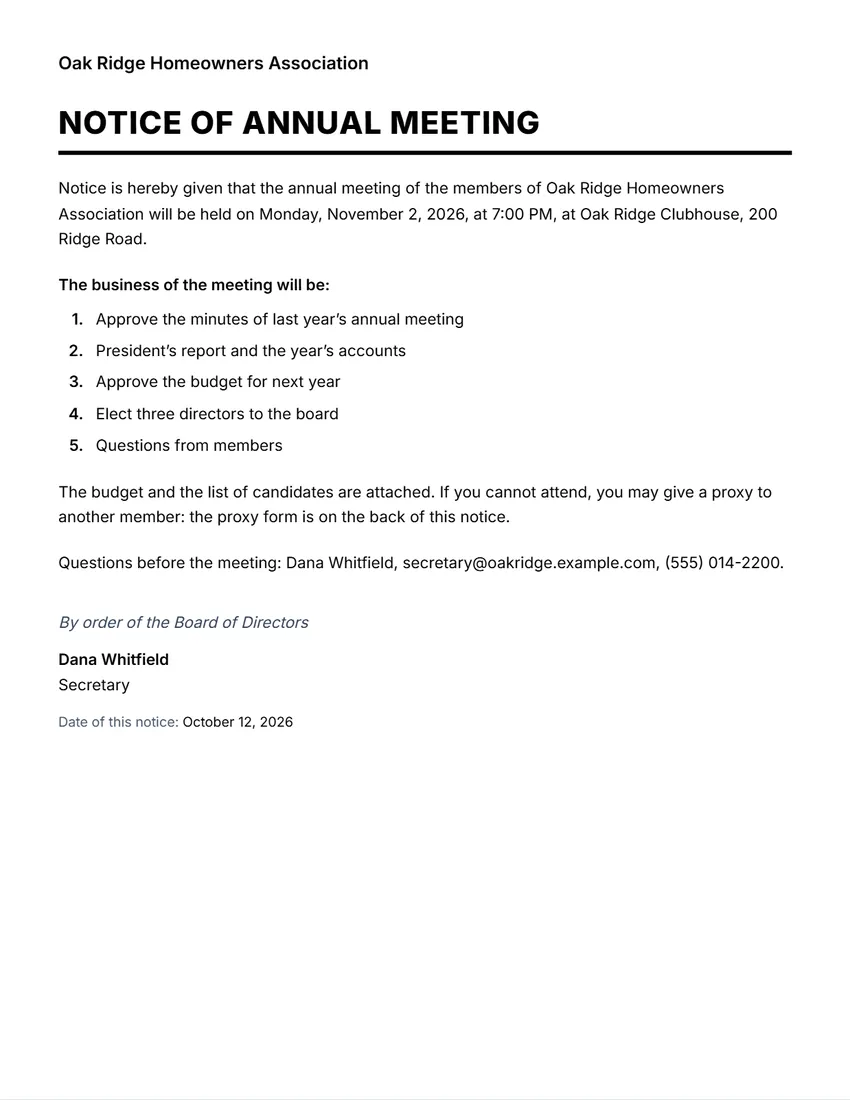
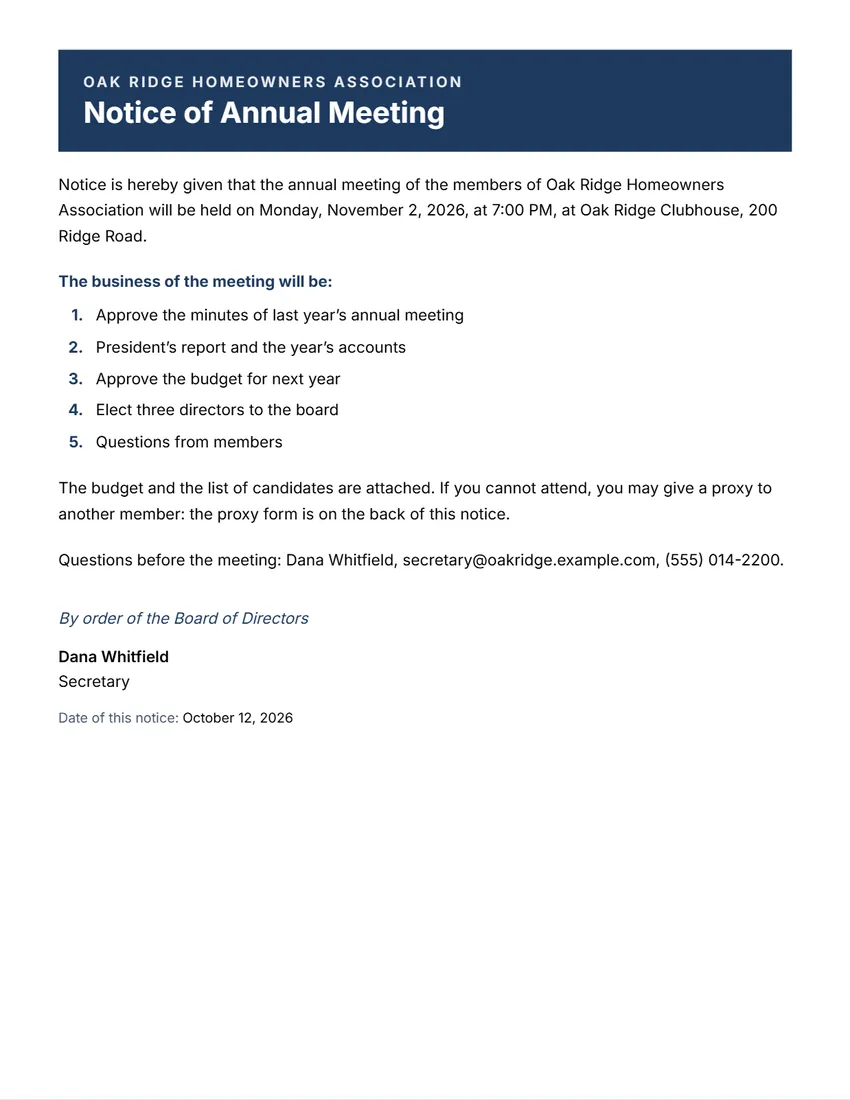
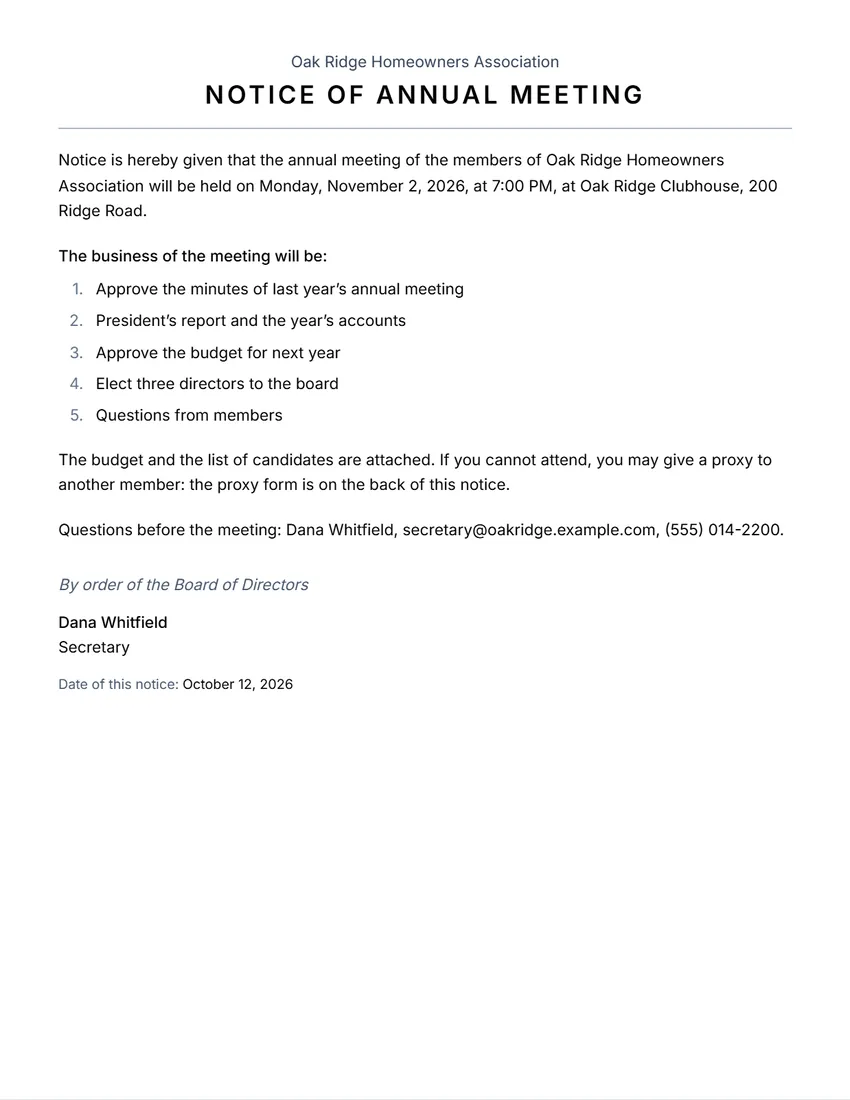
Examples3 layouts filled in with made-up details. Open one to start with that layout.
Related tools
Goes well with this one
Was this tool useful?
Notice: Generated via SnapPaperwork. For your own organization’s meetings. Do not send a notice in the name of a group or officer you do not represent.
Something missing? Tell me what you need.
How to write a notice of meeting in 3 steps
-
Choose the kind of meeting
Annual, special, board, or members’ and owners’ meeting. Add the organization and who is meeting (the members, the Board of Directors).
-
Add when, where and the business
The date, time and place (and an online link), then each item of business. The notice sentence is written for you; rewrite it if your bylaws use other words.
-
Sign it and send it
Add the name and title of the person giving notice and the date of the notice, then print it, save it as a PDF or email it to every member.
What to put in a notice of meeting
- The name of the organization and the kind of meeting (annual, special, board)
- The date, the time and the place, and how to join online if members can
- The business to be done, especially anything members will vote on
- For a special meeting, its purpose: often only that business can be dealt with
- How to vote by proxy or ask questions, if your group allows it
- Who is giving notice (usually the secretary) and the date of the notice
Tips
- Check your bylaws or articles for how many days’ notice is needed and how it must be sent (post, email, posted on a notice board).
- Send it to every member entitled to attend, and keep a record of when and how you sent it.
- List each item that needs a vote, with any documents attached, so members can come prepared.
- Keep a copy of the notice with the minutes of the meeting.
- Use the agenda tool for the order of the meeting itself, and the minutes tool afterwards.
Frequently asked questions
Is this notice of meeting maker free?
Yes. It is free to use, needs no account or sign-up, and never adds a watermark or a SnapPaperwork logo to your notice.
What is a notice of meeting?
A short written notice that calls a meeting: what kind of meeting, of whom, when and where, and the business to be done. Associations, boards, clubs and HOAs send one before annual and special meetings.
How much notice do I need to give?
It depends on your bylaws, articles or rules and the law where your group is set up: often somewhere between a week and a few weeks. Check them before you set the date of the notice.
What is the difference between a notice and an agenda?
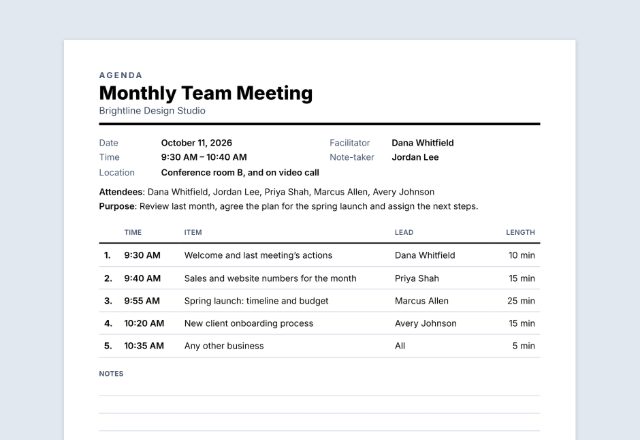
The notice calls the meeting and tells members what business will be done. The agenda is the running order of the meeting itself, with times and who leads each item.
Can I change the wording?
Yes. The notice sentence is written from your answers, but you can rewrite it, and every heading (such as “By order of the Board of Directors”) can be changed.
Is my information uploaded or stored on your servers?
No. Everything you type stays in your browser and is never sent to me. It is saved on your own device so it is there next time.