Free Memo TemplateFill in the form, check the preview, then print it or save it as a PDF. No sign-up, and nothing you type is uploaded.
Design
Whole page · the printed page has no watermark or logo.
Examples3 layouts filled in with made-up details. Open one to start with that layout, or print a blank template to fill in by hand.
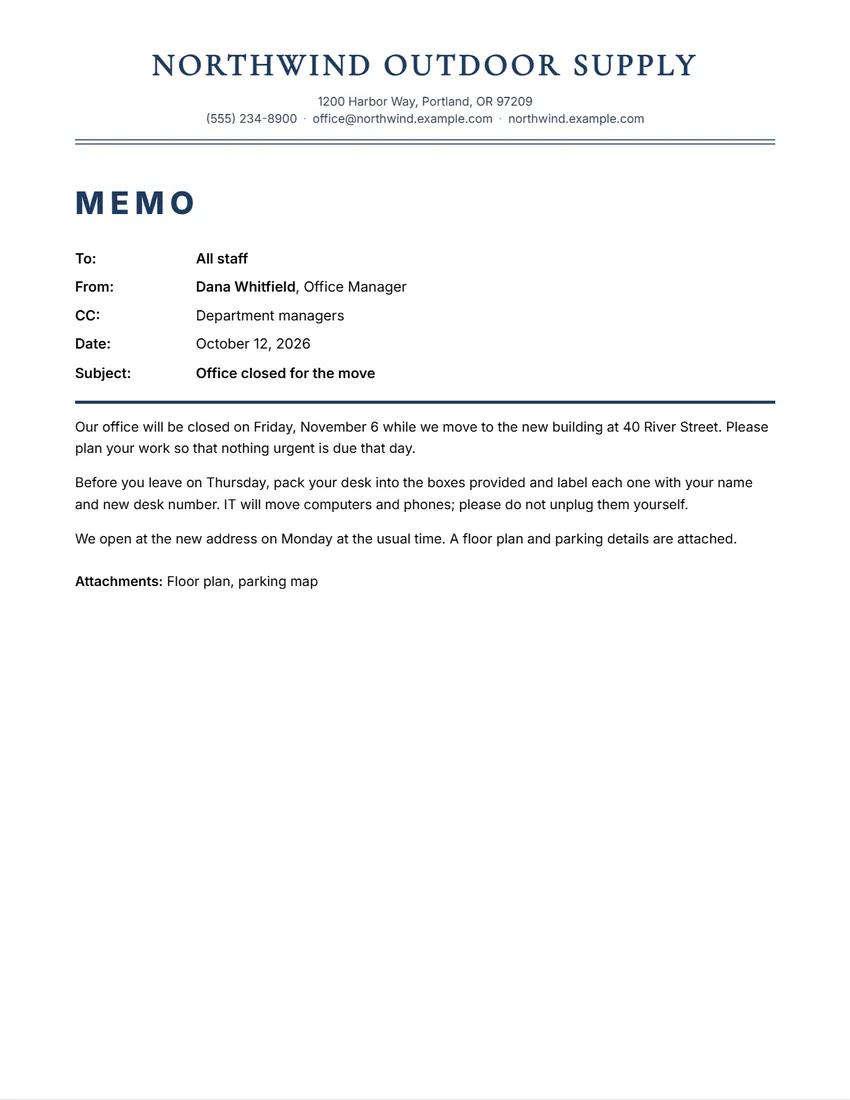 Default layout
ClassicName centred over a double rule, contact details on one line.
Start with this layoutOpen
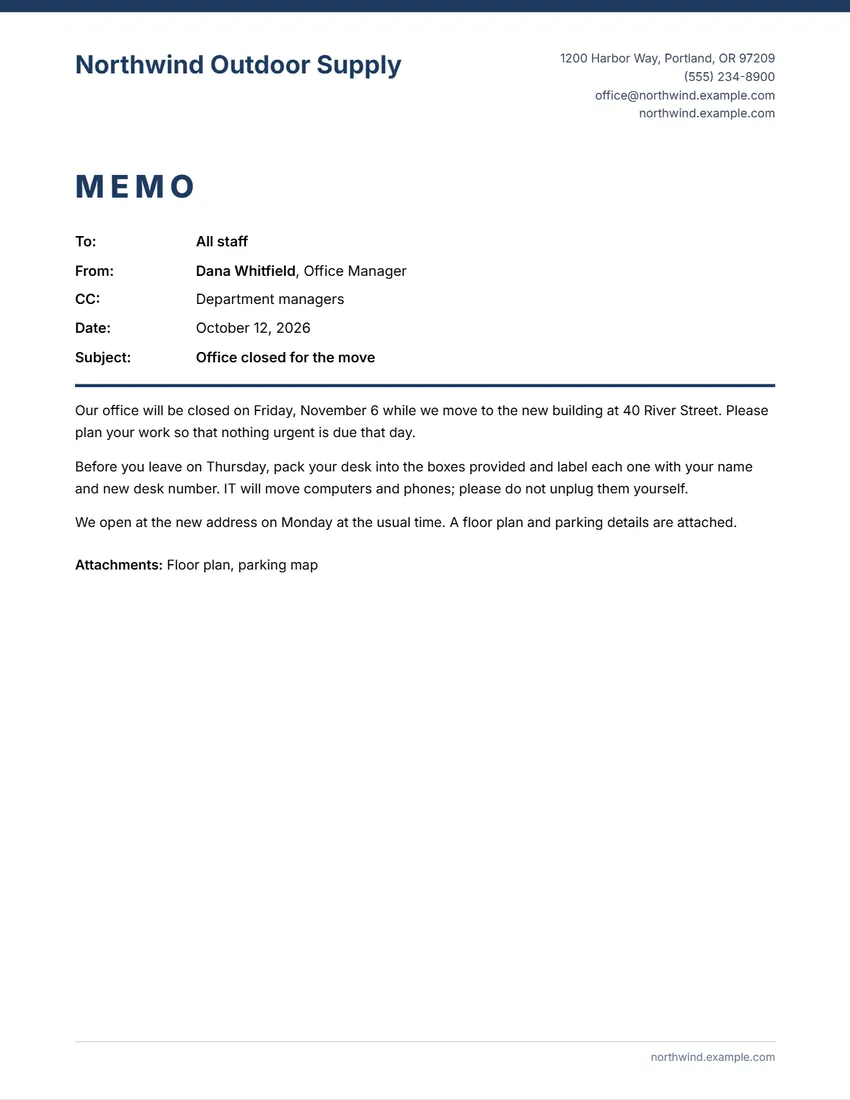 Layout
ModernColour bar on top, name left, contact details right.
Start with this layoutOpen
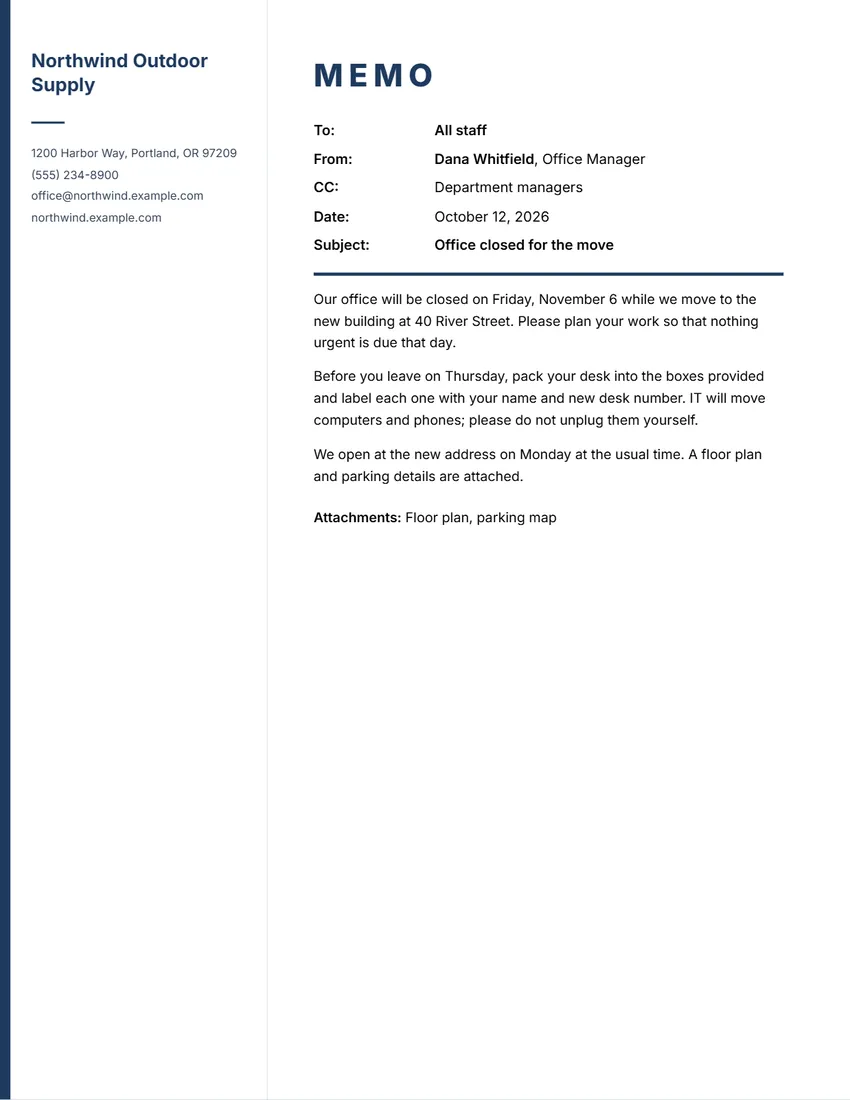 Layout
SidebarName and contact details in a column down the left.
Start with this layoutOpen
Prefer to fill it in by hand? Print a blank template and write on it.
Related tools
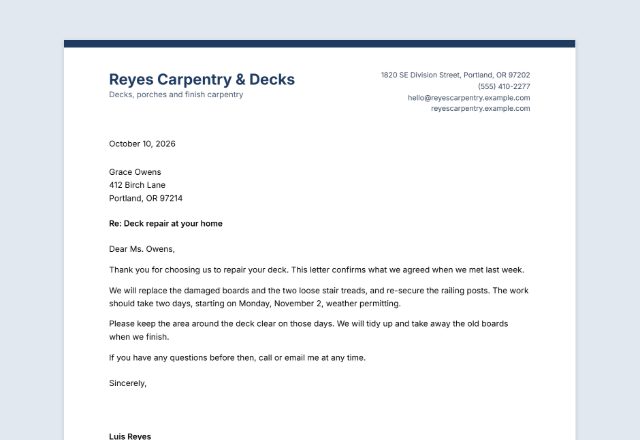
Goes well with this one
Was this tool useful?
Notice: Generated via SnapPaperwork. For your own company or team. Do not make a memo in the name of a company or person you do not represent.
Something missing? Tell me what you need.
How to write a memo in 3 steps
-
Add your company heading
Your logo, company name and contact details, in one of four designs and six colours. Leave out anything you do not need for an internal memo.
-
Fill in the memo
To, From, CC, Date and Subject, then the memo itself. Leave an empty line between paragraphs; a long memo runs on to a second page.
-
Initial and send
Draw your initials beside your name, list any attachments, then print it, save a PDF or share it.
What to put in a memo
- To: the people or group the memo is for (“All staff”, “Sales team”)
- From: your name and title
- CC: anyone who should also know (optional)
- Date and a short, specific subject
- The memo: the main point first, then the details and what you need people to do
- Attachments, if any, and your initials beside your name
Tips for a memo people read
- Put the main point and any action in the first paragraph; many people read no further.
- Keep it to one page when you can. Use short paragraphs and plain words.
- Make the subject line specific: “Office closed Friday, November 6” beats “Update”.
- Give dates, times and places in full, and say who to contact with questions.
- Memos usually go inside an organization; for customers or other companies, write a letter instead.
Frequently asked questions
Is this memo maker free?
Yes. It is free to use, needs no account or sign-up, and never adds a watermark or a SnapPaperwork logo to your memo.
What is the difference between a memo and a letter?
A memo goes to people inside your organization, with To, From, Date and Subject at the top and no greeting or sign-off. A letter goes to someone outside, with an address, a greeting and a signature.
Can I change “MEMO” to “MEMORANDUM”?
Yes. Click it on the page, or use the Wording panel to rewrite any heading.
Can I sign the memo?
Memos are usually initialled rather than signed. Draw your initials and they print beside your name, or initial the printed memo by hand.
Can a memo run onto two pages?
Yes. A long memo continues on a second page with your company name and the page number at the top.
Is my information uploaded or stored on your servers?
No. Everything you type stays in your browser and is never sent to me. It is saved on your own device so it is there next time.