Free Printable Packing List TemplateStart from a ready-made list for your kind of trip, add what you need, then print it and tick each thing as it goes in the bag. No sign-up, and nothing you type is uploaded.
Layout
Whole page · the printed page has no watermark or logo.
Examples2 layouts filled in with made-up details. Open one to start with that layout, or print a blank template to fill in by hand.
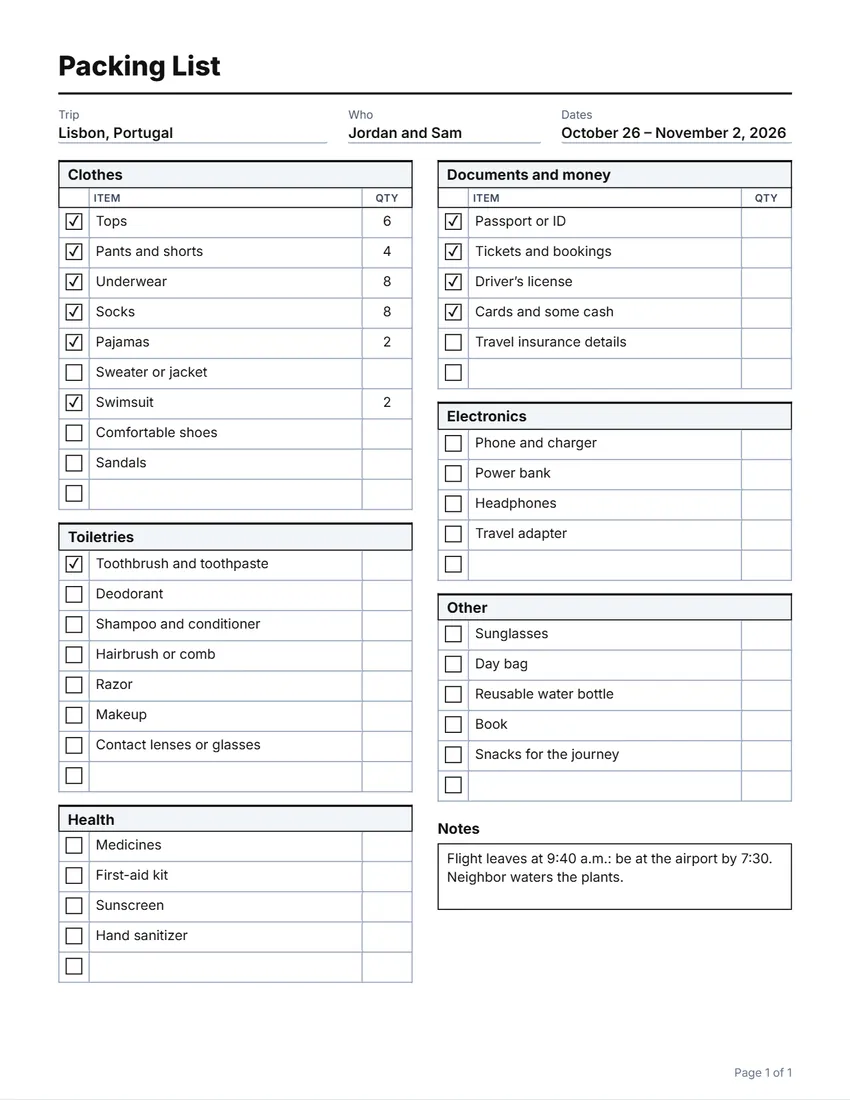 Default layout
GridA ruled table: every item boxed.
Start with this layoutOpen
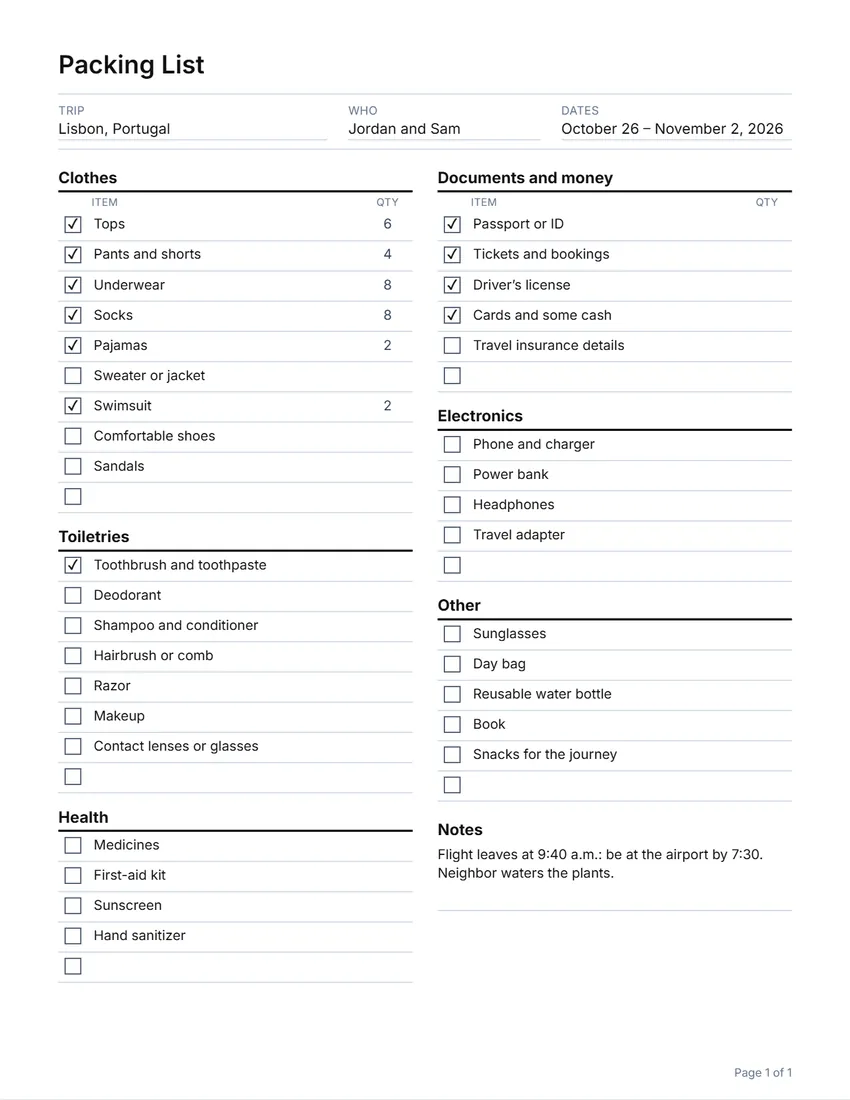 Layout
LinedLight rules between items. Uses less ink.
Start with this layoutOpen
Prefer to fill it in by hand? Print a blank template and write on it.
Related tools
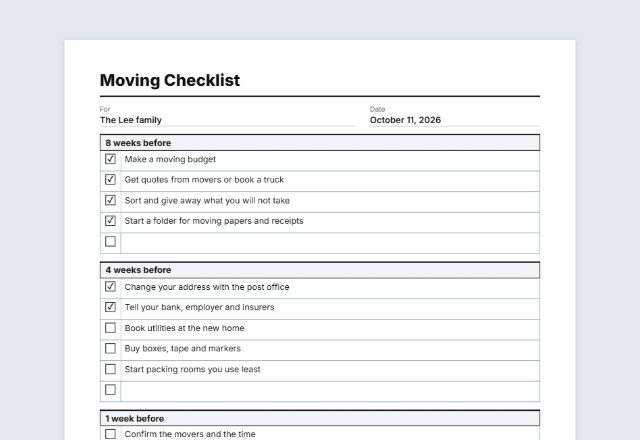
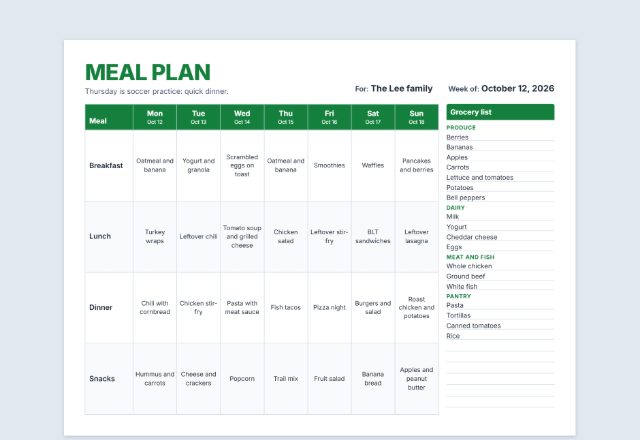
Goes well with this one
Was this tool useful?
Notice: Generated via SnapPaperwork. For your own trips and your family’s packing.
Something missing? Tell me what you need.
How to make a packing list in 3 steps
-
Pick a list for your trip
Start from a vacation, beach, business, camping, baby, ski or weekend list, or a blank one. Add the trip, who is going and the dates.
-
Make it yours
Rename, add or remove items, write how many of each, and add blank rows for last-minute things. Choose one or two columns a page.
-
Print it and tick as you pack
Tick each box as it goes in the bag. Turn on the “Home” column to tick everything again when you pack to come back, so nothing is left behind.
The ready-made lists
Each one is a starting point: rename, add or remove anything.
- Vacation: clothes, toiletries, health, documents and money, electronics and the extras
- Beach: swimwear, sun protection and beach gear
- Business trip: work outfits, laptop and work papers, receipts
- Camping: shelter, kitchen, clothes, gear and first aid
- Baby and toddler: changing, feeding, sleep, gear and toys
- Winter and ski: warm layers and ski gear
- Weekend away: one short list for a small bag
Tips for packing
- Start the list a few days before you go, and add things as you think of them.
- Write how many of each item next to it: it stops over-packing.
- Pack documents, medicines, chargers and a change of clothes in your carry-on bag.
- Check your airline’s baggage allowance and the security rules for liquids before you pack; they differ between airlines and countries.
- Keep the list in the suitcase and tick the “Home” column when you pack to come back.
Frequently asked questions
Is this packing list maker free?
Yes. It is free to use, needs no account or sign-up, and never adds a watermark or a SnapPaperwork logo to your list.
Can I tick items before I print?
Yes. Click a box on the page (or tap it on a phone), or tick it in the form. Ticks are printed, so you can print a list with some things already packed.
What is the “Home” column?
A second box beside each item, to tick when you pack for the trip home. It is the easiest way to see what is still in the hotel room.
Can I make one list for the whole family?
Yes. Add a section for each person (for example “Emma” and “Noah”) with their own items, or print one list each with their name in “Who”.
How many items fit on a page?
With two columns, about 60 to 80 items fit on one page. Longer lists run over more pages, each with its own margins and page number, and a section that carries on is marked “(continued)”.
Is my information uploaded or stored on your servers?
No. Everything you type stays in your browser and is never sent to me. It is saved on your own device so the list is there for your next trip.