Free Printable Coupon TemplateType your offer, add a promo code and an expiry date if you like, then print the sheet and cut along the dashed lines. No sign-up, and nothing you type is uploaded.
Design
Whole page · the printed page has no watermark or logo.
Examples3 layouts filled in with made-up details. Open one to start with that layout.
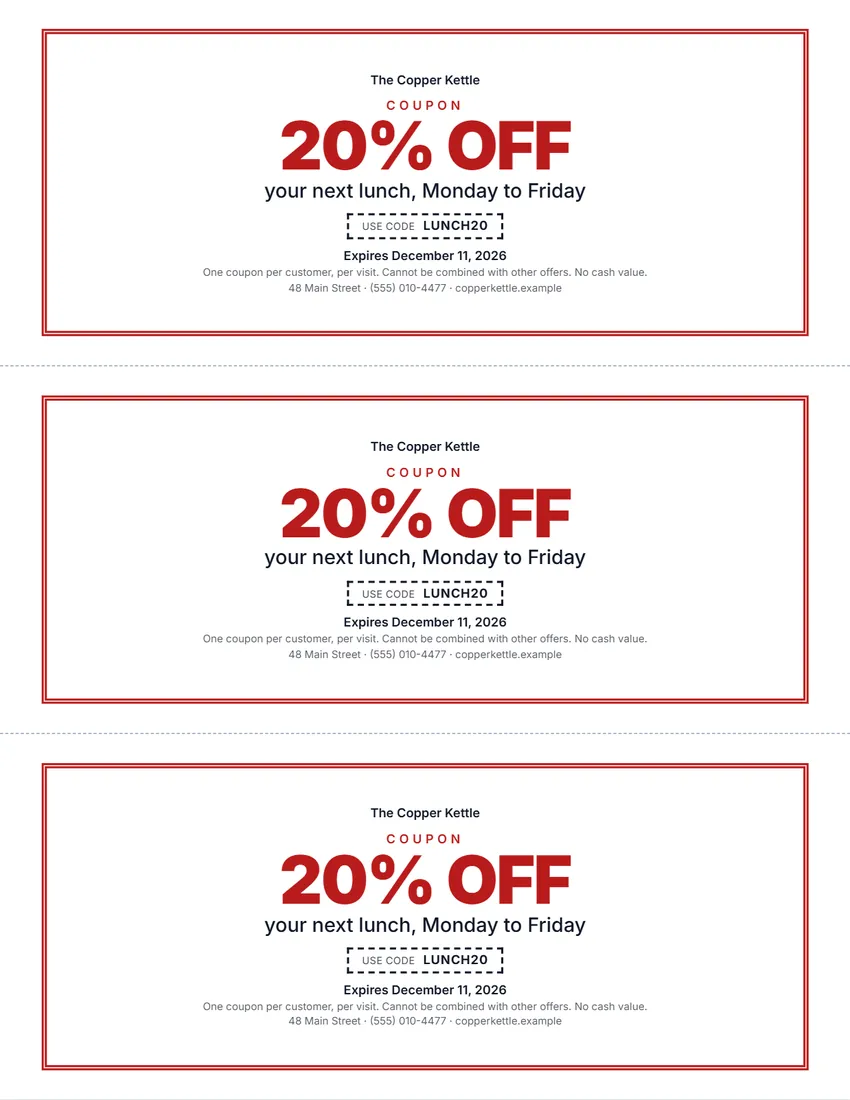 Default layout
ClassicA double frame in your ink colour, the offer centred in big type.
Start with this layoutOpen
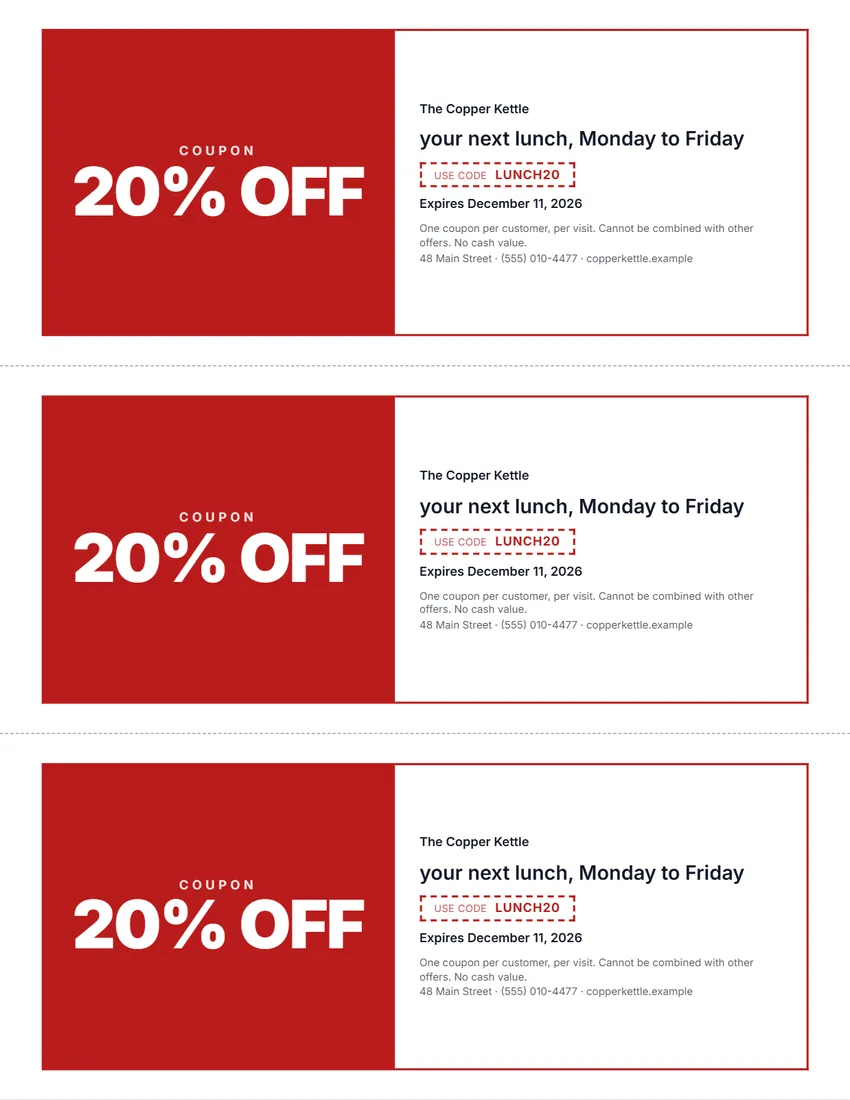 Layout
BoldThe offer in white on a block of colour, the details beside it.
Start with this layoutOpen
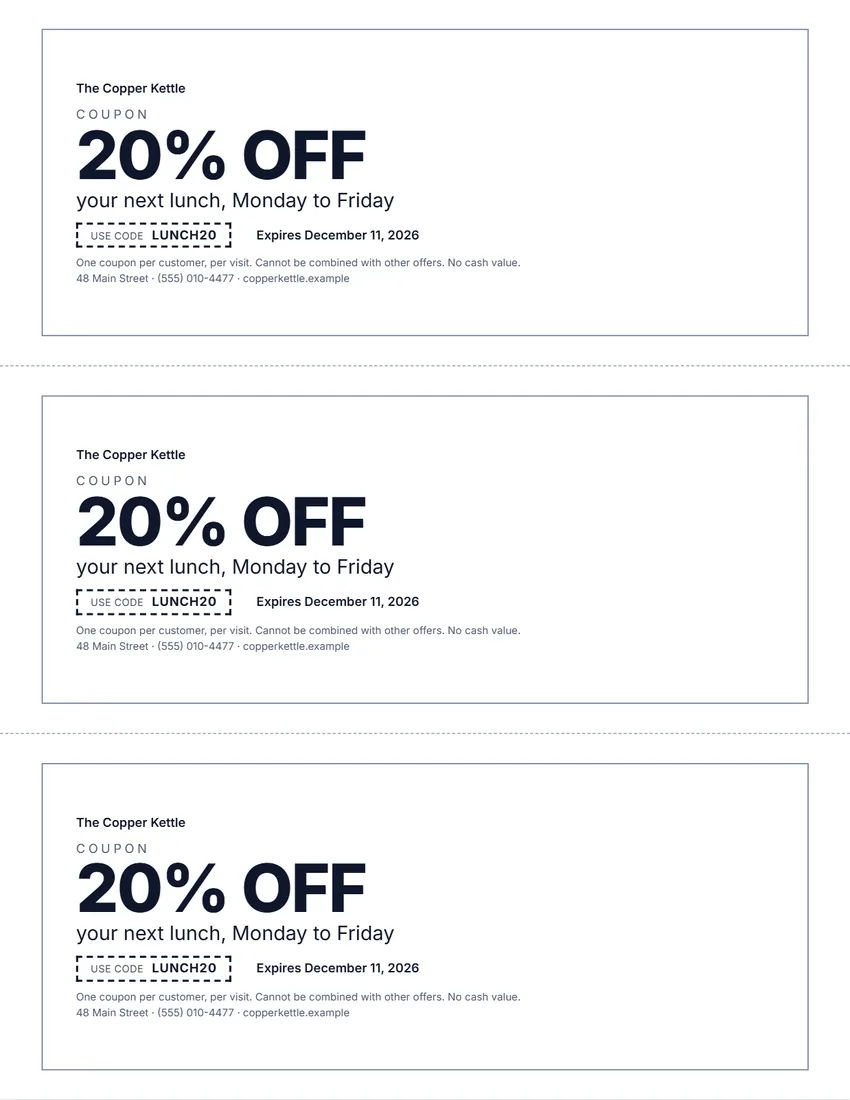 Layout
SimpleBlack and white, left-aligned, a thin frame. Uses the least ink.
Start with this layoutOpen
Related tools
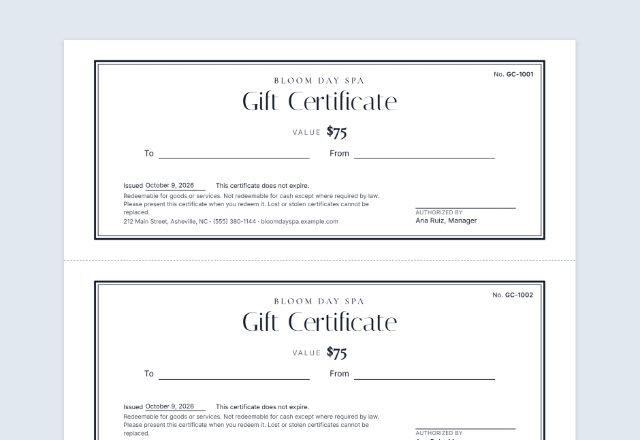
Goes well with this one
Was this tool useful?
Notice: Generated via SnapPaperwork. For your own business’s offers. Do not make coupons for another business, or offers you will not honor.
Something missing? Tell me what you need.
How to make coupons in 3 steps
-
Type your offer
The offer in big letters (20% OFF, $5 OFF, FREE COFFEE), what it is for, and, if you use one, a promo code your till or website knows.
-
Add an expiry date and the small print
An expiry date keeps an offer from running for ever. The small print says how it can be used: one per customer, not with other offers, no cash value.
-
Print, cut and hand them out
Choose 2, 3 or 4 coupons per page and up to 10 pages. Print at actual size and cut along the dashed lines; number them to count how many come back.
What to put on a coupon
- The offer, clear and big: “20% OFF” or “Buy one, get one free”
- What it applies to, and any minimum spend
- How to use it: show the coupon, or type a promo code online
- When it expires
- The small print: one per customer, not with other offers, no cash value
- Your business name, address, phone or website
Running a coupon offer
Set a goal before you print: new customers, quiet days filled, or a new product tried. Then you can tell whether the coupon worked.
Use a different promo code (or a different number range) for each place you hand coupons out, so you can see which one brings people in.
Tell your staff about the offer before the coupons go out, and keep one at the till so everyone knows what it looks like.
Keep the coupons that come back, at least until the offer ends, to count them and check the numbers.
General information, not legal or tax advice. Some places have rules on how offers and expiry dates must be stated; check yours.
Frequently asked questions
Is this coupon maker free?
Yes. It is free to use, needs no account or sign-up, and never adds a watermark or a SnapPaperwork logo to your coupons.
How many coupons fit on a page?
Two large, three or four smaller coupons per US Letter or A4 page. Choose up to 10 pages at a time.
Can I add a promo code?
Yes. Type it in “Promo code” and it is printed in a dashed box on every coupon. Leave it empty and the line is left off.
Can I number the coupons?
Yes. Turn on numbering and each coupon gets the next number, such as 0001 to 0030. “Next batch” starts the next sheets where these ended.
Can I add my logo?
Yes. Upload a PNG or JPG. It is shrunk and kept in your browser only, so it is there next time; it is never uploaded.
Is a coupon the same as a gift certificate?
No. A coupon is a discount you give away; a gift certificate is paid for and holds value. Gift certificates have their own rules on expiry dates; use the gift certificate maker for those.
Are my details uploaded or stored on your servers?
No. Everything you type, and your logo, stays in your browser and is never sent to me. On a shared computer, press “Clear Form” when you are done.