Free Tear-Off Flyer TemplatePick what the flyer is for, add your details and a photo if you like, then print it and cut the tear-off tabs. No sign-up, and nothing you type is uploaded.
Design
Whole page · the printed page has no watermark or logo.
Some text does not fit: a word is too wide for its space, or text is too close to the edge of the flyer, where most printers cut it off. Shorten the title or the message, make something smaller (click or tap it on the flyer), or try another design.
Tear-off flyers you can make hereSix ready-made flyers, each with phone number tabs along the bottom. Open one to start with it, then change any words.
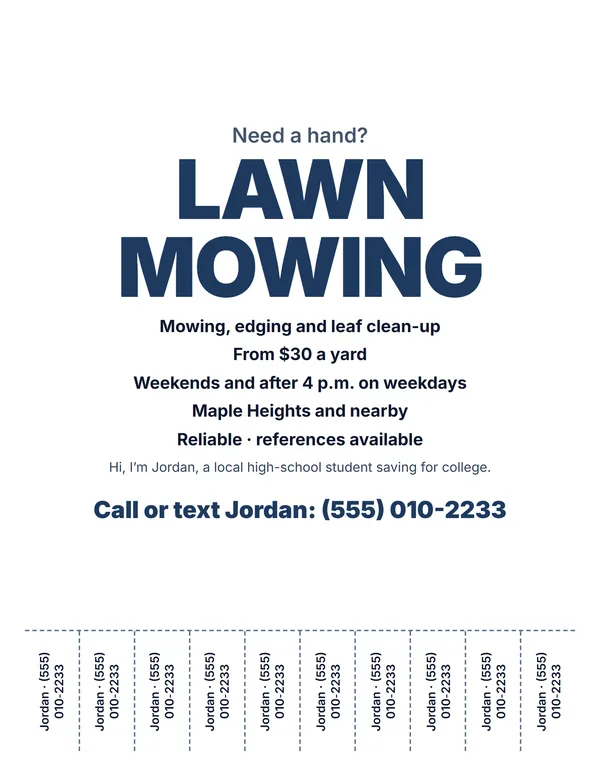 Lawn mowing or other service
For yard work, cleaning, pet sitting or odd jobs, with your price.
Make this flyerOpen
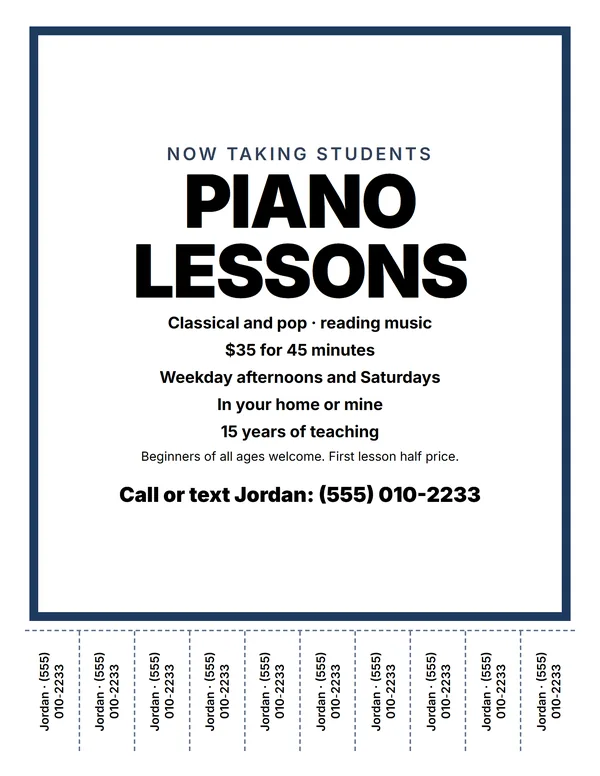 Lessons or tutoring
Piano, math or language lessons, with times and where you teach.
Make this flyerOpen
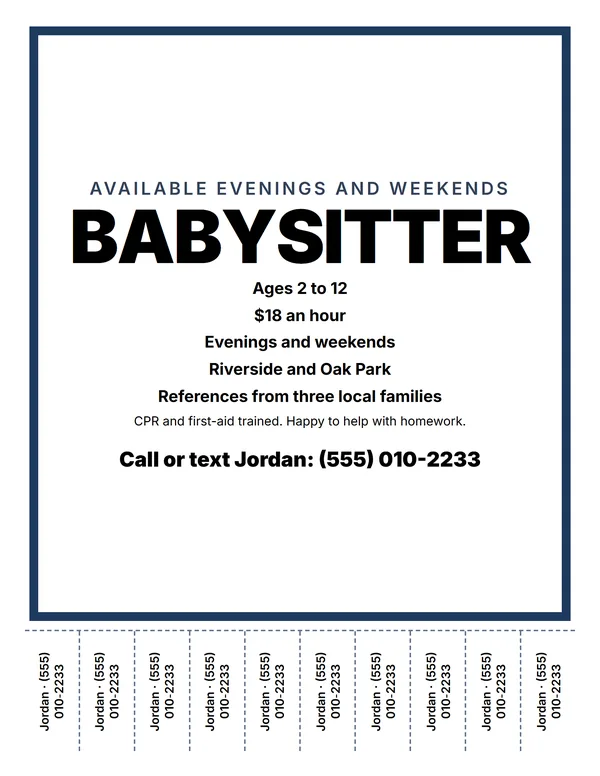 Babysitting flyer
Ages, rate, when you are free and references.
Make this flyerOpen
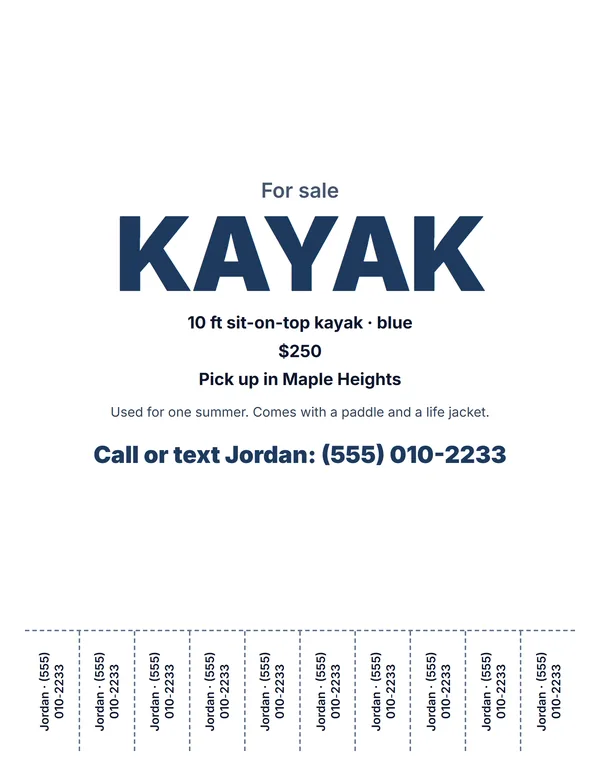 Something for sale
The item, price and where to pick it up, with a photo if you like.
Make this flyerOpen
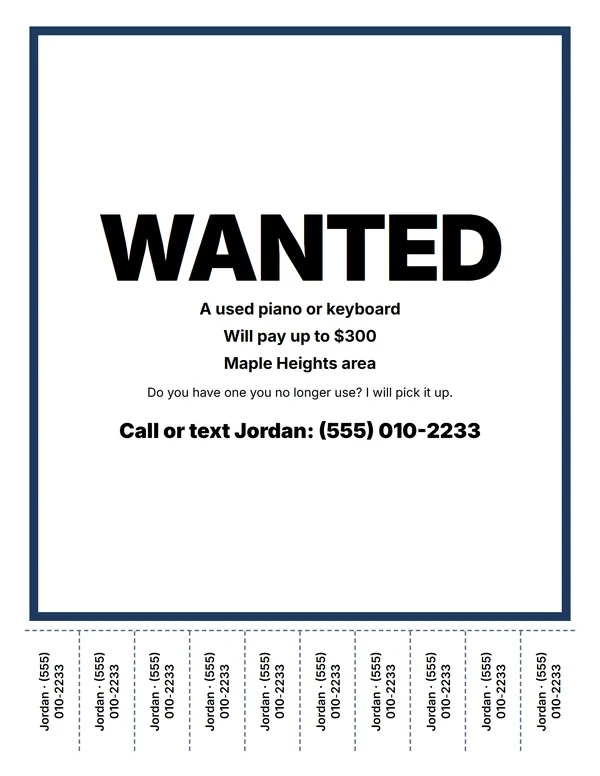 Wanted flyer
Looking for something? Say what, and what you will pay.
Make this flyerOpen
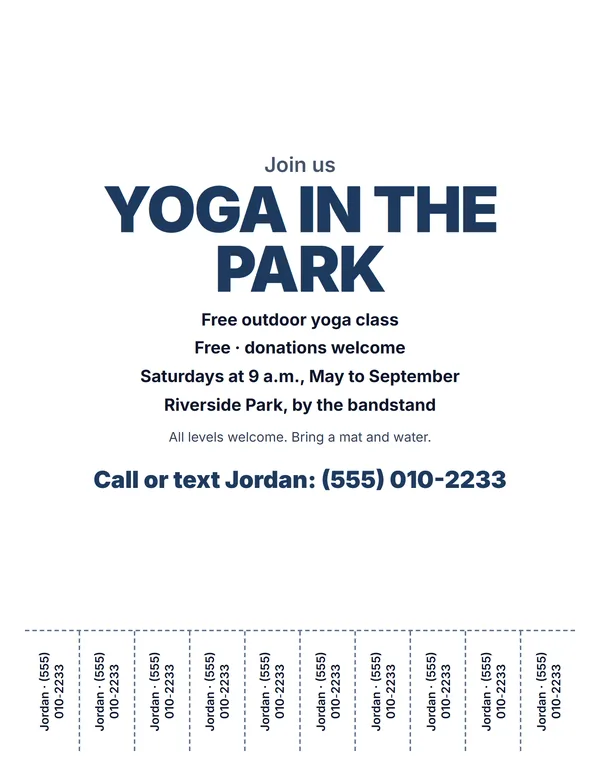 Event or class flyer
A class, club or meet-up, with the day, time and place.
Make this flyerOpen
Examples3 layouts filled in with made-up details. Open one to start with that layout.
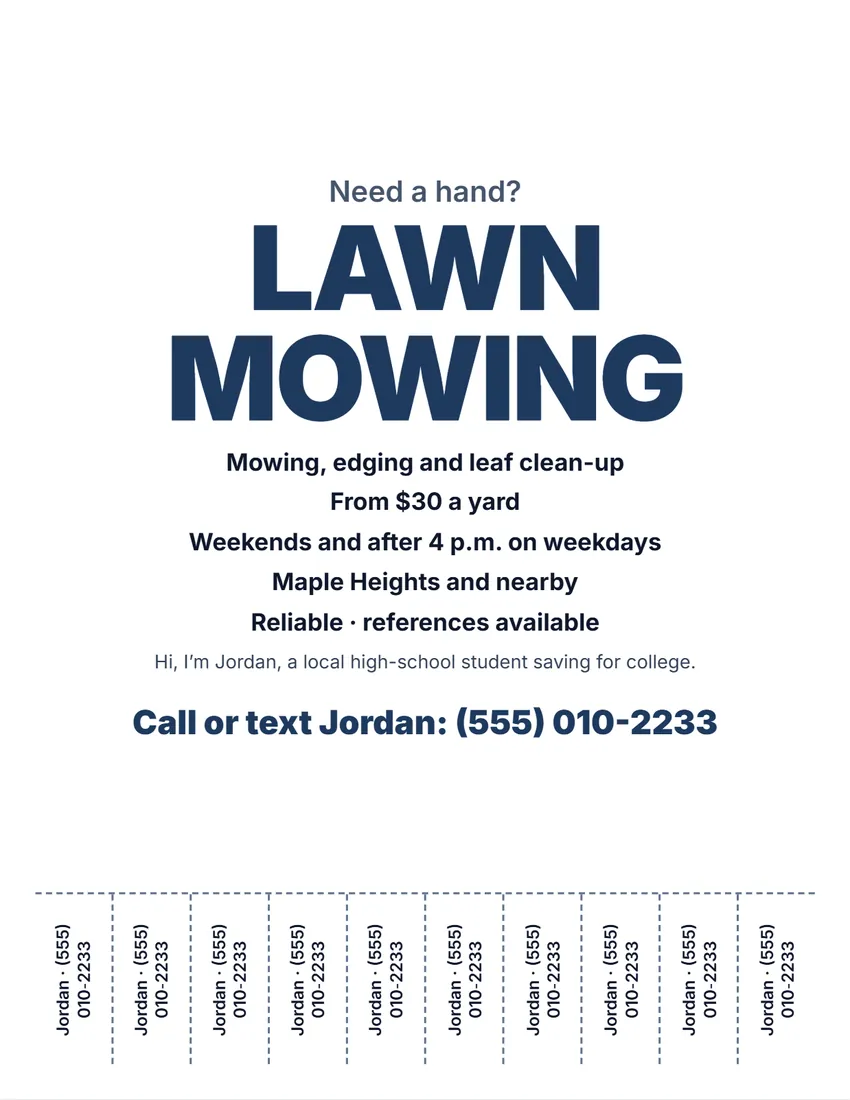 Default layout
ModernBold type on white, the title and phone number in your ink colour.
Start with this layoutOpen
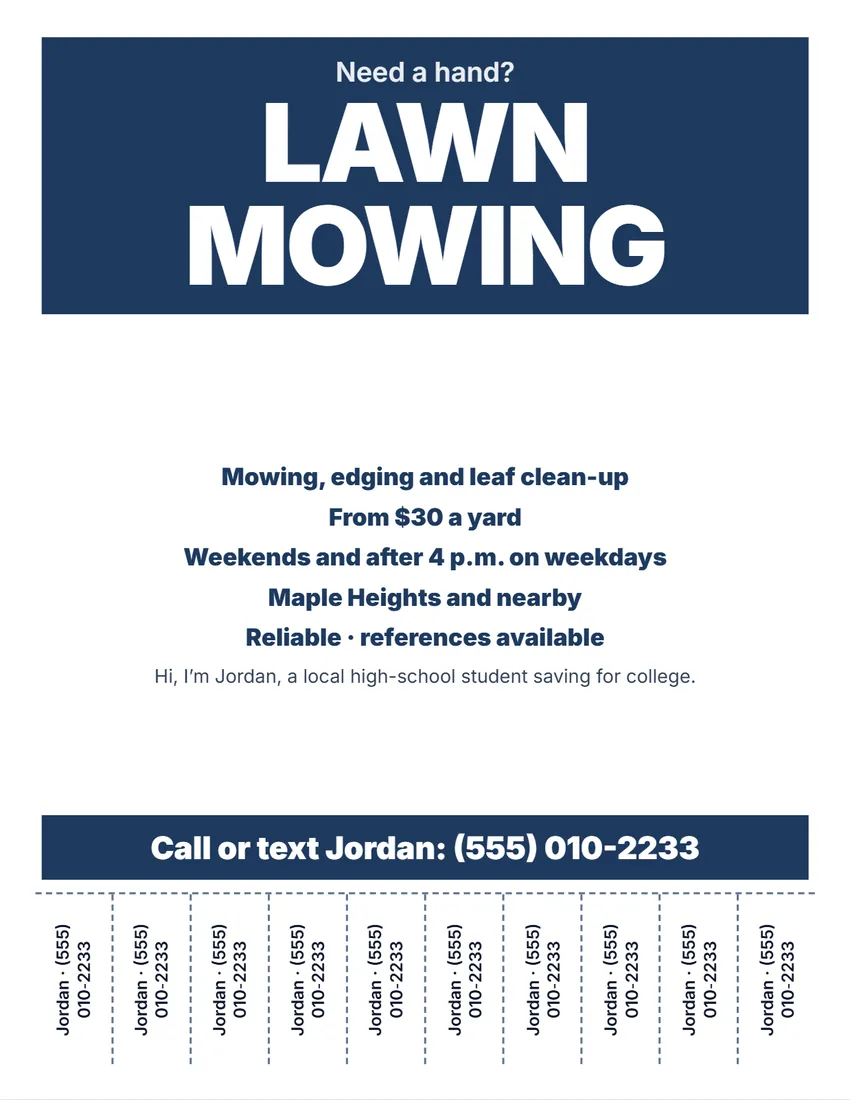 Layout
BoldBands of colour with the title and phone number in white. Reads from across the street.
Start with this layoutOpen
 Layout
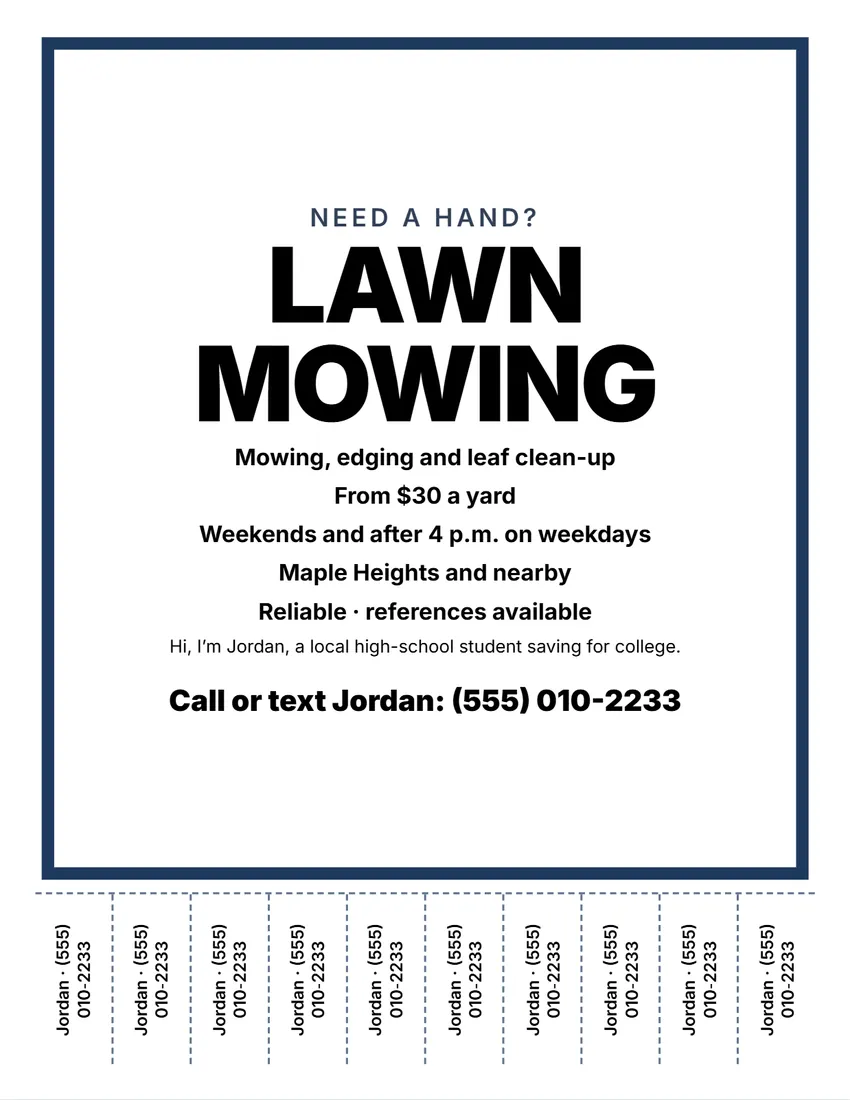
NoticeA thick frame in your ink colour, black capitals inside, like a posted notice.
Start with this layoutOpen
Related tools
Goes well with this one

Was this tool useful?
Notice: Generated via SnapPaperwork. For your own service, sale or event. Describe it honestly, and only offer what you can deliver.
Something missing? Tell me what you need.
How to make a tear-off flyer in 3 steps
-
Pick what it is for
A service such as lawn mowing or pet sitting, lessons, babysitting, something for sale, something wanted or an event. Then rewrite the headline.
-
Add the details and a photo
What you offer, the price, when and where, a few friendly words and, if you like, a photo of your work, the item or the place.
-
Print and cut the tabs
Your name and number go on 4 to 10 tabs along the bottom. Cut between them up to the dashed line, so people can tear one off.
What makes a flyer people tear a tab from
- A short headline that says what you offer, in big letters: “Piano Lessons”, not “Hello neighbors!”.
- The price or a starting price, and when and where you work.
- One line about you: why someone should call you and not someone else.
- Your first name and phone number on every tab. A tab with a number but no word about what it was for is often thrown away, so add one word: “Jordan · lawn”.
Where to put it
- Community boards in libraries, grocery stores, coffee shops, laundromats and community centers.
- School, church and club boards for lessons, babysitting and tutoring. Ask before you pin it.
- Some towns limit flyers on utility poles and street signs; check the local rules, and take your flyers down when they are out of date.
- Check back after a week: if most tabs are gone, put up a new flyer.
Printing and cutting
- Print at 100% (Actual size). Most printers cannot print the outer 1/4 inch, so the designs stay inside it.
- Use scissors to cut along the dashed lines between the tabs, up to the line across the page.
- Bright paper stands out on a busy board; the designs read well in black and white too.
Frequently asked questions
Is this tear-off flyer maker free?
Yes. It is free to use, needs no account or sign-up, and never adds a watermark or a SnapPaperwork logo to your flyer.
How many tear-off tabs can I have?
4, 6, 8 or 10 tabs along the bottom of a full-page flyer. They show what you type in “On the tabs”, or your contact line.
Can I add a photo?
Yes. Pick a photo of your work, the item or the place. It is shrunk and kept in your browser only; it is never uploaded. Without one, the flyer prints without a photo.
Can I make two smaller flyers on one sheet?
Yes. Choose “Half page” for two flyers to cut apart. Tear-off tabs are on full-page flyers only.
What paper sizes does it print on?
US Letter and A4.
How do I make a flyer with phone number tabs?
Fill in the flyer, type your name and phone number in “On the tabs” (or leave it to use your contact line), and choose 4 to 10 tabs. Print it full page, then cut along the dashed lines between the tabs so people can tear one off.
Is my information uploaded or stored on your servers?
No. Everything you type, and the photo, stays in your browser and is never sent to me.