Free Business Hours & Store SignsFill in the form, check the preview, then print it or save it as a PDF. No sign-up, and nothing you type is uploaded.
Design
Whole page · the printed page has no watermark or logo.
Some text does not fit: a word is too wide for its space, or text is too close to the edge of the sign, where most printers cut it off. Shorten the title or the message, make something smaller (click or tap it on the sign), or try another design.
Store signs you can make hereSix ready-made signs. Open one to start with it, then change the words, colours and hours.
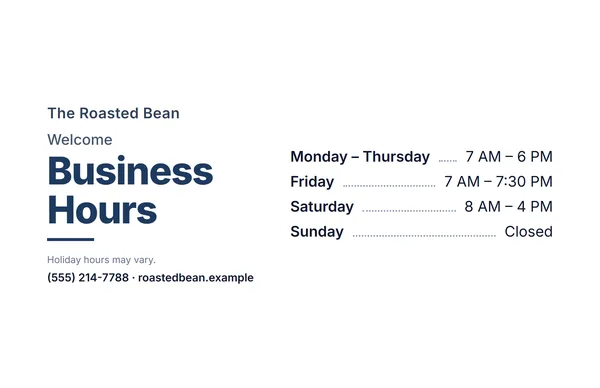 Store hours sign
Your opening hours, with days that share the same hours grouped together.
Make this signOpen
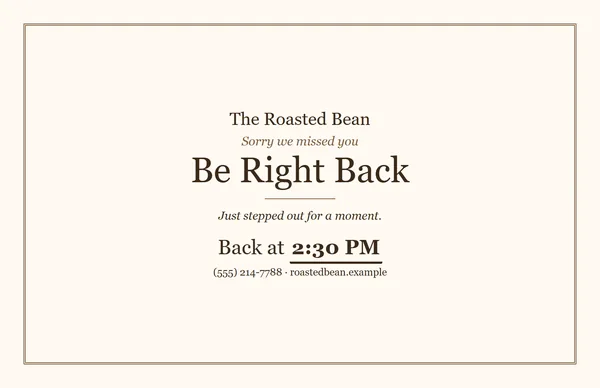 Be right back sign
With a “Back at” time, or a line to write it in by hand.
Make this signOpen
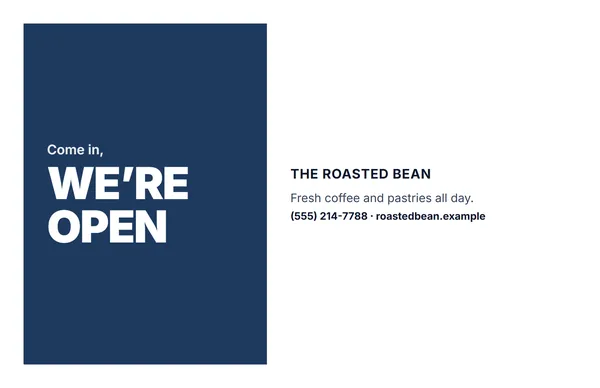 We’re open sign
A bold Open sign for the door or window.
Make this signOpen
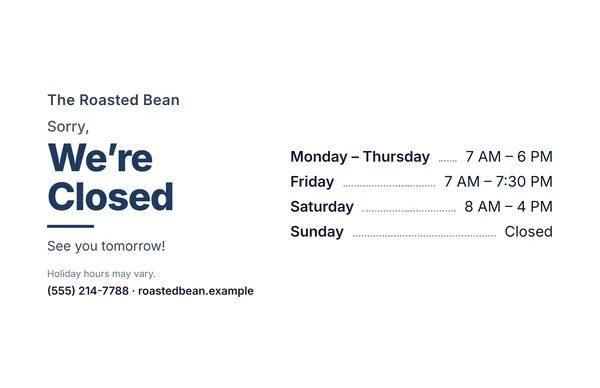 Closed sign with your hours
“Sorry, we’re closed”, with your opening hours underneath.
Make this signOpen
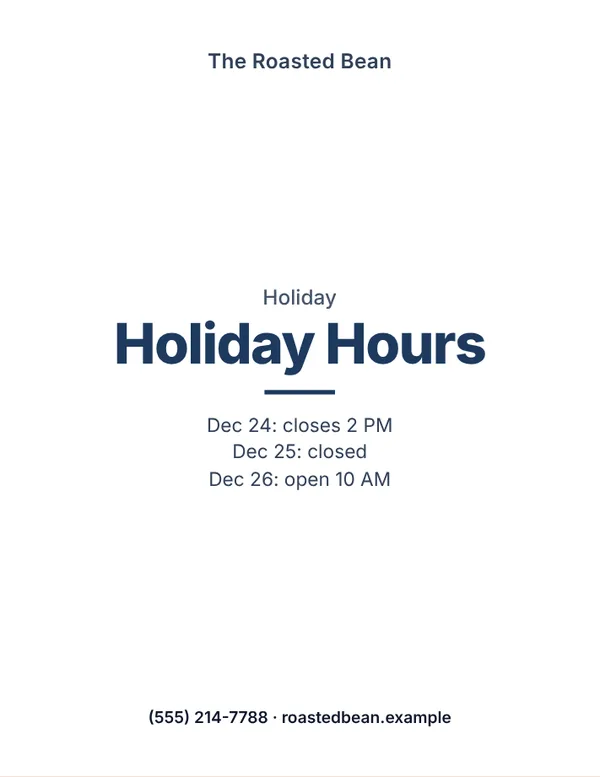 Holiday hours sign
Type the dates you change your hours, such as Dec 24: closes 2 PM.
Make this signOpen
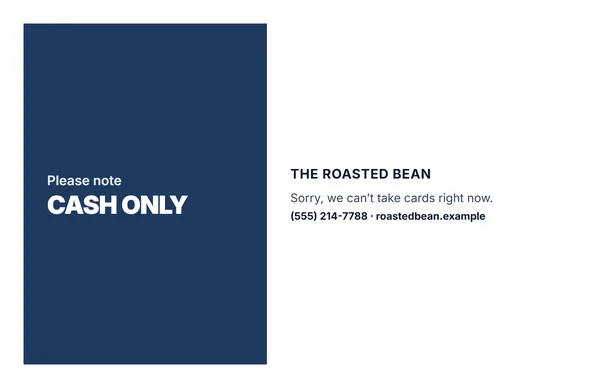 Cash only sign
Or pick another ready-made message, such as Restrooms for customers only.
Make this signOpen
Examples3 layouts filled in with made-up details. Open one to start with that layout, or print a blank template to fill in by hand.
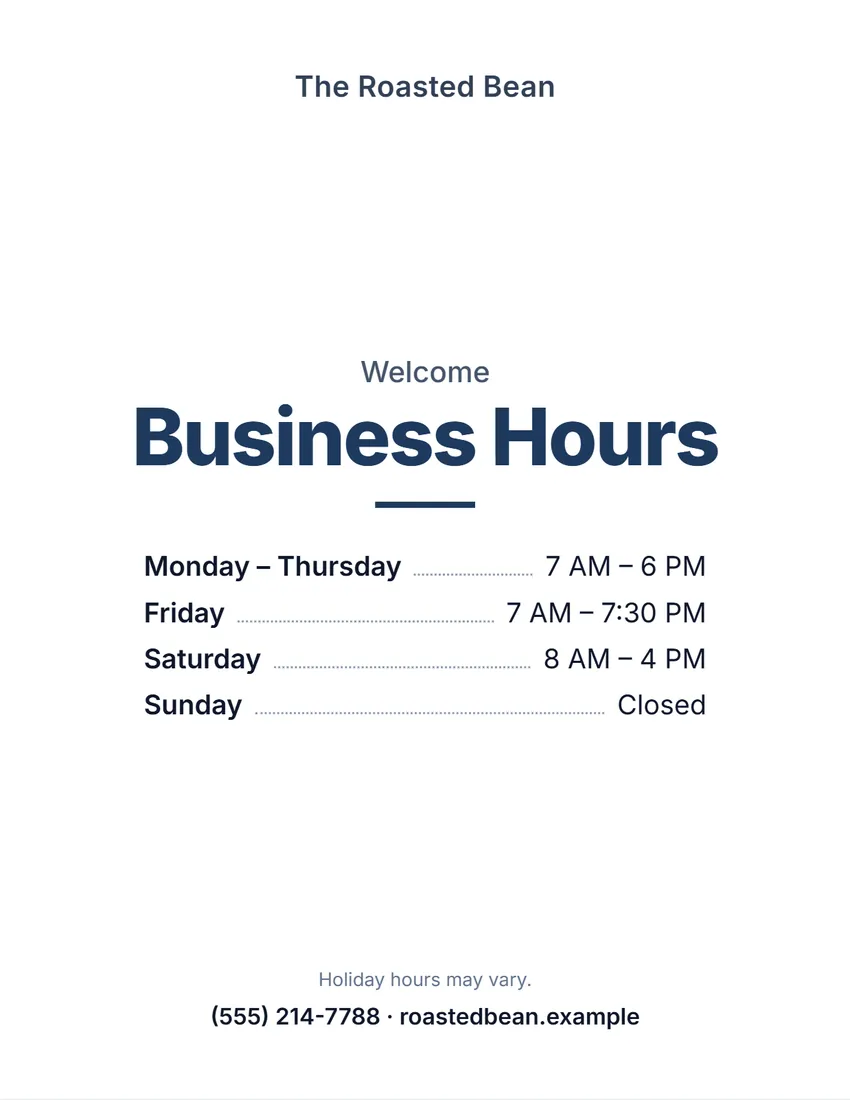 Default layout
ModernClean bold type on white, the title in your ink colour.
Start with this layoutOpen
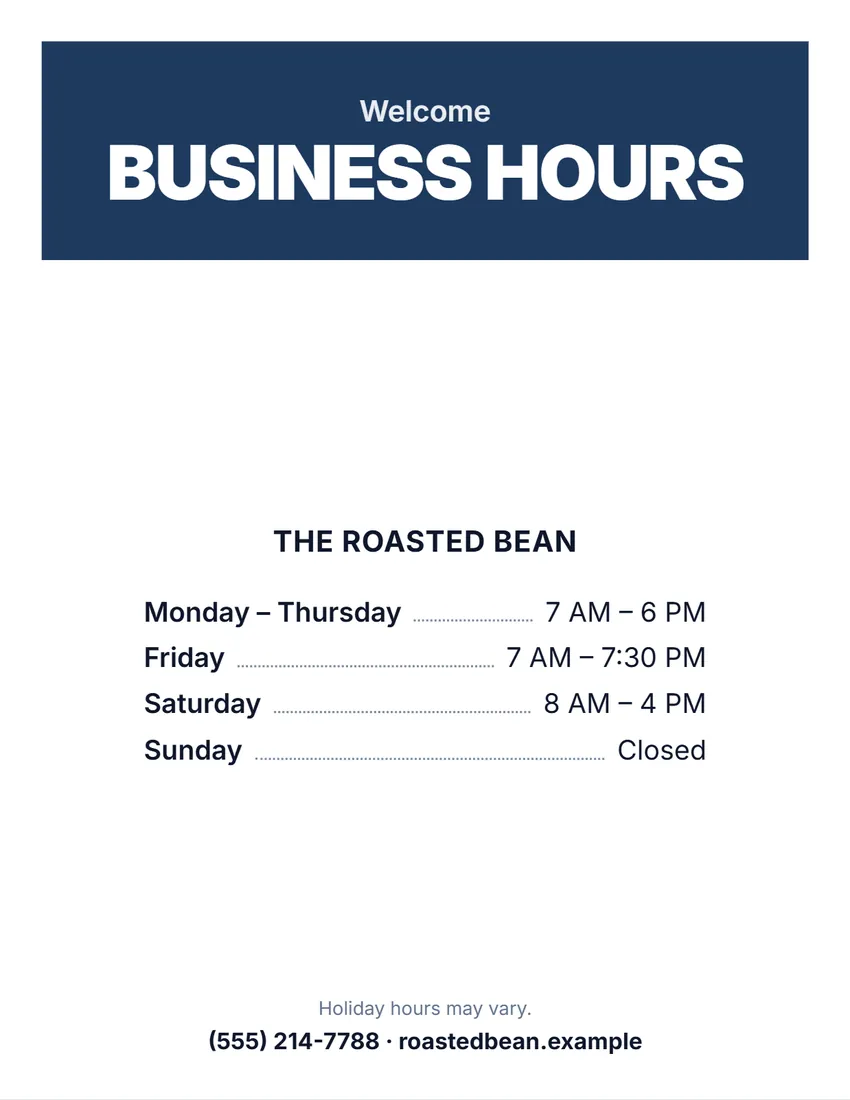 Layout
BoldA solid block of colour with the title in white capitals. Reads from a distance.
Start with this layoutOpen
 Layout
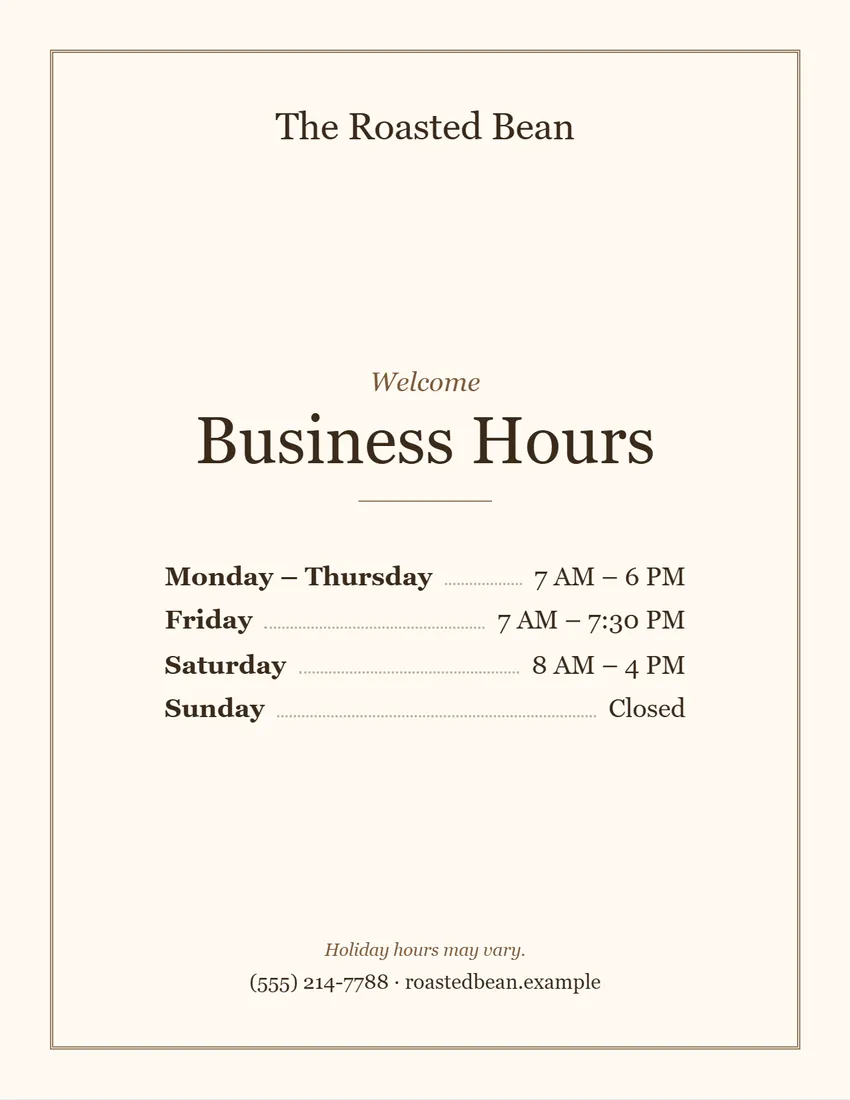
ArtisanWarm and classic for cafes and bakeries: cream tone, brown frame, serif type.
Start with this layoutOpen
Prefer to fill it in by hand? Print a blank template and write on it.
Related tools
Goes well with this one
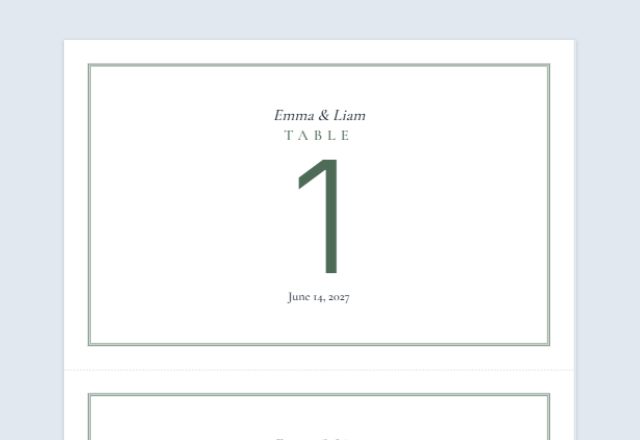
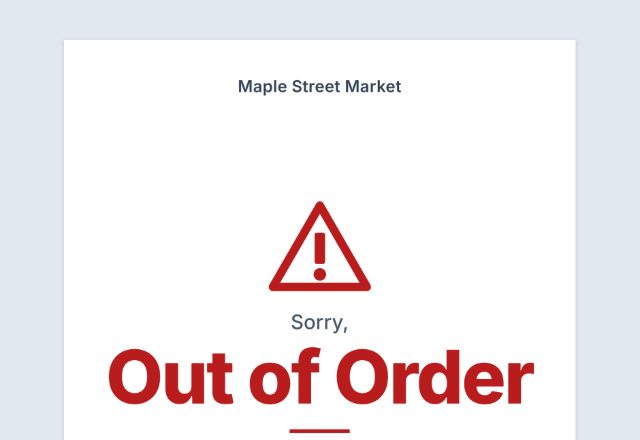
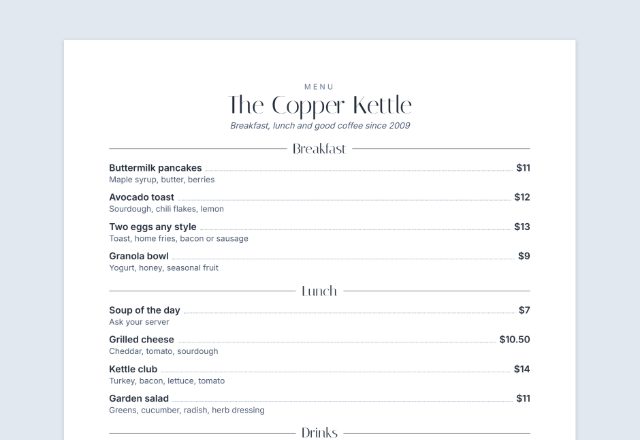
Was this tool useful?
Notice: Generated via SnapPaperwork. For signs in your own business. Do not use another business’s name or logo, or make a sign that looks like an official notice from a city or agency.
Something missing? Tell me what you need.
How to make a store sign in 3 steps
-
Choose the kind of sign
Opening hours, Be right back, Open, Closed, or your own message such as Cash only or Restrooms for customers only. Then a design, an ink colour and a size: a full page, two half-page cards, or a folded table tent.
-
Fill in your hours and words
Type your opening and closing times (days with the same hours can share a line), or leave them empty to write by hand. Add your business name, logo, phone or website, and any message.
-
Print and put it up
Print at actual size, tape it inside the door or window facing out, or stand the folded card on the counter.
Which sign do you need?
- Opening hours: the days and times you are open, with a line for holidays or a phone number. The sign most shops need on the door.
- Be right back: for a quick break in a one-person shop, with a “Back at” time you can fill in or write by hand each time.
- Open and Closed: one big word that reads from the street. Print one of each, or a Closed sign that also shows your hours.
- Your own message: Cash only, Cards only, Restrooms for customers only, Please wait to be seated, Order here, Employees only and more, or anything you type.
Writing your opening hours clearly
- List every day, including the days you are closed, so nobody has to guess.
- Group days with the same hours (Monday – Friday) to keep the sign short and easy to scan.
- Use one time style throughout: 9 AM – 5 PM, or 09:00 – 17:00.
- For hours past midnight, the closing time can be earlier than the opening time (6 PM – 2 AM).
- Add a small line for exceptions, such as “Holiday hours may vary”, and update your Google Business Profile and website when your hours change.
Where to put the sign
- On the inside of the front door or window, facing out, at eye level.
- Next to the entrance if the door is mostly glass and the sign would be hard to read against the shop behind it.
- For Be right back, Open and Closed signs: where you can swap them quickly, such as a sign holder or a clip on the door.
- For counter signs (Order here, Pick up here, Cash only): fold the half-page card into a table tent so it stands up.
Printing, cutting and folding
- Print at 100% (“Actual size”), not “Fit to page”, so the sign keeps its margins.
- Full page: plain paper behind glass or in a sign holder, or card stock on its own.
- Half page, cut: cut along the dashed line in the middle for two cards.
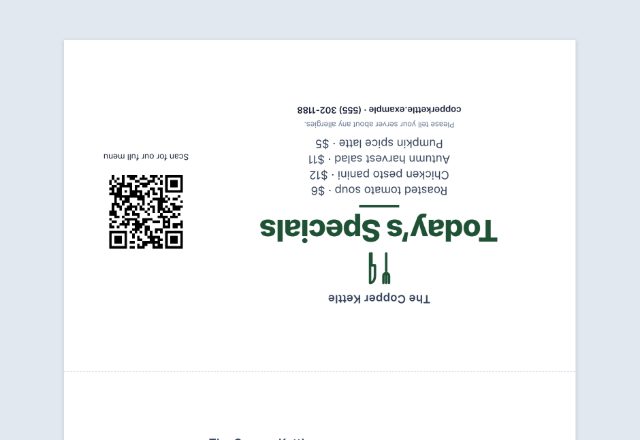
- Half page, folded: print on card stock, fold along the dashed line so the two halves meet back to back, and stand it up. The upside-down half is meant to be that way.
- A sign in a sunny window fades: laminate it or use a plastic sleeve, and reprint when it does.
Frequently asked questions
Is this store sign maker free?
Yes. It is free to use, needs no account or sign-up, and never adds a watermark or a SnapPaperwork logo to your sign.
How do I make a store hours sign?
Choose “Opening hours”, type the opening and closing time for each day and tick Closed for the days you are closed. “Copy Monday to Tue–Fri” fills the weekdays in one click, and days with the same hours share one line.
Can I leave the hours blank and write them in?
Yes. Any day left empty prints as a line to write on, so you can print a blank hours sign and fill it in by hand.
How do I show that we are open 24 hours?
Give the same opening and closing time for that day, for example 12:00 AM to 12:00 AM. The sign then says “Open 24 hours”, and you can reword it.
Can I make a “Back in 5 minutes” sign?
Yes. Choose “Be right back” and either set the time you will be back, or leave it empty and write the time on the sign each time you step out. You can change the title to “Back in 5 minutes”.
How do I make a holiday hours sign?
Choose “Holiday hours” as the kind of sign. Type one line for each date you change your hours, for example “Dec 24: closes 2 PM”, then add your business name. You can also tick “Show the opening hours on this sign too” to print your usual hours underneath.
Can I make an Open and a Closed sign?
Yes. Make one, print it, then switch the kind of sign and print the other. A Closed sign can also show your opening hours.
Can I write my own message, like Cash only?
Yes. Choose “Your own message” and pick a ready-made one (Cash only, Restrooms for customers only, Please wait to be seated and others) or type your own title and message.
Can I make the title bigger or hide a line?
Yes. Click or tap anything on the sign to make it bigger or smaller, and use the eye buttons in the form to hide the business name, the small line, the message, the small print or the phone line.
Can I make a business hours sign for my door?
Yes. Print it full page for a door or window, or as a half-page card. Days with the same hours are grouped together, and closed days show “Closed”.
Is my information uploaded or stored on your servers?
No. Everything you type, and your logo, stays in your browser and is never sent to me. The form is saved on your own device so it is there next time.
How do I save the sign as a PDF?
Click “Print / Save PDF” and choose “Save as PDF” as the printer, or click “Download PDF” to save a file straight to your phone or computer. “Share” opens your device’s share menu with the PDF attached.