Free Printable For Rent SignFill in the form, check the preview, then print it or save it as a PDF. No sign-up, and nothing you type is uploaded.
Design
Whole page · the printed page has no watermark or logo.
Some text does not fit: a word is too wide for its space, text is too close to the edge of the sign, where most printers cut it off, or text runs into the tear-off tabs. Shorten the title or the message, make something smaller (click or tap it on the sign), or try another design.
Examples3 layouts filled in with made-up details. Open one to start with that layout, or print a blank template to fill in by hand.
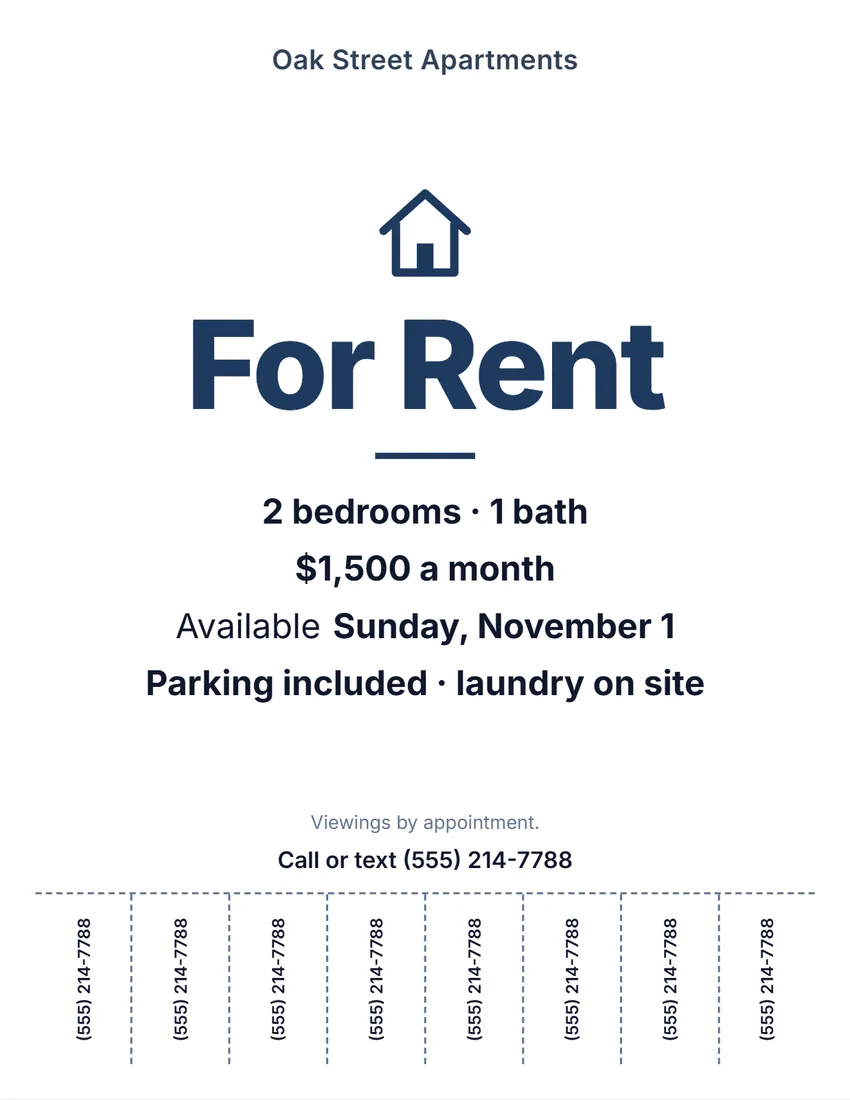 Default layout
ModernClean bold type on white, the symbol and title in your ink colour.
Start with this layoutOpen
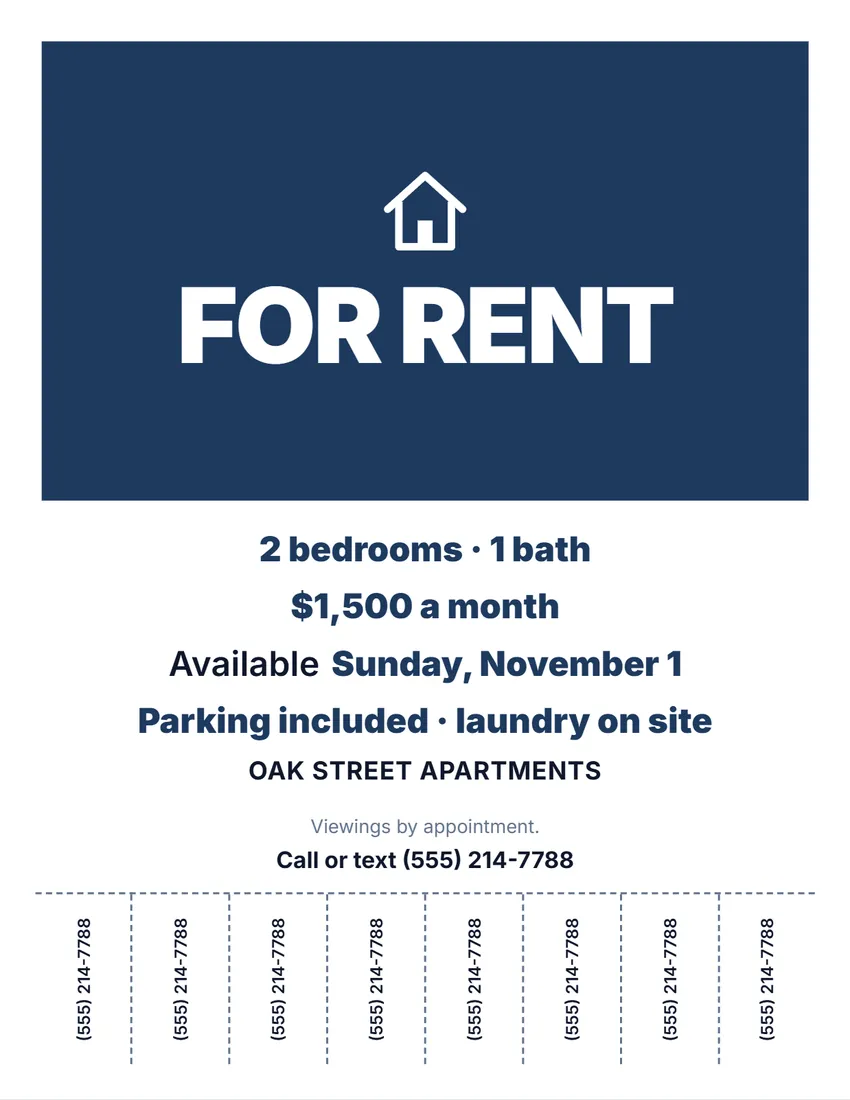 Layout
BoldA solid block of colour with the title in white capitals. Reads from a distance.
Start with this layoutOpen
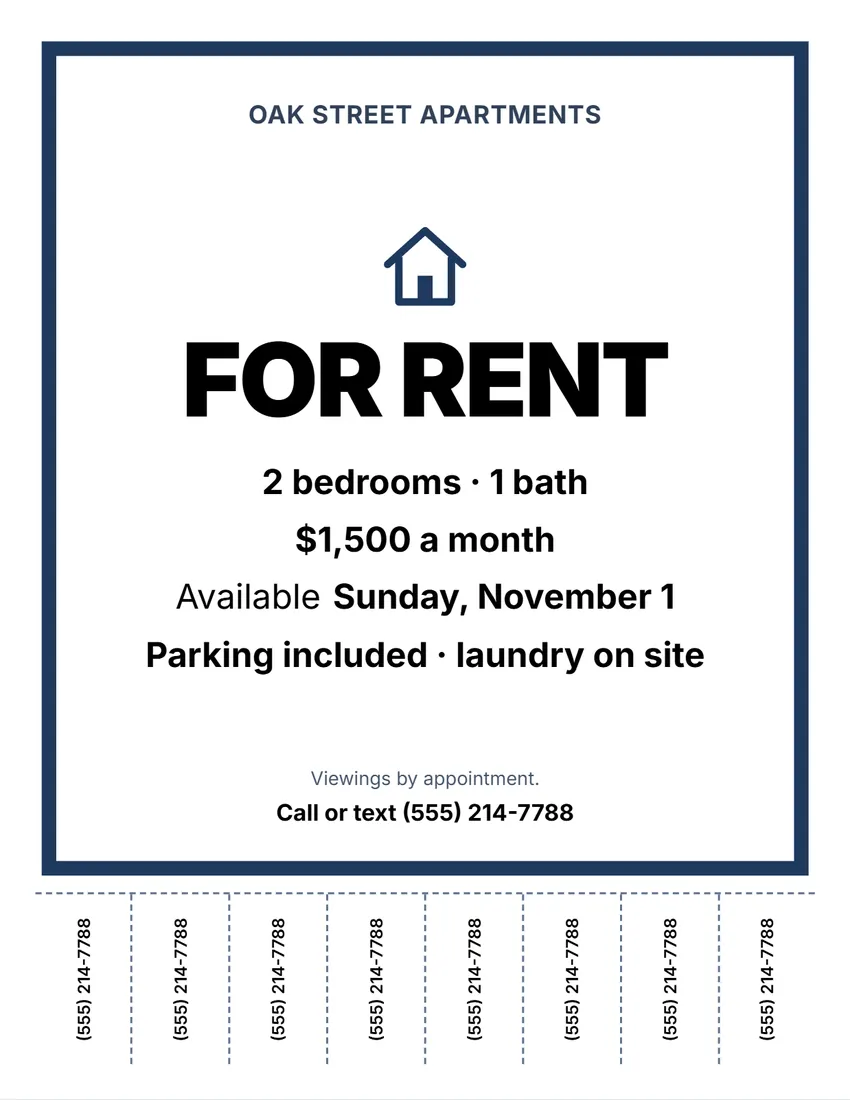 Layout
NoticeA thick frame in your ink colour, black capitals inside, like a posted notice.
Start with this layoutOpen
Prefer to fill it in by hand? Print a blank template and write on it.
Related tools
Goes well with this one
Was this tool useful?
Notice: Generated via SnapPaperwork. For a home or space you own or manage. Do not advertise a rental you cannot offer, or ask for money before a viewing.
Something missing? Tell me what you need.
How to make a for rent sign in 3 steps
-
Describe the place
The kind of sign, what it is (2 bedrooms, a furnished room, retail space), the rent, the date it is available and a few details.
-
Add tear-off tabs
Your phone number on 4 to 10 tabs along the bottom, so people walking past can take it with them.
-
Print and post it
Print a full page for a window or a yard stake. Cut between the tabs, up to the dashed line.
What to put on a for rent sign
- “For Rent” in big letters, readable from the street.
- What it is (2 bedrooms, a room, an office) and the rent. Leave the rent empty to write it by hand.
- When it is available, and one or two details people ask about: parking, laundry, pets, utilities.
- A phone number, big and on the tear-off tabs.
Keep the wording fair
- The federal Fair Housing Act makes it unlawful to print a rental notice that shows a preference or limit based on race, color, religion, sex, disability, familial status or national origin (42 U.S.C. § 3604(c)). Describe the home, not the tenant you want: “2 bedrooms, near the park”, not “ideal for a young couple”.
- Many states and cities protect more groups, such as source of income. Check your local rules.
Printing and posting
- Print at 100% (Actual size). Most printers cannot print the outer 1/4 inch, so the designs stay inside it.
- Cut along the dashed lines between the tabs, up to the line across the page.
- Outdoors, put the sign in a clear sleeve or laminate it. Some cities and homeowners’ associations limit yard signs; check before you post one.
Frequently asked questions
Is this for rent sign maker free?
Yes. It is free to use, needs no account or sign-up, and never adds a watermark or a SnapPaperwork logo to your sign.
Can I add tear-off phone number tabs?
Yes. Choose 4, 6, 8 or 10 tabs along the bottom of a full-page sign. They show the number you type, or your contact line.
Can I leave the rent blank?
Yes. Leave it empty and the sign prints a line to write the rent on, so you can reuse a printed stack.
What should I not put on a rental sign?
Anything that shows a preference for or against people because of race, color, religion, sex, disability, family status or national origin, such as “no kids” or “perfect for a single professional”. Describe the home instead.
What paper sizes does it print on?
US Letter and A4, as a full page or as two half-page signs on one sheet (tear-off tabs are on full pages only).
Is my information uploaded or stored on your servers?
No. Everything you type stays in your browser and is never sent to me. It is saved on your own device so it is there next time.