Free Pet Sitting Receipt TemplateFill in the form, check the preview, then print it or save it as a PDF. No sign-up, and nothing you type is uploaded.
Layout
Whole page · the printed page has no watermark or logo.
This receipt is longer than one page and will print on two pages. Remove a line or turn off “Two copies on one page” to fit it on one.
Examples3 layouts filled in with made-up details. Open one to start with that layout, or print a blank template to fill in by hand.
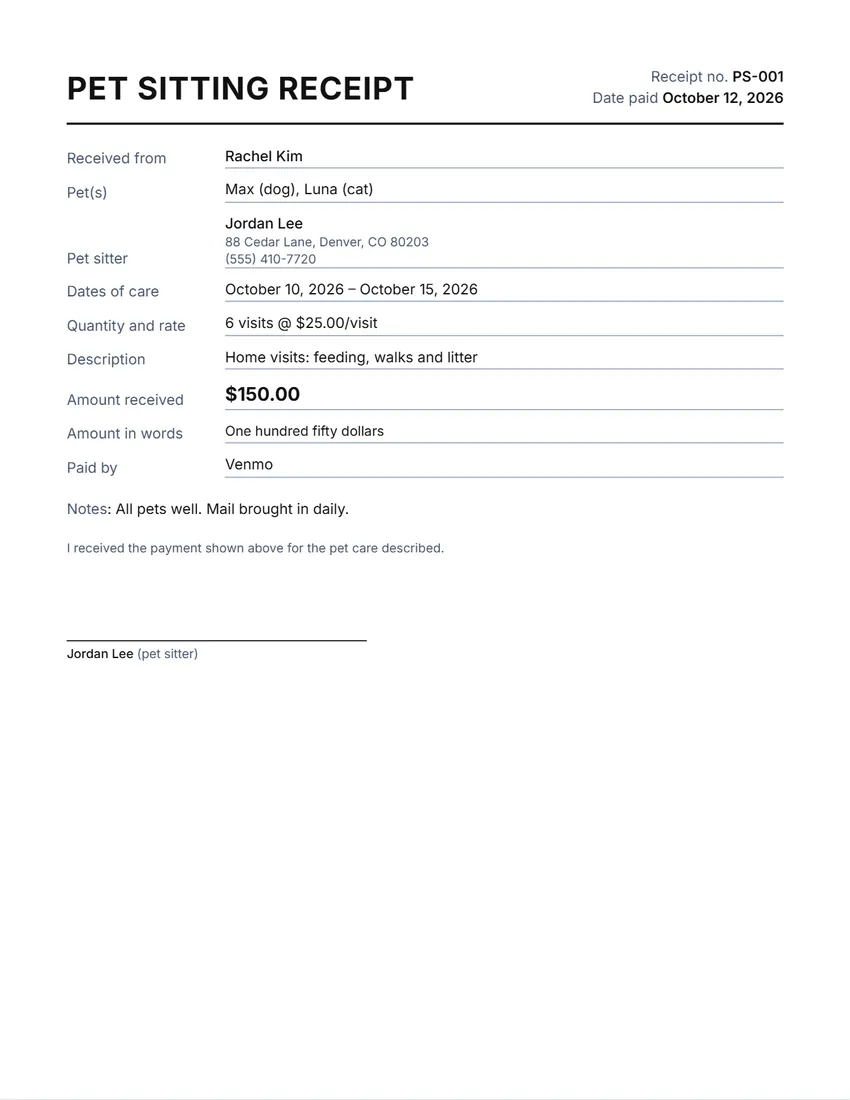 Default layout
BasicPlain labelled lines.
Start with this layoutOpen
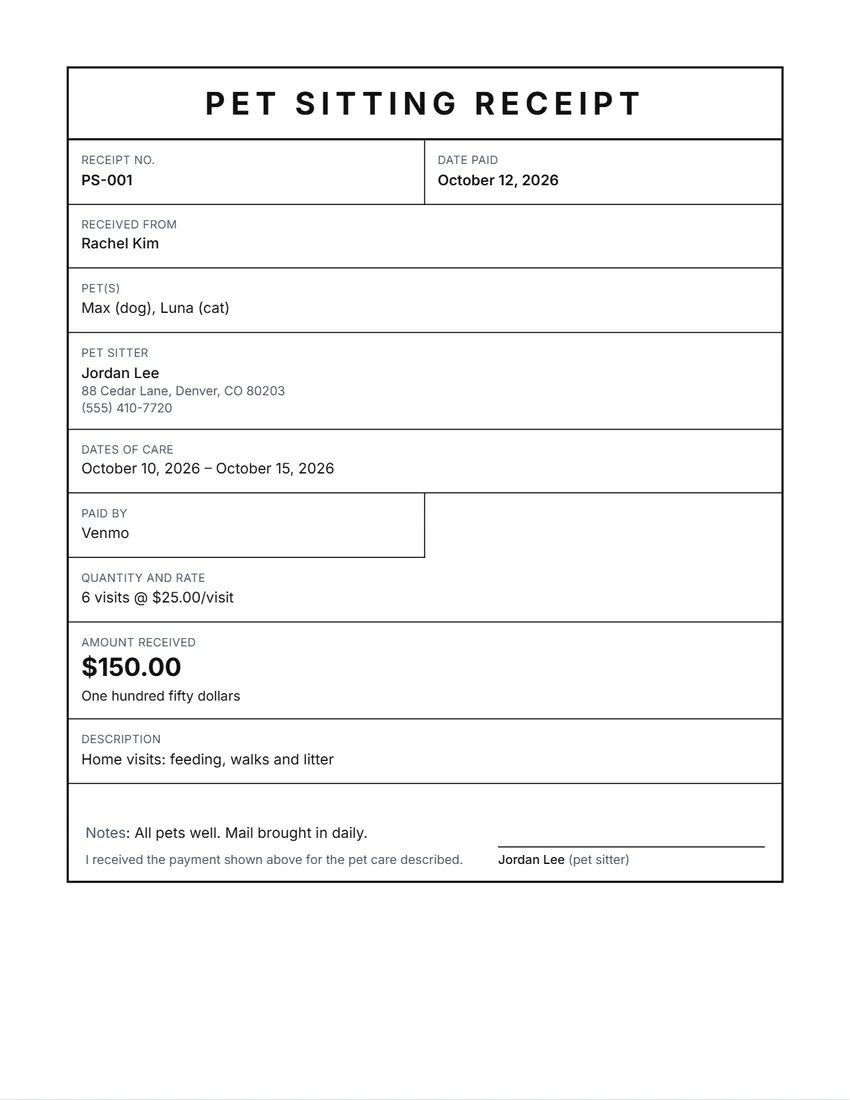 Layout
BoxedEverything in a ruled box, like a printed form.
Start with this layoutOpen
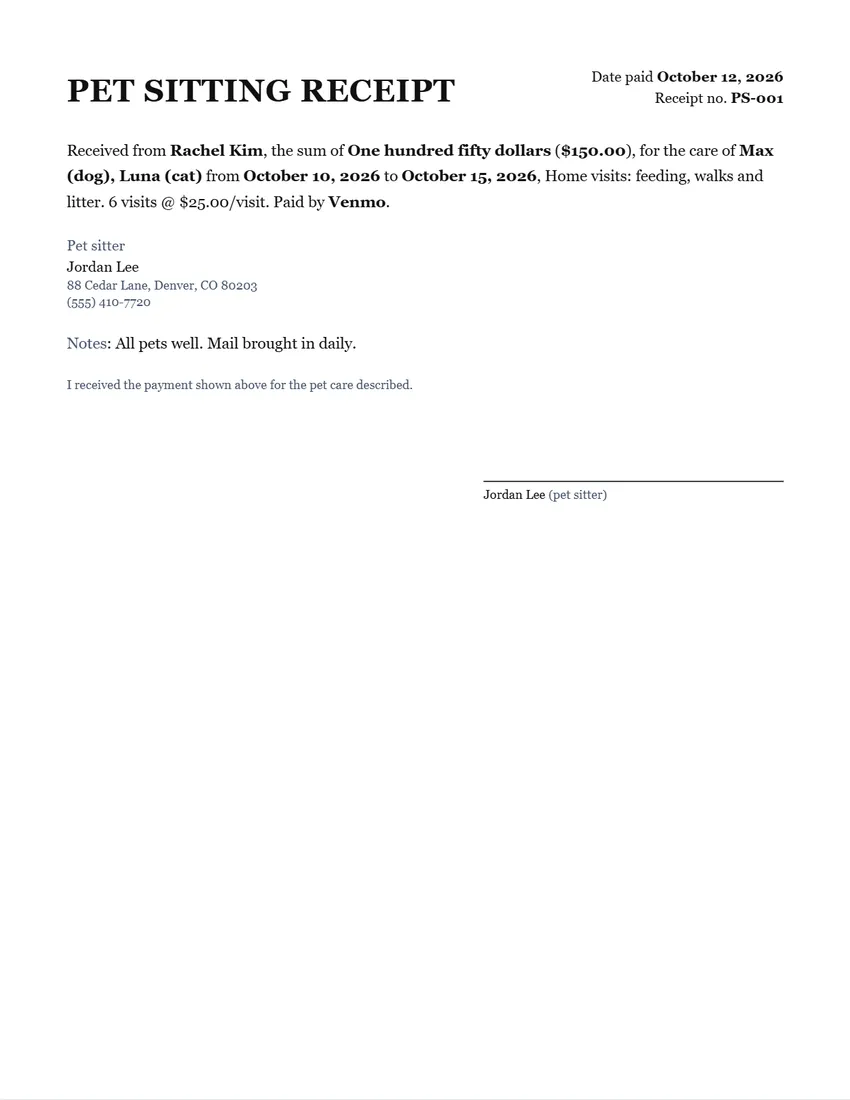 Layout
LetterWritten as a short formal paragraph in a serif typeface.
Start with this layoutOpen
Prefer to fill it in by hand? Print a blank template and write on it.
Related tools
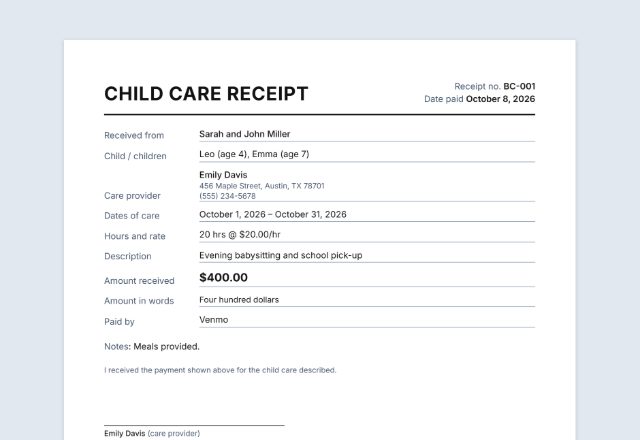
Goes well with this one
Was this tool useful?
Notice: Generated via SnapPaperwork. For genuine pet care payments only. Do not make a receipt for care that did not happen, or with a false amount or date.
Something missing? Tell me what you need.
How to write a pet sitting receipt in 3 steps
-
Fill in the owner, the pets and the dates
Who paid you, which pets you looked after, and from when to when. Your name and contact details go on the receipt too.
-
Add the visits, days or walks
Choose what you charge by and fill in how many and your rate: the amount is worked out and written in words. Add lines for extras like a vet trip or an extra walk.
-
Sign it and send it
Sign on screen or on paper, then print it, save a PDF or share it straight from your phone. Keep a copy for your own records.
What a pet sitting receipt should include
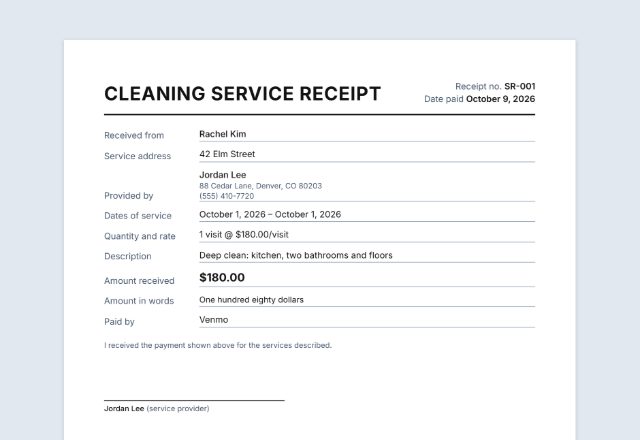
- The date you were paid and a receipt number
- The pet owner’s name, and the pets you cared for
- The dates of care
- What you did and how it was charged: visits, days, nights or walks, and your rate
- The amount, in numbers and in words, and how it was paid
- Your name, contact details and signature
Charging by the visit, day, night or walk
Most pet sitters charge per visit (a 30-minute drop-in to feed and let a dog out), per night (staying in the home) or per day (boarding or day care). Dog walkers usually charge per walk.
Choose “Charged by” in the form, fill in how many and your rate, and the receipt shows it, for example “6 visits @ $25.00/visit”. Add separate lines for extras such as a holiday surcharge, a second pet or a vet trip, and the total adds up.
Receipts and taxes for pet sitters
If you pet sit for clients as your own business, the money you earn is self-employment income. In the US you generally must pay self-employment tax if your net earnings from self-employment were $400 or more in the year, worked out on Schedule SE.
Keep a copy of every receipt you give, with your expenses (food, mileage, supplies), so your records add up at tax time.
Checked in October 2026. This page is general information, not tax advice.
Frequently asked questions
Is this pet sitting receipt generator free?
Yes. It is free to use, needs no account or sign-up, and never adds a watermark or a SnapPaperwork logo to your receipt.
Can I use it for dog walking or boarding?
Yes. Choose “Walk”, “Day” or “Night” under “Charged by”, and change the title in “Wording” if you like, for example to “DOG WALKING RECEIPT”.
How is the amount worked out?
Fill in how many visits, days, nights or walks and your rate, and the first payment line becomes how many times the rate. You can still type a different amount, and add more lines for extras.
Can I print a copy for me and one for the owner?
Yes. Tick “Two copies on one page” with the Basic, Letter or Register slip layout and cut the page in half.
Can I send the receipt by text or email?
Yes. On a phone, tap “Share” to send the PDF through Messages, WhatsApp, email or any app you use. On a computer, download the PDF and attach it.
Are my details uploaded or stored on your servers?
No. Everything you type stays in your browser and is never sent to me. Your details are saved on your own device so they are there for the next client. On a shared computer, press “Clear Form” when you are done.
How do I save the receipt as a PDF?
Click “Print / Save PDF” and choose “Save as PDF” as the printer, or click “Download PDF” to save a file straight to your phone or computer.