Free Landlord Forms
Forms and letters for landlords and property managers, made in your browser and printed or saved as a PDF. Each one is a general template: fill in the details, check the wording suits your rental, and print. No sign-up, and nothing you type is uploaded.
Landlord forms
-
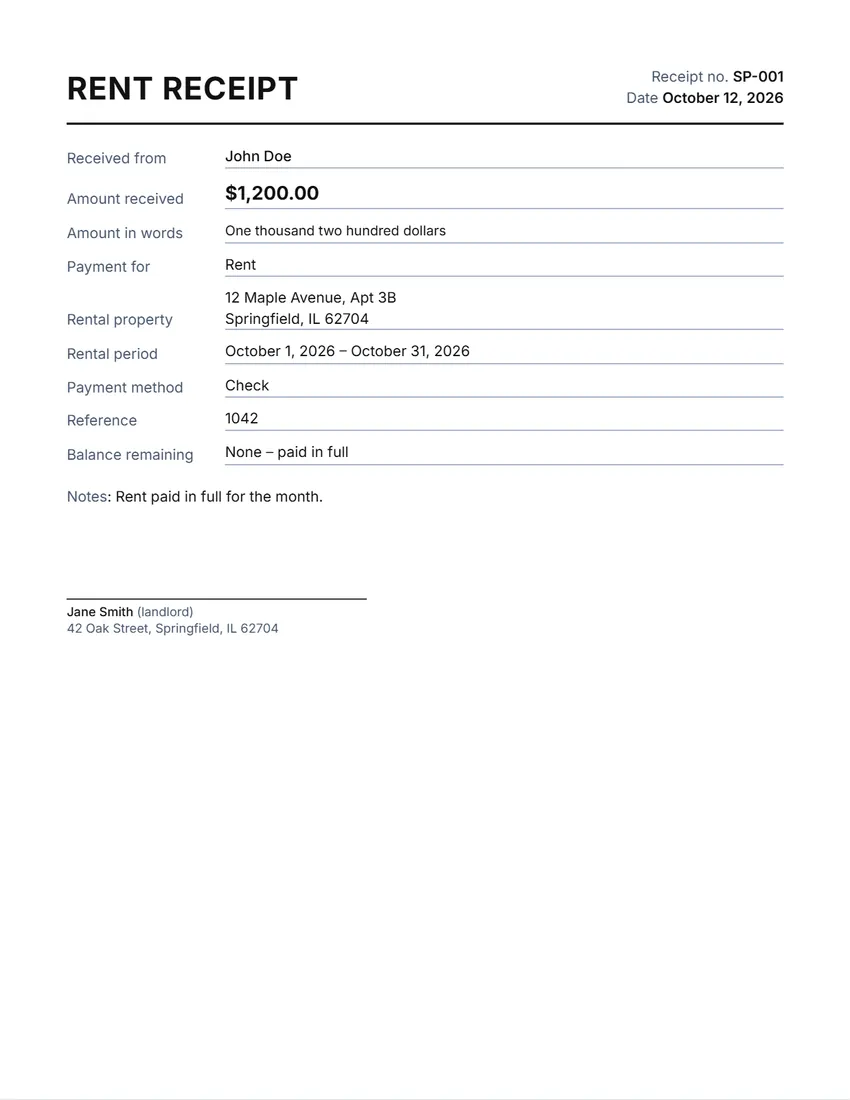 Rent receipt
A receipt for rent paid, with the period and the property address.
-
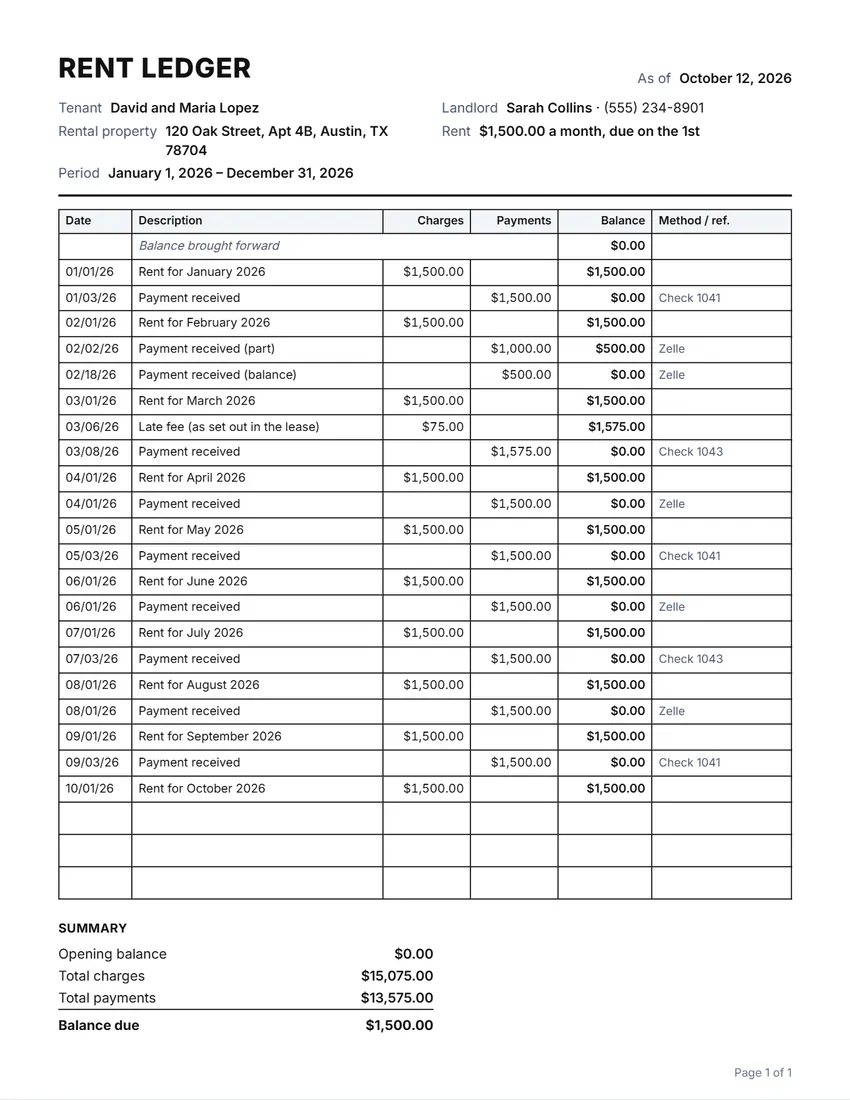 Rent ledger
A running record of rent charged and paid for one tenant.
-
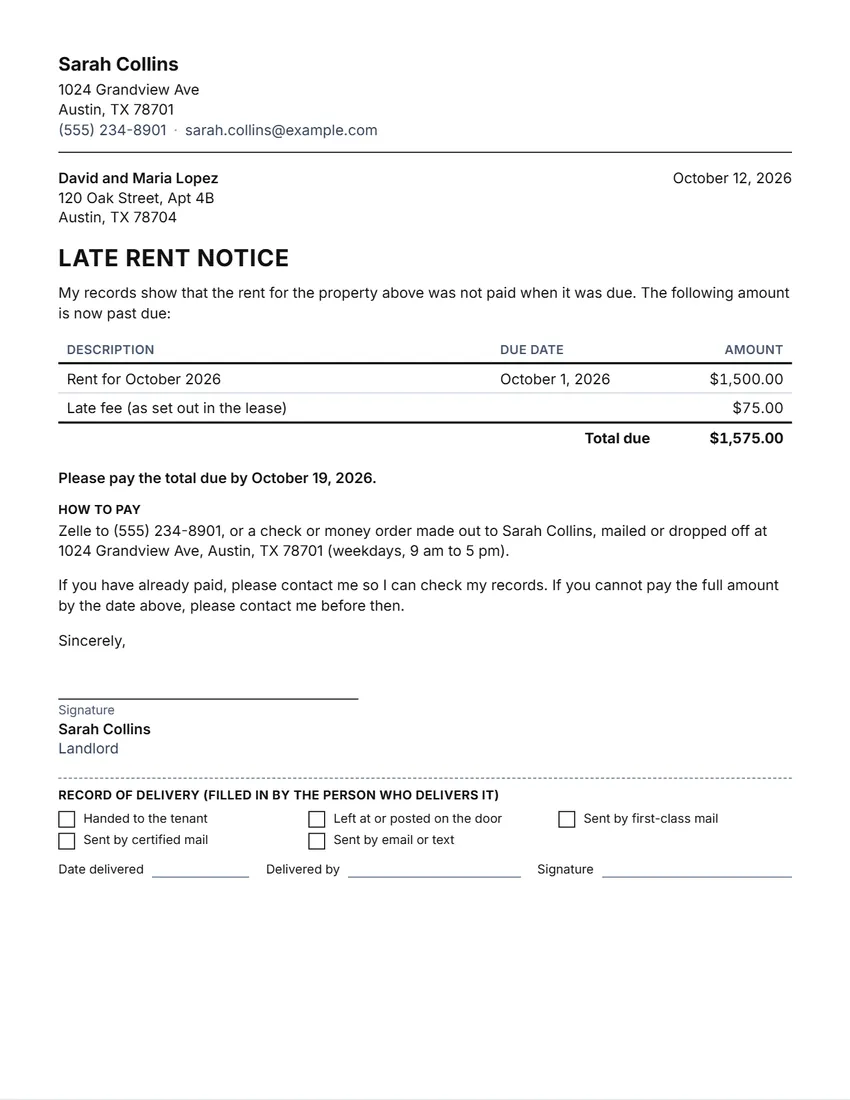 Late rent notice
A friendly reminder, a late rent notice or a final notice, with the amount due.
-
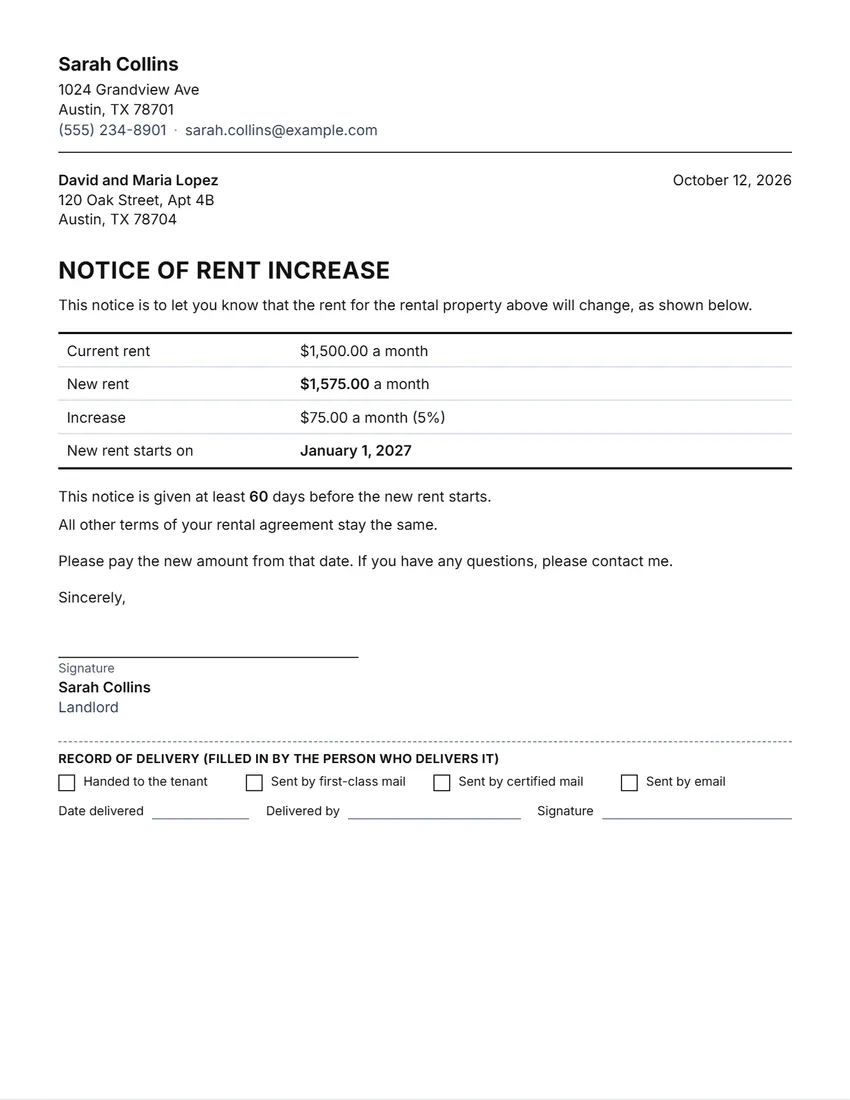 Rent increase notice
A letter telling the tenant the new rent and the date it starts.
-
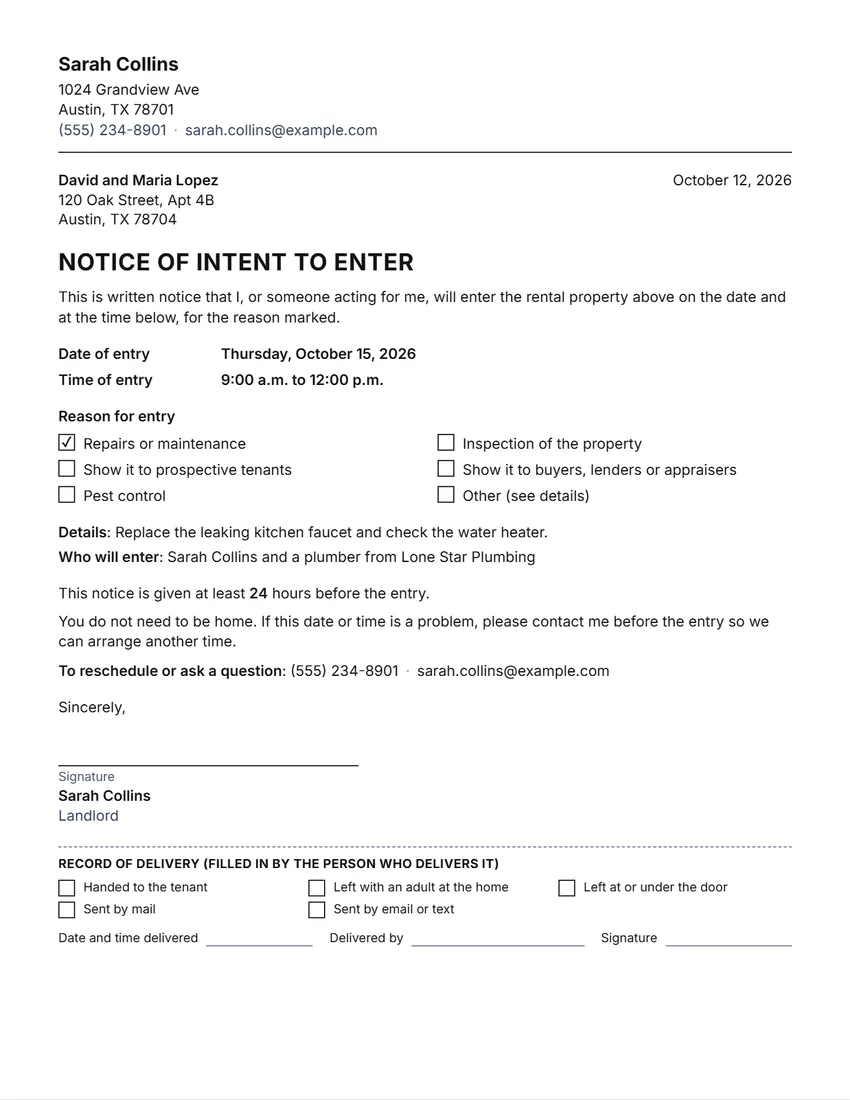 Notice of entry
Tells the tenant when and why you will come in, with a record of delivery.
-
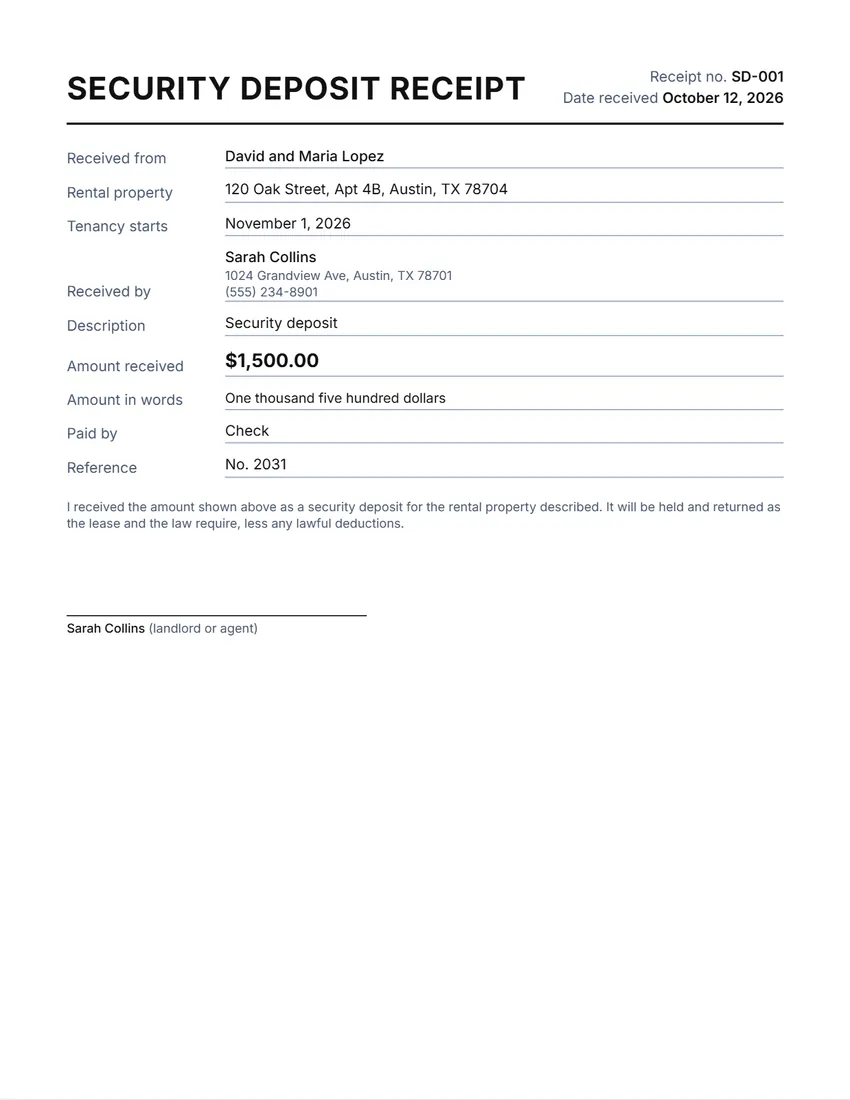 Security deposit receipt
A receipt for a security deposit, with where the money is held.
-
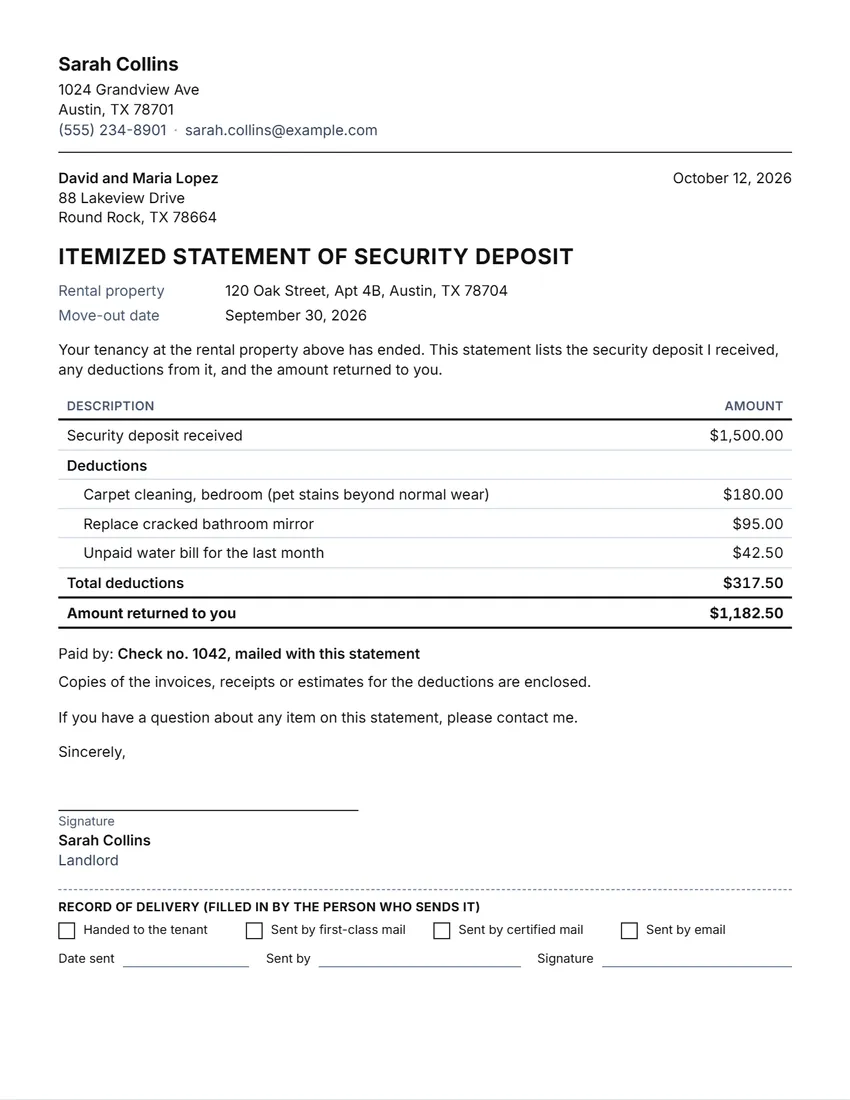 Deposit return letter
An itemized statement and refund letter for the end of a tenancy.
-
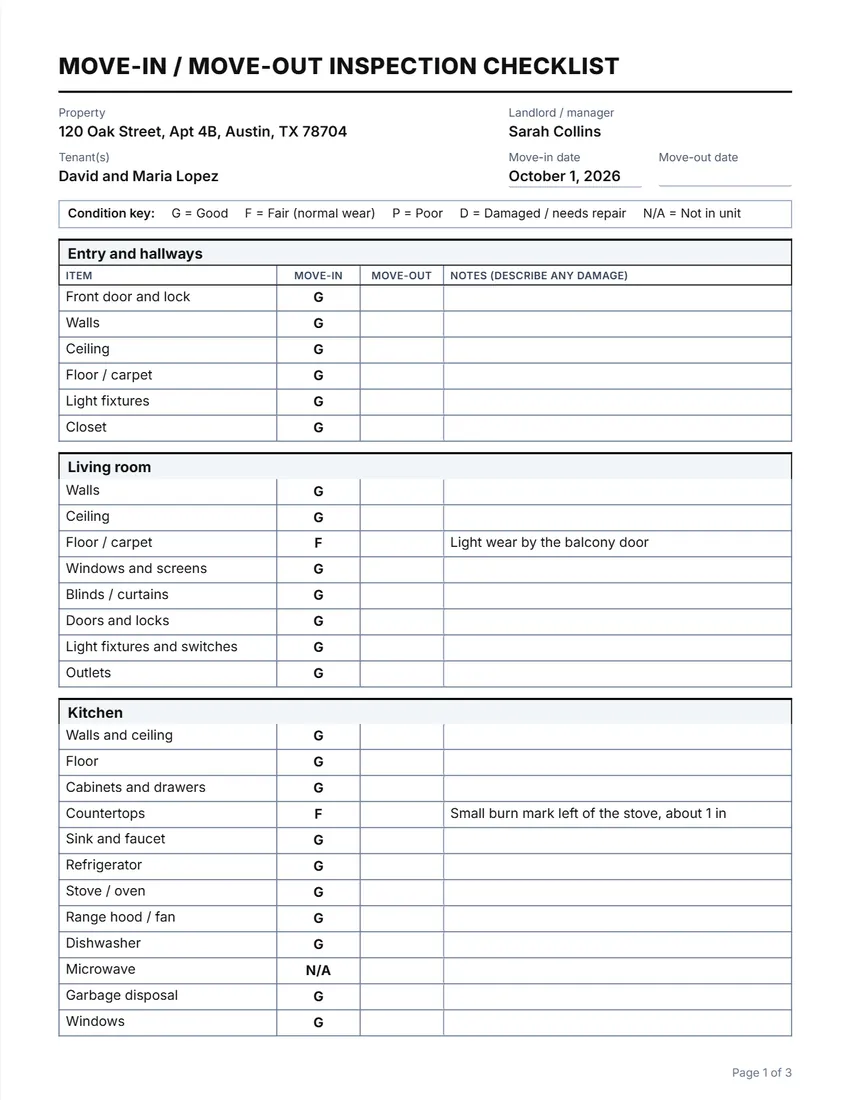 Move-in / move-out checklist
A room-by-room condition checklist for move-in and move-out.
-
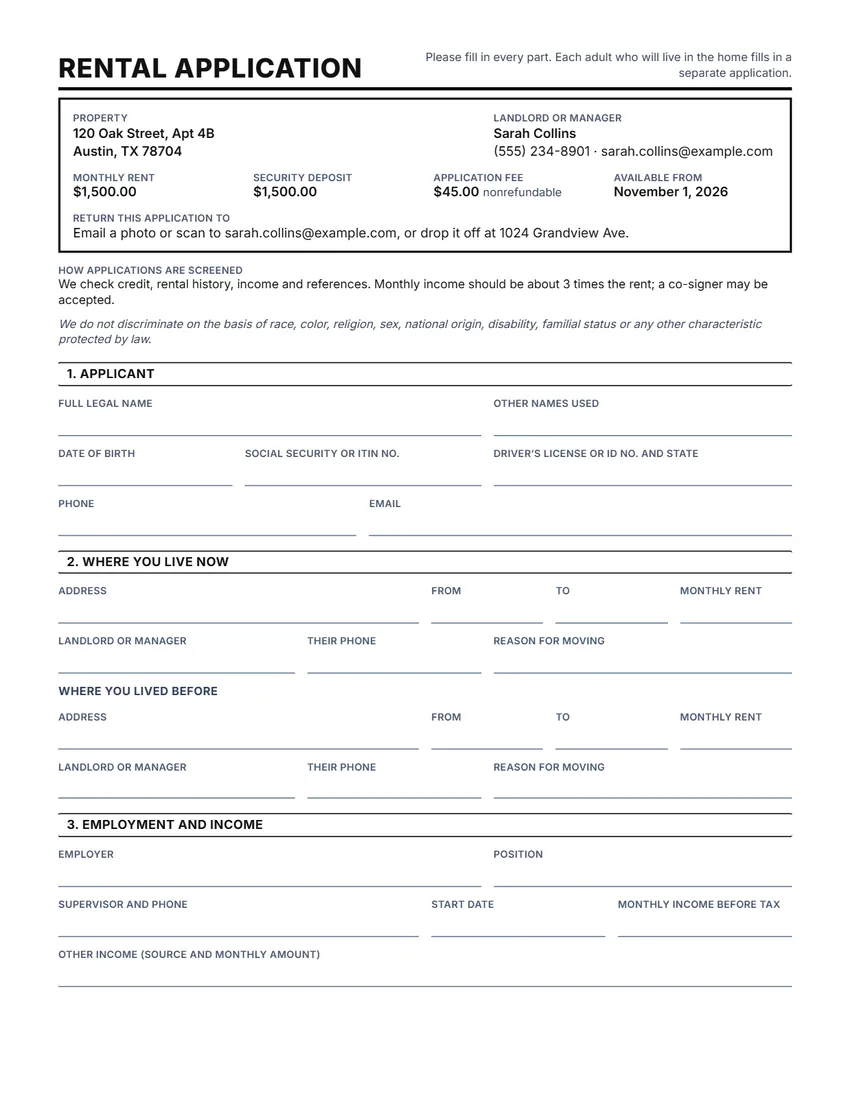 Rental application
A blank application for prospective tenants to fill in by hand.
-
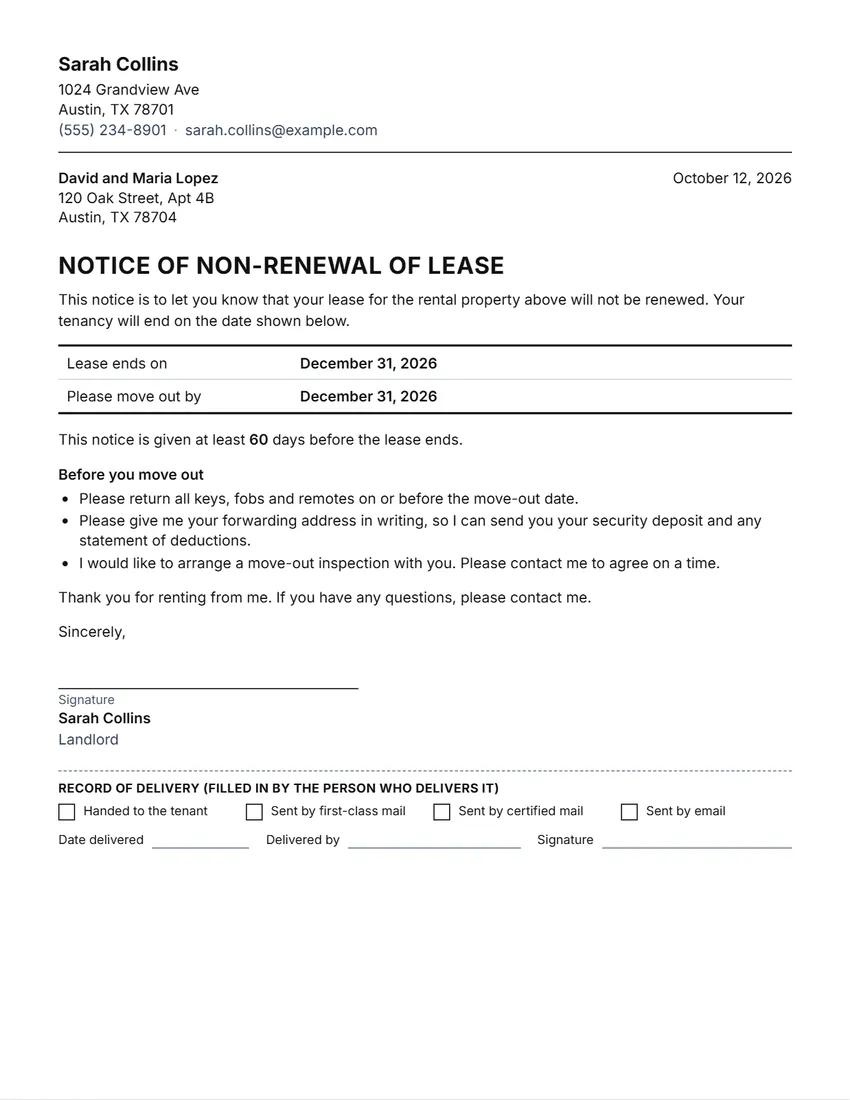 Lease non-renewal notice
A letter saying you will not renew the lease.
-
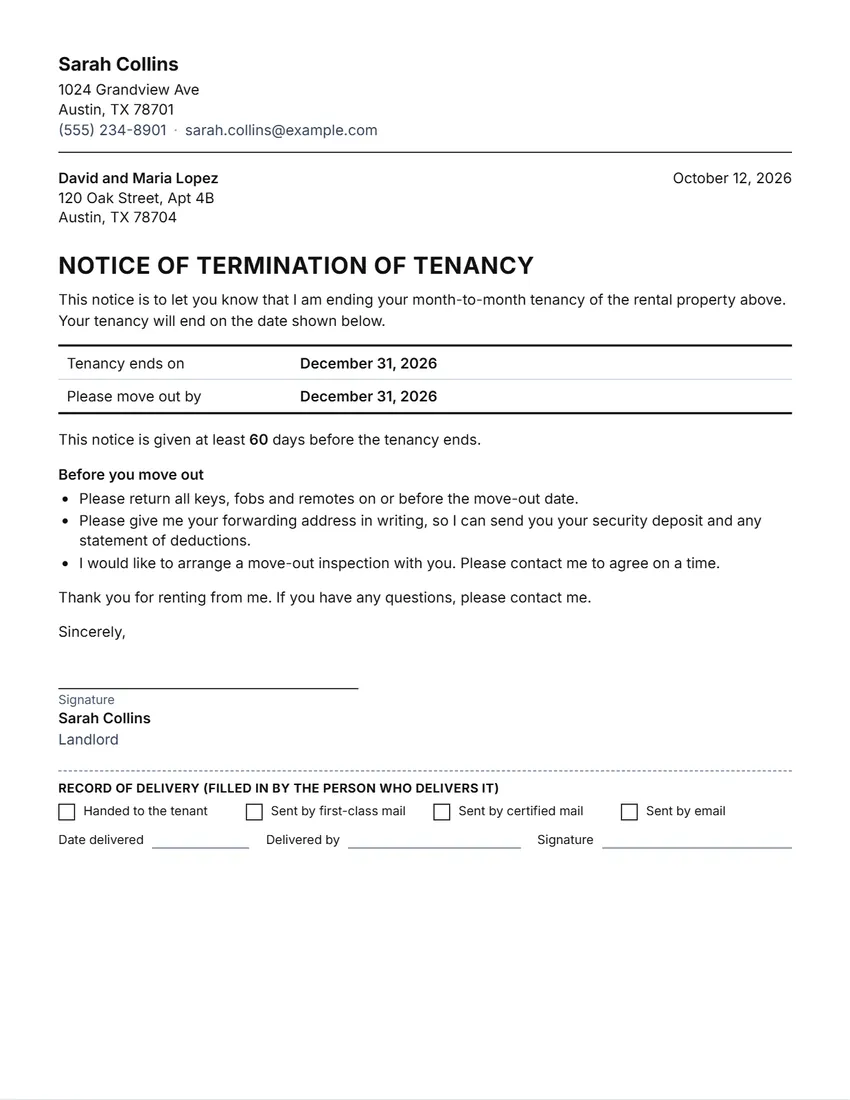 Lease termination letter
A letter to end a tenancy, by the landlord, by agreement or at the tenant’s request.
-
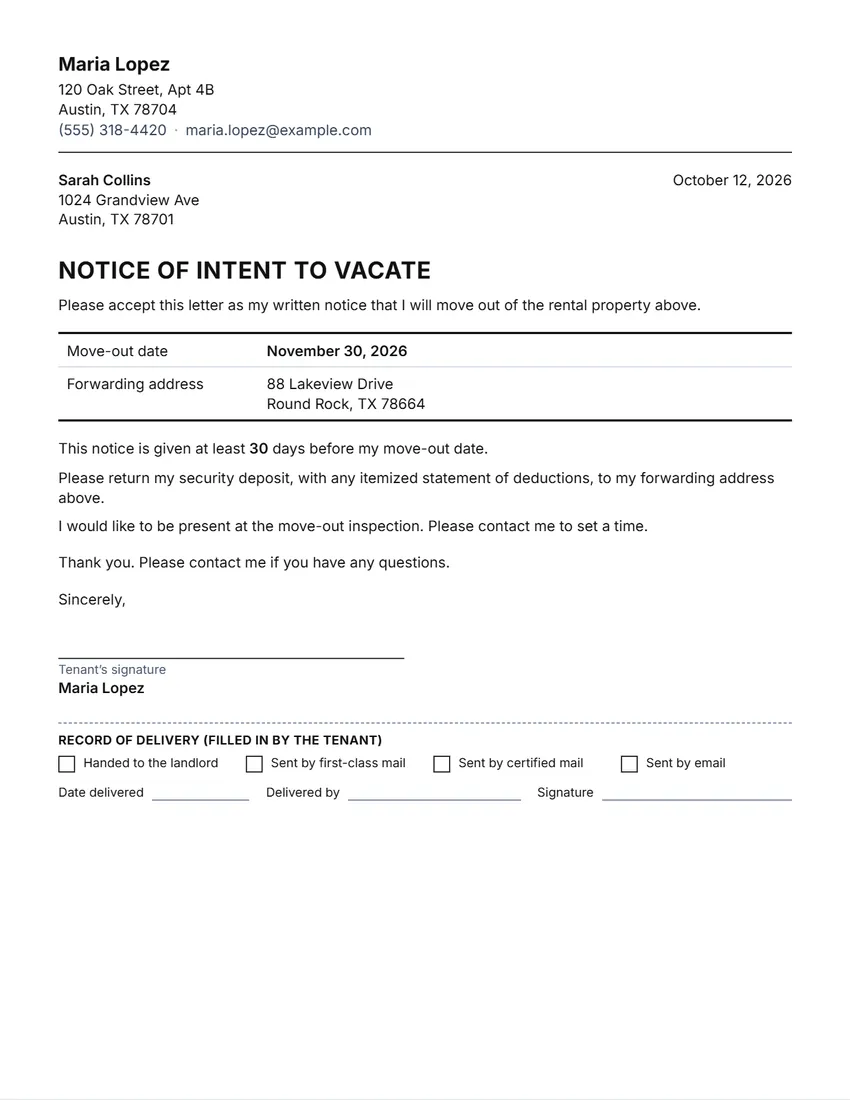 Notice to vacate (tenant)
A tenant’s letter saying they are moving out.
-
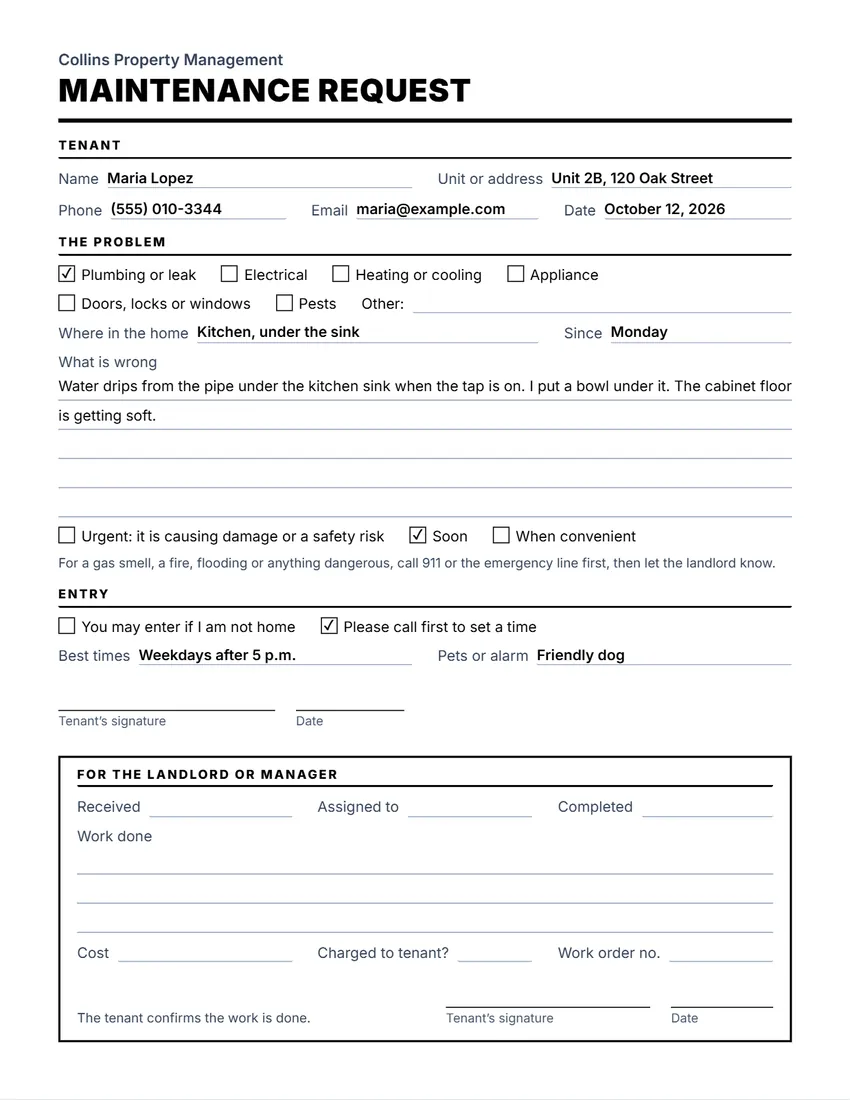 Maintenance request
A repair request form with a part for the work done.
-
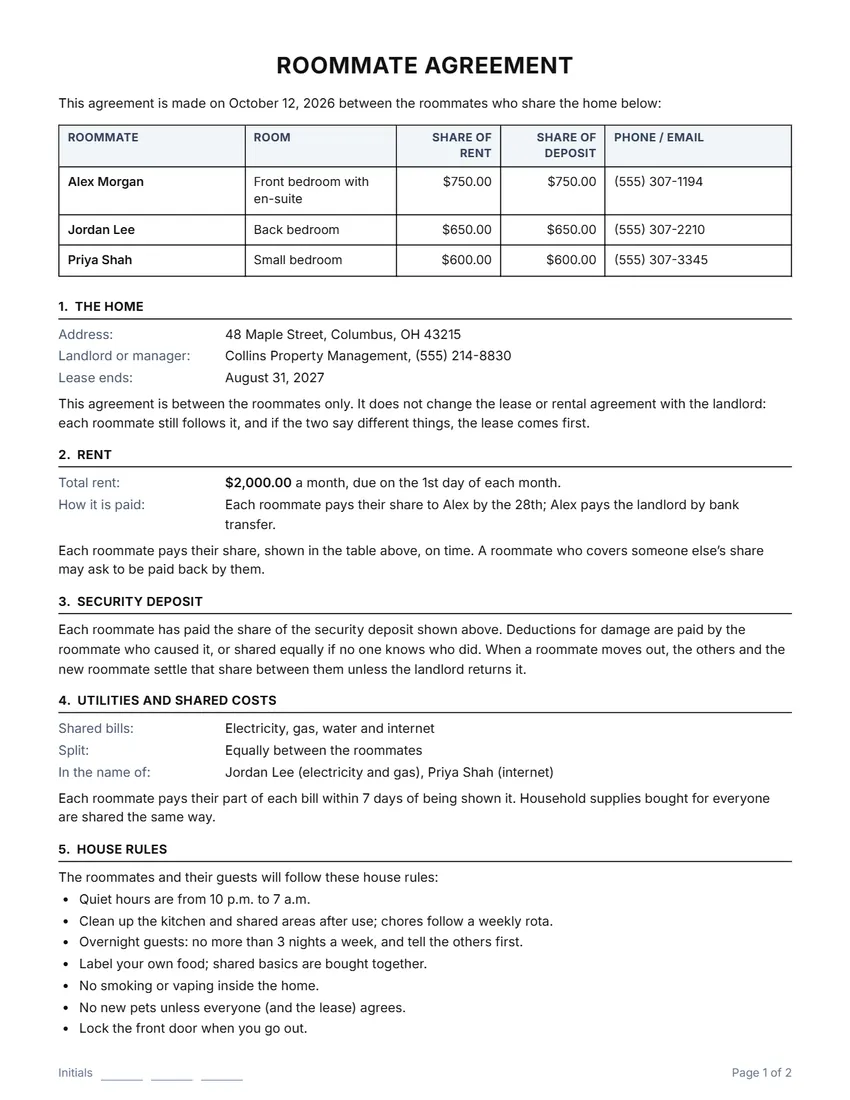 Roommate agreement
An agreement between people who share a rented home.
-
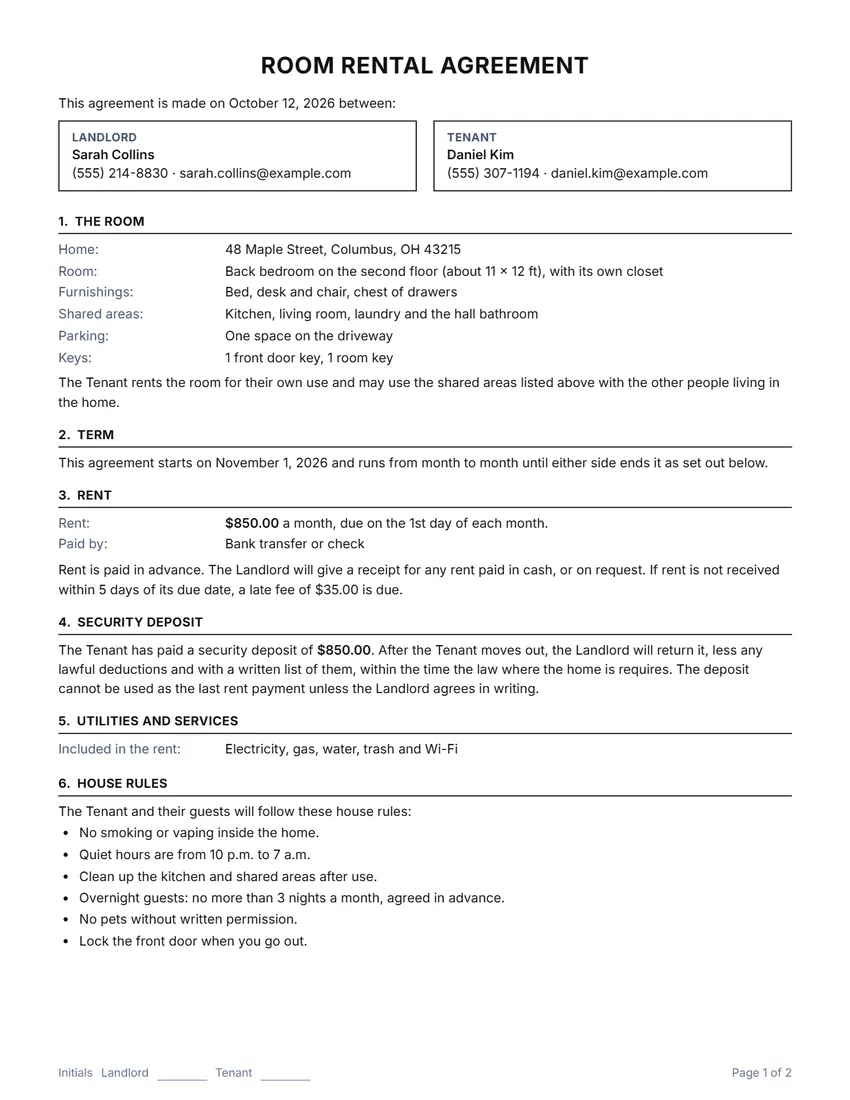 Room rental agreement
An agreement for renting out one room in a home.
-
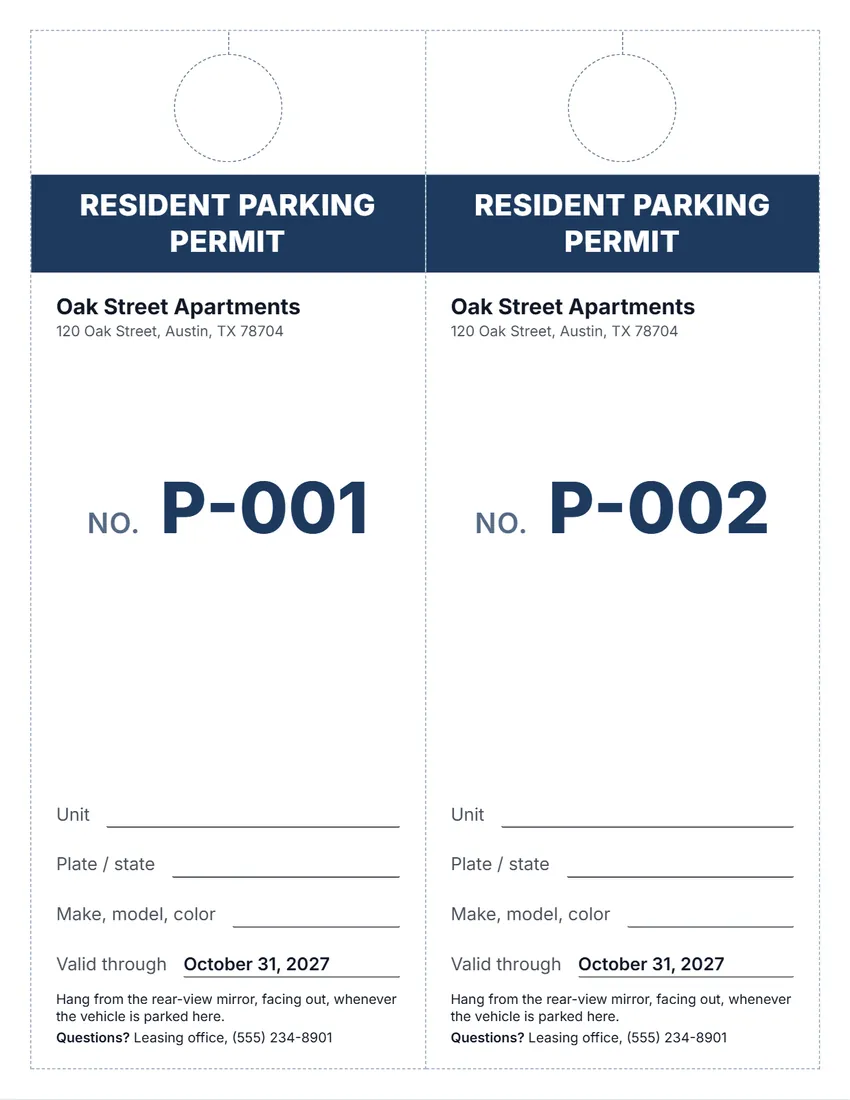 Parking permit
Numbered parking permits for residents and guests.
Which form do I need?
- A tenant paid the rent? Rent receipt
- Rent is late? Late rent notice
- Raising the rent? Rent increase notice
- Need to enter the unit? Notice of entry
- Taking a deposit? Security deposit receipt
- Tenant moving out? Move-in / move-out checklist
- Returning the deposit? Deposit return letter
Good habits for landlords
- Put every notice in writing and keep a copy with the date.
- Record how and when each notice was delivered. Several notices have a record-of-delivery box.
- Give a receipt for every payment, and keep a ledger for each tenant.
- Photograph and list the condition of each room when a tenant moves in and moves out.
- Keep the tone calm and factual in every letter.
Rules for notices, deposits and rent differ by country, state and city. These are general templates, not legal advice: read your lease and check the rules where the property is before you send anything.
How these forms work
Open a form, fill in the names, the address and the dates, and the paper updates as you type. Click any text on the paper to change it.
Print it or save a PDF. Many forms also have a record-of-delivery section you can tick once the notice is sent.
Everything runs in your browser. Names, addresses and amounts stay on your device and are never sent to me.
Frequently asked questions
Are these landlord forms free?
Yes. They are free to use, need no account, and never add a watermark or a SnapPaperwork logo.
Are the forms legal advice?
No. They are general templates. Rules for notices, deposits and rent change from place to place, so check the rules where the property is, and ask a lawyer or a local landlord association if you are unsure.
Do I need to sign them?
Most forms have a line for your signature. You can draw it on screen or sign the printed page.
Can I use them in the UK, Canada or Australia?
Several forms let you pick your country for the date style, the currency and the paper size. Some places require official forms for certain notices, so check first.
Is my tenant’s information uploaded?
No. Everything stays in your browser and is saved only on your own device.