Free Business Forms
Everyday paperwork for small businesses, freelancers and offices, made in your browser and printed or saved as a PDF. Fill in the details, let the totals work themselves out, and print. No sign-up, and nothing you type is uploaded.
Business forms
-
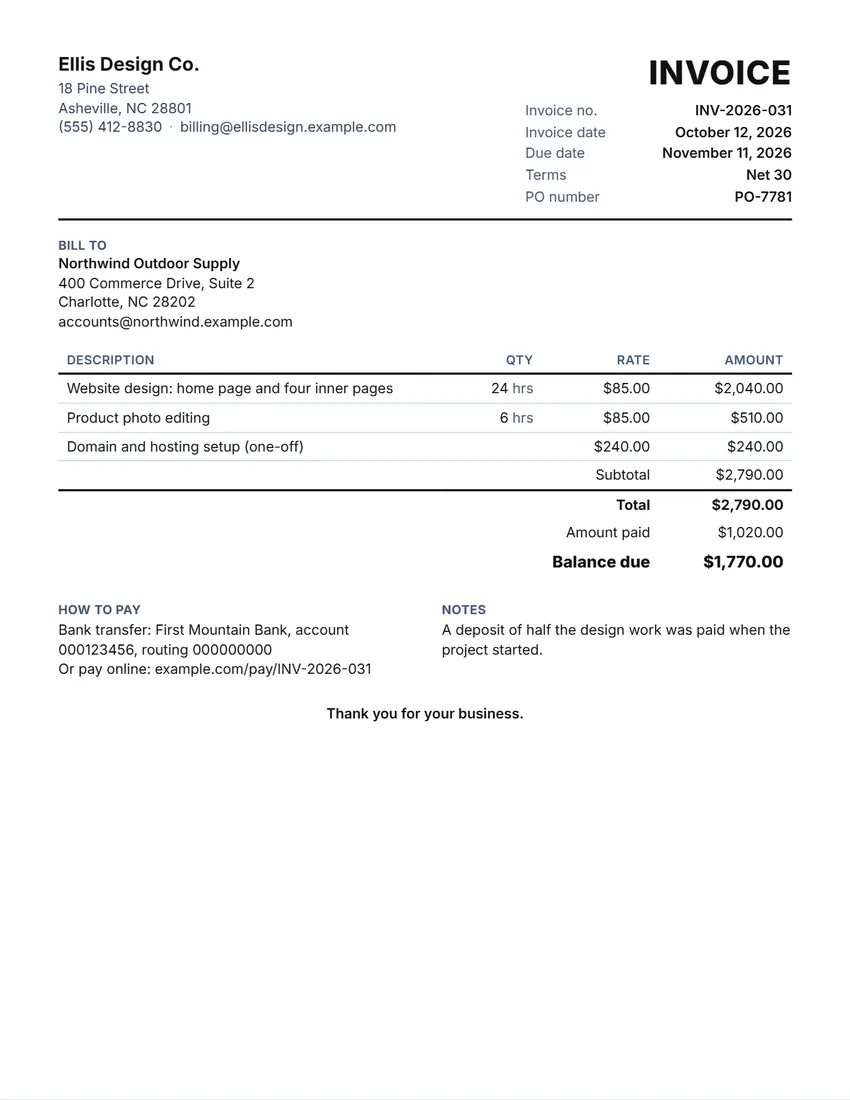 Invoice
A bill for your work, with the due date worked out from your terms.
-
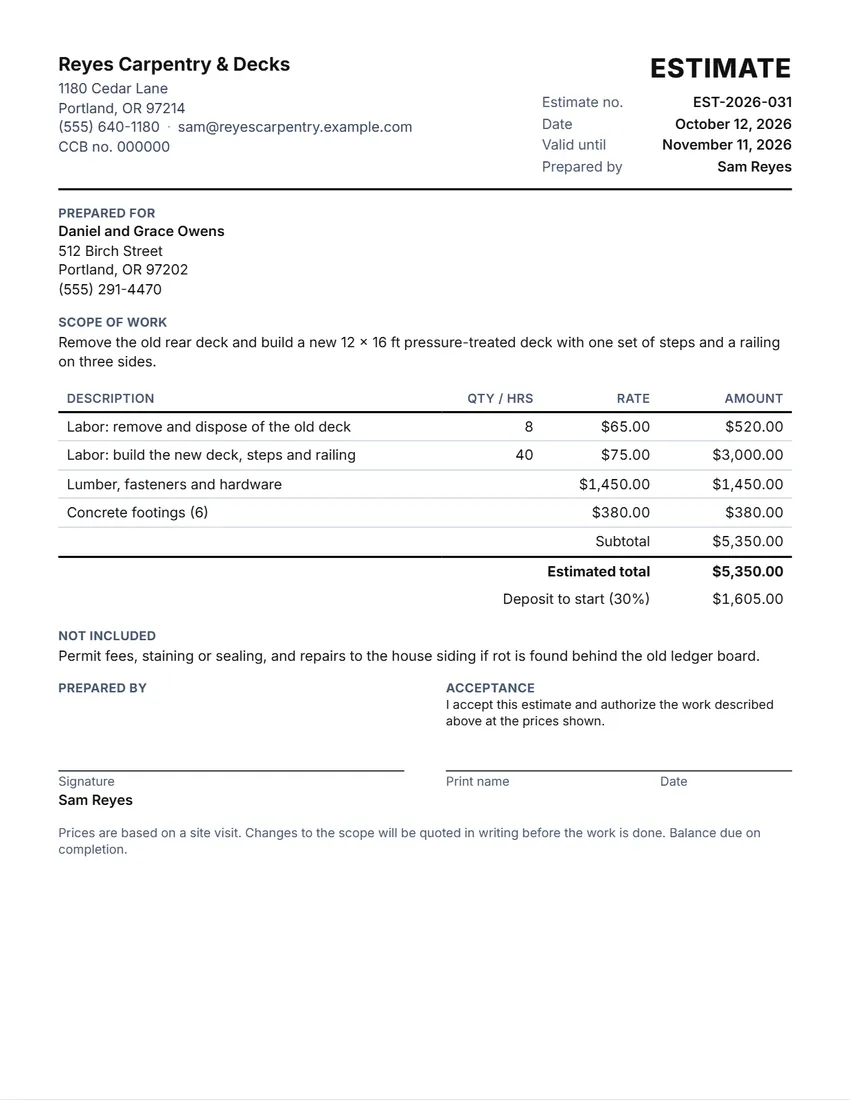 Job estimate / quote
A price estimate or quote you can hand to a customer before the work starts.
-
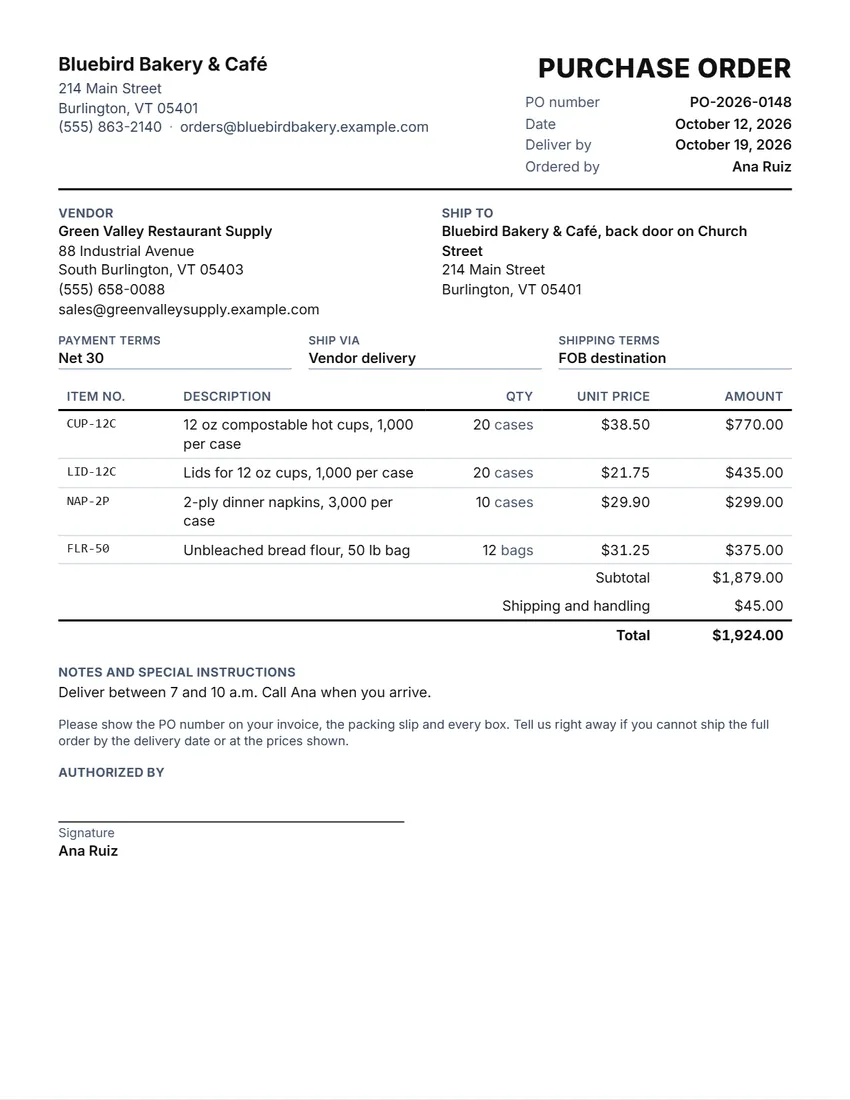 Purchase order
An order to a supplier, with items, prices and delivery terms.
-
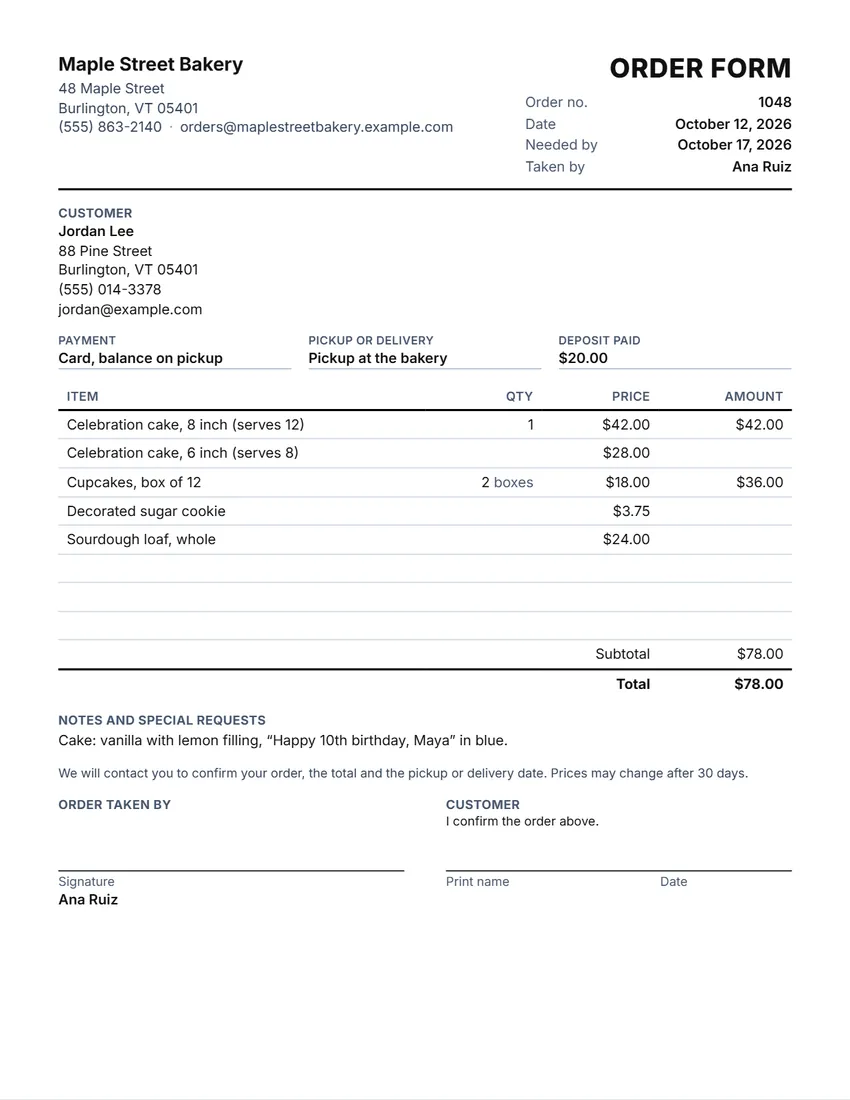 Order form
A form customers fill in to order from you.
-
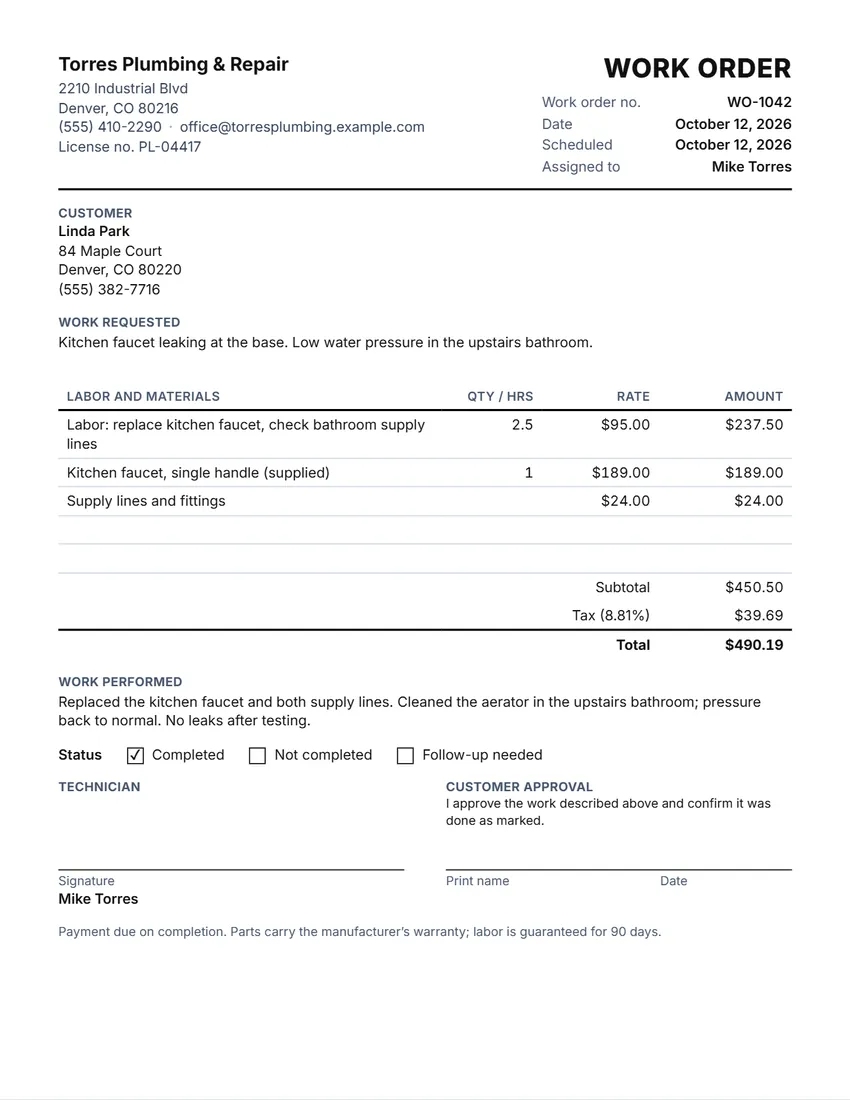 Work order
A job sheet for the person doing the work, with a place for sign-off.
-
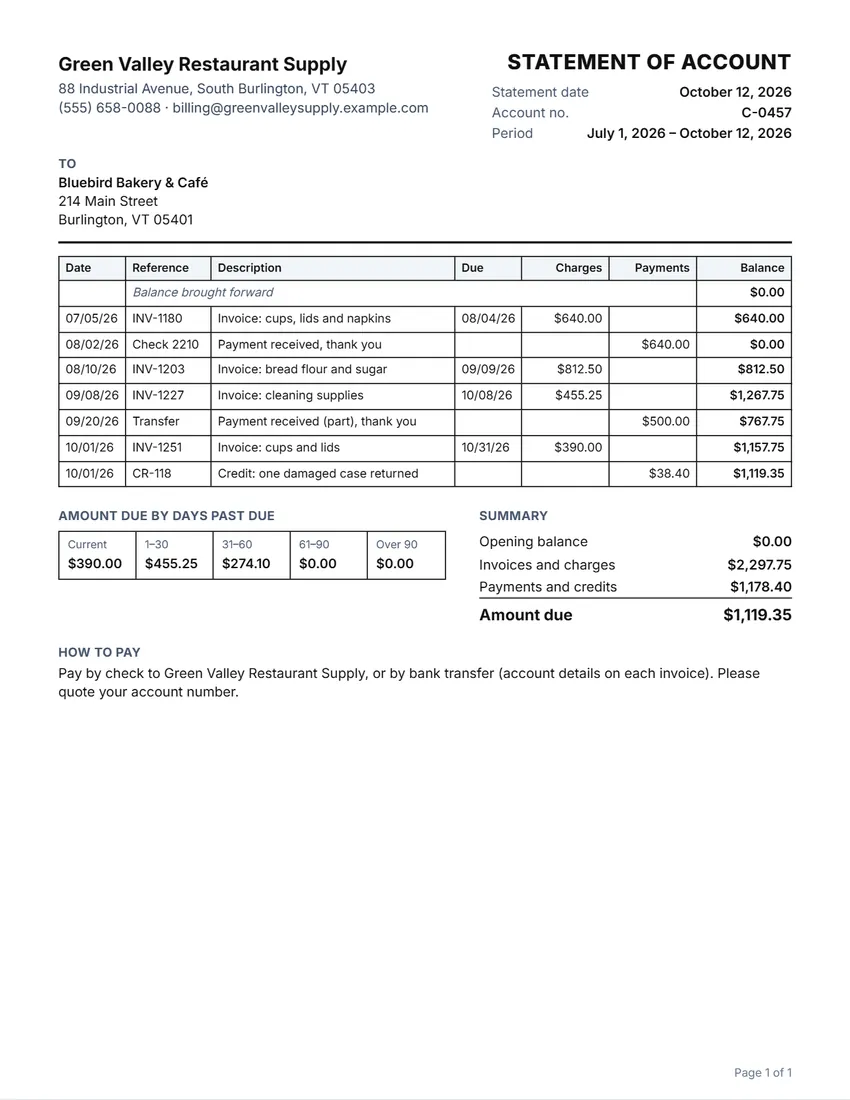 Statement of account
Shows a customer what they owe, with invoices, payments and ageing.
-
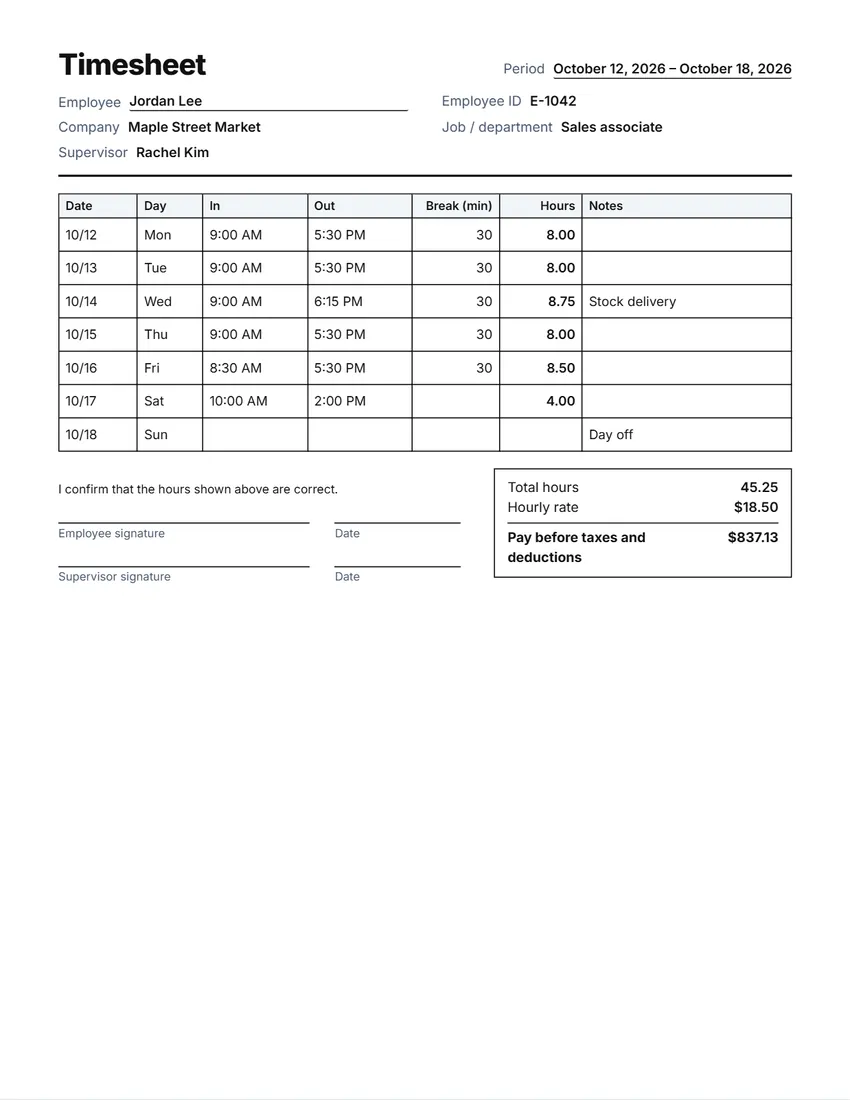 Timesheet
Hours worked each day, with totals for the week or month.
-
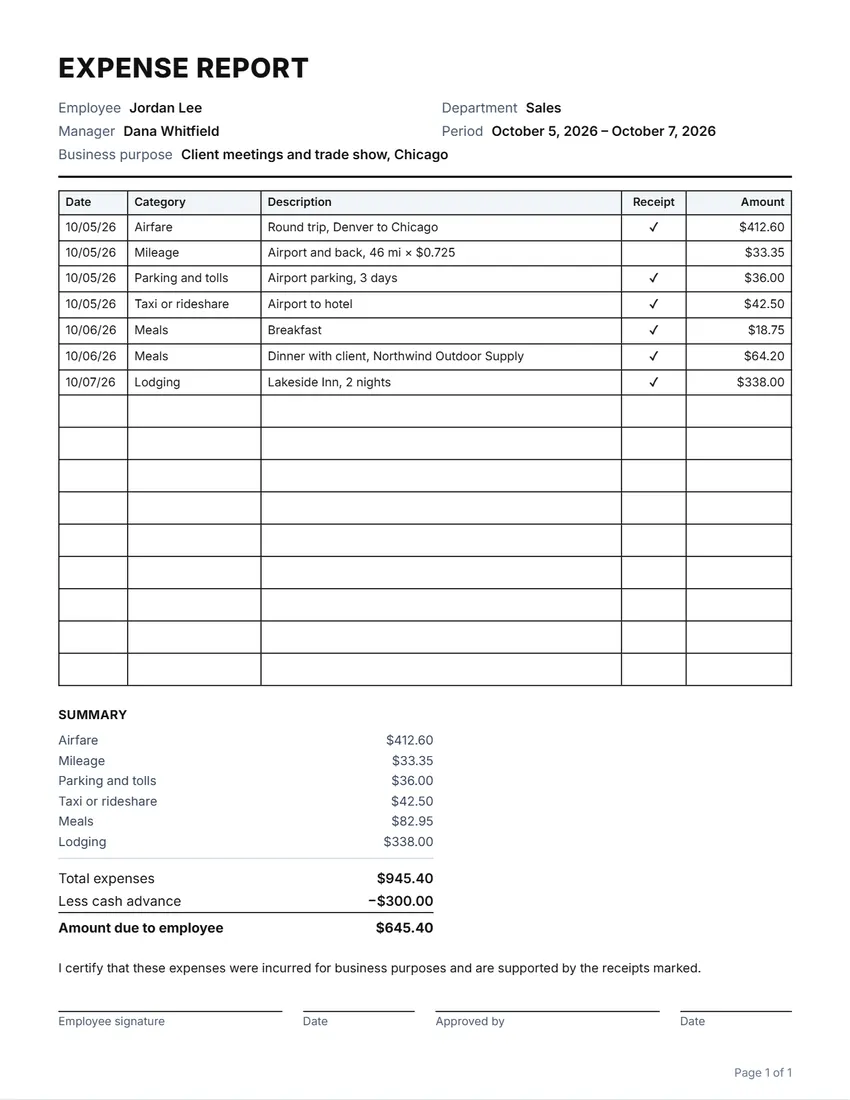 Expense report
Lists business expenses to be paid back, with totals by category.
-
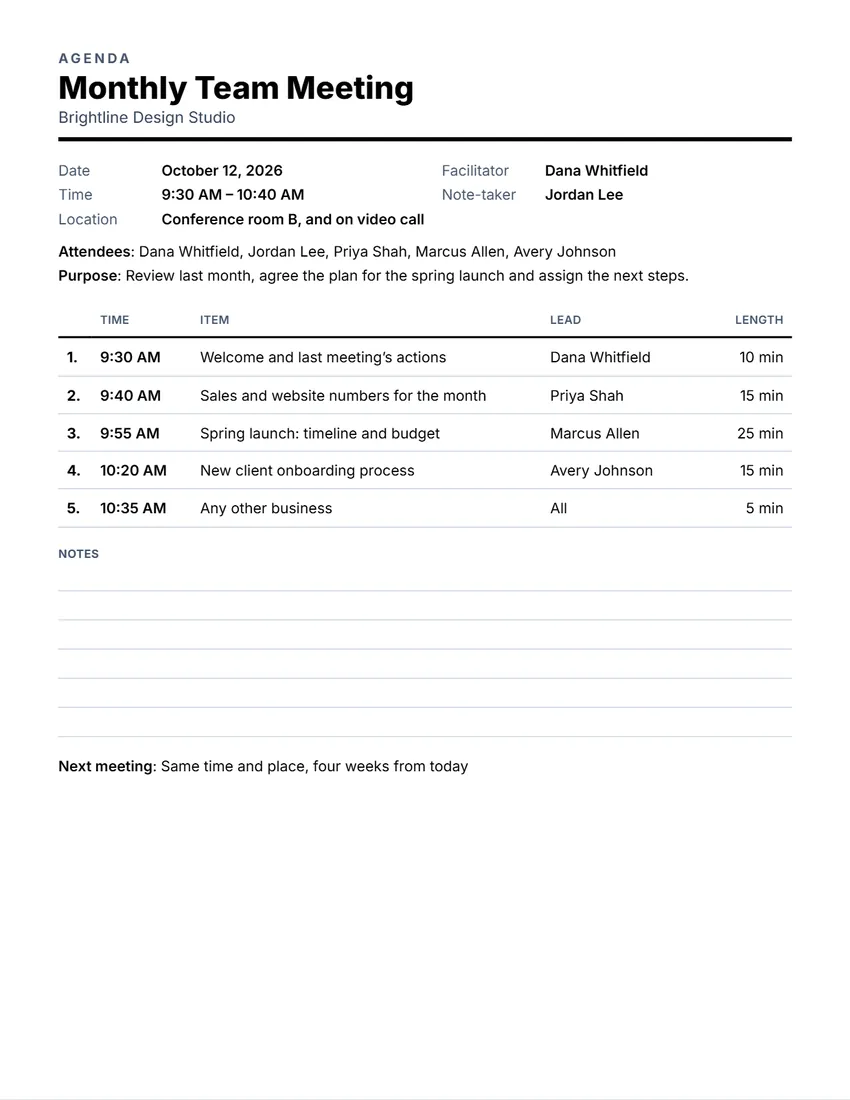 Meeting agenda
A one-page agenda with times, speakers and notes.
-
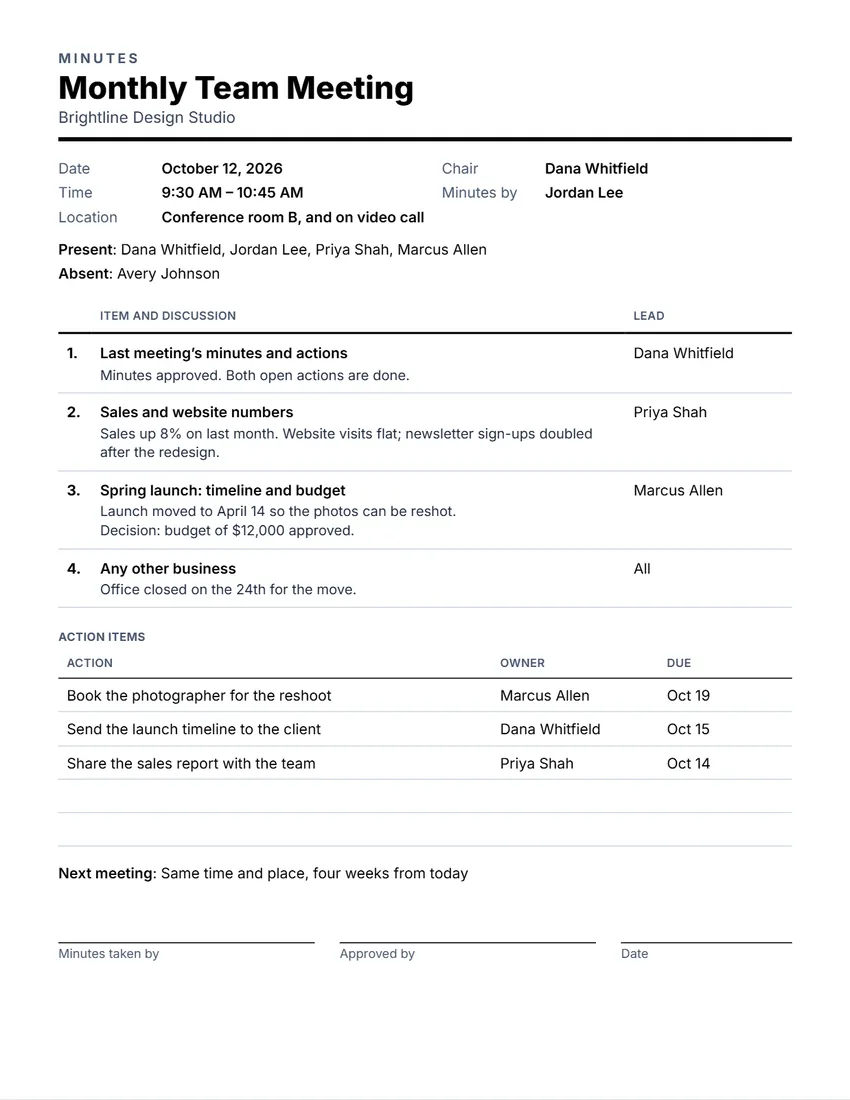 Meeting minutes
A record of who came, what was decided and who does what.
-
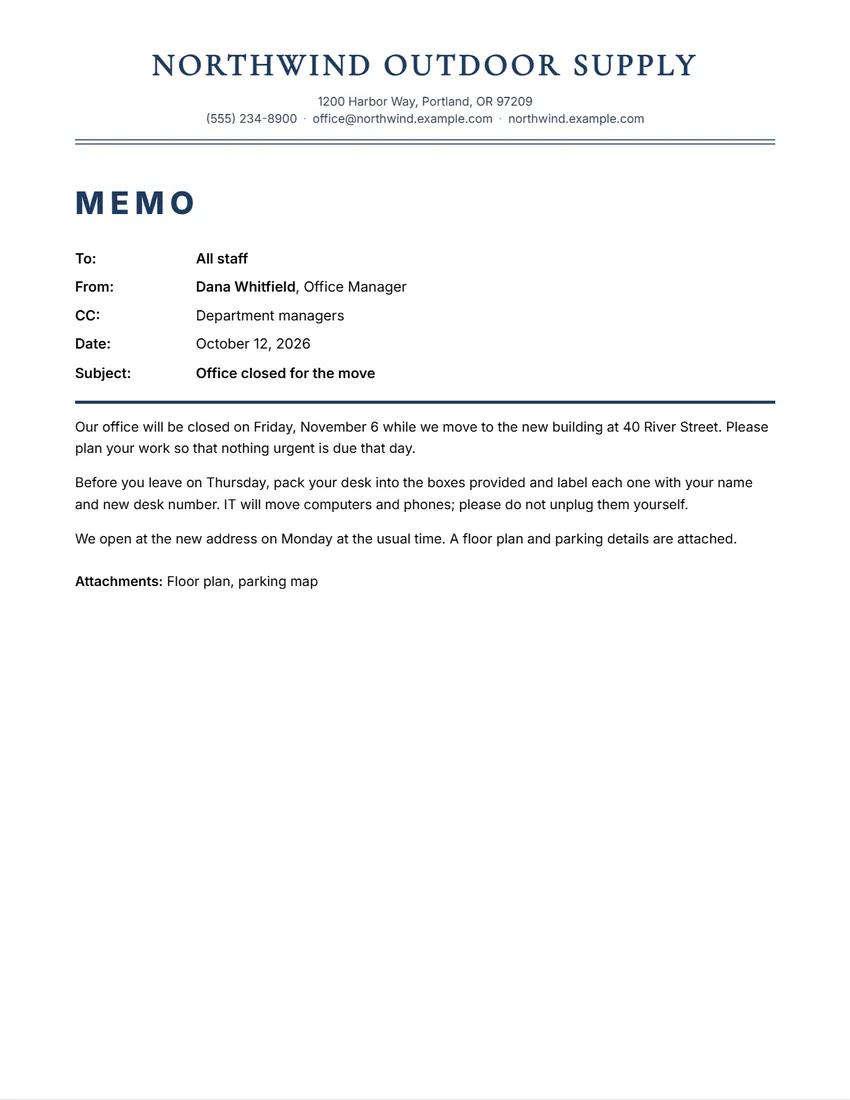 Memo
A short internal memo on your own letterhead.
-
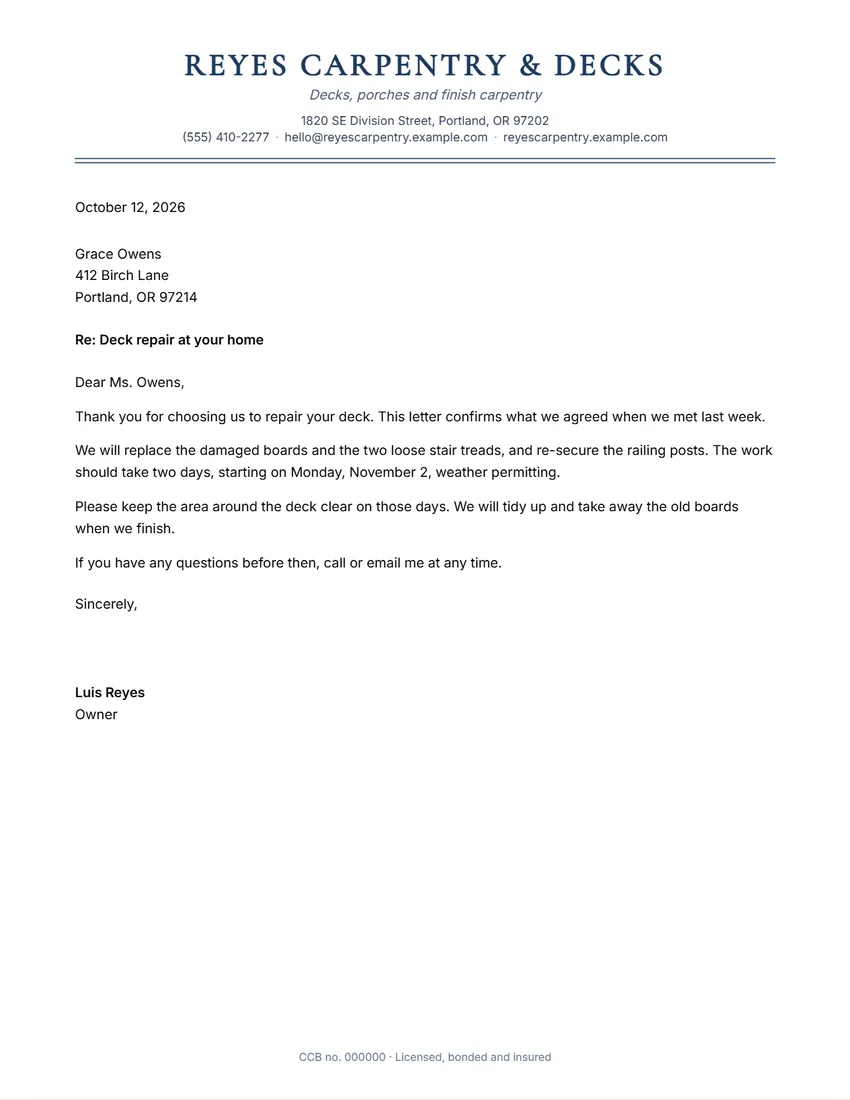 Letterhead
 with your logo and details, plus a place to write the letter.
-
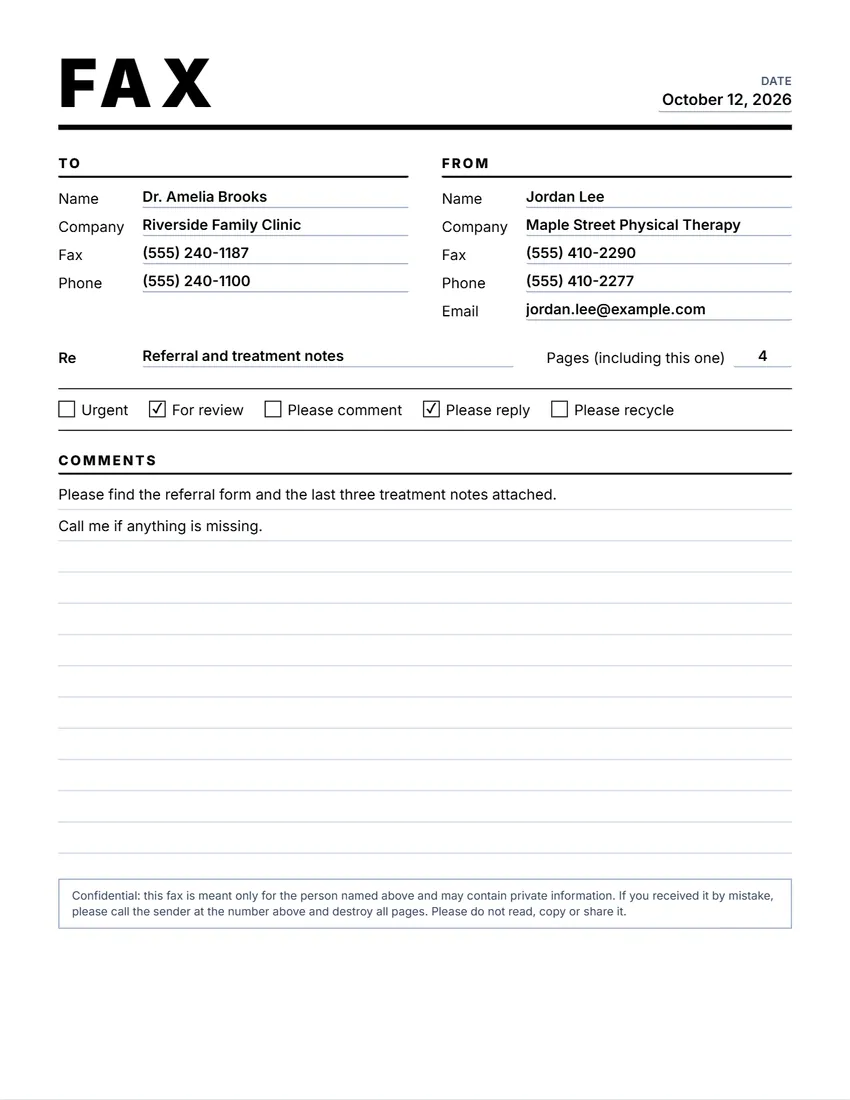 Fax cover sheet
A cover sheet for a fax or a pack of papers.
-
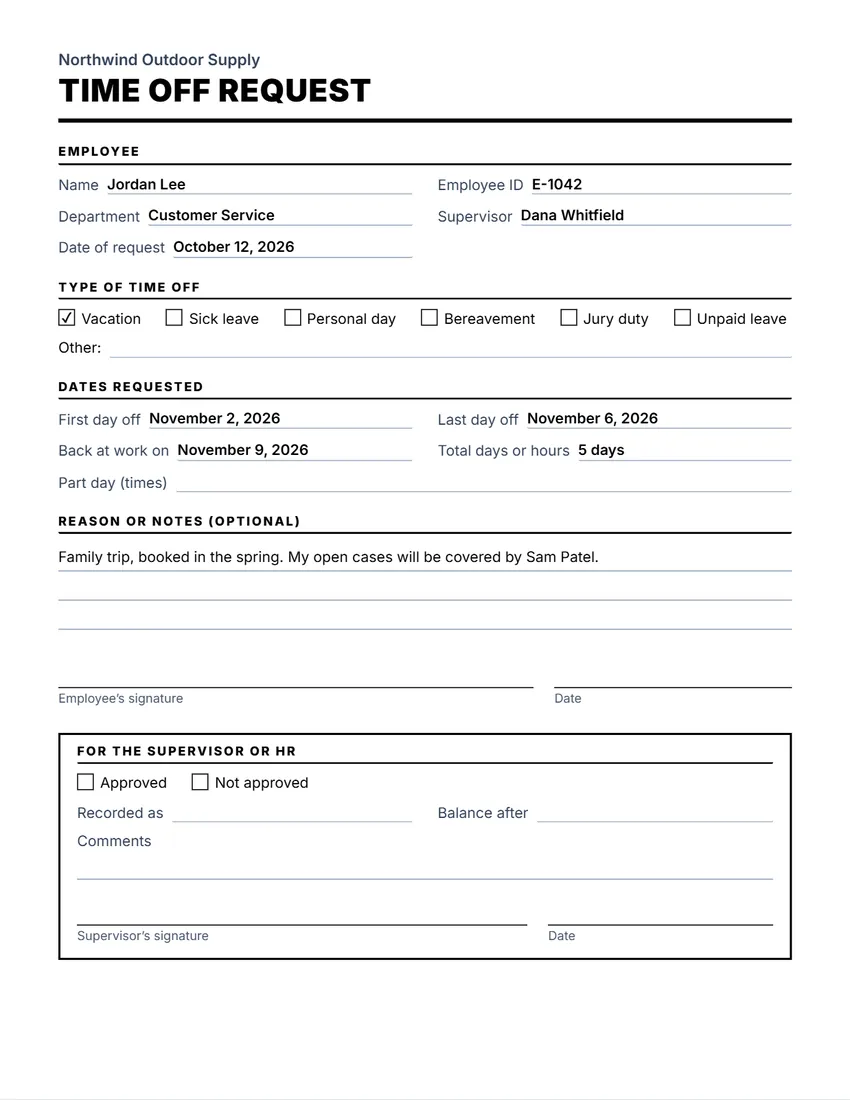 Time off request
A leave request form with a part for the manager.
-
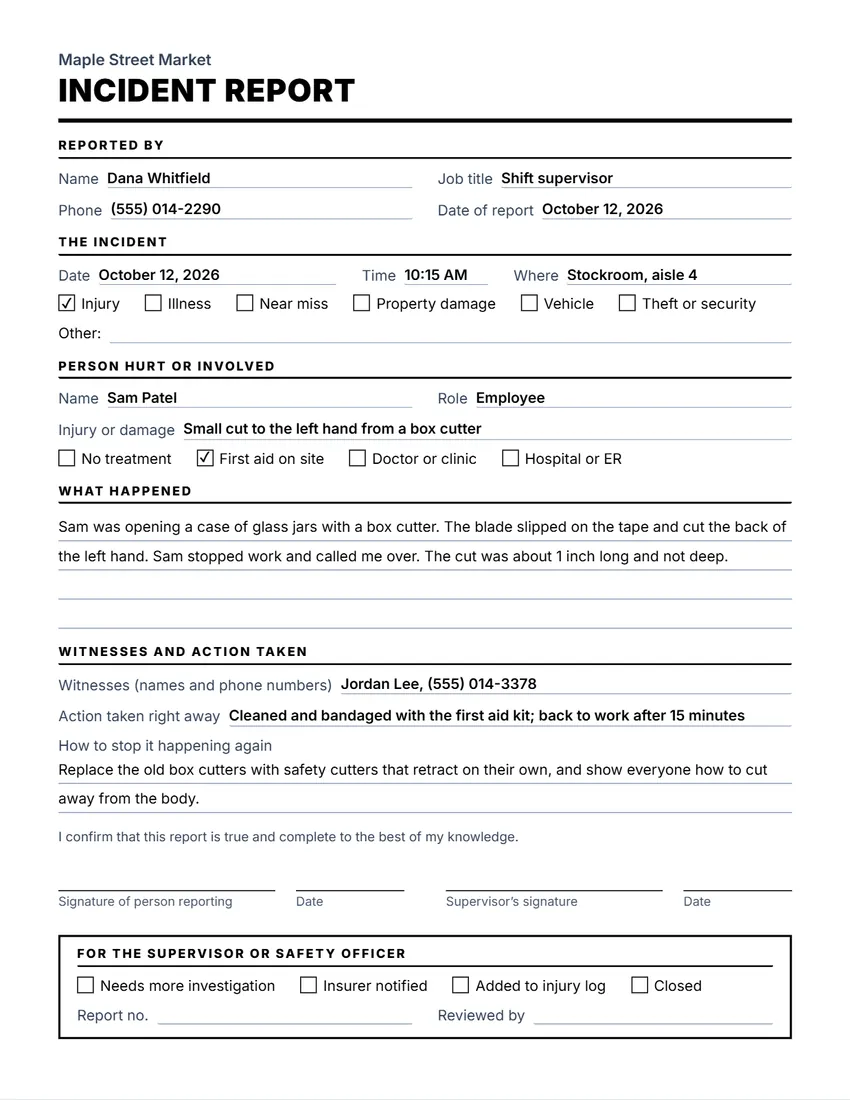 Incident report
A form to record what happened after an accident or incident.
-
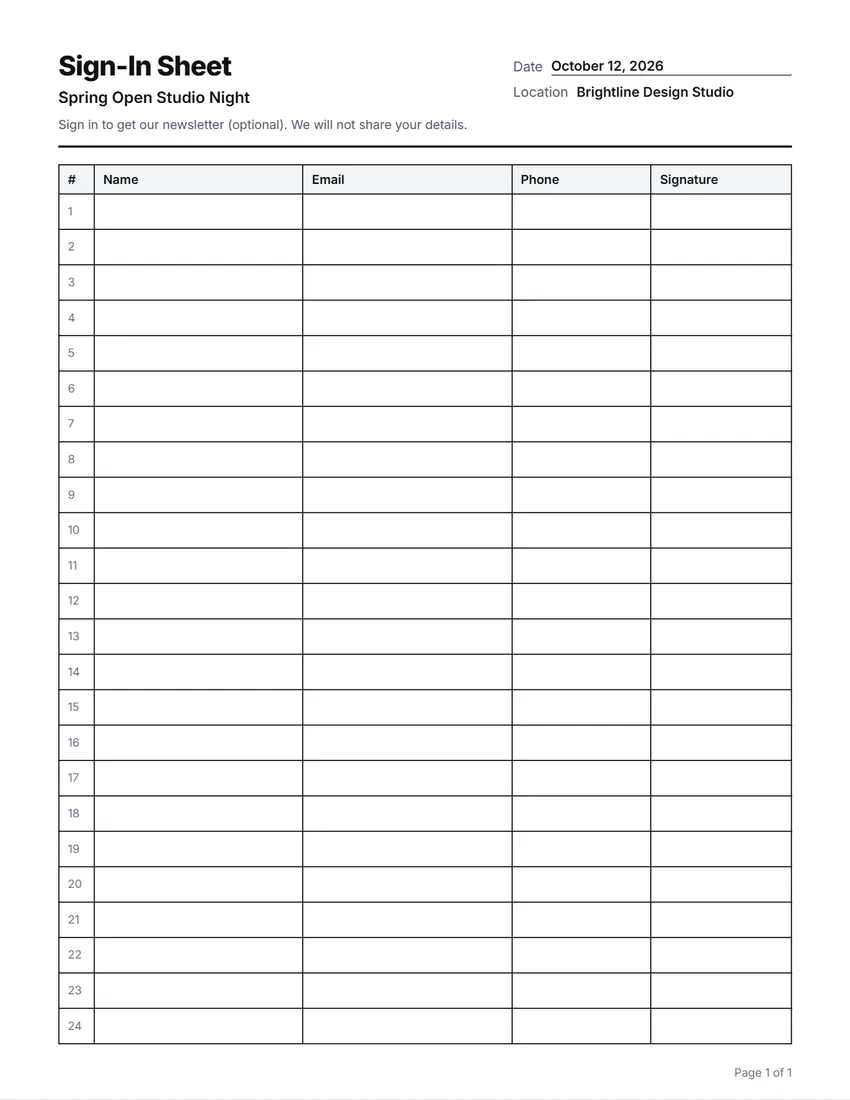 Sign-in sheet
A sheet for visitors, meetings, classes or events to sign in on.
Which form do I need?
- Asking a customer to pay? Invoice
- Quoting a job? Estimate or quote
- Ordering from a supplier? Purchase order
- Tracking hours? Timesheet
- Getting paid back for costs? Expense report
- Running a meeting? Agenda and minutes
- Writing to the whole team? Memo
What most business forms should show
- Your business name and contact details, and the same for the other side
- A number and a date, so you can find the paper later
- What it is for, in plain words
- Amounts, with the currency, and any tax or discount on its own line
- A signature or an approval where one is needed
Tax and record-keeping rules differ by country. These are general templates, not accounting or legal advice: check what applies to your business.
How these forms work
Open a form, type your details and the form updates as you go, working out the totals for you. Click any text on the paper to change it.
Print it, save a PDF, or share the PDF from your phone. Your logo and details are saved on your device so the next form is quick.
Everything runs in your browser. What you type stays on your device and is never sent to me.
Frequently asked questions
Are these business forms free?
Yes. They are free to use, need no account, and never add a watermark or a SnapPaperwork logo.
Can I add my logo?
Yes. Most forms let you upload a logo. It stays in your browser.
Can I use them for tax or legal records?
The forms are general templates. Check the rules for your country and your business, and ask an accountant or a lawyer if you are unsure.
Can I reuse my details?
Yes. Your business details are saved on your own device, so you do not type them again. Several forms also have a “New …” button that keeps your details and clears the rest.
Is my information uploaded?
No. Everything stays in your browser and is saved only on your own device.