Free Table Numbers & Reserved SignsFill in the form, check the preview, then print the cards or save them as a PDF. No sign-up, and nothing you type is uploaded.
Layout
Whole page · the printed page has no watermark or logo.
These cards are longer than their pages.
Examples3 layouts filled in with made-up details. Open one to start with that layout.
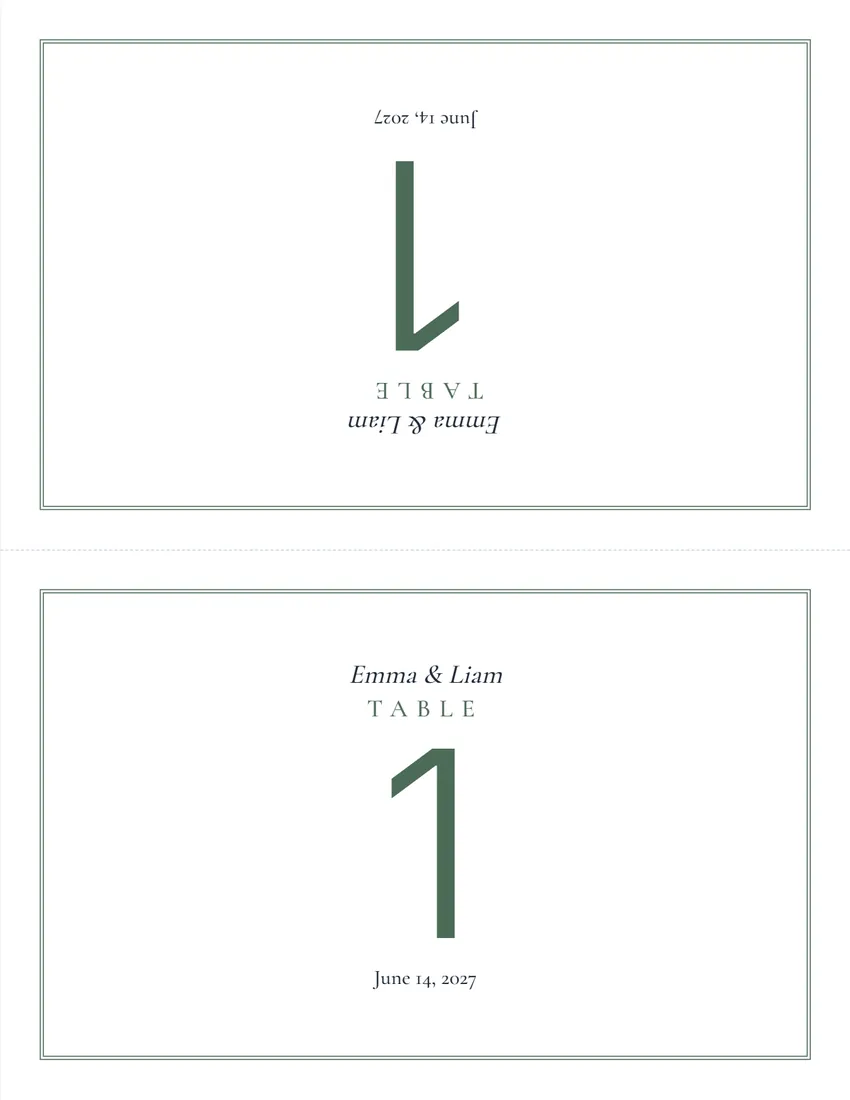
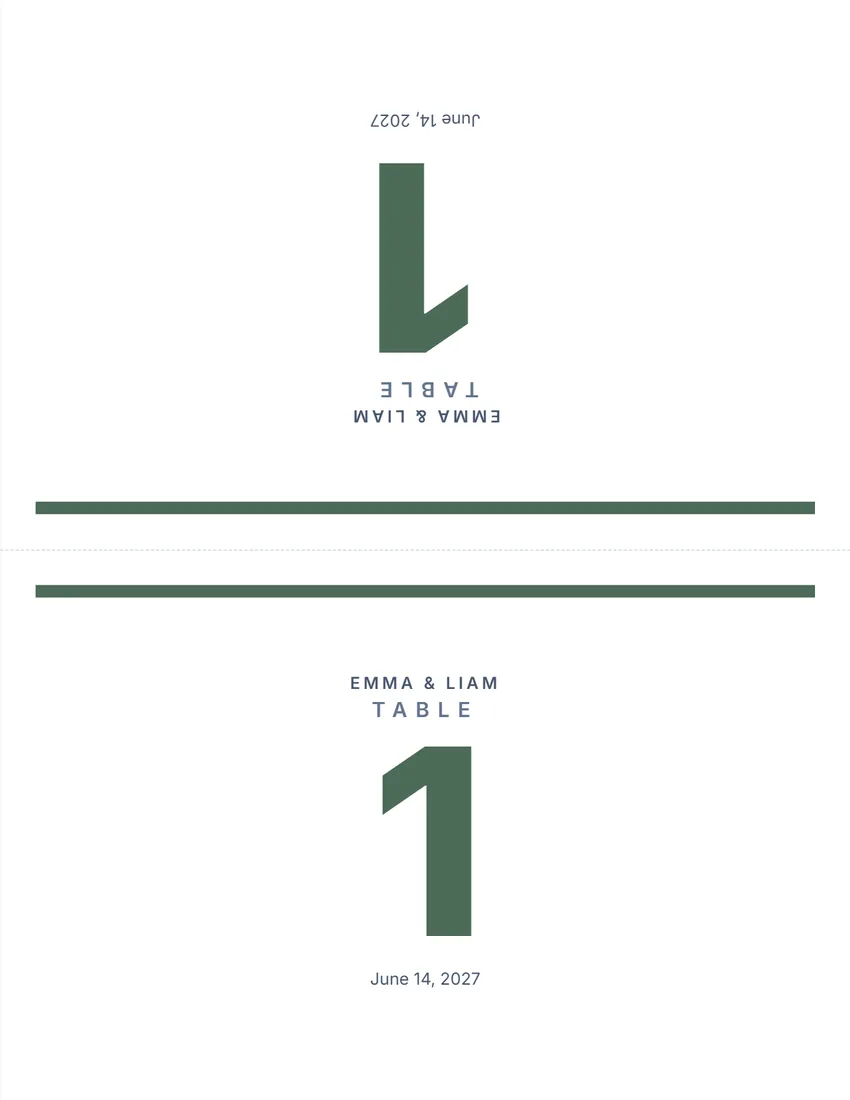
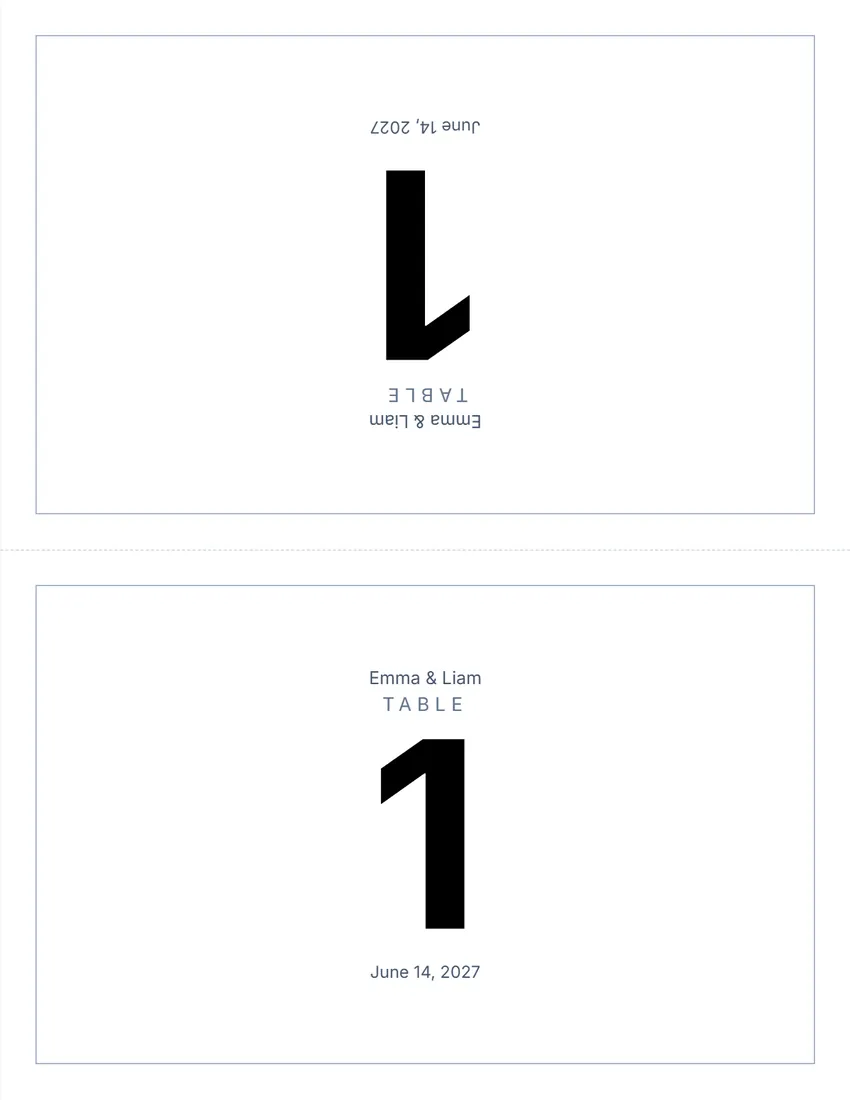
Related tools
Goes well with this one
 Event ticketsSelling tickets for the event?Open
 Sign-in sheetGuest book or check-in?Open
 Store signsNeed a sign for the door?Open
 Name tagsNeed name tags too?Open
 Place cardsPlace cards for each guest?Open
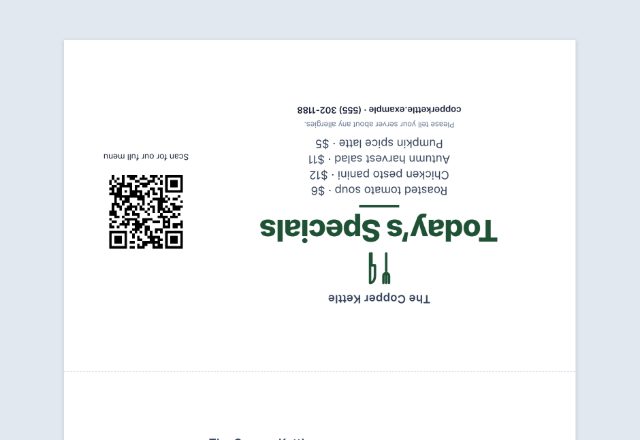 Table tentSpecials or a menu QR on the tables?Open
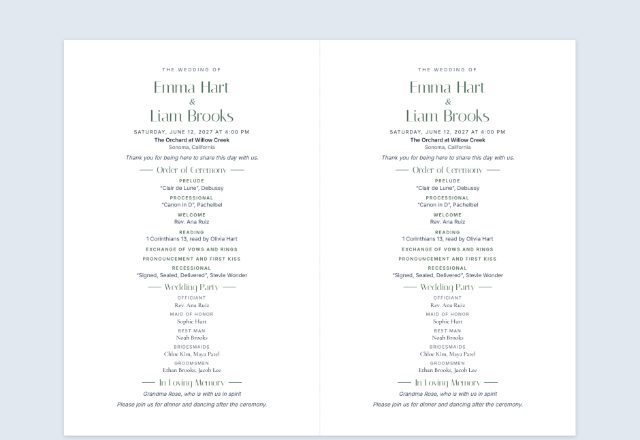 Wedding programPrinting the ceremony programs?Open
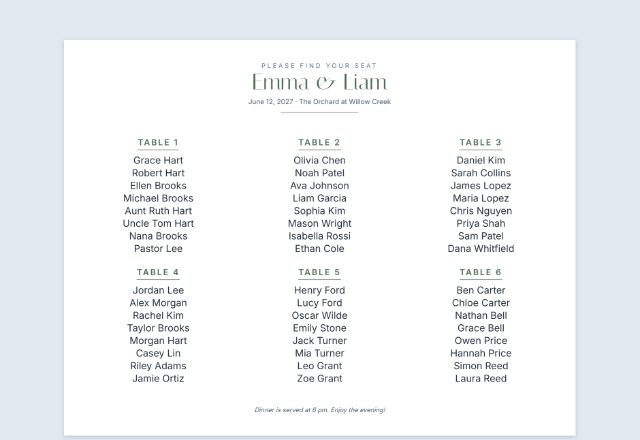 Seating chartShowing guests their table?Open
Was this tool useful?
Notice: Generated via SnapPaperwork. For your own event, venue or restaurant.
Something missing? Tell me what you need.
How to make table numbers in 3 steps
-
Choose the cards
Table numbers (a range such as 1 to 12, or your own list of names) or reserved signs (one per name), and the format: a folded tent card, flat cards to cut, or a full page.
-
Add your lines and colour
A line above (the couple’s names, the restaurant) and below (the date, a welcome), a logo or monogram, a design and an ink colour.
-
Print, fold or cut
Print on card stock at actual size. Fold tent cards along the dashed line so they stand up, or cut flat cards apart for holders.
Tips for table cards and reserved signs
- Tent cards read from both sides, so guests can find their table from anywhere in the room.
- Flat cards two to a page are about 8.5 × 5.5 in (or half of A4): trim them to fit 5 × 7 frames or holders.
- Use a heavier paper (65 to 110 lb card stock, or 170 to 300 gsm) so tent cards stand up straight.
- Number tables in a way guests can follow, starting near the entrance, and put the number on the seating chart too.
- For restaurants, print a few reserved signs with no name to keep at the host stand, and write the name and time by hand.
- Print one spare of each card in case one gets wet or torn on the day.
Practical tips for events and restaurants.
Frequently asked questions
Is this table number maker free?
Yes. It is free to use, needs no account or sign-up, and never adds a watermark or a SnapPaperwork logo to your cards.
How do I make tent cards that stand up?
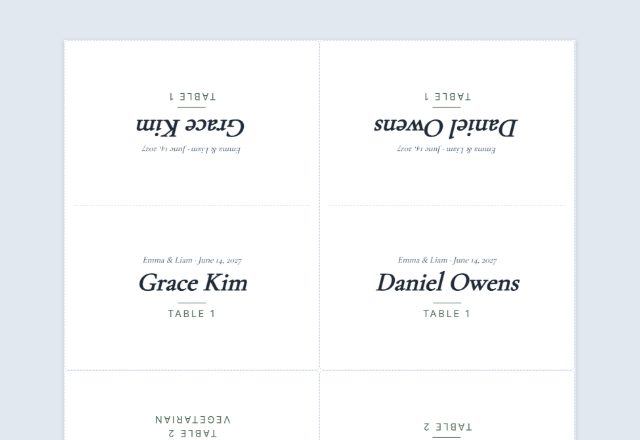
Choose “Folded tent card”. Each card prints on its own page, with the top half upside down. Fold along the dashed line and it stands on the table, readable from both sides.
Can I name the tables instead of numbering them?
Yes. Choose “My own list” and type one card per line, for example “Head table”, “Oak” or “Sweetheart”. Long names are set smaller so they fit.
How many cards can I make at once?
Up to 60. For more, make a second batch, for example 61 to 80.
Can I make reserved signs without a name?
Yes. Leave the names empty, or set “Extra signs with no name”, and the sign just says “Reserved”. Write the name on by hand later if you like.
Is my information uploaded or stored on your servers?
No. Everything you type stays in your browser and is never sent to me. The form and your logo are saved on your own device so they are there next time.
How do I print the cards?
Click “Print / Save PDF” and print at 100% (“Actual size”), not “Fit to page”. “Download PDF” saves a file you can take to a print shop.