Free Printable Welcome Sign TemplateFill in the form, check the preview, then print it or save it as a PDF. No sign-up, and nothing you type is uploaded.
Design
Whole page · the printed page has no watermark or logo.
Some text does not fit: a word is too wide for its space, or text is too close to the edge of the sign, where most printers cut it off. Shorten the title or the message, make something smaller (click or tap it on the sign), or try another design.
Welcome signs you can make hereSix ready-made signs. Open one, then change the names, dates and colours.
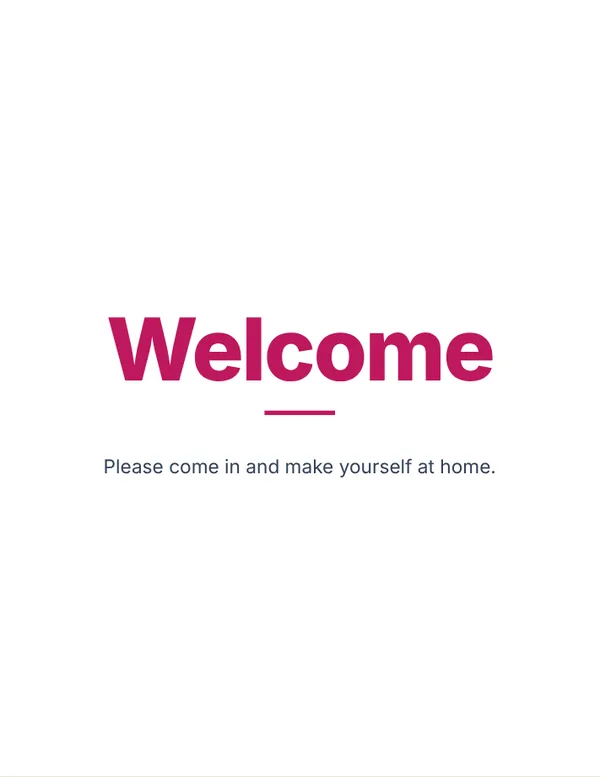 Welcome sign
A simple welcome for the door, a party or an open house.
Make this signOpen
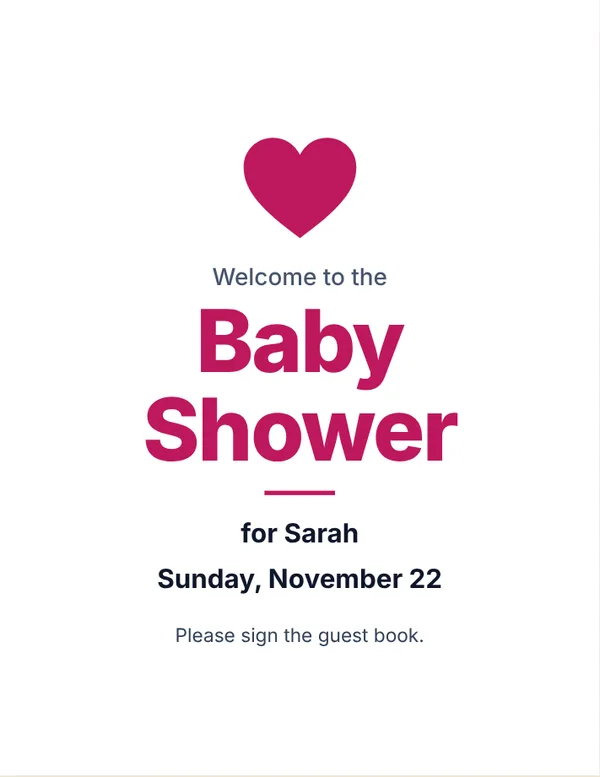 Baby shower welcome sign
“Welcome to the Baby Shower” with the guest of honour and the date.
Make this signOpen
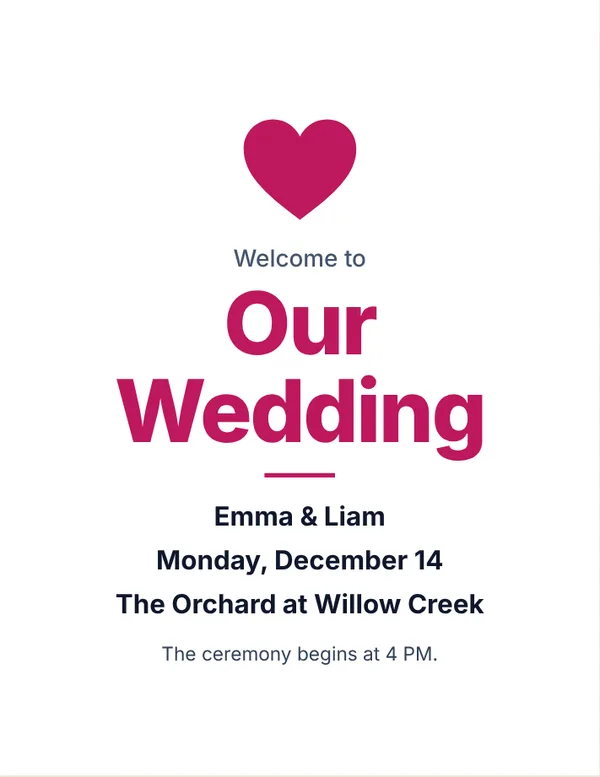 Wedding welcome sign
Names, date and place for the entrance.
Make this signOpen
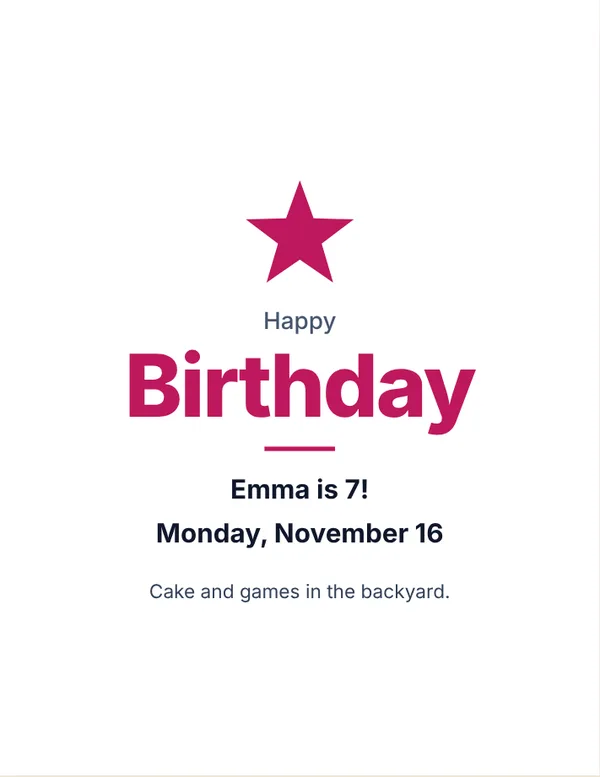 Happy birthday sign
A name, the age and a line about the party.
Make this signOpen
 Graduation sign
Congratulations to the graduate, with the class and date.
Make this signOpen
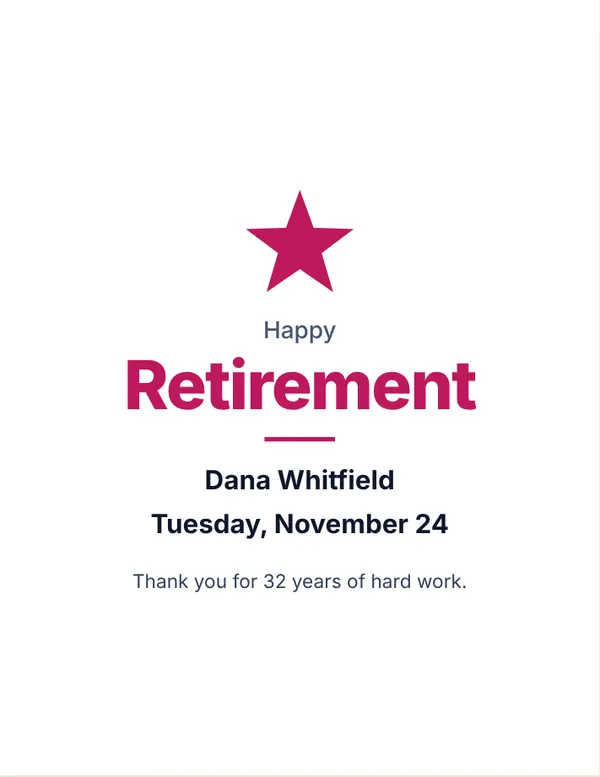 Retirement sign
Happy Retirement, with a name and a thank you.
Make this signOpen
Examples3 layouts filled in with made-up details. Open one to start with that layout.
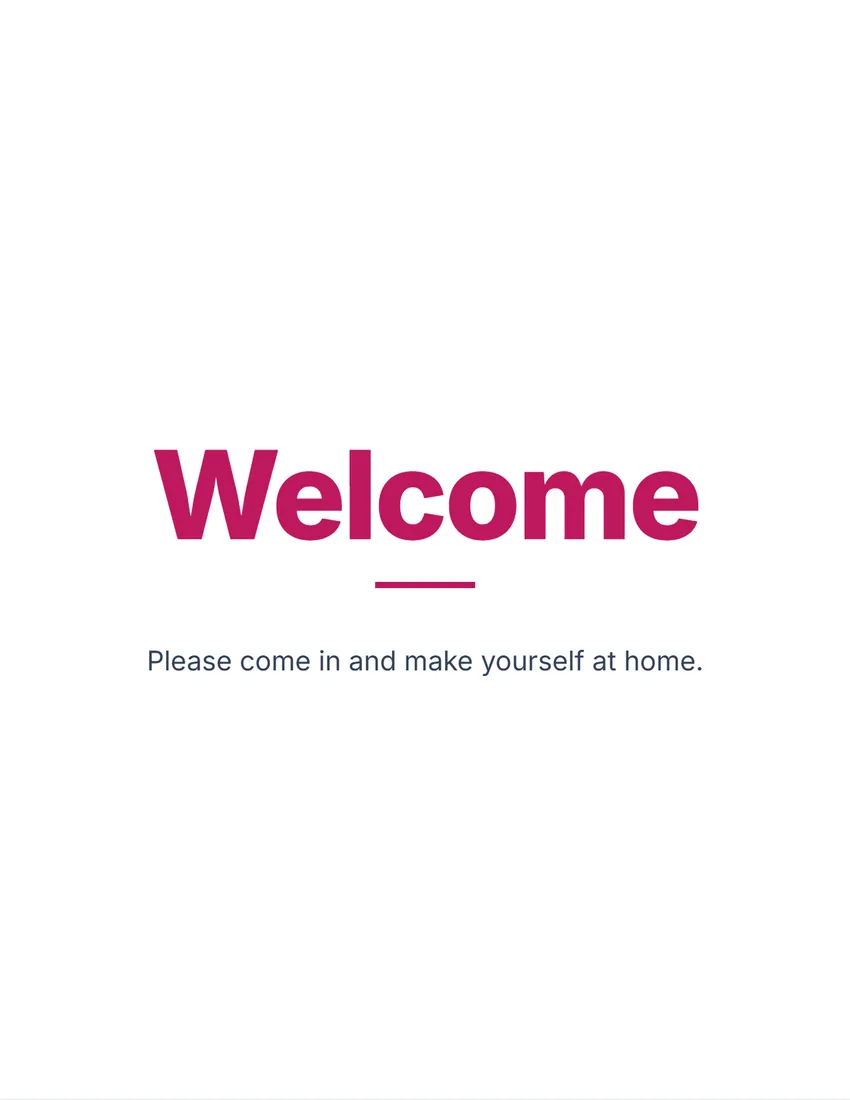 Default layout
ModernClean bold type on white, the symbol and title in your ink colour.
Start with this layoutOpen
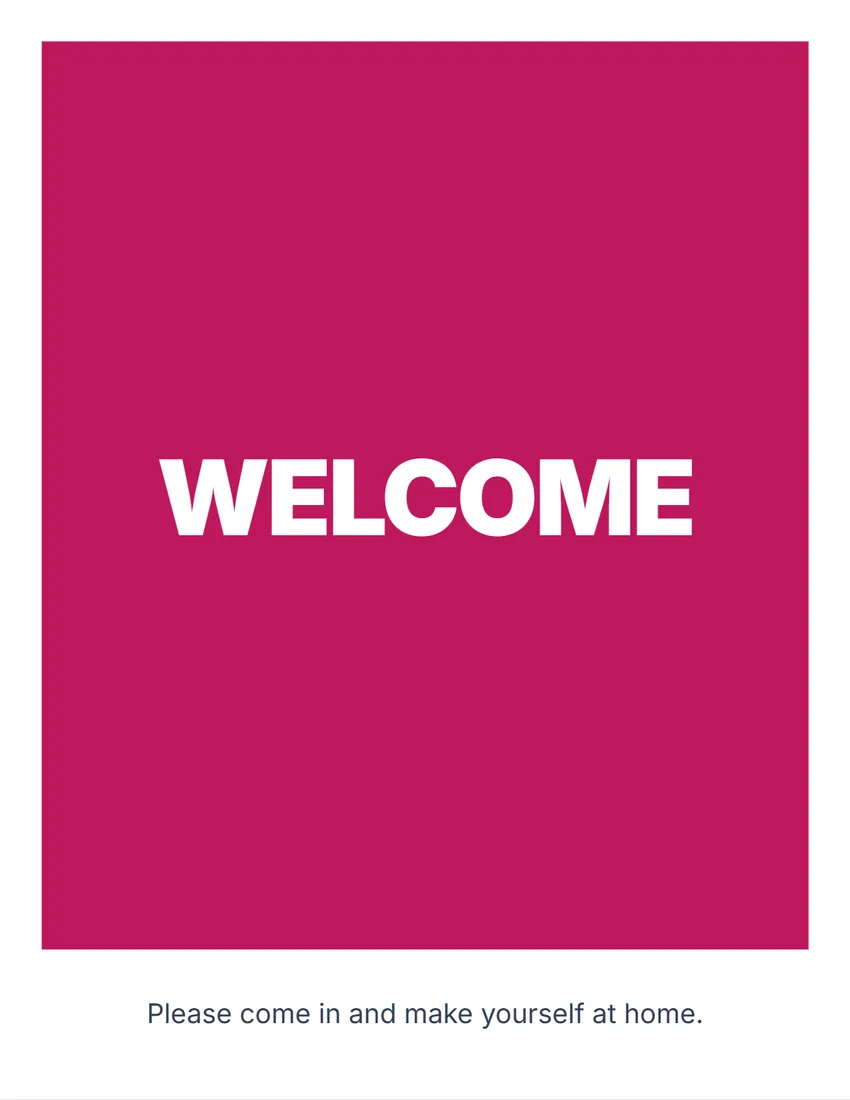 Layout
BoldA solid block of colour with the title in white capitals. Reads from a distance.
Start with this layoutOpen
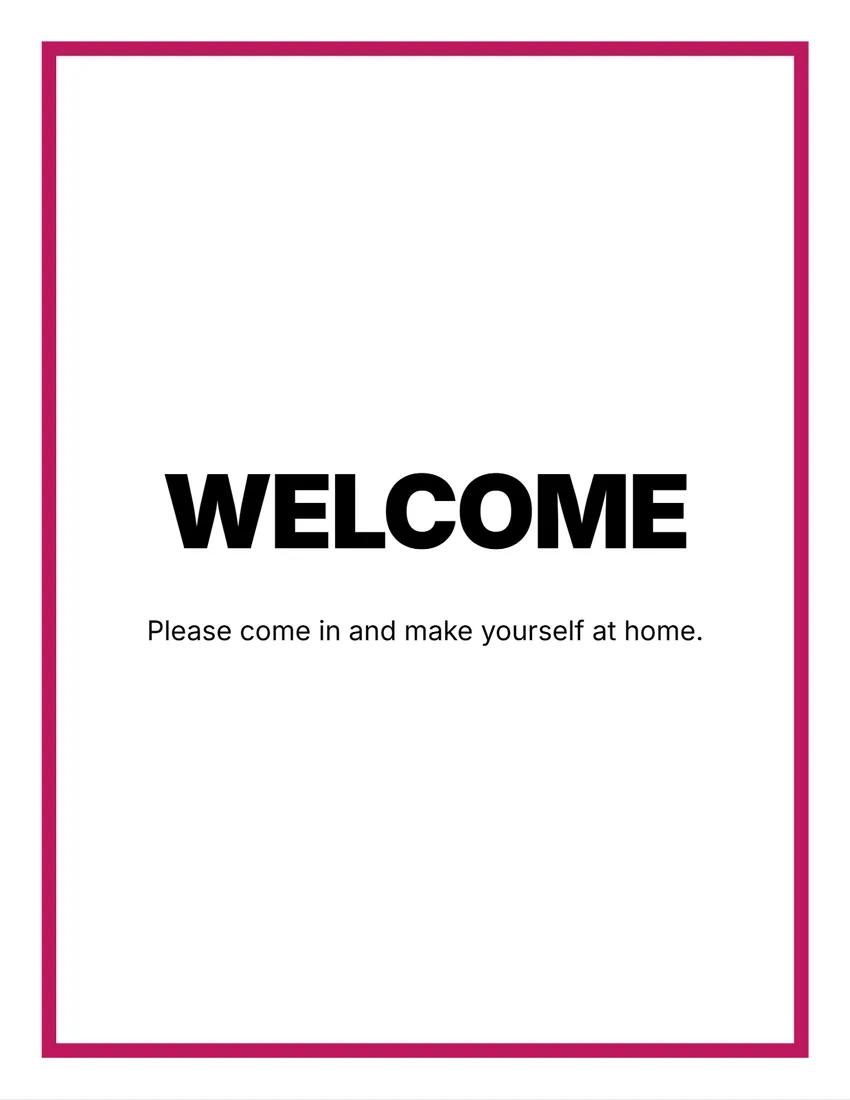 Layout
NoticeA thick frame in your ink colour, black capitals inside, like a posted notice.
Start with this layoutOpen
Related tools
Goes well with this one
Was this tool useful?
Notice: Generated via SnapPaperwork. For your own party, event or home.
Something missing? Tell me what you need.
How to make a welcome sign in 3 steps
-
Choose the kind of sign
Welcome, welcome home, happy birthday, baby or bridal shower, wedding welcome, graduation, retirement, or a “this way to the party” sign. Rewrite the title if you like.
-
Add the names and details
Who it is for, the date and the place, a short message and who it is from. Leave any of them empty to leave it out.
-
Print it and put it up
Print a full page for the door or the entrance, or half-page signs two to a sheet. Download the PDF to have it printed larger at a copy shop.
What to put on a welcome sign
- A big title that says what the event is: “Welcome”, “Happy Birthday”, “Baby Shower”.
- The name of the person or the couple it is for.
- The date, if you want the sign as a keepsake.
- One short line for guests: where to go, the guest book, the hashtag for photos.
Tips
- Put the sign where guests arrive, at eye level, and a “this way” sign with an arrow at the street or the gate.
- Fewer words read better from a distance; keep the message to one or two lines.
- Pick a colour that matches the invitations or the decorations.
- Card stock (65–110 lb / 170–300 gsm) stands up better; a frame or an easel makes it look finished.
- For a large poster, have the downloaded PDF printed at a copy shop at 18 × 24 in or A2.
Printing, cutting and folding
- Print at 100% (Actual size). Most printers cannot print the outer 1/4 inch, so the designs stay inside it.
- Half page: choose “cut” for two signs per sheet, or “fold” for a tent card on a table (the gift table, the guest book).
- Use the size buttons on the sign to make any part bigger or smaller, and the eye buttons in the form to hide a line.
Frequently asked questions
How do I make a baby shower welcome sign?
Choose “Baby shower”, type the name of the guest of honour and the date, and add a line such as “Please sign the guest book”. Print it on Letter or A4, or have the PDF printed as a poster.
Can I make a wedding welcome sign for the entrance?
Yes. Choose “Wedding”, type both names, the date and the place, then pick a colour. For a big sign, download the PDF and have it printed as a poster.
Is this welcome sign maker free?
Yes. It is free to use, needs no account or sign-up, and never adds a watermark or a SnapPaperwork logo to your sign.
What kinds of signs can I make?
Welcome, welcome home, happy birthday, baby shower, bridal shower, wedding welcome, graduation, retirement, and a “this way to the party” sign with an arrow. Every title and line can be rewritten, so it works for any event.
Can I make a bigger sign or a poster?
The sign prints on US Letter or A4. Download the PDF and have it printed at a copy shop as a poster (for example 18 × 24 inches or A2): it scales up cleanly.
Can I add an arrow?
Yes. Add an arrow pointing left or right to show guests the way from the street, the parking lot or the front door.
Can I change the colours?
Choose rose, navy, sage green, purple, gold or black, and one of three designs. The colour is used for the title and the details.
Is my information uploaded or stored on your servers?
No. Everything you type stays in your browser and is never sent to me. It is saved on your own device so it is there next time.