Free Printable Place Card TemplatePaste your guest list (with table numbers or meals if you like), choose folded or flat cards and a design, then print on card stock and cut. Or print blank cards to write on. No sign-up, and nothing you type is uploaded.
Design
Whole page · the printed page has no watermark or logo.
Examples3 layouts filled in with made-up details. Open one to start with that layout.
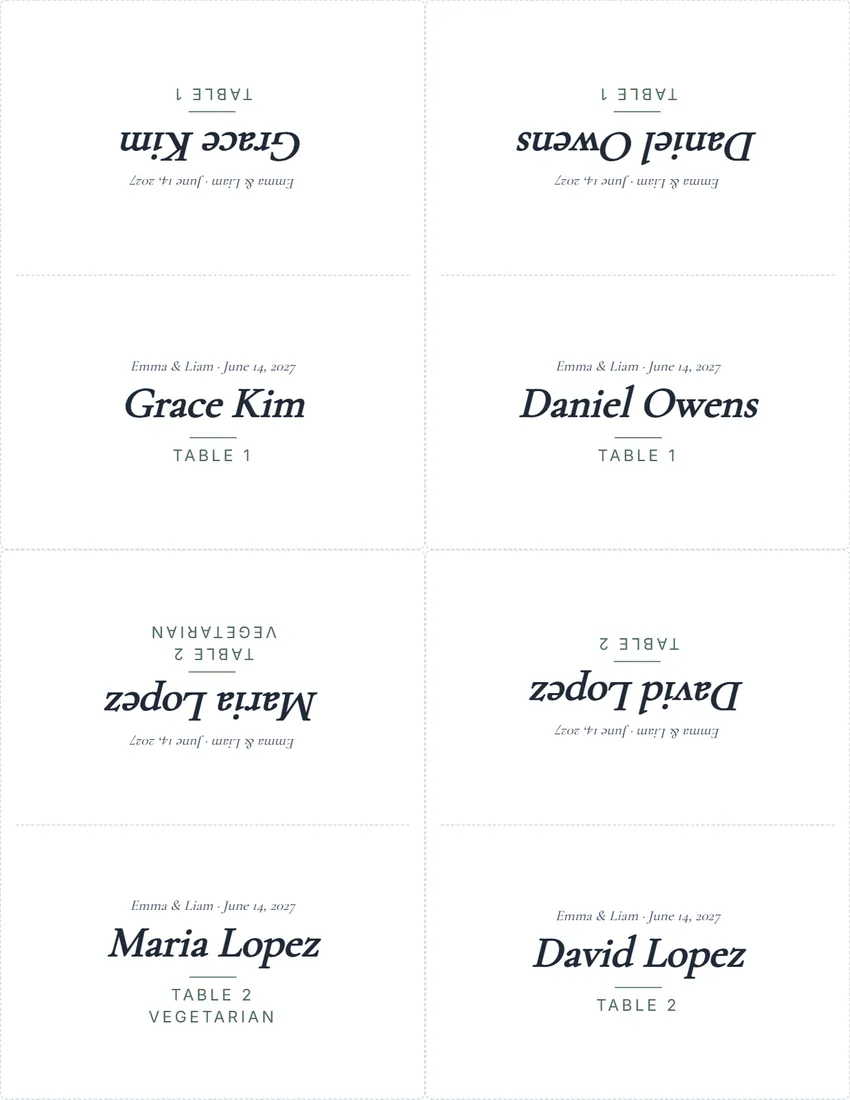 Default layout
ElegantThe name in an italic serif, a short rule, the table in small capitals.
Start with this layoutOpen
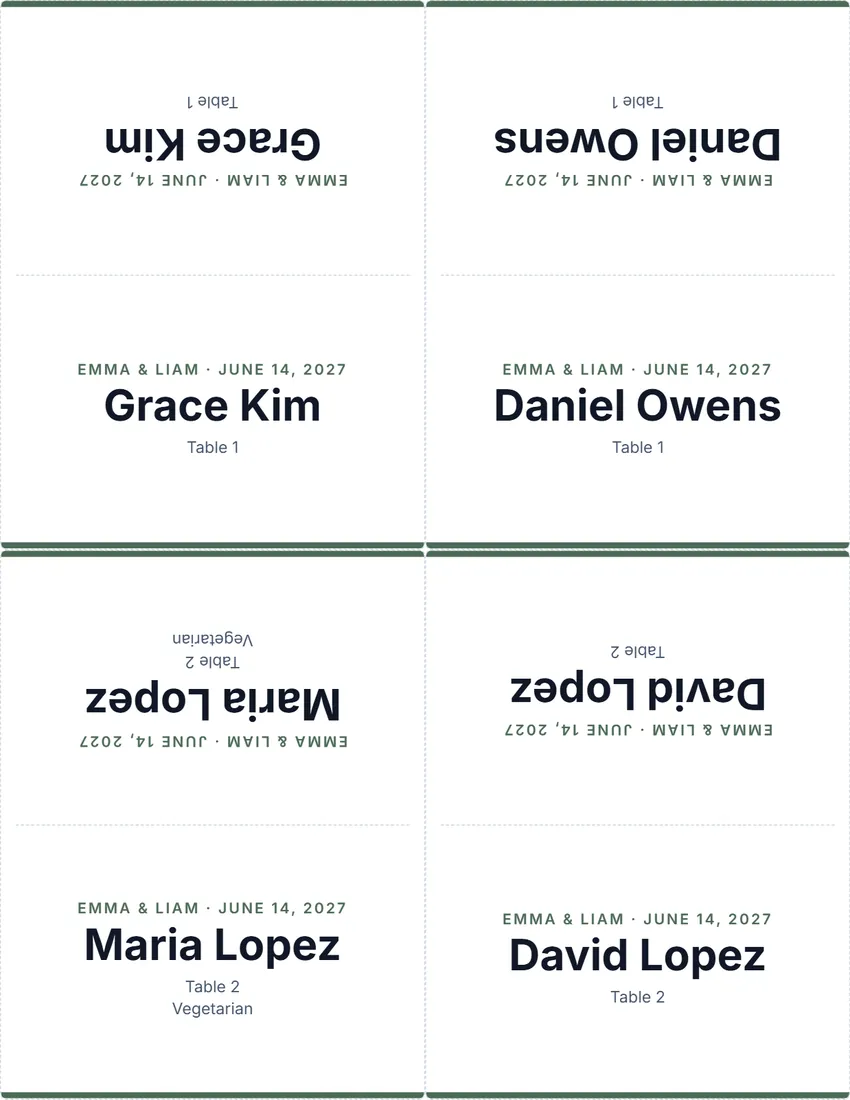 Layout
ModernThe name in a bold sans, a bar of colour along the foot.
Start with this layoutOpen
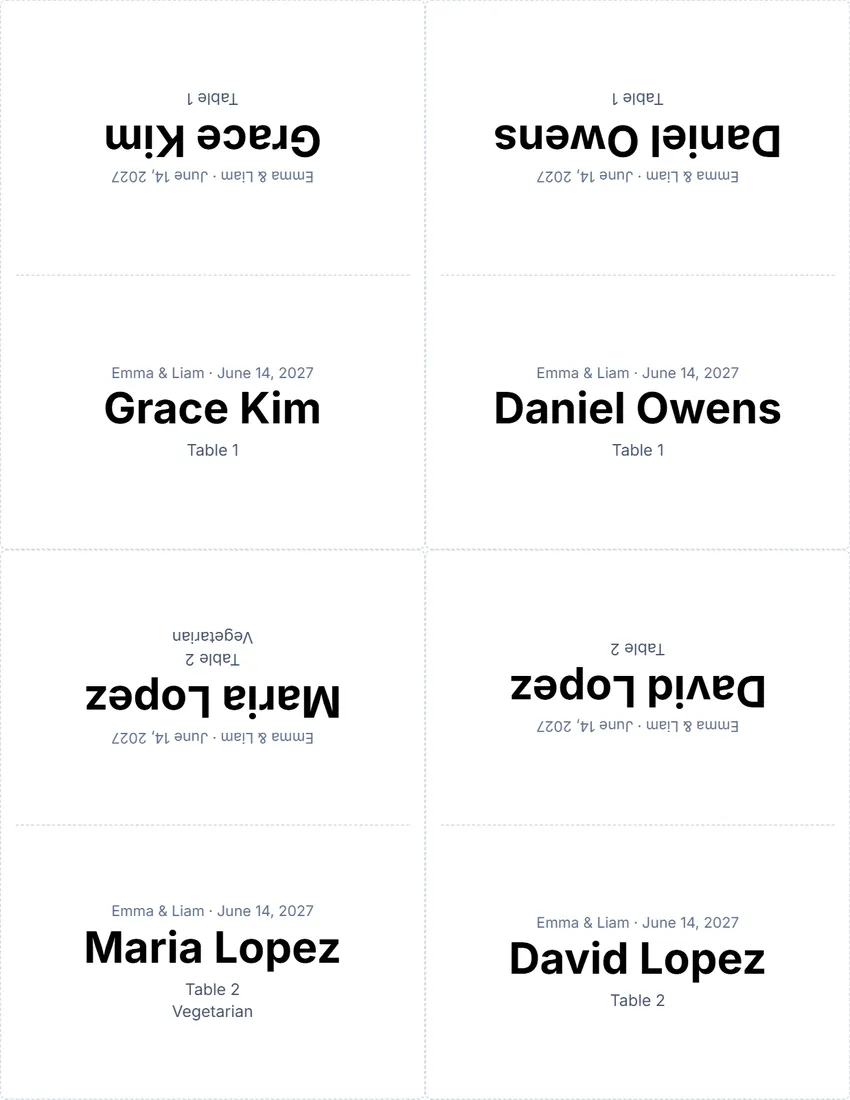 Layout
SimpleBlack and white: the name and the table. Least ink.
Start with this layoutOpen
Related tools
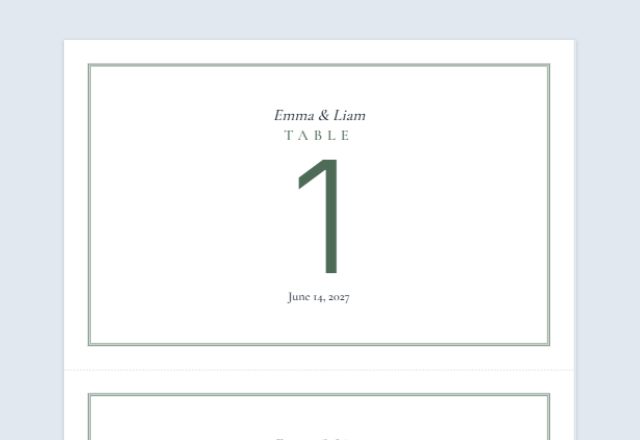
Goes well with this one

Was this tool useful?
Notice: Generated via SnapPaperwork. For your own wedding, dinner or event.
Something missing? Tell me what you need.
What is a place card?
A place card is a small folded card with a guest’s name that marks where they sit at a table. Many are printed on one sheet, cut out and folded. Use them at weddings, dinners and parties so guests can find their seats.
How to make place cards in 3 steps
-
Paste your guest list
One guest per line, with the table or meal after a “|” if you like. Or choose blank cards to write the names by hand.
-
Choose folded or flat, and a design
Tent cards fold in half and stand on the table, readable from both sides; flat cards go in holders or lean on a glass. Add a line such as the couple’s names and the date.
-
Print on card stock and cut
Print at 100% on heavy paper, cut along the lines, and fold the tent cards along the dashed line.
What to put on a place card
- The guest’s name, large and easy to read from a seat away
- The table number, if the cards also show guests where to sit
- A meal choice in small type, so servers know who ordered what
- A line such as the couple’s names, the event or the date
Tips for place cards
- Use the names guests go by, and check the spelling with family or the host.
- Sort your list by table so the cards come out in the order you set them out.
- Card stock of about 65–110 lb (170–300 gsm) stands up well when folded.
- Print a few blank cards for last-minute guests.
- Score the fold with a ruler and the back of a knife for a clean edge.
Print one sheet on plain paper first to check the names fit before you print on card stock.
Frequently asked questions
Is this place card maker free?
Yes. It is free to use, needs no account or sign-up, and never adds a watermark or a SnapPaperwork logo to your cards.
How do the folded cards work?
Each tent card is printed twice as tall as it stands, with the back half upside down. Fold along the dashed line and the name reads from both sides of the table.
How do I add a table number or meal?
Write it after a “|” on the same line, for example “Grace Kim | Table 1 | Vegetarian”. Each part goes on its own line under the name.
What size are the cards?
Four tent cards per sheet fold to 4¼ × 2¾ in (105 × 74 mm on A4); flat cards are the same size, eight per sheet.
Can I print blank place cards?
Yes. Choose “Blank cards to write on” and the number of sheets. Each card has a line for the name.
Is my information uploaded or stored on your servers?
No. Everything you type stays in your browser and is never sent to me. It is saved on your own device so it is there next time.