Free Wedding Program TemplateAdd your names, the date and place, the order of ceremony and the wedding party, then print the programs or save them as a PDF. No sign-up, and nothing you type is uploaded.
Design
Whole page · the printed page has no watermark or logo.
The program does not fit on its page. Use fewer parts or a shorter wedding party, choose one per page, or try another design.
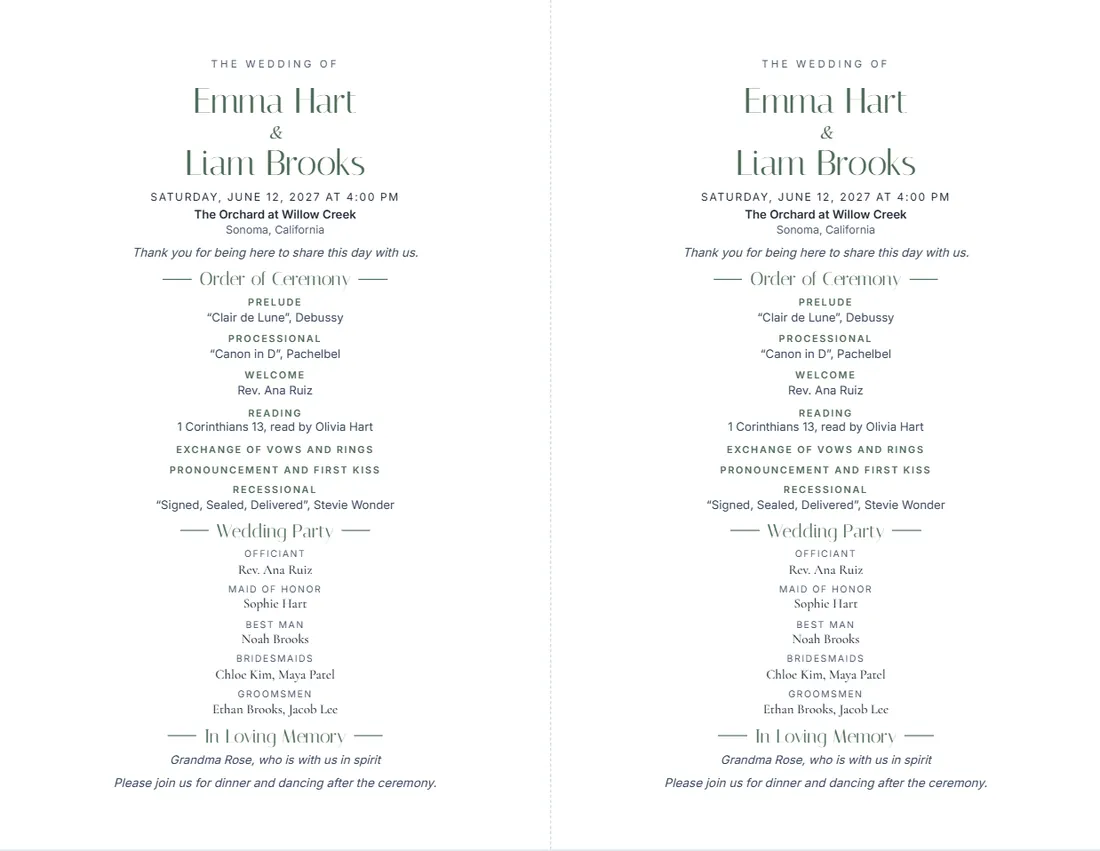
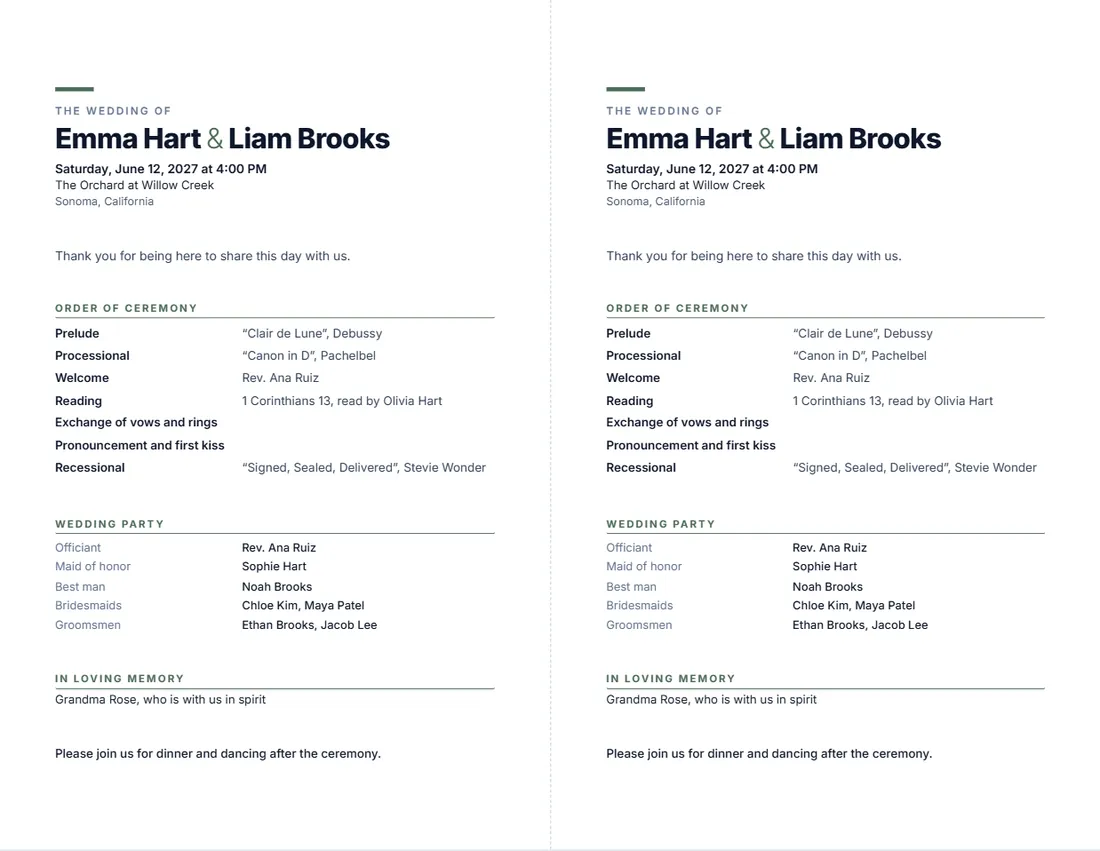
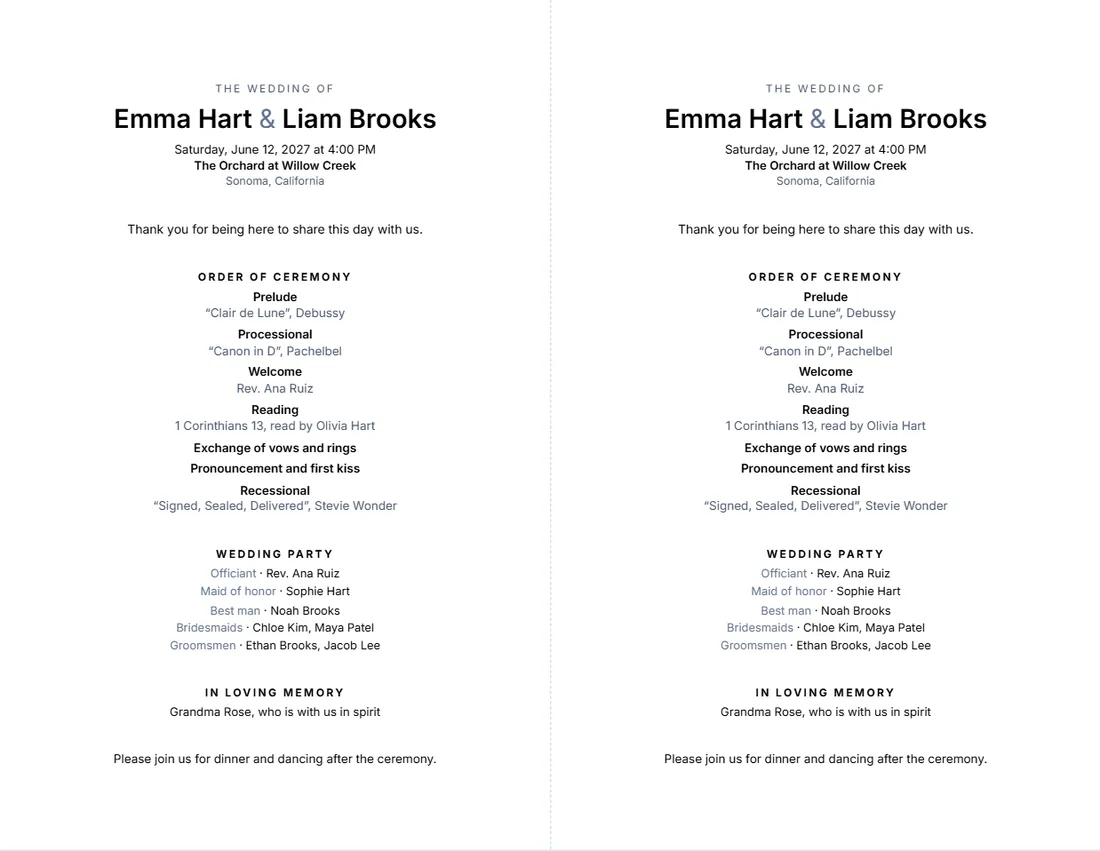
Examples3 layouts filled in with made-up details. Open one to start with that layout.
Related tools
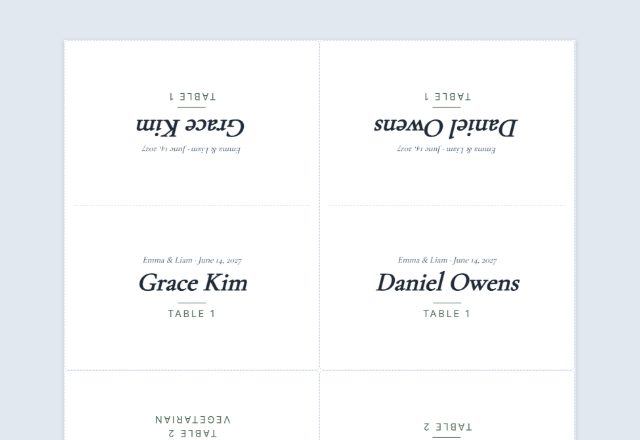
Goes well with this one
Was this tool useful?
Notice: Generated via SnapPaperwork. For your own wedding or an event you are planning.
Something missing? Tell me what you need.
How to make a wedding program in 3 steps
-
Add your names, the date and the place
And a short welcome if you like. The date is written out in full, with the day of the week.
-
List the order of ceremony and the wedding party
Each part with its music, reading or who leads it; then the officiant, attendants and family. Leave out what you do not need.
-
Print and cut
Two programs per sheet, cut along the dashed line, or one per page. Print on card stock for a finished feel.
What to put in a wedding program
- Your names, the date, the time and the venue.
- The order of ceremony: prelude, processional, welcome, readings, vows and rings, pronouncement, recessional.
- The music and who reads, sings or plays.
- The wedding party: officiant, maid or matron of honor, best man, bridesmaids, groomsmen, flower girl, ring bearer, parents.
- A line in memory of loved ones who have passed.
- A thank-you, and where the reception is.
Printing tips
- Print one test on plain paper first, to check the names and spelling.
- Card stock of 65–80 lb (about 175–215 gsm) feeds through most home printers; check what yours accepts.
- Two per sheet: cut with a paper trimmer along the dashed line for a clean edge.
- Print a few more than the number of guests, for those who arrive in pairs and want one each.
Frequently asked questions
Is this wedding program maker free?
Yes. It is free to use, needs no account or sign-up, and never adds a watermark or a SnapPaperwork logo to your programs.
What size are the programs?
Two per sheet gives two programs of 5½ × 8½ inches on US Letter (or two A5 on A4), to cut in half. One per page fills a whole Letter or A4 sheet.
Can I change the headings?
Yes. Click any heading on the program, such as “Order of Ceremony”, and type, or use the Wording panel. An empty box goes back to the standard wording.
Can I leave out the wedding party?
Yes. Untick “Print the wedding party”. Parts of the ceremony with nothing typed are left out, and so are the welcome, the memorial line and the closing note when empty.
What if it does not fit?
The page tells you. Use fewer parts or a shorter wedding party, choose one per page, or try another design.
Is my information uploaded or stored on your servers?
No. Everything you type stays in your browser and is never sent to me. It is saved on your own device so it is there next time.