Free Employee Write-Up FormFill in the warning, tick the type and the reason, describe what happened and what must change, then print the form or save it as a PDF. Or leave it blank and print copies. No sign-up, and nothing you type is uploaded.
Layout
Whole page · the printed page has no watermark or logo.
The form is longer than one page. Shorten the longest writing, leave out an optional section, or try another design.
Examples3 layouts filled in with made-up details. Open one to start with that layout, or print a blank template to fill in by hand.
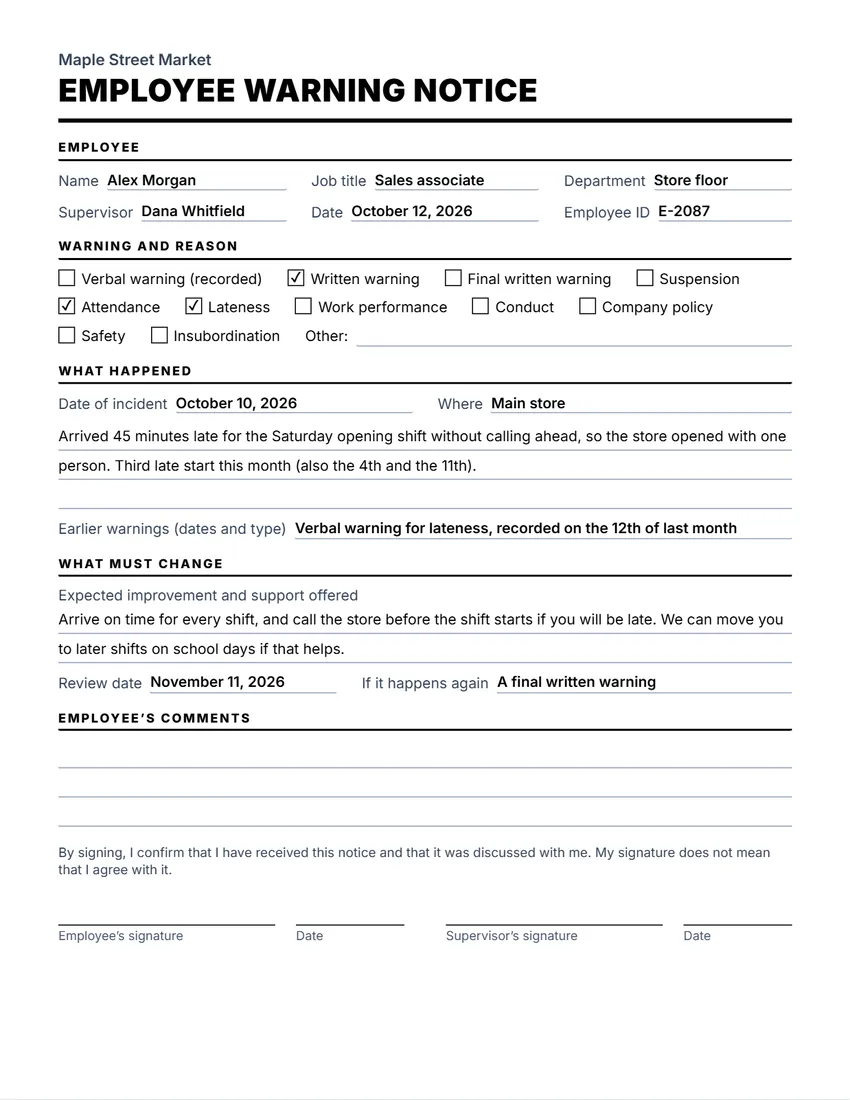 Default layout
ClassicLarge title over a heavy rule, sections in small capitals.
Start with this layoutOpen
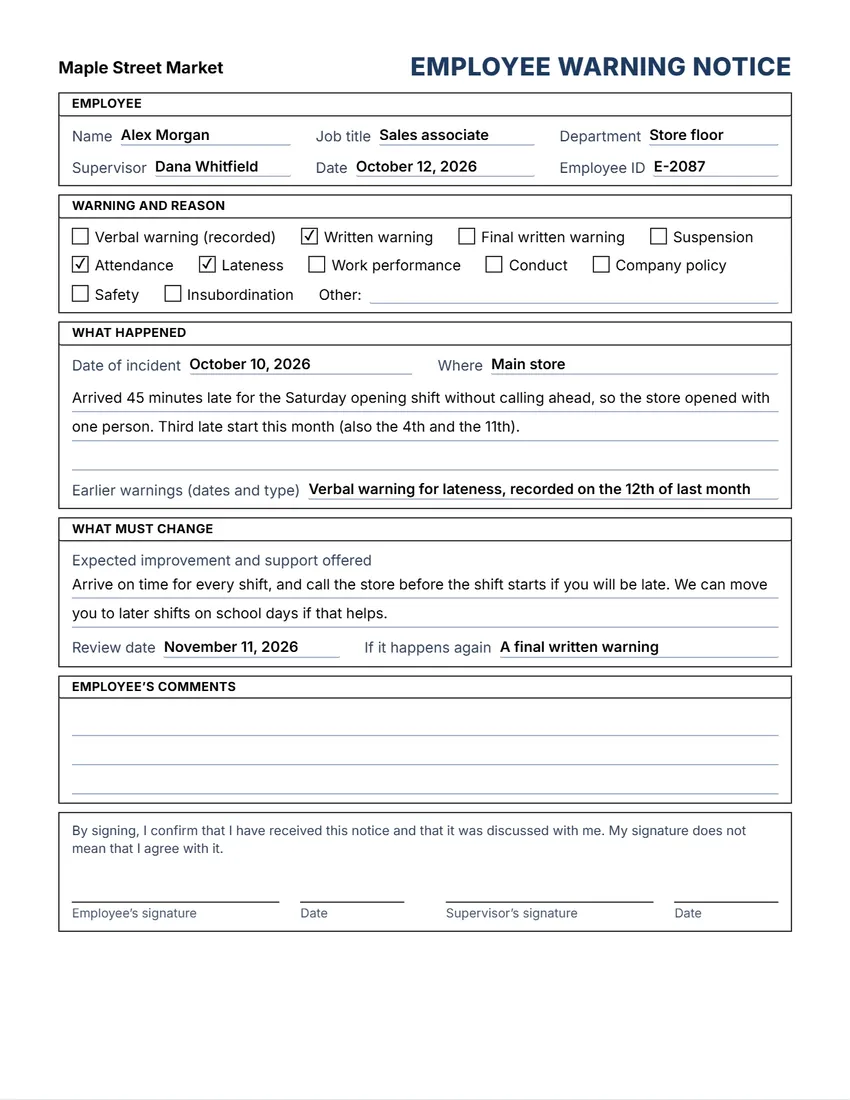 Layout
BoxedEvery section in a ruled box, like a printed office form.
Start with this layoutOpen
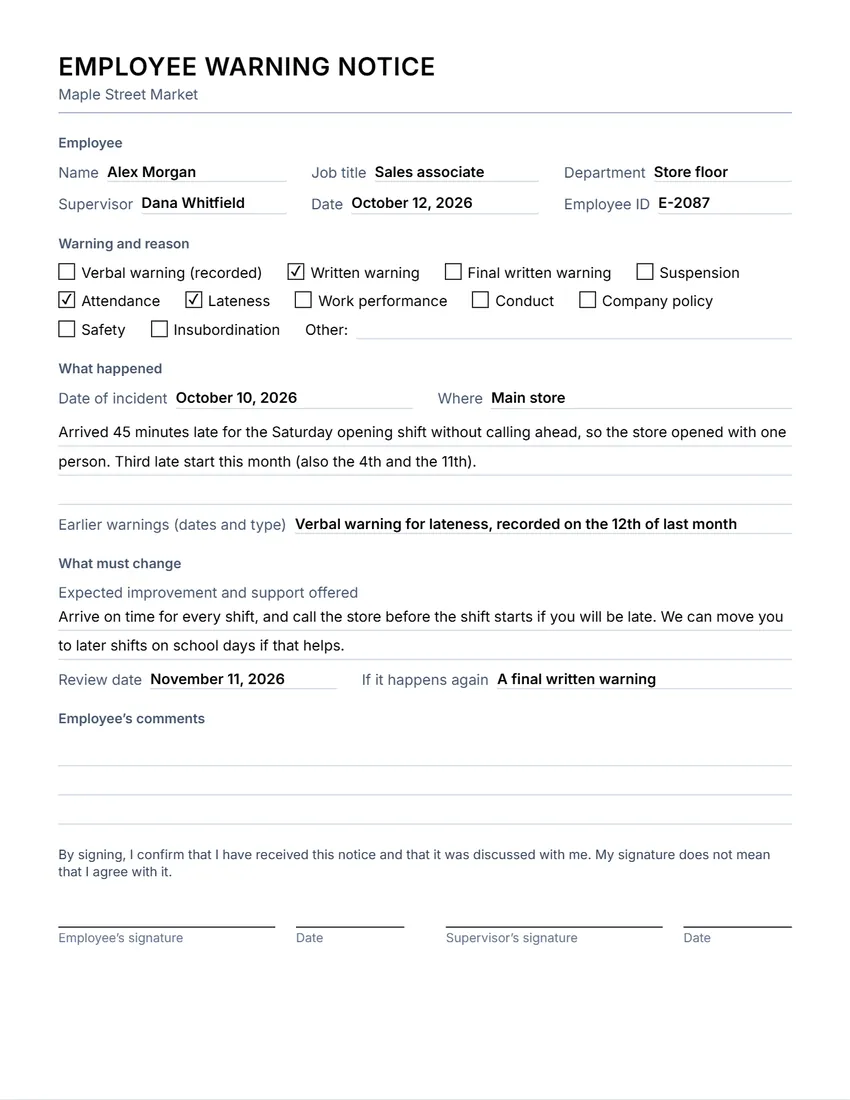 Layout
SimpleThin grey rules and plain headings. Least ink.
Start with this layoutOpen
Prefer to fill it in by hand? Print a blank template and write on it.
Related tools
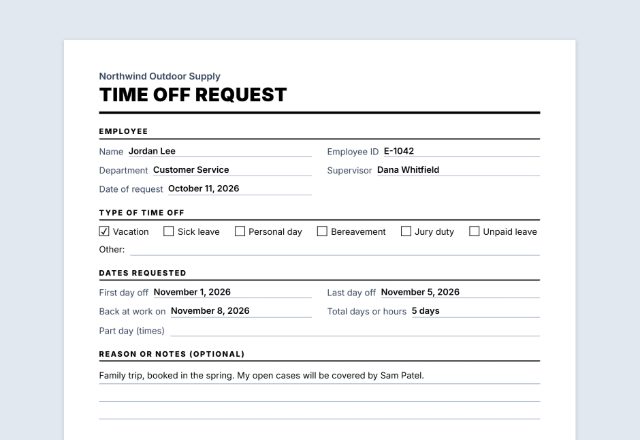
Goes well with this one
Was this tool useful?
Notice: Generated via SnapPaperwork. For your own workplace. Do not backdate a warning, sign for someone else, or make a record of something that did not happen.
Something missing? Tell me what you need.
How to write up an employee in 3 steps
-
Fill in who and why
The employee’s name and job, the type of warning, the reason, and the date and place of what happened.
-
Describe the facts and what must change
Write what happened in plain, factual words, any earlier warnings, what the employee needs to do, the support you offer and a date to review it.
-
Meet, sign and keep a copy
Go through it with the employee in private, let them add their comments, and both sign. Give them a copy and keep one in their file.
What to put on an employee write-up
- The employee’s name, job title, department and supervisor, and the date of the notice
- The type of warning: a recorded verbal warning, a written warning, a final written warning or a suspension
- The reason, and the date and place of what happened
- A factual description: what was seen or done, not opinions or guesses about why
- Earlier warnings about the same thing, with their dates
- What must change, the help offered, a review date and what happens if it happens again
- Room for the employee’s comments, and signatures of the employee and the supervisor
Tips for a fair write-up
- Write it soon after the event, while the facts are fresh, and stick to what you saw or can show.
- Name the rule or expectation that was not met, and treat the same problem the same way for everyone.
- Meet in private, explain the notice, and listen. Let the employee write their side in the comments box.
- The employee’s signature only shows they received it. If they will not sign, note it and have a witness sign.
- Follow your own handbook or policy, any employment contract and any union agreement.
Printing blank forms
- Add your company name and logo, and leave the rest empty.
- Untick “Print this section” on the employee’s comments if you collect them another way, or tick the witness box to add it.
- Print at 100% (Actual size) and keep the blank forms with your HR files.
General information, not legal or HR advice. How you can warn, suspend or dismiss an employee depends on the law where you work, any contract or union agreement, and your own policy. Ask an employment lawyer or adviser if you are unsure.
Frequently asked questions
Is this employee write-up form free?
Yes. It is free to use, needs no account or sign-up, and never adds a watermark or a SnapPaperwork logo to your form.
Can I print blank write-up forms?
Yes. Add your company name and logo and leave everything else empty: every field prints as a line to write on and every box can be ticked by hand.
What if the employee refuses to sign?
Under “Witness” in the form, tick “Print this section” to add a box that says the employee was given the notice and would not sign it, with a line for a witness to sign. The note above the signatures already says that signing does not mean agreeing.
Can I change the reasons or the type of warning?
Yes. Click any box’s words on the form, or use the Wording panel, to rename it, for example “Customer complaint”. There is also an “Other” line.
Is a write-up the same as a performance improvement plan?
No. A write-up records one problem and a warning. A performance improvement plan sets out goals over weeks or months. The “What must change” part of this form can hold short goals and a review date.
Is my information uploaded or stored on your servers?
No. Everything you type stays in your browser and is never sent to me. It is saved on your own device so it is there next time.