Free Envelope Printer & TemplateChoose the envelope size, add your return address and the addresses, then print straight onto the envelopes. No sign-up, and nothing you type is uploaded.
Design
Whole page · the printed page has no watermark or logo.
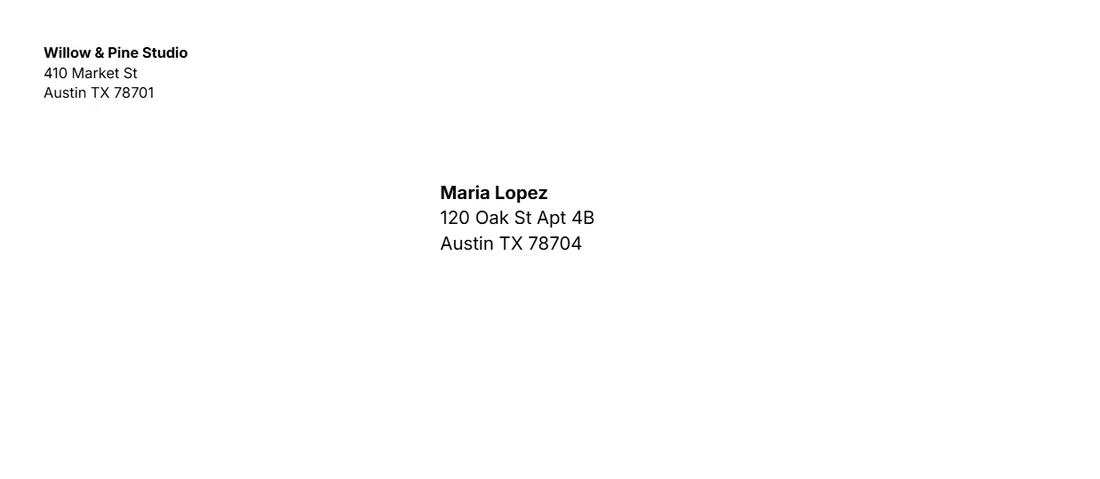
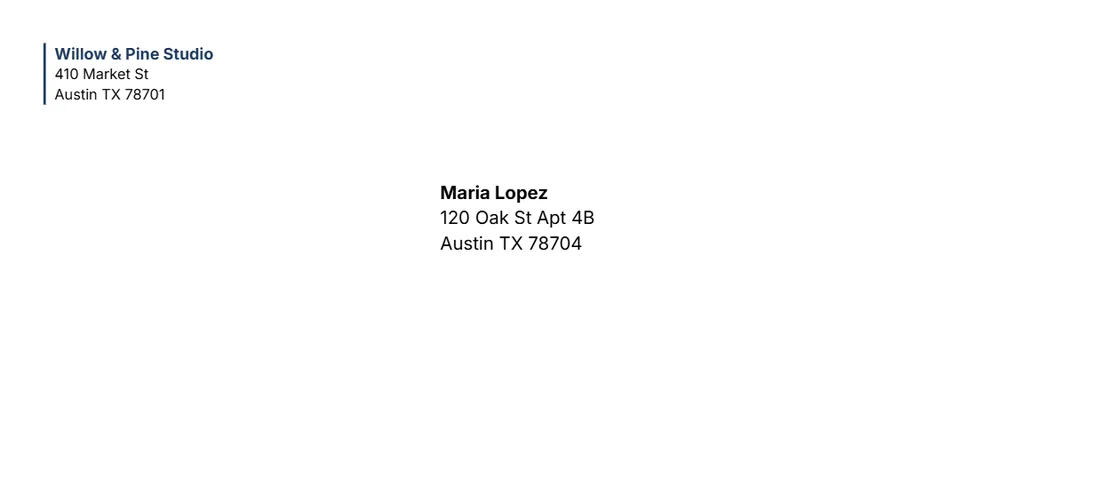
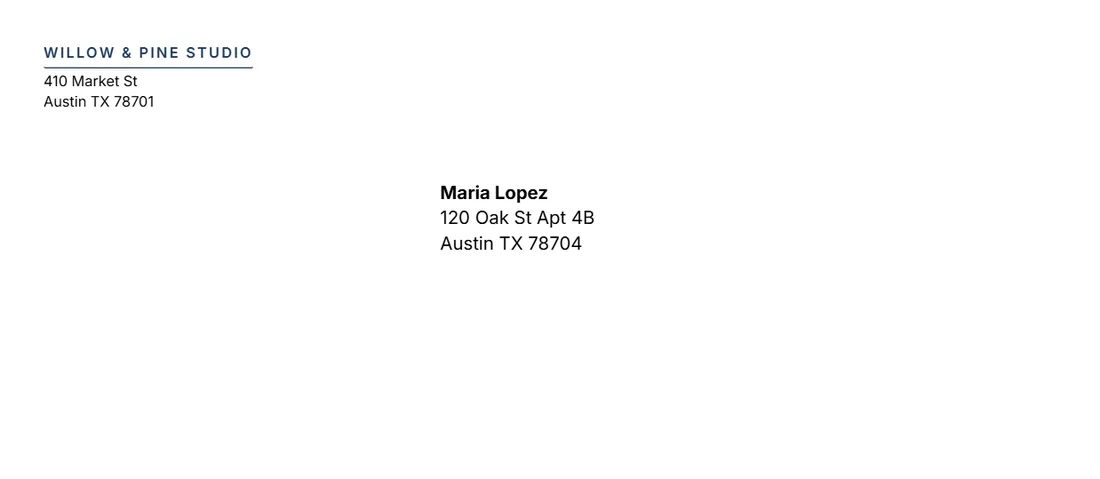
Examples3 layouts filled in with made-up details. Open one to start with that layout.
Related tools
Goes well with this one
Was this tool useful?
Notice: Generated via SnapPaperwork. For your own mail. Do not use someone else’s name or return address, and do not print anything that looks like postage.
Something missing? Tell me what you need.
How to print on envelopes in 3 steps
-
Choose the envelope and your return address
Pick the size on the box (#10, A7, DL…), type your return address and add your logo if you like.
-
Add the addresses
Type or paste a list, one address per envelope, or print the same address on several envelopes, or your return address only.
-
Print a test, then the envelopes
Print one test on plain paper, check it against an envelope, then feed the envelopes and print at actual size.
Envelope sizes
- #10 (9½ × 4⅛ in): the standard US business envelope, for a letter folded in three.
- #9 (8⅞ × 3⅞ in): fits inside a #10, often used as a reply envelope.
- Monarch (7½ × 3⅞ in): personal stationery and short letters.
- A7 (7¼ × 5¼ in) and A2 (5¾ × 4⅜ in): invitations, thank-you and greeting cards.
- 6 × 9 in and 9 × 12 in: booklets, catalogs and unfolded letter-size papers.
- DL (220 × 110 mm), C6 (162 × 114 mm) and C5 (229 × 162 mm): the usual sizes in the UK, Europe and Australia.
Feeding envelopes into your printer
In the print window, choose the envelope size as the paper size (or a custom size with the same measures) and print at 100%, not “Fit to page”.
Most printers take envelopes in the rear or manual feed slot, one at a time, flap closed. The printer’s manual shows which way up and which edge goes in first; a small picture on the tray often shows it too.
Print one test on plain paper first. Cut or fold it to the envelope’s size and hold it over an envelope against the light. If the text is off, use “Move right” and “Move down”.
Thick or padded envelopes, and envelopes with windows or plastic, can jam or smudge. Check what your printer accepts.
Where things go on an envelope (US Postal Service)
Return address: the upper left corner of the side with the address (Domestic Mail Manual 202, 4.2).
Delivery address: in the area the sorting machines read, at least ½ inch from the left and right edges, above the bottom ⅝ inch and no higher than 2¾ inches from the bottom edge on a letter-size envelope (202, 2.1). The tool puts it there for you and warns you if it runs low.
Keep the bottom ⅝ inch of the right part clear: the Postal Service prints its barcode there (202, 5.1.1). The stamp goes in the upper right corner; the dashed “Stamp” box shows where on screen and is not printed.
Writing the address
- Use the same left margin for every line. Capital letters are preferred, though lower case is fine when it is clear (Publication 28, § 212). Turn on “ALL CAPITALS” if you like.
- Put an apartment or suite number at the end of the street line, such as APT 4B or STE 210 (§ 213). The last line is the city, the state and the ZIP Code.
- Mail to another country: write the country name in capitals on the last line, on its own.
Checked in October 2026. Envelope sizes are the usual trade sizes; check yours with a test page. This is general information about addressing, not postage: buy stamps or postage from your post office.
Frequently asked questions
Is this envelope printer free?
Yes. It is free to use, needs no account or sign-up, and never adds a watermark or a SnapPaperwork logo to your envelopes.
Which envelope sizes can I print?
#10, #9, Monarch, A7, A2, 6 × 9 and 9 × 12 inches, and DL, C6 and C5. Each page of the PDF is one envelope of that size.
How do I print a list of addresses on envelopes?
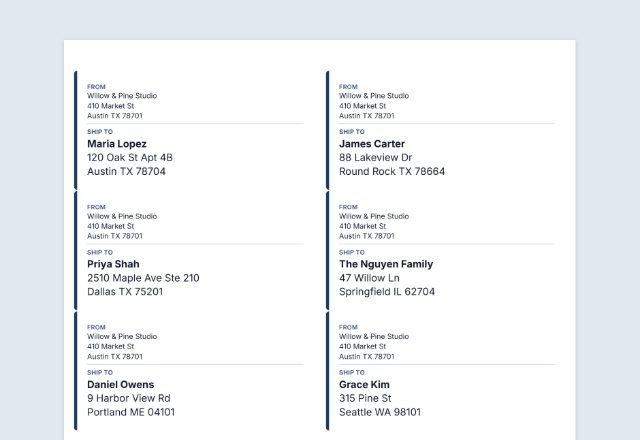
Type or paste them in the Addresses box, one per envelope with an empty line between them, or paste rows from a spreadsheet. Each address gets its own page, up to 100 at a time.
Can I print only my return address?
Yes. Choose “My return address only” and the number of envelopes. Add your logo with the Accent or Formal design.
The text is not where I expected on the envelope. What do I do?
Check that the print window uses the envelope size and 100% (“Actual size”). Then print a test on plain paper, hold it over an envelope, and use “Move right” and “Move down” to shift everything.
Does it print postage?
No. It prints addresses only. Buy stamps or postage from your post office or online.
Are my addresses uploaded or stored on your servers?
No. Everything you type stays in your browser and is never sent to me. It is saved on your own device so it is there next time. On a shared computer, press “Clear Form” when you are done.