Free Missing Receipt FormFill in the purchase, tick why there is no receipt and what proof is attached, then print the form for signing or save it as a PDF. Or leave it blank and print copies for your team. No sign-up, and nothing you type is uploaded.
Layout
Whole page · the printed page has no watermark or logo.
The form is longer than one page. Shorten the longest writing, leave out an optional section, or try another design.
Examples3 layouts filled in with made-up details. Open one to start with that layout, or print a blank template to fill in by hand.
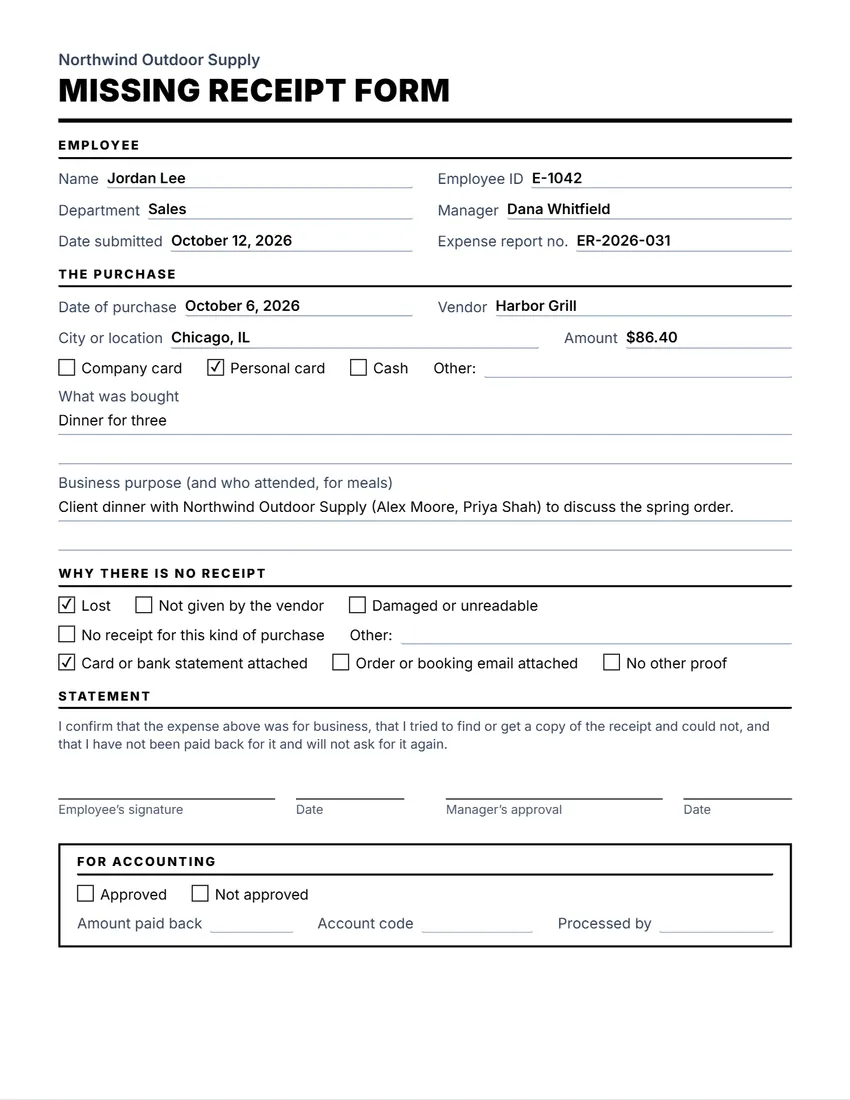 Default layout
ClassicLarge title over a heavy rule, sections in small capitals.
Start with this layoutOpen
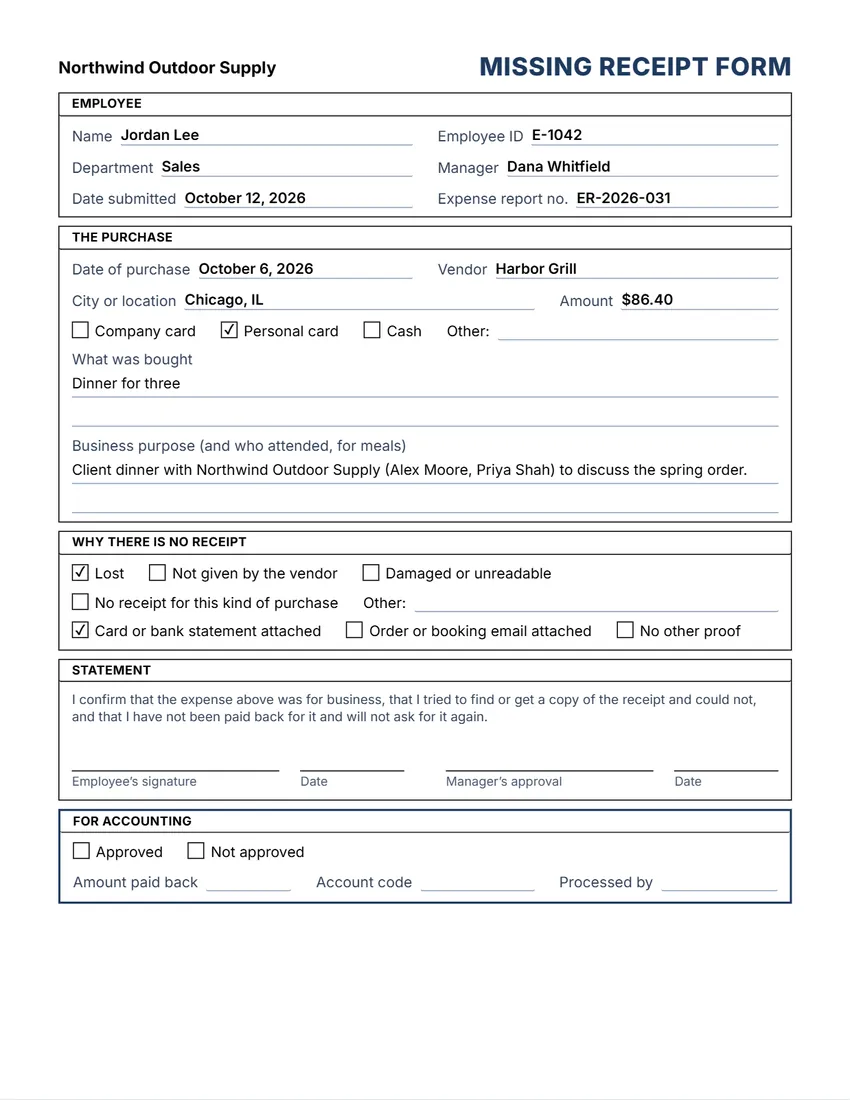 Layout
BoxedEvery section in a ruled box, like a printed office form.
Start with this layoutOpen
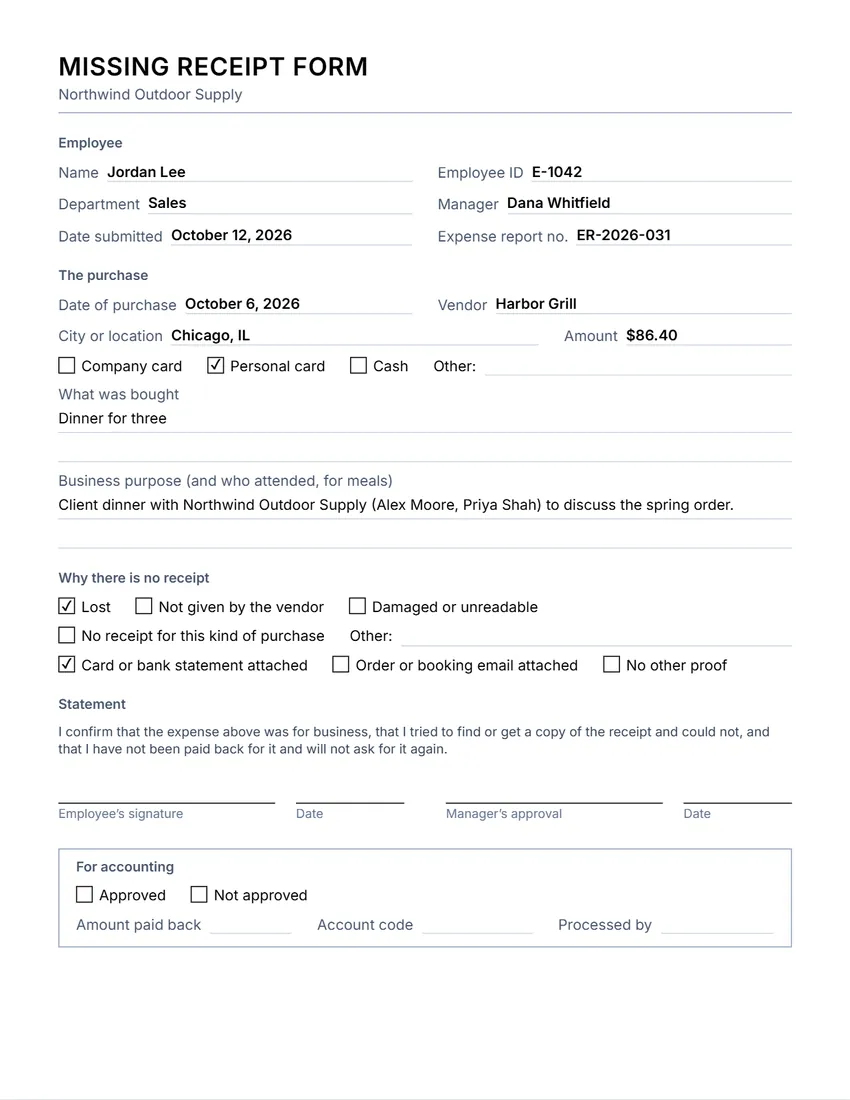 Layout
SimpleThin grey rules and plain headings. Least ink.
Start with this layoutOpen
Prefer to fill it in by hand? Print a blank template and write on it.
Related tools
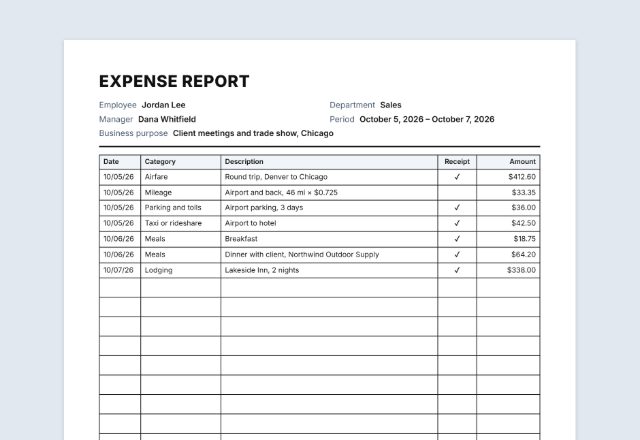
Goes well with this one
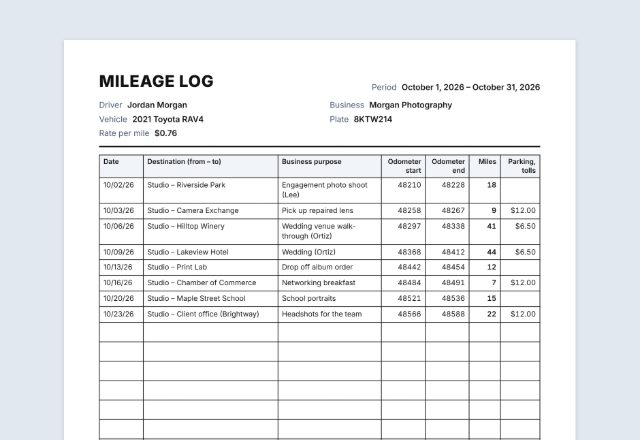
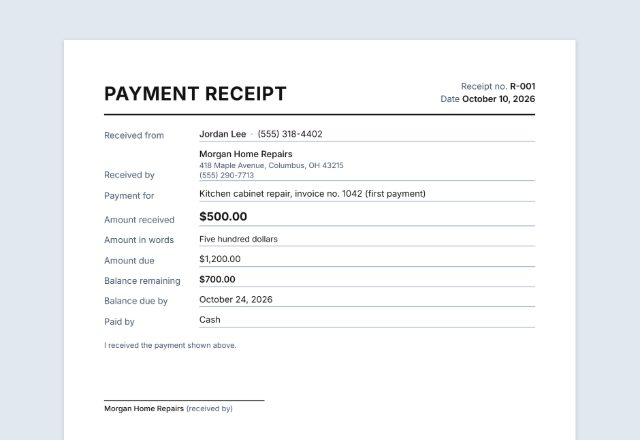
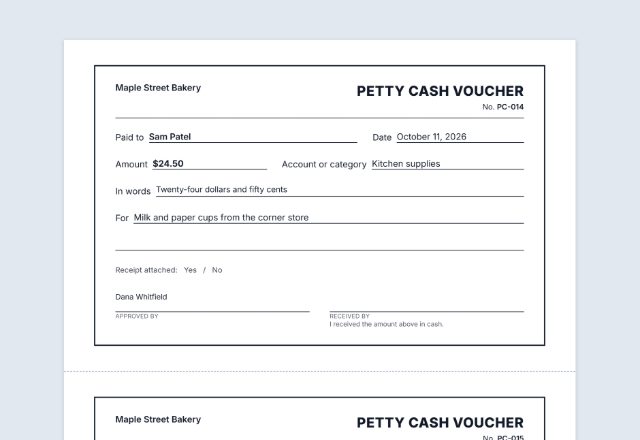
Was this tool useful?
Notice: Generated via SnapPaperwork. For real business expenses only. Claiming an expense that was not paid, or claiming the same expense twice, is fraud.
Something missing? Tell me what you need.
What is a missing receipt form?
A missing receipt form is a note an employee fills in when the receipt for a work expense is lost. It records the date, the shop, the amount, what was bought and why, with the employee’s signature and a space for a manager to approve it. Attach it to the expense report in place of the receipt.
How to fill in a missing receipt form in 3 steps
-
Fill in the purchase
Your name and department, then the date, the vendor, the amount, how it was paid, what was bought and why.
-
Say why there is no receipt
Lost, never given, damaged, or no receipt for that kind of purchase, and tick the proof you attach (a card statement, an order email).
-
Sign and send it with your expense report
You sign the statement, your manager approves it, and accounting fills in its part. Keep a copy.
What to put on a missing receipt form
- Who is claiming: name, employee ID and department
- The purchase: date, vendor, city, amount and how it was paid
- What was bought and the business purpose (for meals, who attended)
- Why there is no receipt, and any other proof you can attach
- A signed statement that the expense is real and not claimed twice, and a manager’s approval
Tips
- Try first: ask the vendor for a copy, or download one from the website or app you paid with.
- Attach a card or bank statement with the charge highlighted whenever you can.
- Fill the form in soon after the purchase, while you still remember the details.
- Check your company’s expense policy: many limit how often, or for how much, a missing receipt form can be used.
Printing blank forms for your team
- Fill in your company name and leave the employee and purchase details empty.
- Keep the “For accounting” section if your bookkeeper records approvals on paper.
- Print at 100% (Actual size) and keep copies with the expense report forms.
General information, not tax or legal advice. Each employer sets its own rules for expenses without a receipt, and tax rules on records differ by country.
Frequently asked questions
Is this missing receipt form free?
Yes. It is free to use, needs no account or sign-up, and never adds a watermark or a SnapPaperwork logo to your form.
What is a missing receipt form?
A short signed statement that an expense was really paid for business when the receipt is lost or was never given. It goes with an expense report in place of the receipt. It is also called a lost receipt affidavit or declaration.
Will my employer accept it?
That depends on your company’s expense policy. Many accept it now and then, for small amounts, with a manager’s approval and other proof such as a card statement.
Can I change the statement wording?
Yes. Click the statement on the form, or use the Wording panel, to rewrite it to match your company’s policy.
Can I print blank forms?
Yes. Fill in your company name and leave everything else empty. Every empty field prints as a line to write on, and every box can be ticked by hand.
Is my information uploaded or stored on your servers?
No. Everything you type stays in your browser and is never sent to me. It is saved on your own device so it is there next time.