Free Mileage Log TemplateFill in the form, check the preview, then print it or save it as a PDF. No sign-up, and nothing you type is uploaded.
Layout
Whole page · the printed page has no watermark or logo.
Examples2 layouts filled in with made-up details. Open one to start with that layout, or print a blank template to fill in by hand.
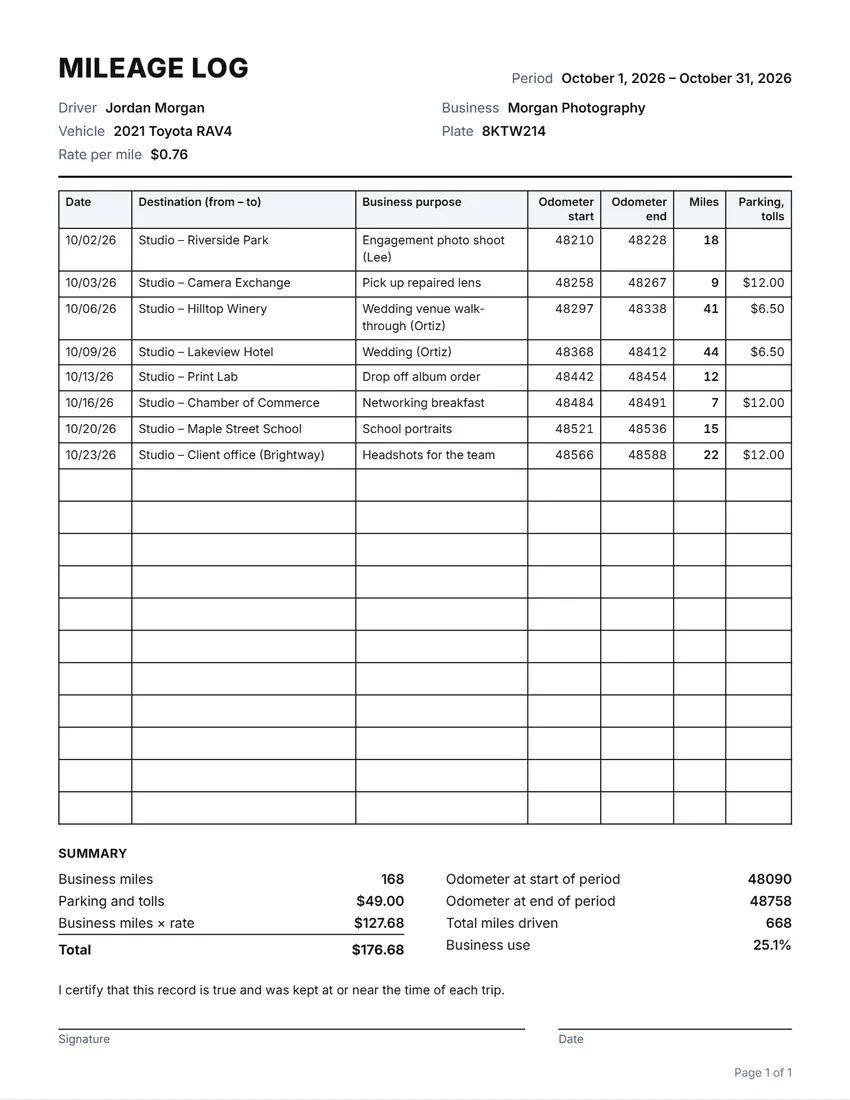 Default layout
GridRuled cells like a printed log book.
Start with this layoutOpen
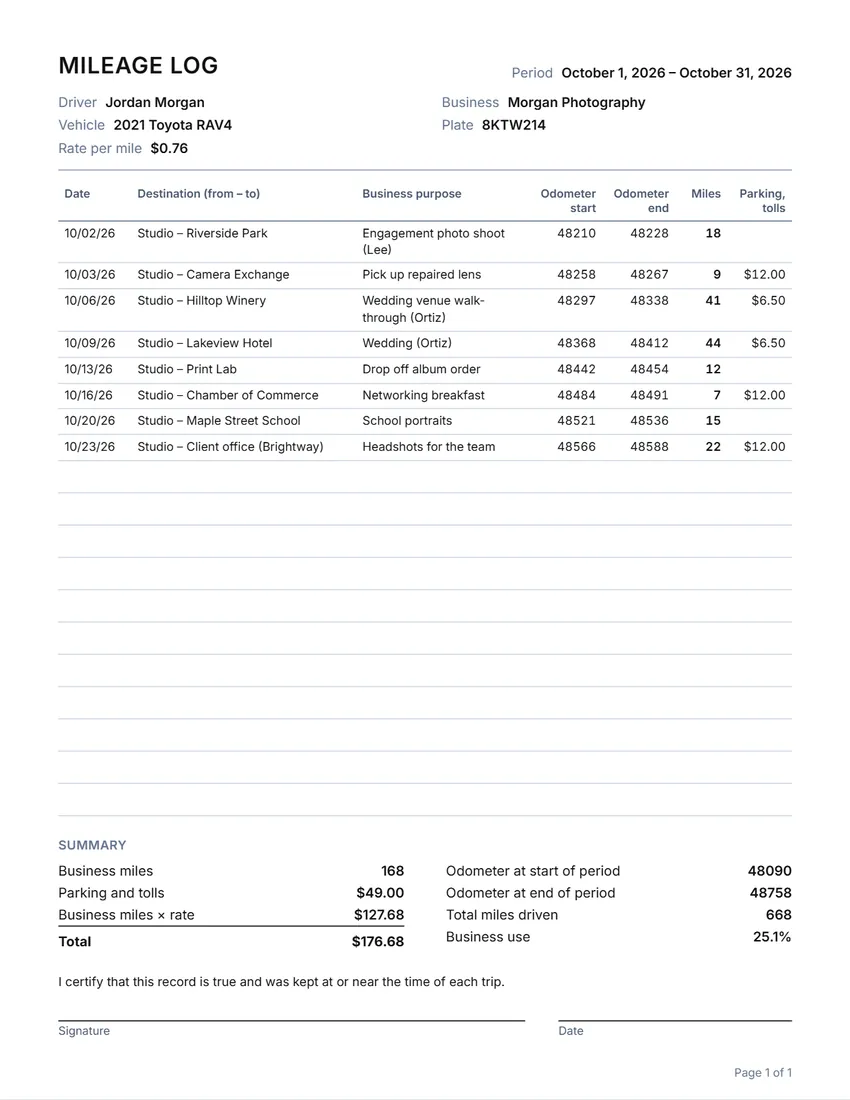 Layout
LinedLines between the rows only. Saves ink.
Start with this layoutOpen
Prefer to fill it in by hand? Print a blank template and write on it.
Related tools
Goes well with this one
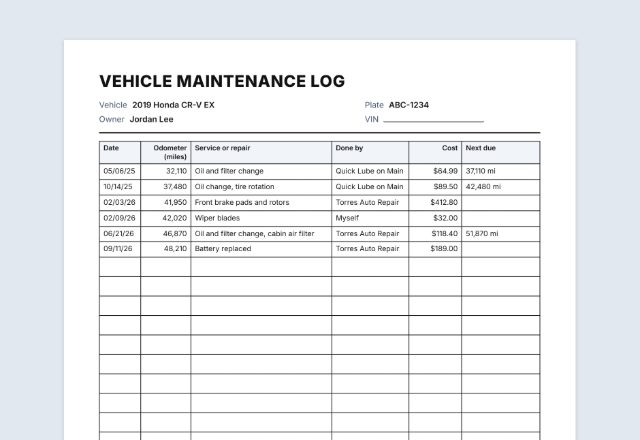
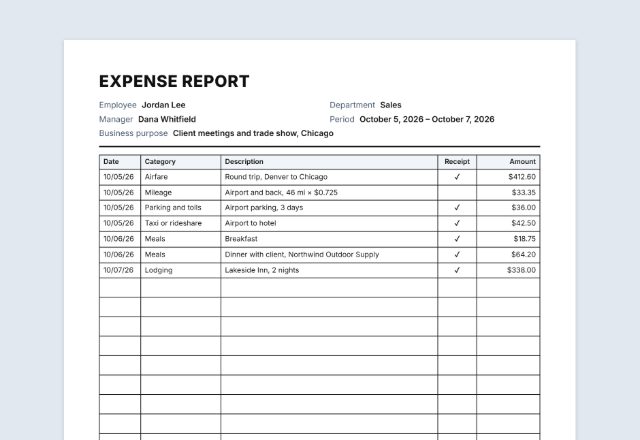
Was this tool useful?
Notice: Generated via SnapPaperwork. For your real trips only. A mileage log made up after the fact, or with trips that did not happen, can be tax fraud.
Something missing? Tell me what you need.
How to keep a mileage log in 3 steps
-
Set up the log
Your name, the vehicle and the period, and the odometer reading at the start. Add the rate per mile if you want the amount worked out.
-
Add each business trip
The date, where you went, why, and the odometer readings or the miles. “Repeat last trip” copies a regular trip to the next day.
-
Print and keep it
Print it or save a PDF each week or month. Leave empty rows to write trips in by hand, and keep the log with your tax records.
What the IRS asks a mileage record to show
IRS Publication 463 says to keep proof of car expenses in an account book, diary, log, trip sheets or a similar record, written at or near the time of each trip. A log kept weekly counts as timely.
For car expenses, the record should show:
- The date of each business use of the car
- Your business destination
- The business purpose of the trip
- The mileage for each business use
- The total miles you drove the car during the year
- For the actual-expense method: what the car cost and the date you started using it for business
IRS standard mileage rates for 2026
| Use | Jan 1 – Jun 30, 2026 | Jul 1 – Dec 31, 2026 |
|---|---|---|
| Business (including self-employed) | 72.5 cents a mile | 76 cents a mile |
| Medical | 20.5 cents a mile | 23.5 cents a mile |
| Moving (members of the armed forces only) | 20.5 cents a mile | 23.5 cents a mile |
| Charity | 14 cents a mile | 14 cents a mile |
For 2026 the IRS raised the business rate in the middle of the year: 72.5 cents a mile for trips from January 1 to June 30, and 76 cents from July 1 to December 31. Use the rate for the date of each trip.
With the standard mileage rate you can also deduct business parking fees and tolls, but not parking at your regular place of work. Employers often use the same rate to pay employees back for business miles.
Which trips count
Driving from home to your regular place of work and back is commuting, and the IRS does not count it as a business expense.
Trips between work locations, to clients and customers, and to a temporary work site generally can count. If your home is your principal place of business, trips from home to another work location in the same business can count too. Publication 463 explains the rules and the exceptions.
Tips for keeping the log
- Write it down the same day, or at least every week. A log rebuilt at tax time is much harder to defend.
- Note the odometer reading on January 1 and December 31 (or the first and last day of the period). The IRS asks for the total miles driven in the year.
- Keep receipts for parking and tolls with the log.
- Keep the log for at least three years after you file the tax return that uses it, the period Publication 463 gives in general.
- Use one log per vehicle.
Checked in October 2026. This page is general information, not tax advice. Outside the US, use your own tax authority’s rules and rates.
Frequently asked questions
Is this mileage log generator free?
Yes. It is free to use, needs no account or sign-up, and never adds a watermark or a SnapPaperwork logo to your log.
What does the IRS want in a mileage log?
Publication 463 asks for the date of each business use of the car, the destination, the business purpose and the mileage, plus the total miles driven in the year. It should be written at or near the time of each trip; a weekly log counts as timely.
What is the IRS mileage rate for 2026?
For business use, 72.5 cents a mile from January 1 to June 30, 2026, and 76 cents a mile from July 1 to December 31, 2026. Type the rate that applies in the form and the log works out the amount.
Can I print a blank mileage log?
Yes. Leave the trips empty, keep “Fill the rest of the page with empty rows” ticked, and add extra empty pages if you need them. Fill in your name, the vehicle and the period first so they are printed at the top.
Does driving to work count?
Not usually. Driving between home and your regular place of work is commuting, which the IRS does not treat as a business expense. Trips to clients, between job sites and to temporary work locations generally can count.
Can I use kilometres?
Yes. Choose Canada or Australia and the log uses km; the UK and the US use miles. The labels change to match, and you can rewrite any of them.
How many trips can I add?
Up to 150. The log runs over as many pages as it needs, with the column headings on every page and the summary at the end.
Is anything I type uploaded?
No. Everything you type stays in your browser and is never sent to me. The log is saved on your own device, so you can add trips through the month. On a shared computer, press “Clear Form” when you are done.
How do I save the log as a PDF?
Click “Print / Save PDF” and choose “Save as PDF” as the printer, or click “Download PDF” to save a file straight to your phone or computer. Each page of the log is one page of the PDF.