Free Printable Bill Payment TrackerList your bills with when they are due and how much, then print the tracker and tick each month as you pay. Or print it blank. No sign-up, and nothing you type is uploaded.
Layout
Whole page · the printed page has no watermark or logo.
Examples3 layouts filled in with made-up details. Open one to start with that layout, or print a blank template to fill in by hand.
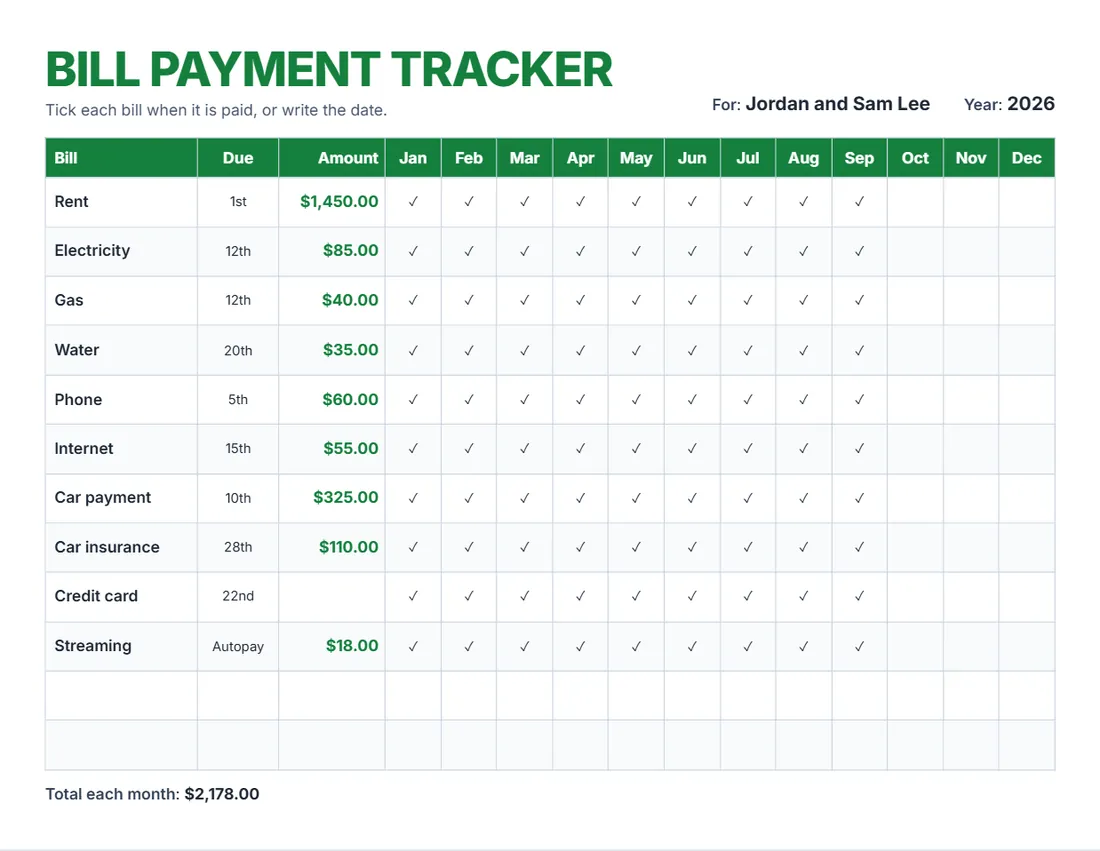 Default layout
BrightA big title and a header row in your colour.
Start with this layoutOpen
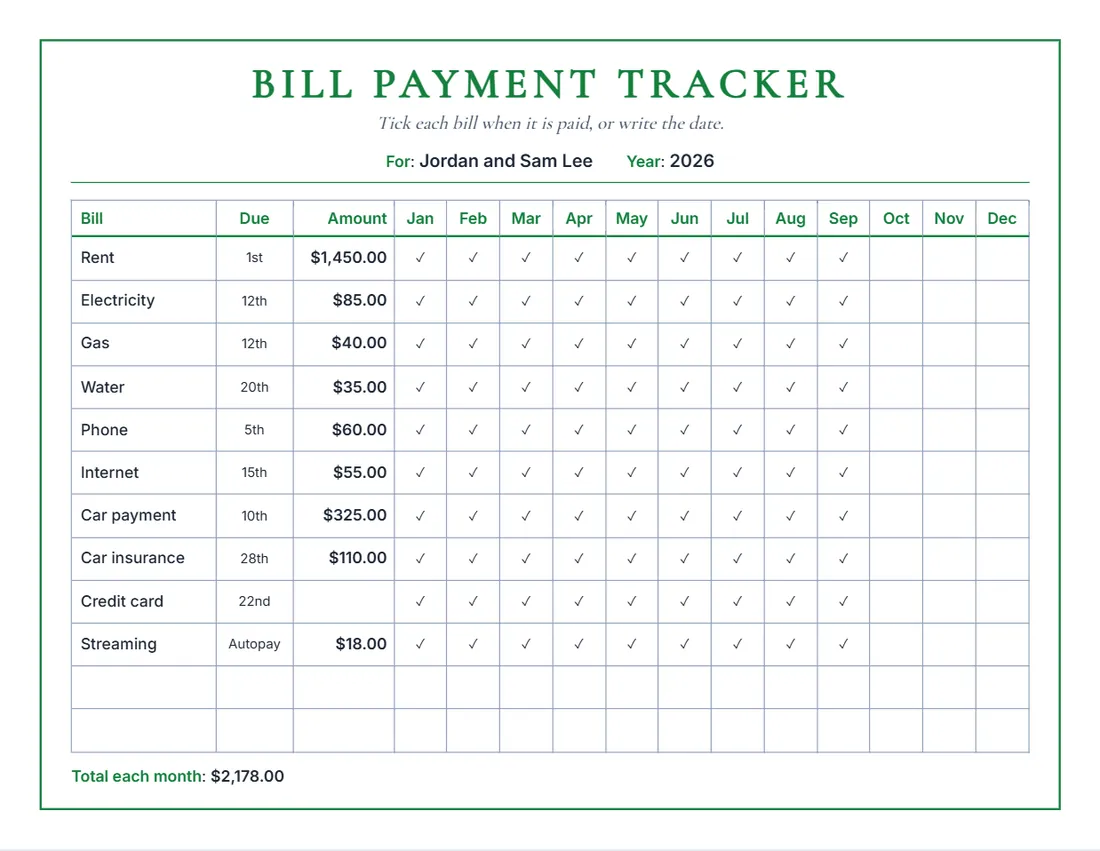 Layout
ClassicA serif title, a frame and month names in your colour.
Start with this layoutOpen
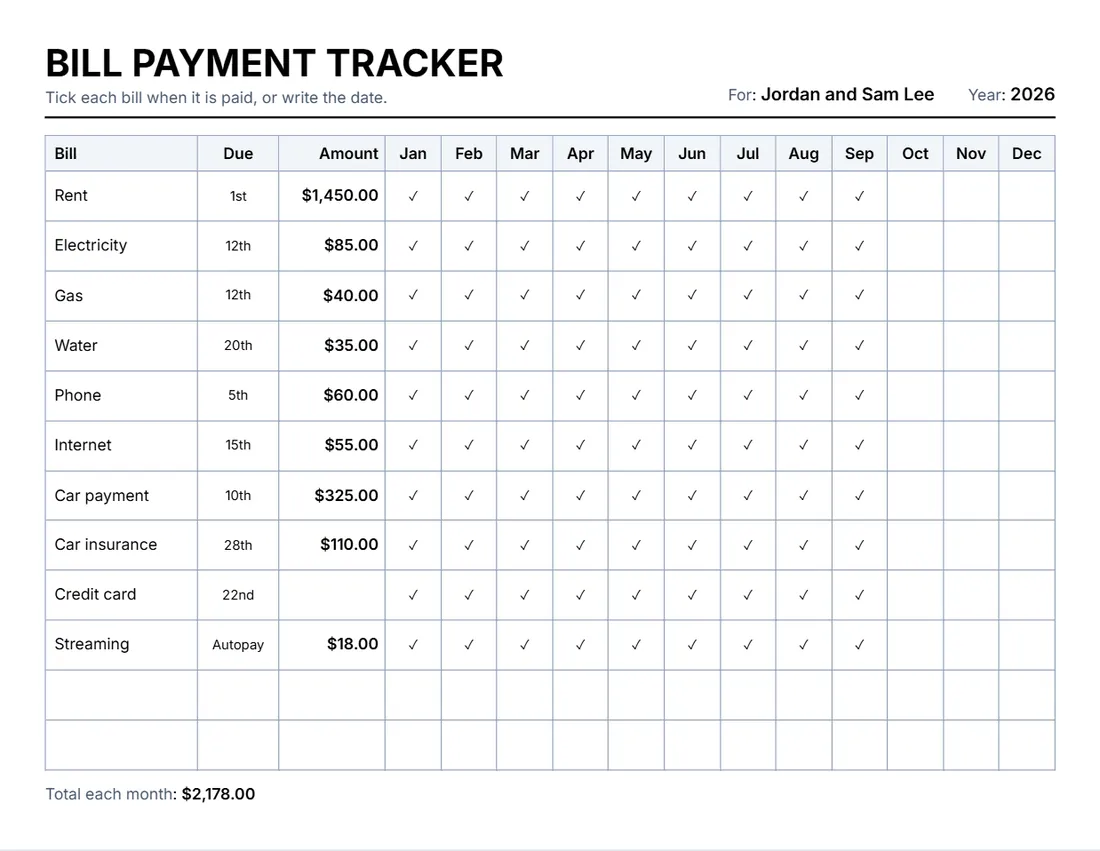 Layout
SimpleBlack and grey, a thin grid. Least ink.
Start with this layoutOpen
Prefer to fill it in by hand? Print a blank template and write on it.
Related tools
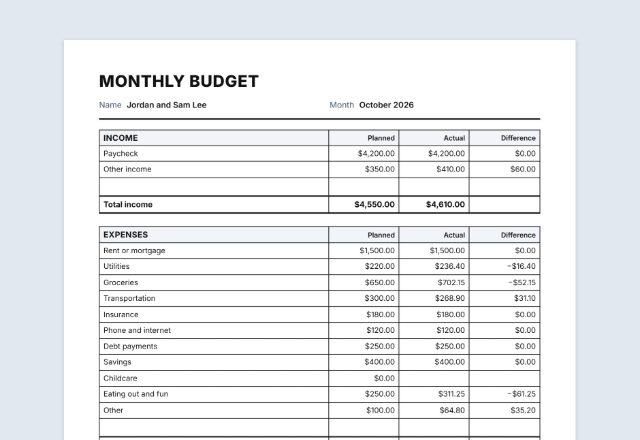
Goes well with this one
Was this tool useful?
Notice: Generated via SnapPaperwork. For keeping track of your own bills. It is not a bill, a receipt or a bank record.
Something missing? Tell me what you need.
How to use a bill payment tracker in 3 steps
-
List your bills
Start from the usual household bills (rent, power, phone, car…), rename or add your own, and write when each is due and how much it is.
-
Print it for the year
Twelve months on one landscape page, starting in any month. Leave the amounts empty to print a blank tracker.
-
Tick each month as you pay
Tick the box or write the date paid, on paper or in the form. The monthly total shows what to set aside.
What to put on a bill tracker
- Every bill that comes back each month: housing, utilities, phone and internet, loans, insurance, subscriptions.
- When each is due, so you can pay before the date (or note “Autopay”).
- The usual amount, so the monthly total shows what you need to keep aside.
- Bills that come once or twice a year (car registration, a yearly insurance) in their own rows, with a note in the month they are due.
Tips
- Keep the tracker where you open the mail or pay bills, and tick each one the day you pay it.
- Write the date paid instead of a tick when you want proof of when it went out.
- Check bills on autopay against your statement each month, and tick them then.
- When a bill changes, update the amount and print a fresh copy for the rest of the year.
Frequently asked questions
Is this bill tracker free?
Yes. It is free to use, needs no account or sign-up, and never adds a watermark or a SnapPaperwork logo to your tracker.
Can I print a blank bill tracker?
Yes. Leave the amounts and months empty: it prints the usual bill names (or your own) with empty boxes for each month, plus empty rows to write in more bills.
Can the year start in a month other than January?
Yes. Choose the first month and the twelve columns start there, for example from July for a school or financial year.
Does it work out the total?
It adds up the amounts you type and prints the total each month under the table. Amounts written as text (such as “varies”) are printed as written and left out of the total.
Can I tick the months on the screen?
Yes. Type a tick (✓) or the date paid in any month on the page or in the form, then print or save the PDF. Or leave them empty to tick by hand.
Is my information uploaded or stored on your servers?
No. Everything you type stays in your browser and is never sent to me. It is saved on your own device so it is there next time.