Free Daycare Receipt TemplateAdd the child, the period covered and the tuition and fees, then print the receipt or save it as a PDF. No sign-up, and nothing you type is uploaded.
Layout
Whole page · the printed page has no watermark or logo.
This receipt is longer than one page and will print on two pages. Remove a line or turn off “Two copies on one page” to fit it on one.
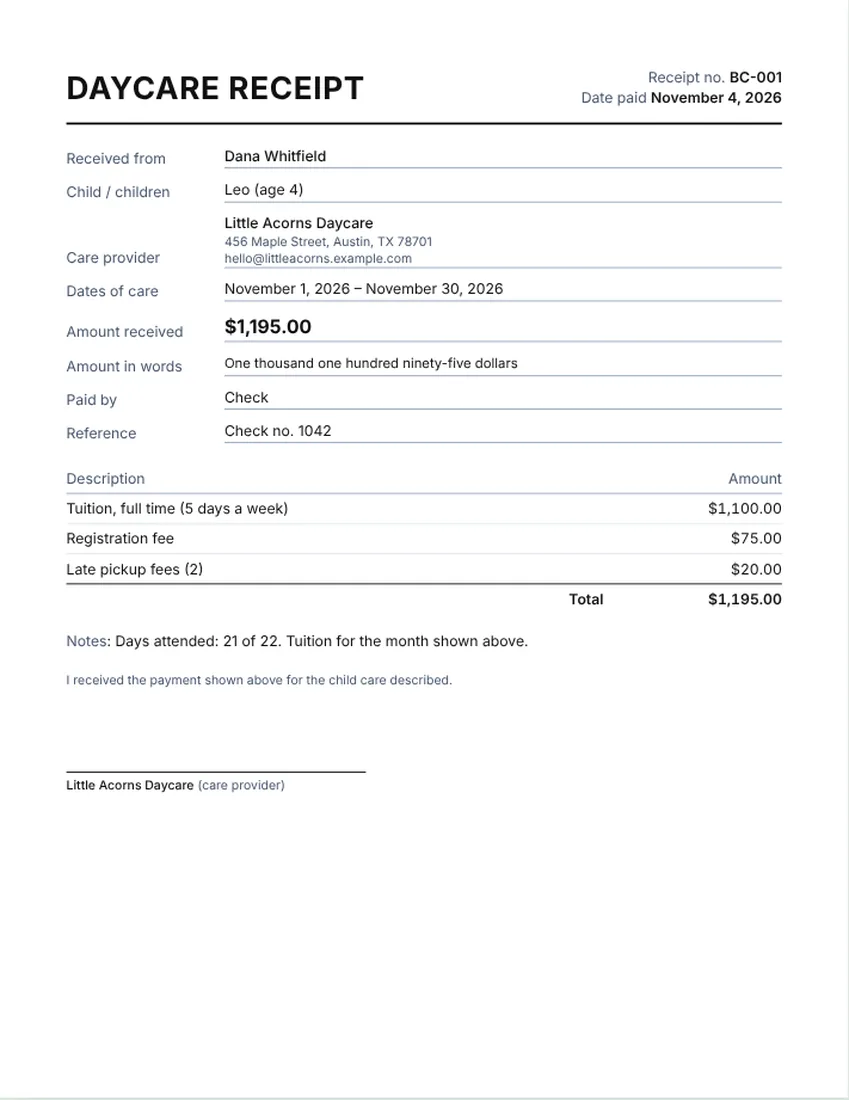
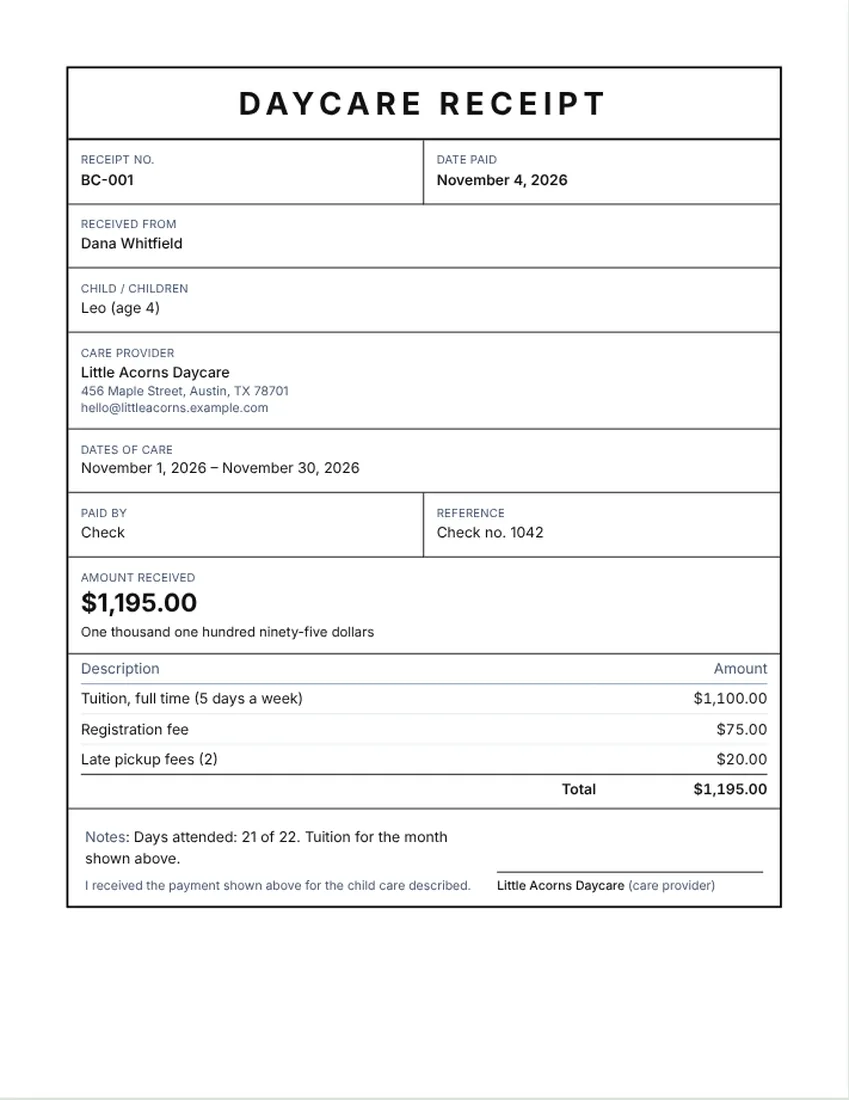
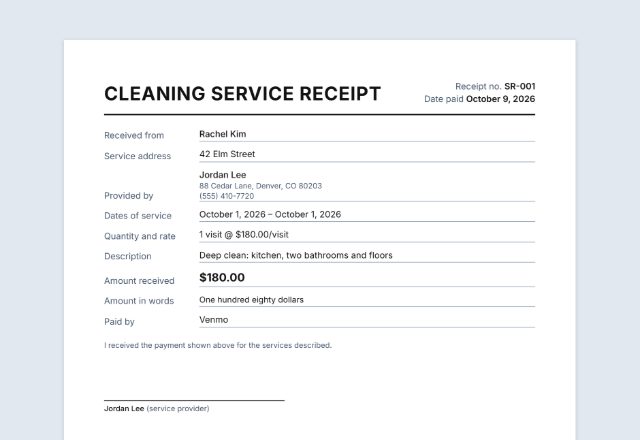
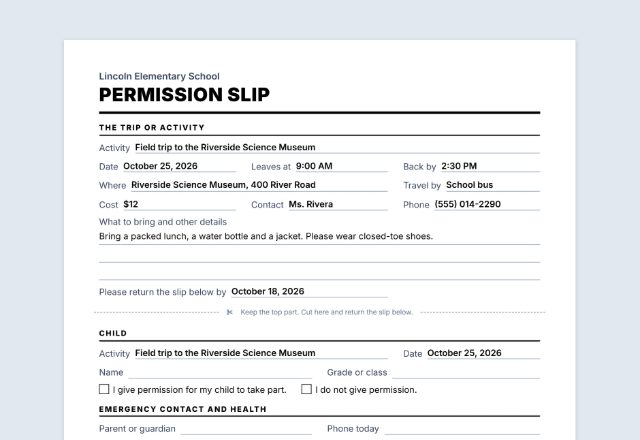
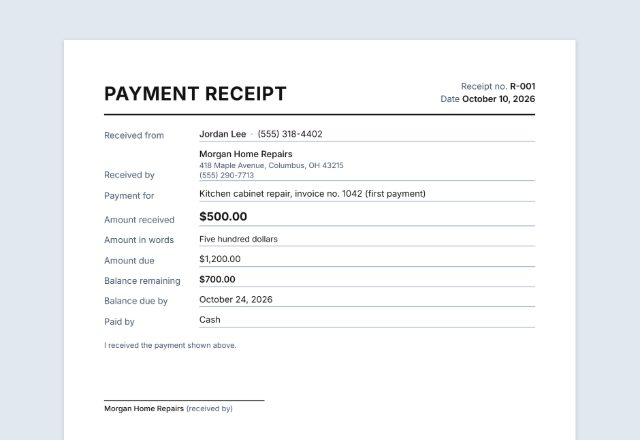
Examples2 layouts filled in with made-up details. Open one to start with that layout.
More versions of this form
Related tools
Goes well with this one
Was this tool useful?
Notice: Generated via SnapPaperwork. For genuine work and payments only. A document with false amounts, dates or details can be illegal.
Something missing? Tell me what you need.
How to make a daycare receipt
-
Name the child, the parent and the daycare
The parent or guardian who paid, the child’s name, and the daycare or provider. Add an address or contact for the provider.
-
Set the period and list the payments
Choose the dates covered, such as one month. Then list tuition and any fees as separate lines. The total is worked out for you.
-
Add how it was paid and sign
Pick the payment method, add a check number if there is one, and sign on screen if you like. Print the receipt or save a PDF for the parent.
What a daycare receipt should show
- The provider’s name, address and contact details
- The parent’s or guardian’s name and the child’s name
- The period covered, such as “October 1 to October 31”
- Each charge on its own line: tuition, registration fee, late pickup fees, supplies
- The total paid, the date and the payment method
- Days attended, in a notes line, if you want it on the receipt
- A signature from the provider
Sample lines for a daycare receipt
Use these as a starting point and change the wording to match your own fees. The amounts on the sample receipt are made up. They are not a price guide, and your fees should reflect your costs and your area.
- Weekly or monthly tuition, full time or part time
- Registration or enrollment fee
- Late pickup fee
- Meals, supplies or activity fees if you charge them
- Deposit, if the family paid one
Weekly, monthly or by the day
Many daycares bill by the week or the month, so one receipt per payment period is the simplest. If you bill by the day, list the dates attended in the notes or add a line for the number of days and the rate.
If a family pays the same amount each month, you can keep the same receipt and change only the dates and the number. Number your receipts so you and the family can find the right one.
Tips for providers and parents
- Give a receipt every time a payment is made, even when it is by check.
- Keep a copy of each receipt for your records, and ask parents to keep theirs.
- Put the dates covered on the receipt, not only the date paid.
- Parents: the provider’s name, address and the amount paid are often needed if you claim the child and dependent care credit. Rules and limits change each year, so check your state’s rules and the tax authority’s own pages, or ask a tax professional.
- Providers: how you report this income depends on your situation. Ask a tax professional.
Checked in November 2026. This page is general information, not legal advice. Rules differ from place to place and change over time.
Frequently asked questions
What should a daycare receipt include?
The provider’s name and address, the parent and child’s names, the period covered, each charge on its own line, the total paid, the date, the payment method and a signature.
Is there a free daycare receipt template I can print?
Yes. Fill it in on this page, then print it or save a PDF. It is free, needs no account and adds no watermark.
Can I use this for a child care receipt for taxes?
It gives the family a receipt with the details most people need, such as names, dates and amounts. Rules for the child care credit differ and change, so check your state’s rules and the tax authority’s pages, or ask a tax professional.
How do I show weekly or monthly tuition?
Add one line for the tuition, with the amount for the week or month, and set the period covered at the top. Add fees such as registration on their own lines.
Is my tax ID saved?
No. If you type a tax ID, it stays on the page only. It is not saved in your browser, and it is not sent anywhere. Close the page and it is gone.
Can I use this as a preschool or home daycare receipt?
Yes. It works for a daycare center, a preschool or a home daycare. Change the title and the lines to match what you charge.