Free Menu Template & MakerAdd your sections and dishes with their prices, check the preview, then print the menu or save it as a PDF. No sign-up, and nothing you type is uploaded.
Design
Whole page · the printed page has no watermark or logo.
The menu does not fit on its page. Use fewer dishes or shorter descriptions, choose two columns or one per page, or try another design.
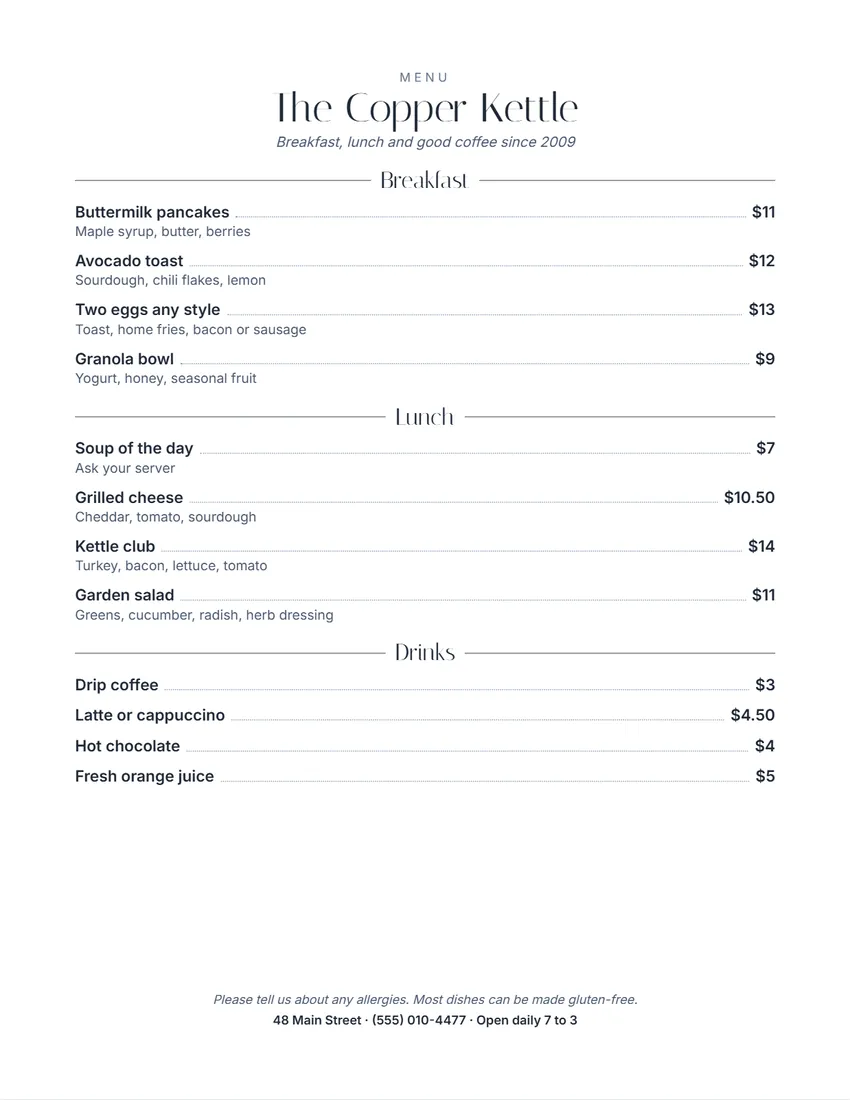
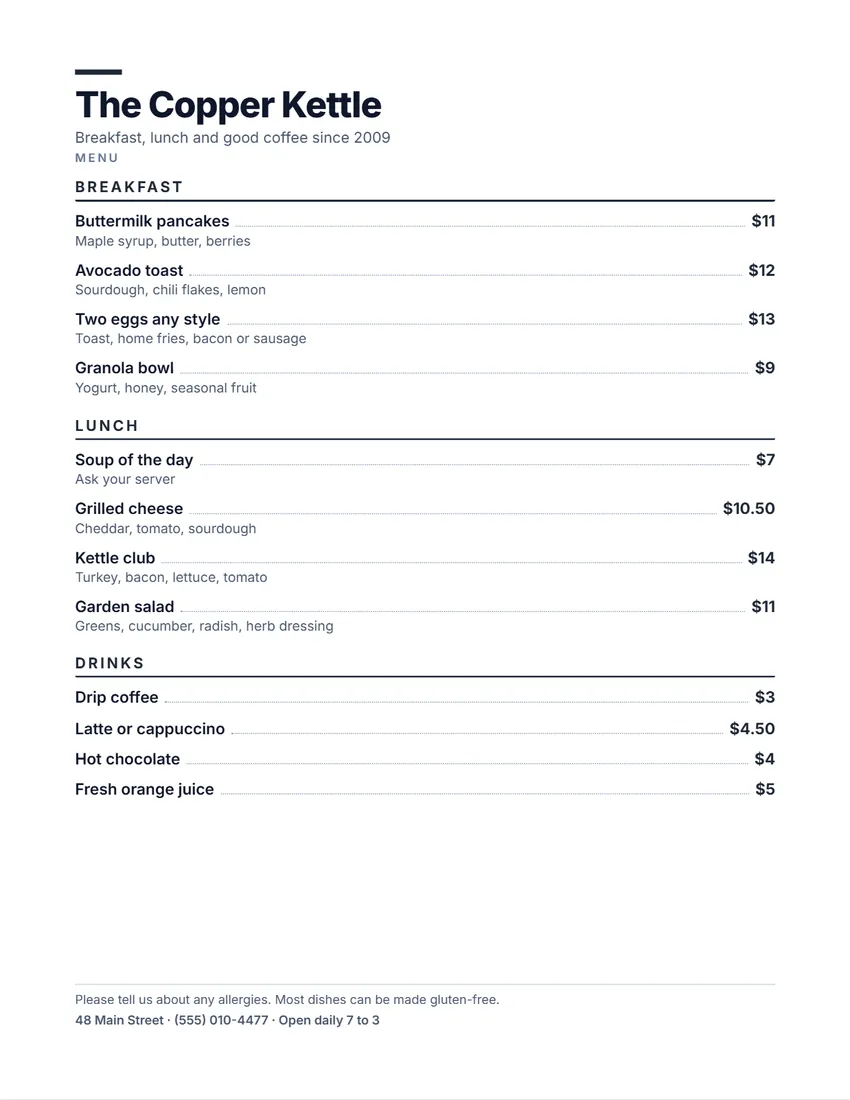
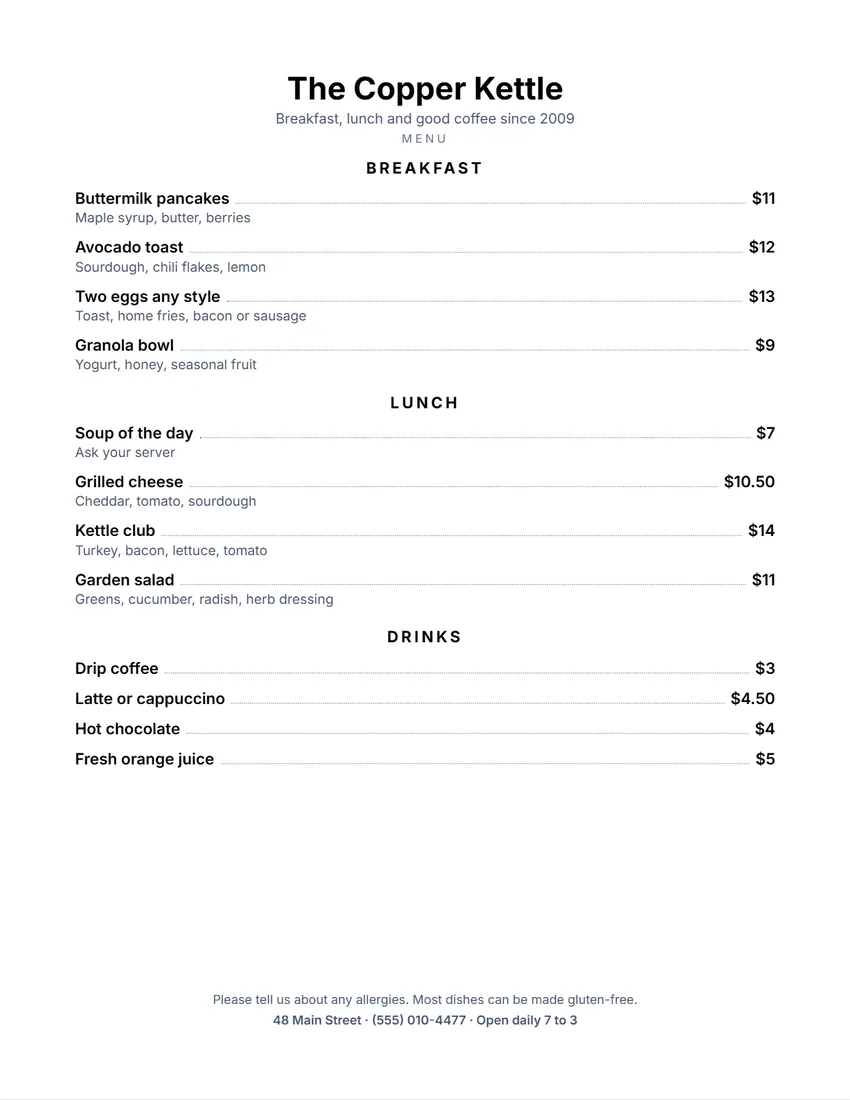
Examples3 layouts filled in with made-up details. Open one to start with that layout.
Related tools
Goes well with this one
Was this tool useful?
Notice: Generated via SnapPaperwork. For your own restaurant, café, bar or event. Do not copy another restaurant’s name or menu.
Something missing? Tell me what you need.
How to make a menu in 3 steps
-
Add your place and your sections
The name, a line under it, and sections such as Breakfast, Mains or Drinks.
-
Type or paste the dishes
One per line: name, description and price, separated by a bar (|), or pasted straight from a spreadsheet. Prices are written as money for you.
-
Print it
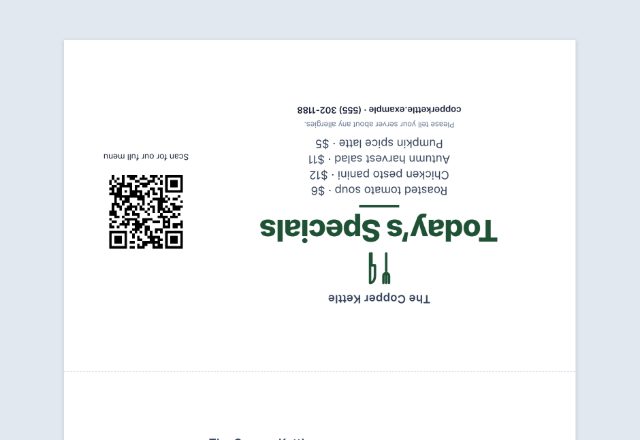
One per page in one or two columns, or two per sheet to cut in half for table menus.
What to put on a menu
- The name of the place, and a line about it if you like.
- Sections in the order people order: starters, mains, sides, desserts, drinks.
- Each dish with a short description of what is in it, and its price.
- A note about allergies, dietary options or a service charge.
- Your address, phone number and opening hours.
Printing tips
- Keep descriptions short: the main ingredients and how it is cooked.
- Rules about listing allergens, calories or service charges depend on where you are; check what applies to you.
- Print on card stock, or slip plain paper into menu covers so a new price only means a new print.
- Two per sheet: cut with a paper trimmer along the dashed line for table menus.
Frequently asked questions
Is this menu maker free?
Yes. It is free to use, needs no account or sign-up, and never adds a watermark or a SnapPaperwork logo to your menu.
How do I add dishes quickly?
Type one dish per line as Name | Description | Price, or Name | Price. You can also copy rows from a spreadsheet (name, description, price in three columns) and paste them into a section.
How are prices shown?
A plain number such as 12 or 4.5 is shown as money in your country’s currency ($12, $4.50), or without the sign if you turn it off. Anything else, such as MP or 8 / 14, is printed as you typed it.
Can I make a two-column menu?
Yes. With one menu per page, choose two columns. Sections are kept together so a heading does not end up alone at the bottom of a column.
Can I edit the menu on the page?
On a computer, click any dish, description or price on the menu and type; the box in the form follows. On a phone, tap it to jump to the form.
Is my information uploaded or stored on your servers?
No. Everything you type stays in your browser and is never sent to me. It is saved on your own device so it is there next time.