Free Printable No Parking Sign TemplateFill in the form, check the preview, then print it or save it as a PDF. No sign-up, and nothing you type is uploaded.
Design
Whole page · the printed page has no watermark or logo.
Some text does not fit: a word is too wide for its space, or text is too close to the edge of the sign, where most printers cut it off. Shorten the title or the message, make something smaller (click or tap it on the sign), or try another design.
No parking signs you can make hereSix more ready-made signs besides plain No Parking. Open one to start with it, then change any words.
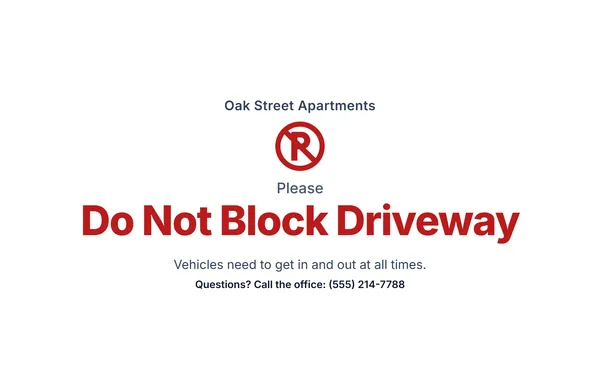 Do not block driveway sign
For a garage, gate or driveway entrance, with a line saying why it must stay clear.
Make this signOpen
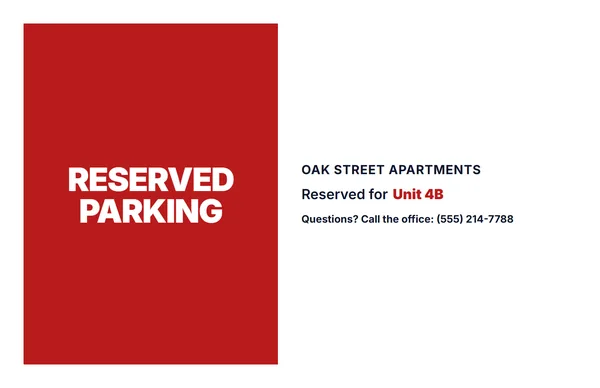 Reserved parking sign
Reserved for a unit, a name or a role, or leave it blank and write it in by hand.
Make this signOpen
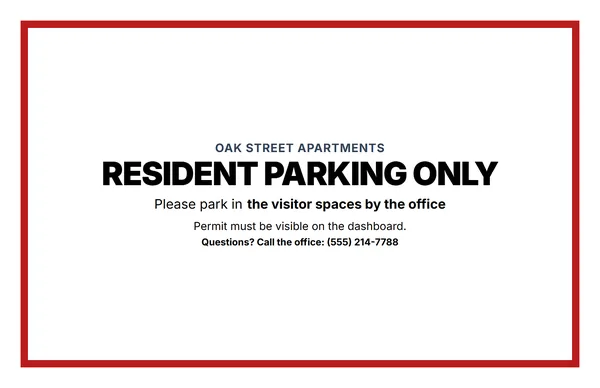 Resident parking only sign
For an apartment lot, with where visitors should park instead.
Make this signOpen
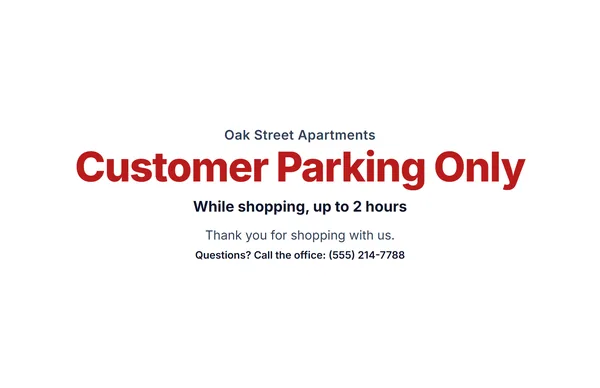 Customer parking only sign
For a shop or café lot, with a time limit if you have one.
Make this signOpen
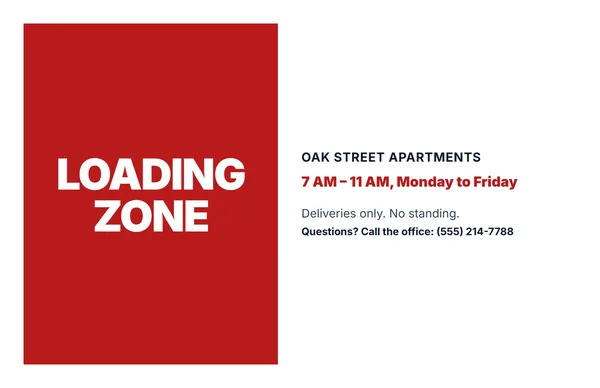 Loading zone sign
With the hours and days the space is kept clear for deliveries.
Make this signOpen
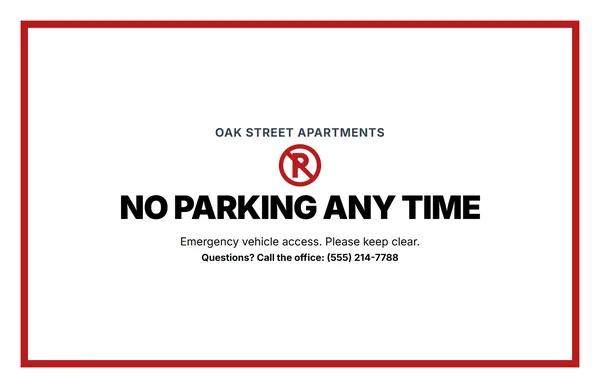 No parking any time sign
For fire lanes, gates and access roads that must always stay open.
Make this signOpen
Examples3 layouts filled in with made-up details. Open one to start with that layout, or print a blank template to fill in by hand.
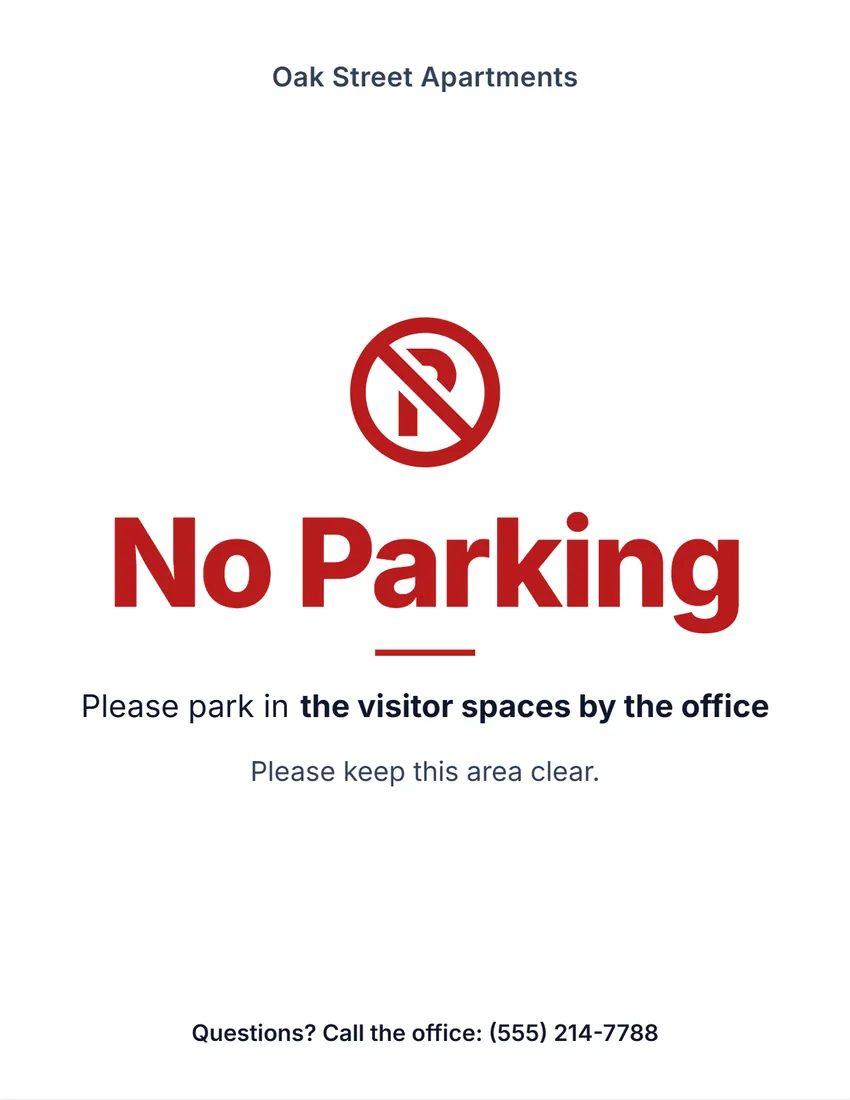 Default layout
ModernClean bold type on white, the symbol and title in your ink colour.
Start with this layoutOpen
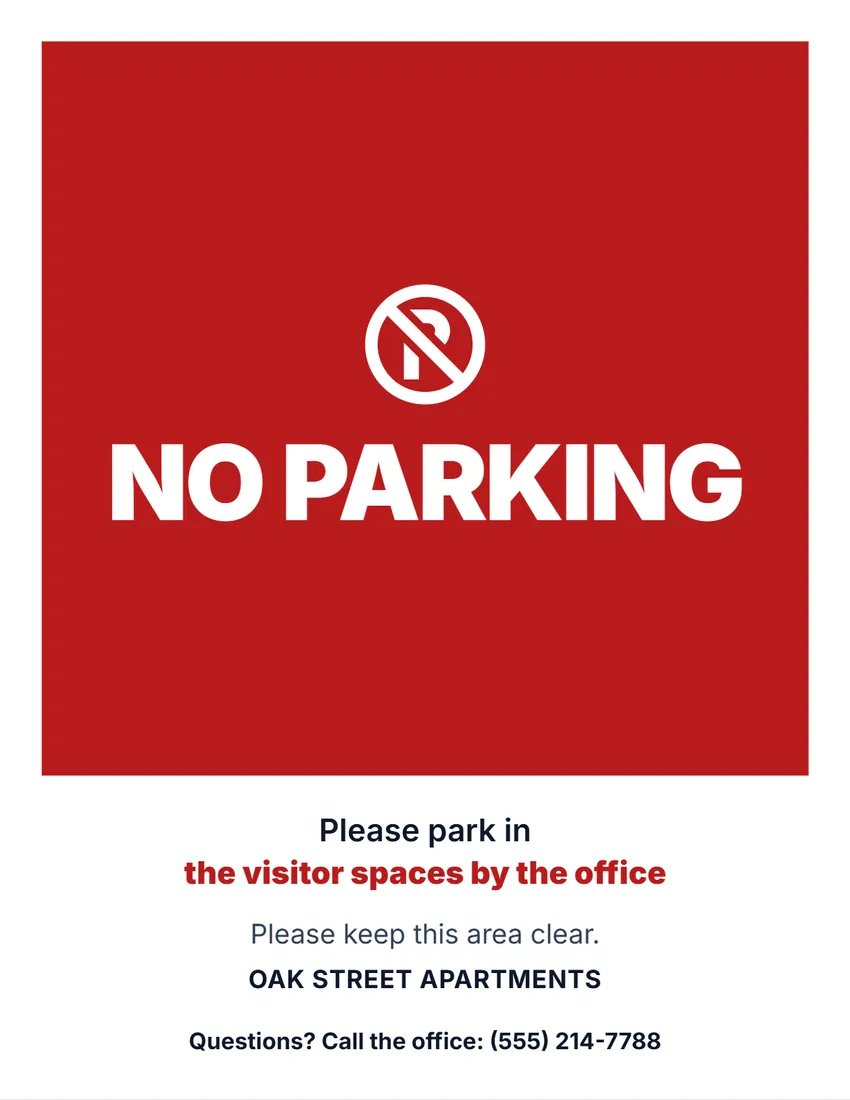 Layout
BoldA solid block of colour with the title in white capitals. Reads from a distance.
Start with this layoutOpen
 Layout
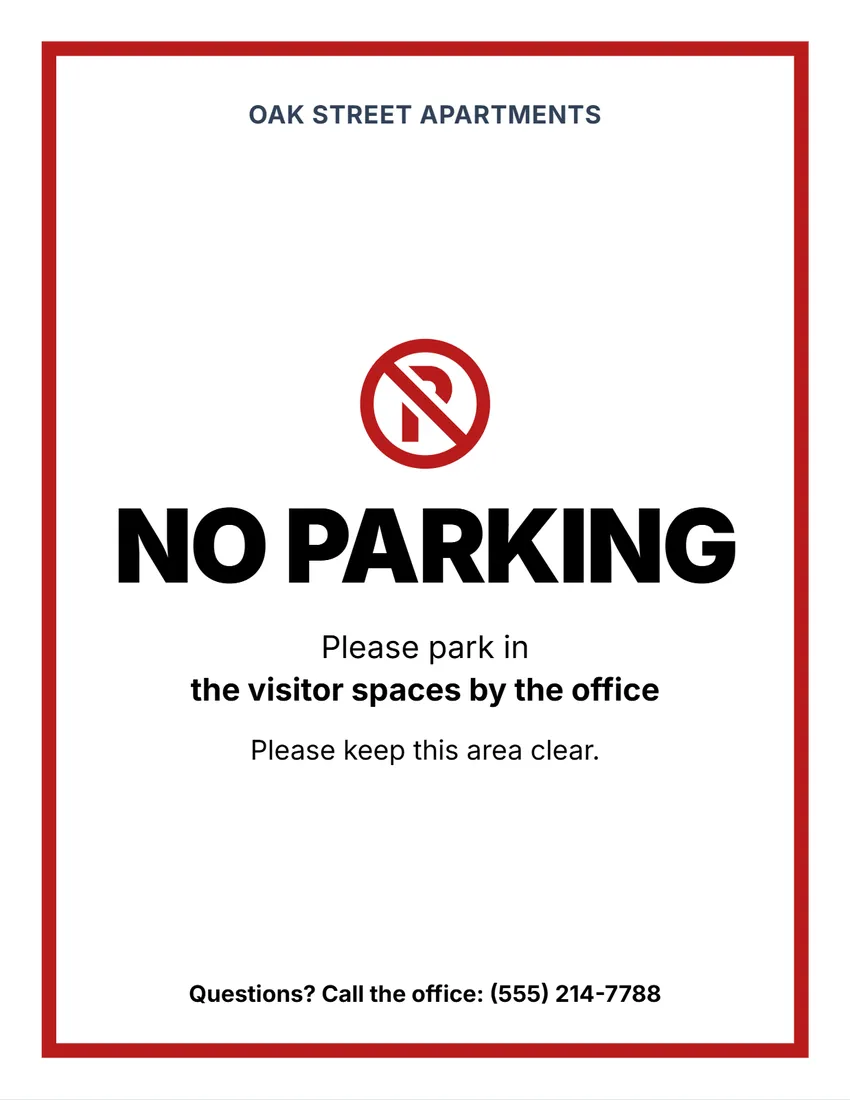
NoticeA thick frame in your ink colour, black capitals inside, like a posted notice.
Start with this layoutOpen
Prefer to fill it in by hand? Print a blank template and write on it.
Related tools
Goes well with this one
Was this tool useful?
Notice: Generated via SnapPaperwork. For property you own or manage. Do not post signs on public streets or other people’s property, or make a sign look like an official city or police notice.
Something missing? Tell me what you need.
What is a no parking sign?
A no parking sign is a printed notice that tells drivers not to park in a place. It has a clear heading, and you can add when it applies and where to park instead. Print it, put it in a sleeve or frame, and place it where drivers will see it.
How to make a no parking sign in 3 steps
-
Choose the kind of sign
No parking, no parking any time, do not block driveway, resident, reserved, customer parking or loading zone. Rewrite the title if you like.
-
Add the details
When it applies, where to park instead, who a space is reserved for (or leave it empty to write in), a short message and your property’s name or logo.
-
Print and post it
Print a full page, or two half-page signs to cut apart. Put it in a clear sleeve or laminate it if it goes outdoors.
What to put on a no parking sign
- What is not allowed, in big letters: “No Parking”, “Do Not Block Driveway”.
- When it applies, if not all the time: “7 AM – 6 PM, Monday to Friday”.
- Where people can park instead, so they do not have to guess.
- Who to call with questions, and your property’s name.
Towing needs more than a paper sign
- Many states and cities set strict rules for signs that allow towing from private property: their size, exact wording, the towing company’s name and phone number, and where they are posted.
- A printed sheet of paper usually does not meet those rules, so this tool has no “tow-away” sign. Check your state and city rules, or ask a licensed towing company, before having any vehicle towed.
- On public streets, only the city or the police can restrict parking. Do not post your own signs there.
Tips
- Short titles read from a car: “No Parking” beats a sentence.
- Red stands out; black uses the least ink.
- Outdoors, use a clear sheet protector or laminate the sign, and post it at a driver’s eye level.
- For reserved spaces, leave the name empty and write it in by hand, so one printed stack works for every unit.
Printing, cutting and folding
- Print at 100% (Actual size). Most printers cannot print the outer 1/4 inch, so the designs stay inside it.
- Half page: choose “cut” for two signs to cut apart, or “fold” for a tent card for a dashboard or a counter.
- Card stock (65–110 lb / 170–300 gsm) lasts longer than plain paper.
Frequently asked questions
Is this no parking sign maker free?
Yes. It is free to use, needs no account or sign-up, and never adds a watermark or a SnapPaperwork logo to your sign.
Can I use this sign to have cars towed?
Usually not on its own. Many states and cities require towing signs of a set size and wording, with the towing company’s details. Check your local rules before towing any vehicle.
Can I leave the reserved name blank?
Yes. Leave it empty and the sign prints a line to write on, so you can print several and fill them in by hand.
Can I change the words?
Yes. Click any text on the sign to rewrite it, or use the Wording panel. You can also make each part bigger or smaller, or hide it.
What paper sizes does it print on?
US Letter and A4, as a full page or as two half-page signs on one sheet.
How do I make a do not block driveway sign?
Choose “Do not block driveway” as the kind of sign, add a short reason such as “Vehicles need to get in and out at all times”, then print it full page or as two half-page signs. Card stock in a plastic sleeve lasts longest outdoors.
Can I make a “Do not park here” sign?
Yes. Start with “No parking”, then click the title on the sign and type “Do Not Park Here”, or any other words you need.
Can I put a no parking sign in front of my house?
On your own driveway or private lot, yes. The street in front of a house is usually public, and only the city or local authority can restrict parking there, so ask them if cars keep blocking your driveway.
Is my information uploaded or stored on your servers?
No. Everything you type stays in your browser and is never sent to me. It is saved on your own device so it is there next time.