Free Printable Table Tent TemplateFill in the form, check the preview, then print it or save it as a PDF. No sign-up, and nothing you type is uploaded.
Design
Whole page · the printed page has no watermark or logo.
Some text does not fit: a word is too wide for its space, or text is too close to the edge of the sign, where most printers cut it off. Shorten the title or the message, make something smaller (click or tap it on the sign), or try another design.
Table tents you can make hereSix ready-made cards for a café, restaurant or bar. Open one to start with it, then change the words and the QR code link.
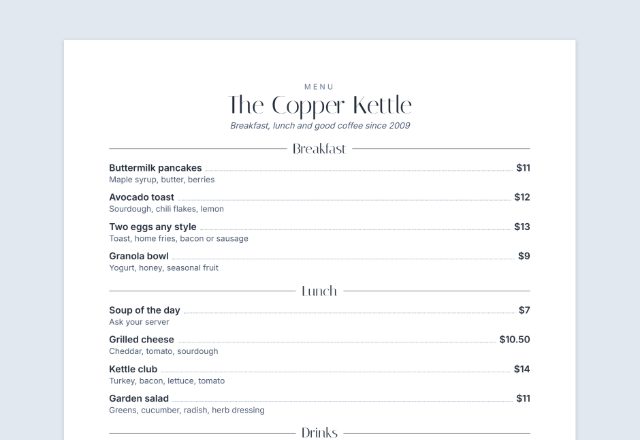
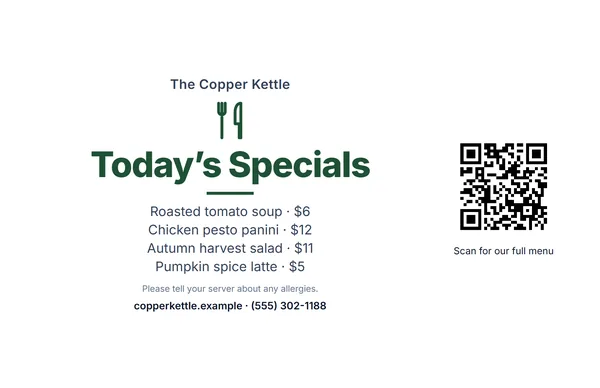 Today’s specials
Dishes and prices, one per line, with a QR code to the full menu.
Make this cardOpen
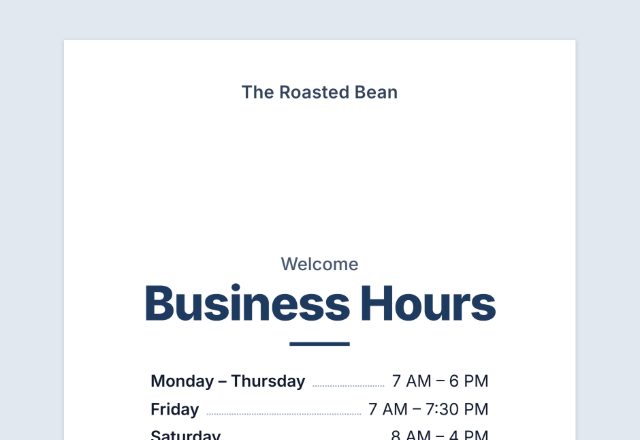
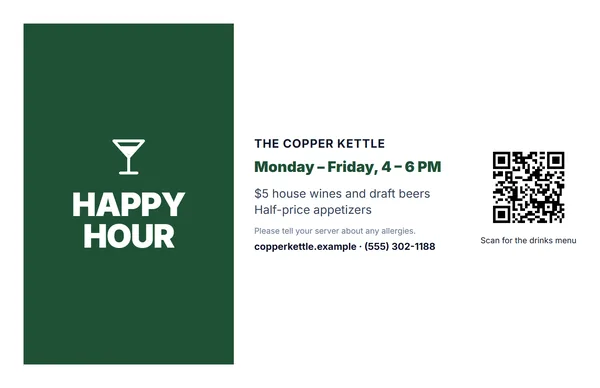 Happy hour table tent
The days and hours, and what is on offer.
Make this cardOpen
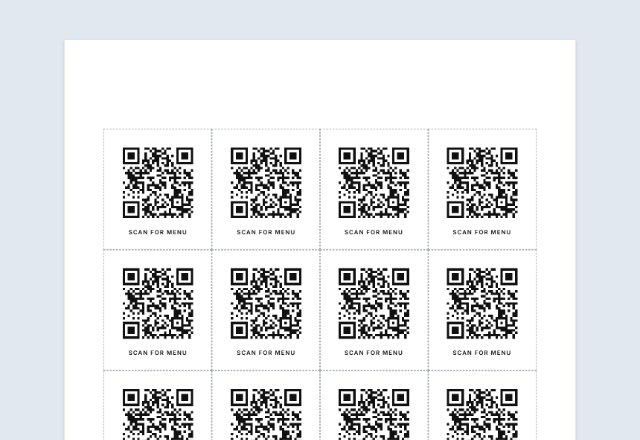
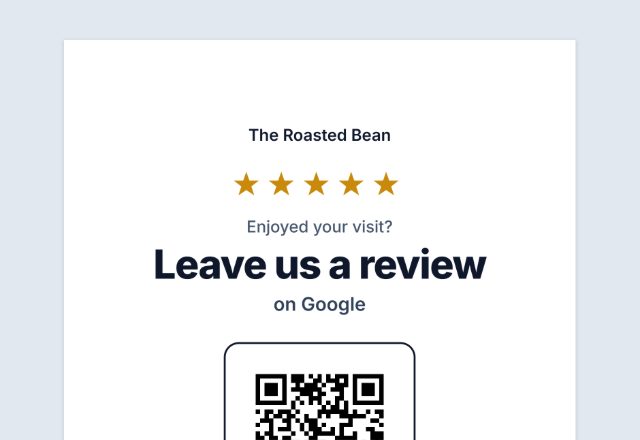
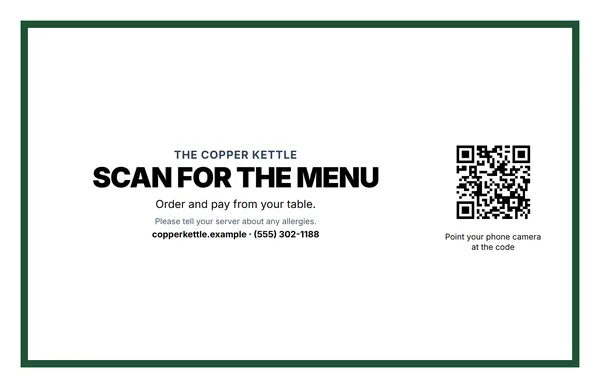 Menu QR code table tent
“Scan for the menu”, with the code for your online menu.
Make this cardOpen
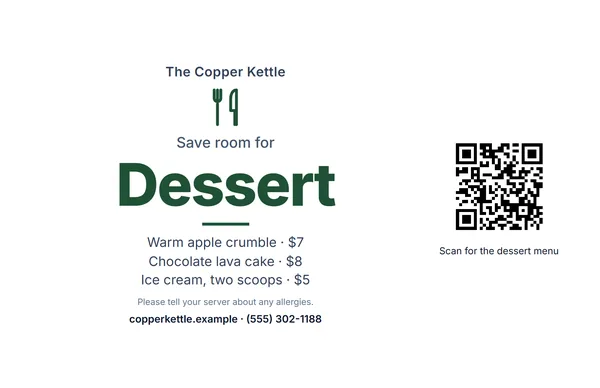 Dessert table tent
“Save room for dessert”, with your sweets and prices.
Make this cardOpen
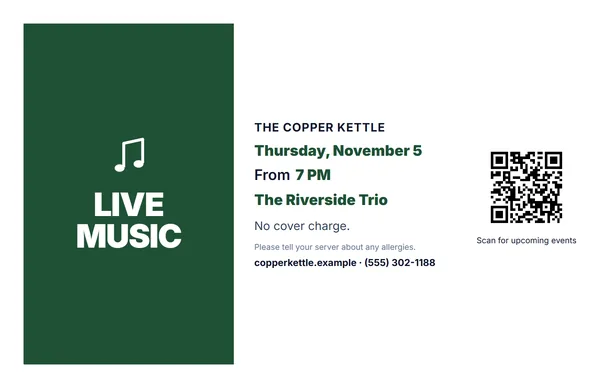 Live music or event
The date, time and who is playing.
Make this cardOpen
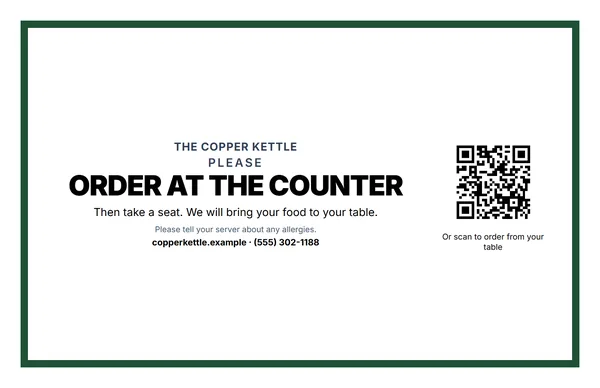 Order at the counter
Tells guests how ordering works, with an optional order-from-the-table code.
Make this cardOpen
Examples3 layouts filled in with made-up details. Open one to start with that layout.
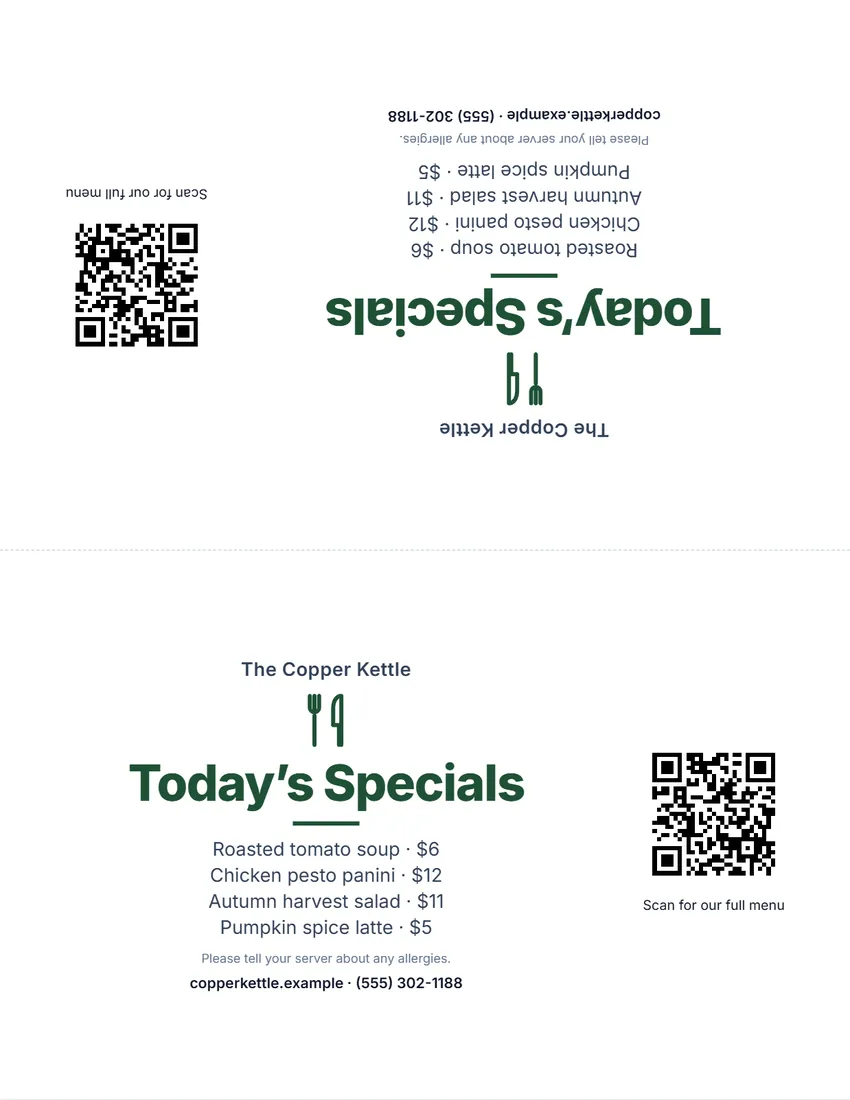 Default layout
ModernClean bold type on white, the symbol and title in your ink colour.
Start with this layoutOpen
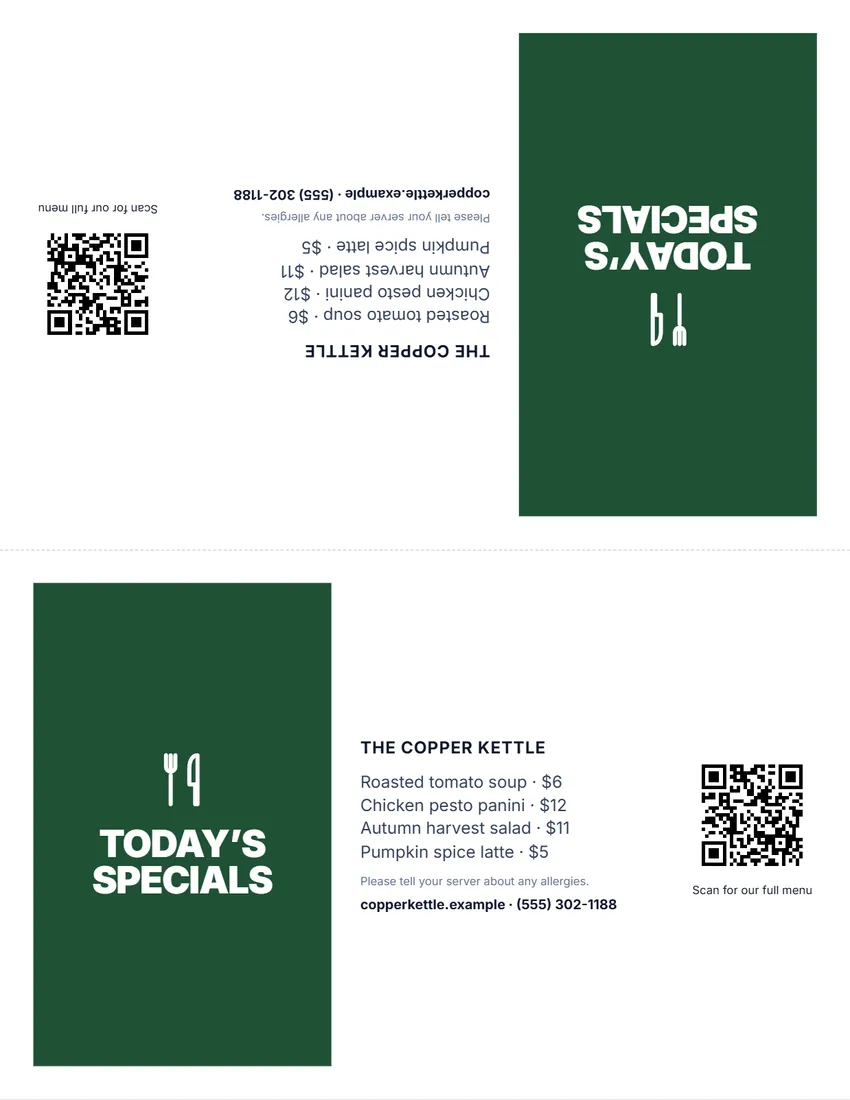 Layout
BoldA solid block of colour with the title in white capitals. Reads from a distance.
Start with this layoutOpen
 Layout
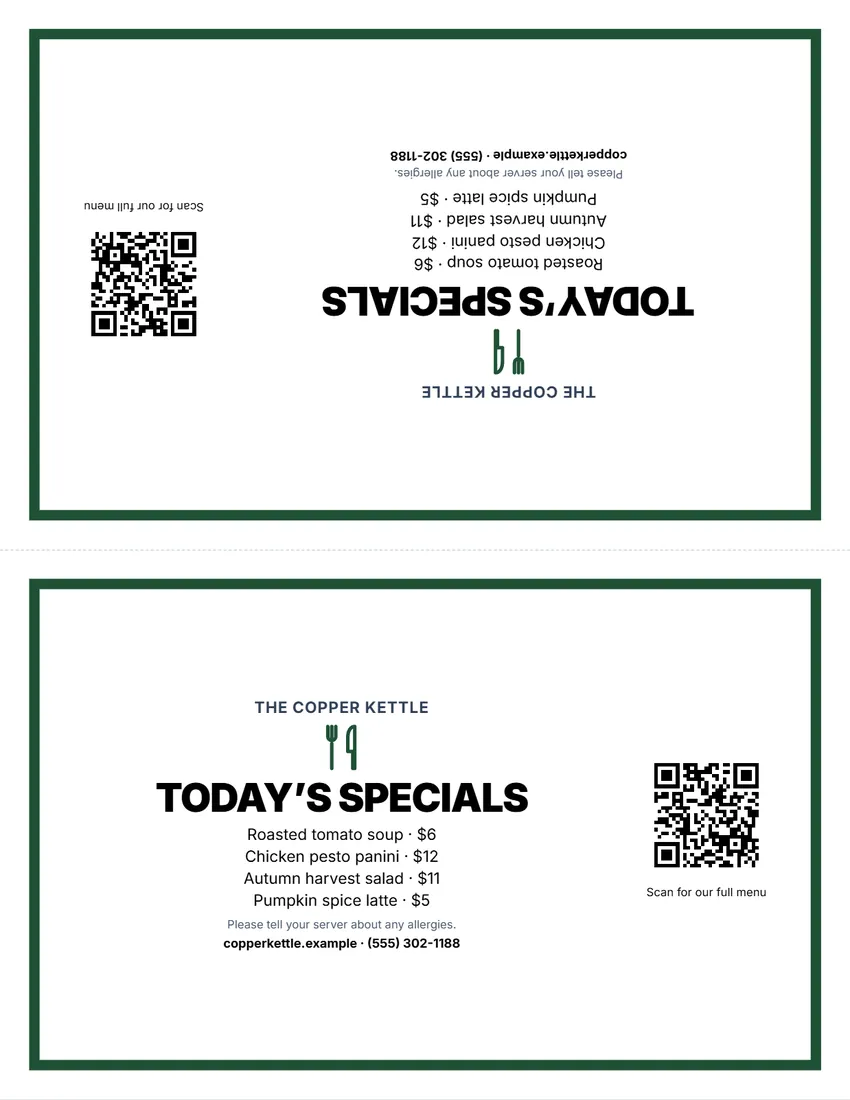
FramedA frame in your ink colour, black capitals inside.
Start with this layoutOpen
Related tools
Goes well with this one
Was this tool useful?
Notice: Generated via SnapPaperwork. For your own café, restaurant, bar or event. Do not use another business’s name or logo, or a QR code that leads somewhere people would not expect.
Something missing? Tell me what you need.
What is a table tent?
A table tent is a folded card that stands on its own on a table. It carries a short message, such as today’s specials, happy hour or a code to scan for the menu, and is read from both sides. Cafés, restaurants and events use them because they are cheap to print and easy to change.
How to make a table tent in 3 steps
-
Choose the kind of table tent
Today’s specials, happy hour, a menu QR code, dessert, live music, order at the counter or your own message. Each has its own title and symbol; rewrite them if you like.
-
Add your items and a QR code
One special or offer per line, the times, and a link to your online menu or ordering page if you want a QR code. Add your business name and logo.
-
Print, fold and set it out
Print at 100% on card stock and fold along the middle: the back is printed upside down, so the card reads from both sides of the table.
What to put on a table tent
- One clear message per card: the specials, the happy hour deal, or how to see the menu.
- Short lines with the price at the end, so guests can scan them from their seat.
- The days and times an offer runs, so nobody asks for happy hour prices at 9 pm.
- A QR code for anything that changes often, such as the full menu or the drinks list.
Tips for QR codes on tables
- Scan the printed code with two different phones before you put the cards out.
- Link to a page that opens quickly on a phone and does not need an app or a login.
- Keep a printed menu for guests who would rather not use their phone.
- If the menu link might change, link to a page you control (your own website) rather than a file.
Printing, cutting and folding
- Print at 100% (Actual size). Most printers cannot print the outer 1/4 inch, so the designs stay inside it.
- Use card stock (65–110 lb / 170–300 gsm) so the tent stands up; plain paper will sag.
- Score the middle line with a ruler and the back of a knife, then fold. For two flat cards, cut along it instead.
- Slip the card into an acrylic table stand if you already have them: the full-page size fits most 8½ × 11 stands.
Frequently asked questions
Is this table tent maker free?
Yes. It is free to use, needs no account or sign-up, and never adds a watermark or a SnapPaperwork logo to your cards.
How does the folded table tent work?
Choose the half-page size and “Fold into a table tent”. The same card is printed twice on one sheet, the top one upside down. Fold along the middle and it stands on the table, readable from both sides.
How do I add a QR code for my menu?
Paste the link to your online menu, ordering page or website in “QR code link”. The code is made in your browser; scan it with your phone before you print to check it opens the right page.
Can I change the words?
Yes. Click any text on the card to rewrite it, or use the Wording panel. You can also make each part bigger or smaller, or hide it.
What paper sizes does it print on?
US Letter and A4: a folded tent or two cards from one sheet, or one full-page card for an acrylic stand.
How do I make a printable table tent?
Pick a kind of card, type your words, and print it as a half-page tent: the card is printed twice, one upside down, so it reads from both sides once folded. Card stock stands best.
Is my information uploaded or stored on your servers?
No. Everything you type stays in your browser and is never sent to me. It is saved on your own device so it is there next time.