Free Time Off Request FormFill in the request, tick the kind of time off, check the preview, then print the form or save it as a PDF. Or leave it blank and print a stack for your team. No sign-up, and nothing you type is uploaded.
Layout
Whole page · the printed page has no watermark or logo.
The form is longer than one page. Shorten the longest writing, leave out an optional section, or try another design.
Examples3 layouts filled in with made-up details. Open one to start with that layout, or print a blank template to fill in by hand.
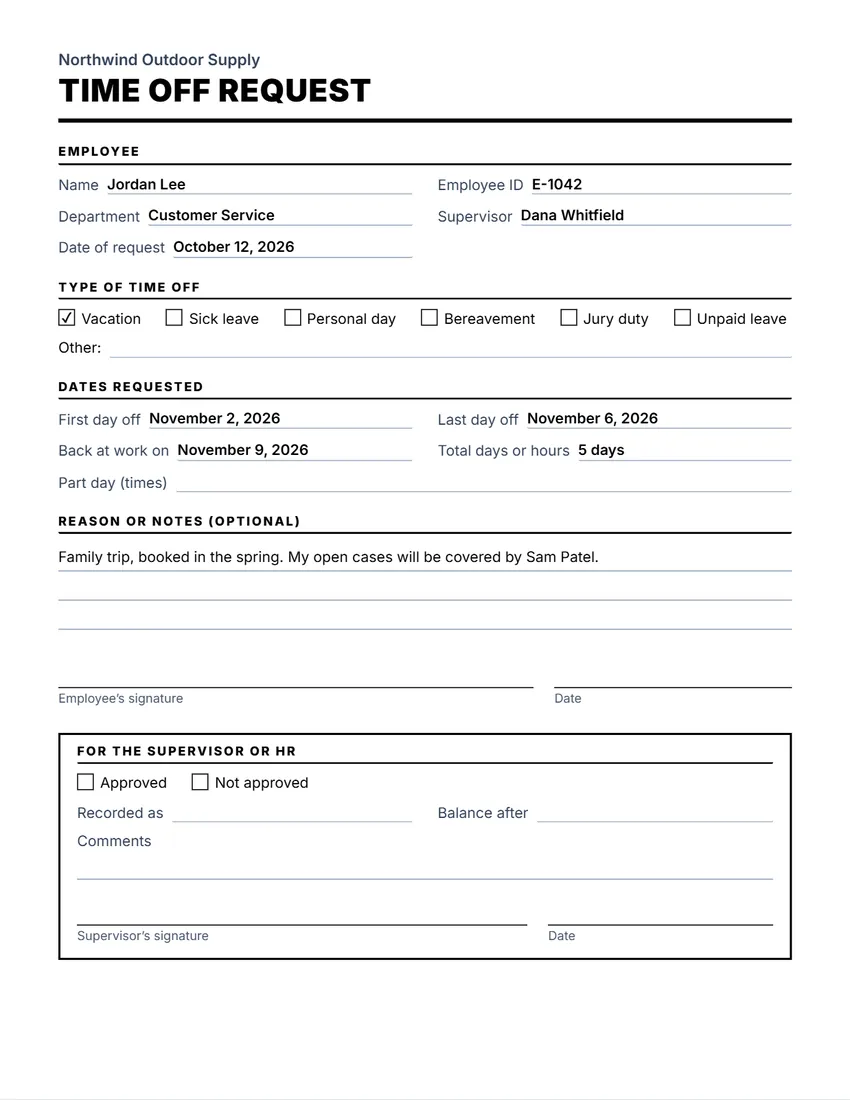 Default layout
ClassicLarge title over a heavy rule, sections in small capitals.
Start with this layoutOpen
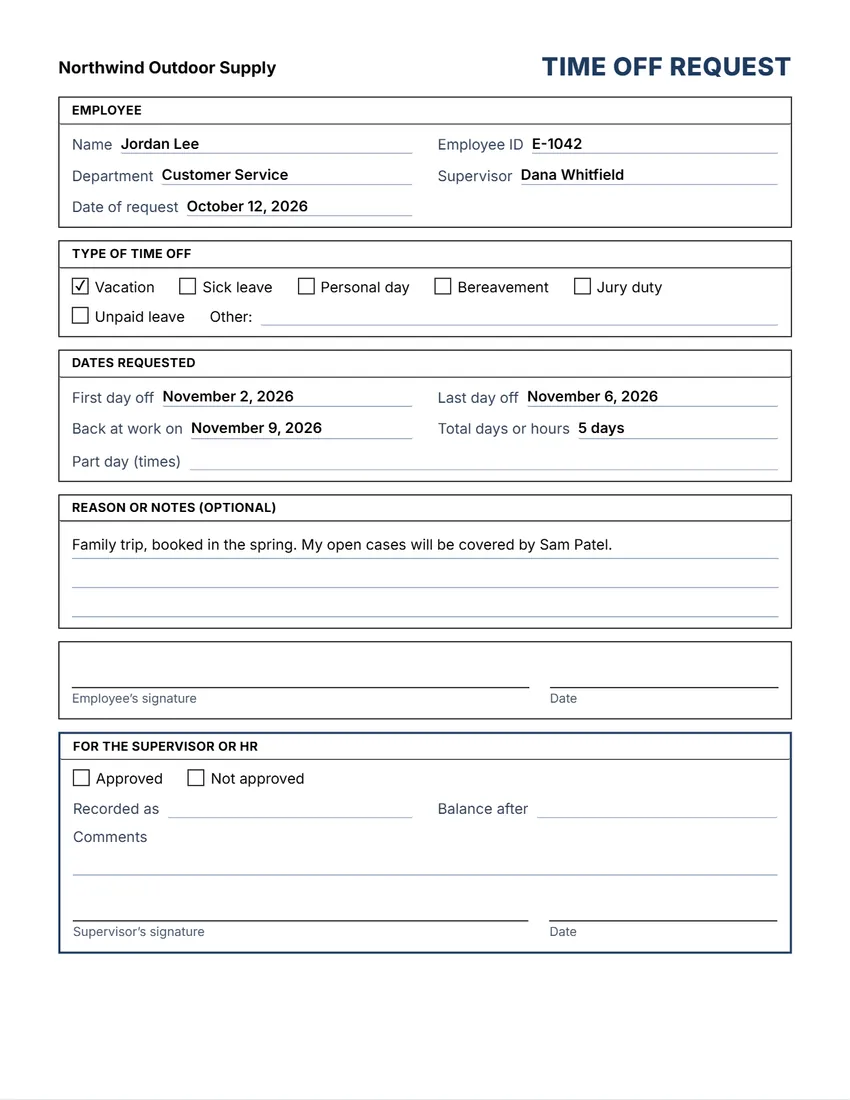 Layout
BoxedEvery section in a ruled box, like a printed office form.
Start with this layoutOpen
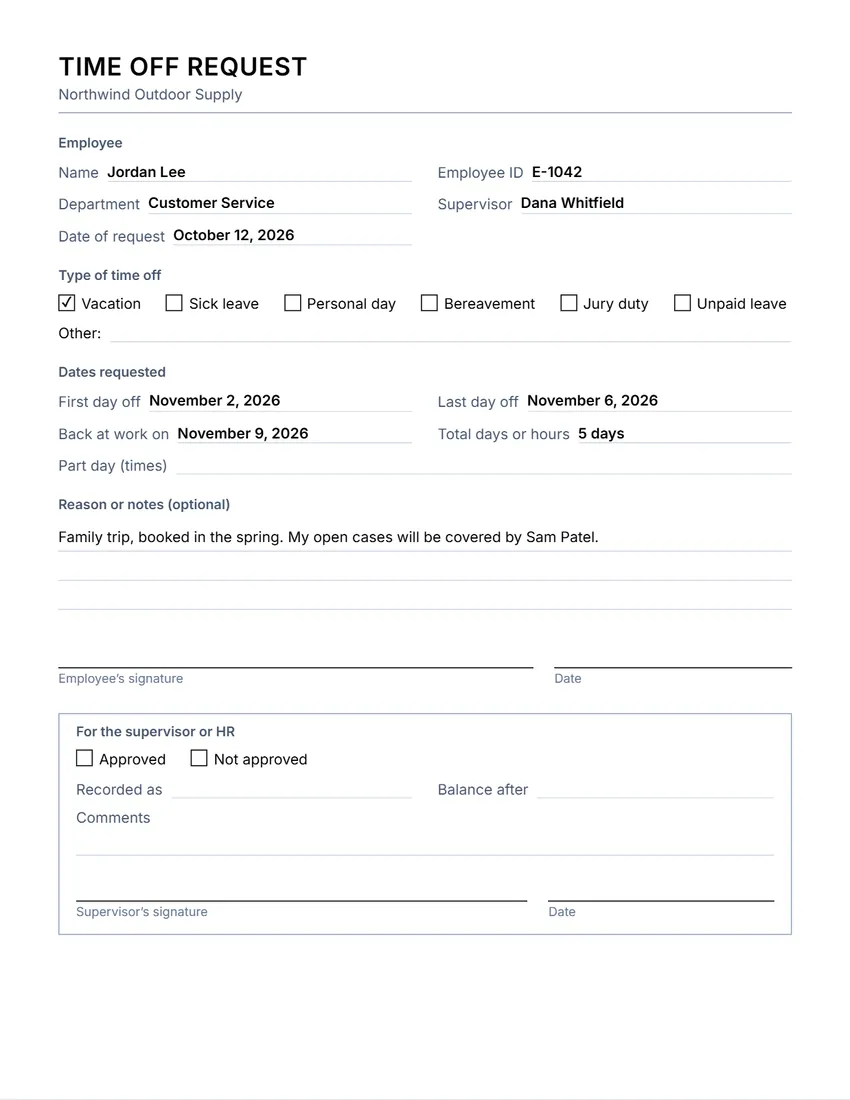 Layout
SimpleThin grey rules and plain headings. Least ink.
Start with this layoutOpen
Prefer to fill it in by hand? Print a blank template and write on it.
Related tools
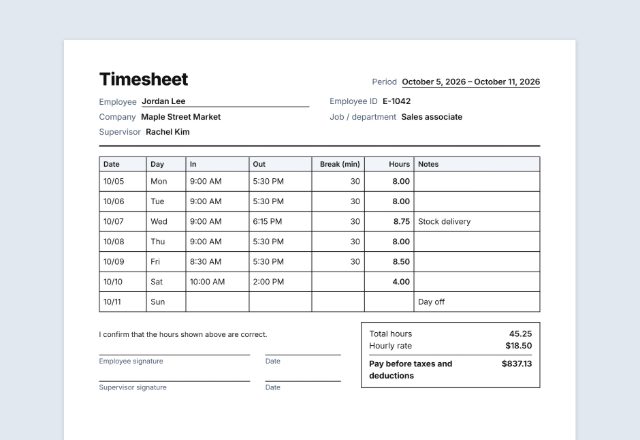
Goes well with this one
Was this tool useful?
Notice: Generated via SnapPaperwork. For your own workplace. Do not sign or approve a request for someone else, or change dates after it was approved.
Something missing? Tell me what you need.
How to fill in a time off request in 3 steps
-
Fill in who and when
The employee’s name, department and supervisor, the kind of time off, the first and last day, and the total days or hours.
-
Add a reason if you like
A short note helps your supervisor plan, for example who will cover your work. Many workplaces do not need a reason for vacation.
-
Sign and hand it in
Sign and date it, then give it to your supervisor. They tick approved or not approved and sign the box at the bottom.
What to put on a time off request
- The employee’s name, and the department or supervisor so it reaches the right person
- The kind of time off: vacation, sick leave, personal day, bereavement, jury duty, unpaid leave
- The first and last day off, when you are back, and the total days or hours (or the times for part of a day)
- A reason or notes, if your workplace asks for one
- The employee’s signature and date, and a box for the approval
Tips for asking for time off
- Ask as early as you can, and check your company’s policy for how much notice it needs.
- Say who will cover your work, and finish or hand over anything urgent before you go.
- Keep a copy of the approved form until the time off shows correctly on your pay stub.
- For managers: answer quickly, in writing, and treat requests the same way for everyone.
Printing a stack for your team
- Add your company name and logo, and leave the rest empty.
- Untick “Print this section” on the supervisor box if you approve requests another way.
- Print at 100% (Actual size) and keep the blank forms where staff can find them.
General information, not legal or HR advice. Rights to sick leave, family leave, jury duty leave and vacation pay depend on the law where you work and on your company’s policy.
Frequently asked questions
Is this time off request form free?
Yes. It is free to use, needs no account or sign-up, and never adds a watermark or a SnapPaperwork logo to your form.
Can I print blank forms?
Yes. Add your company name and logo and leave everything else empty: every field prints as a line to write on and every box can be ticked by hand.
Can I change the kinds of time off?
Yes. Click any box’s words on the form, or use the Wording panel, to rename it, for example “PTO” or “Floating holiday”. There is also an “Other” line.
Can I leave out the approval box?
Yes. Untick “Print this section” under “For the supervisor or HR”.
Does my employer have to approve time off?
That depends on the kind of leave, the law where you work and your company’s policy. Some leave, such as jury duty or certain sick and family leave, may be protected by law.
Is my information uploaded or stored on your servers?
No. Everything you type stays in your browser and is never sent to me. It is saved on your own device so it is there next time.