Free Printable Attendance Sheet TemplateChoose the kind of sheet, set your columns, check the preview, then print or save it as a PDF. No sign-up, and nothing you type is uploaded.
Layout
Whole page · the printed page has no watermark or logo.
Examples2 layouts filled in with made-up details. Open one to start with that layout, or print a blank template to fill in by hand.
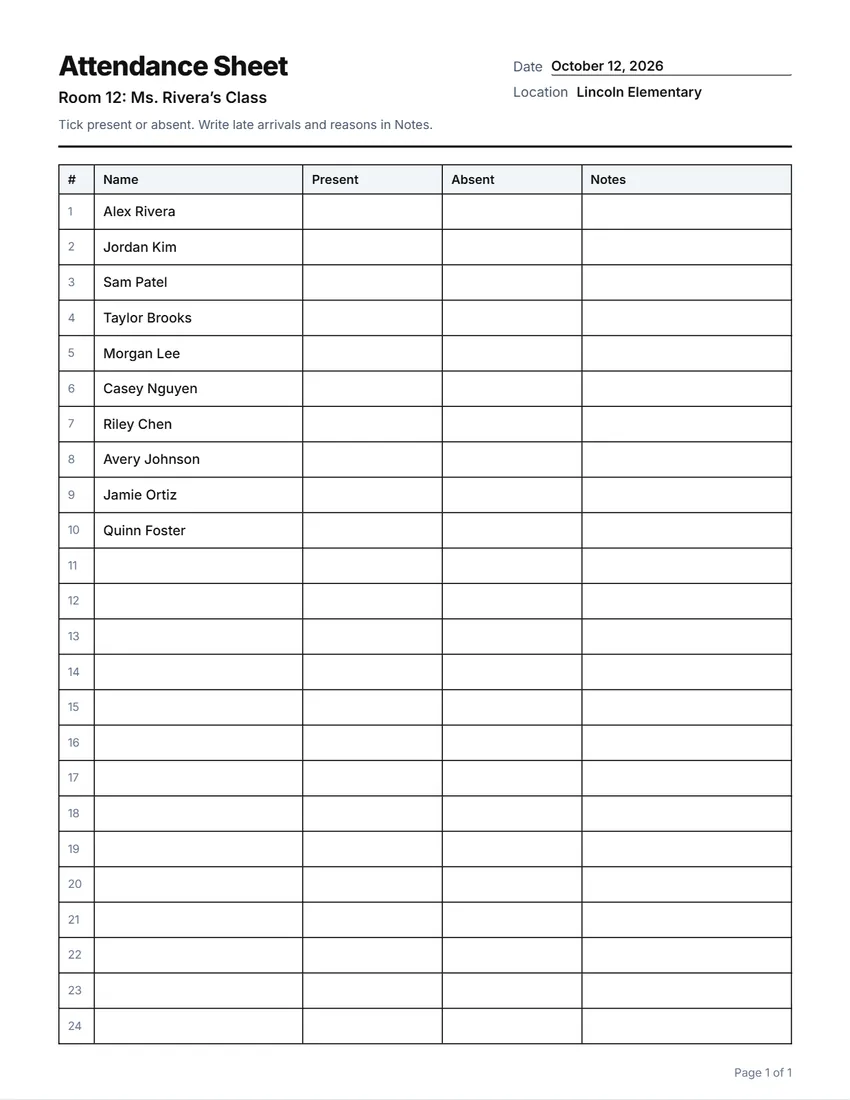 Default layout
GridEvery cell boxed, like a printed sign-in book.
Start with this layoutOpen
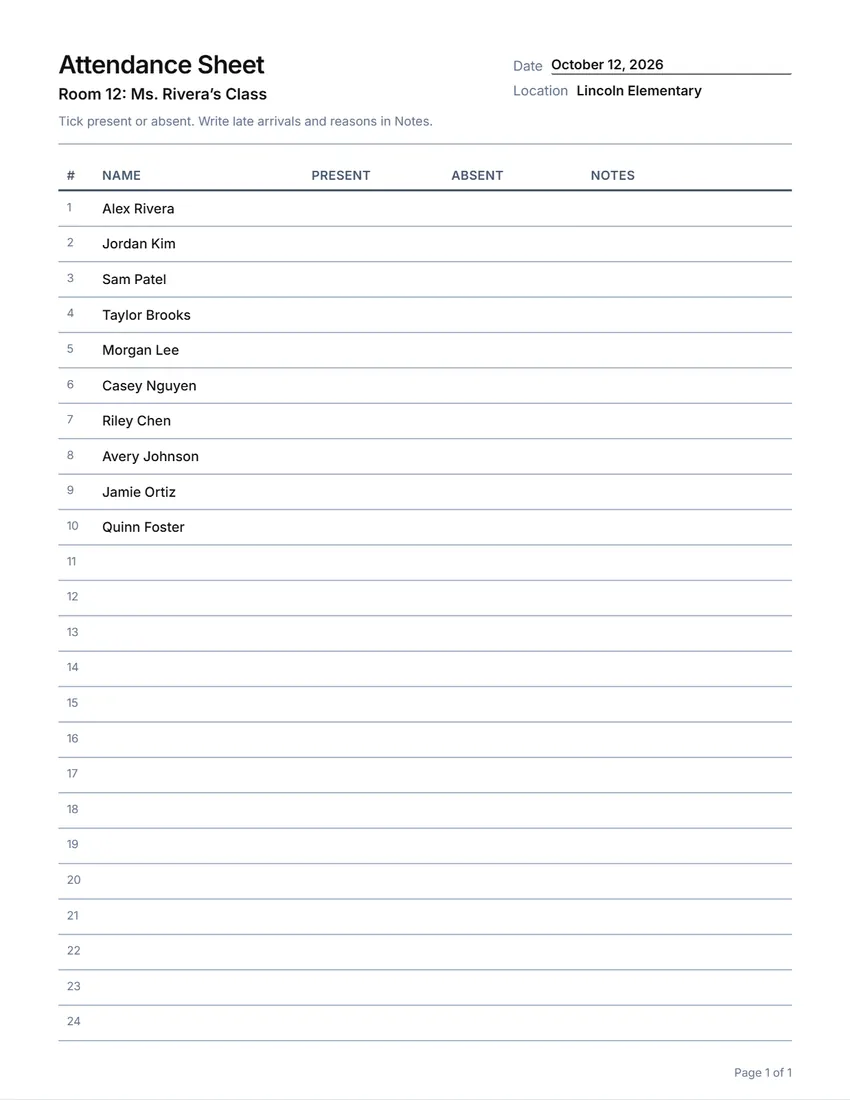 Layout
LinedLines between the rows only. Saves ink.
Start with this layoutOpen
Prefer to fill it in by hand? Print a blank template and write on it.
Related tools
Goes well with this one

Was this tool useful?
Notice: Generated via SnapPaperwork. For your own classes, groups and workplaces. Do not mark people present who were not there, or sign for someone else.
Something missing? Tell me what you need.
What is an attendance sheet?
An attendance sheet is a printed list where people sign or are marked present for a class, meeting, shift or event. It shows the date, the place and one row per person. Print it before the session, pass it around or tick names off, and keep it as your record.
How to make an attendance sheet in 3 steps
-
Choose the kind of sheet
Daily, weekly (Monday to Friday), a class or training, a meeting, employees or an event head count. Each starts with the usual columns, which you can rename, widen, move, remove or add to.
-
Print the names in
Paste your class list or group, one name per line, and the names go in the first column so you only tick beside each.
-
Print a week or a term
Print as many pages as you need. Every page has the heading, the date and its own page number.
Which attendance sheet do you need?
- Daily attendance: present, absent and notes beside each name, for a class or a club.
- Weekly: a column for each day, Monday to Friday, so one sheet covers the week.
- Class or training: name, organization, time in and out, and a signature, for a course that needs proof of attendance.
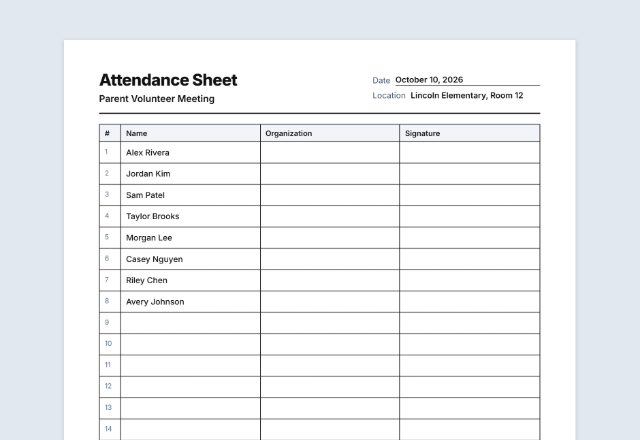
- Meeting: name, role, email and signature.
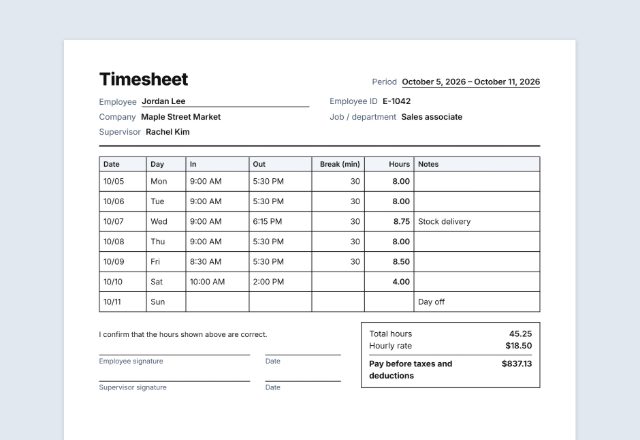
- Employee attendance: date, in, out, hours and initials for each shift. To total hours for pay, the timesheet does the sums.
- Event or service head count: names or families, adults, kids and first-time visitors.
Keeping attendance records
Schools, training providers and employers may have their own rules on what attendance records to keep and for how long. Follow those first.
Everyone who signs can see the lines above theirs, so leave out anything private. Keep filled-in sheets somewhere safe.
Tips for taking attendance
- Print the names in alphabetical order; it is faster to find each one.
- Agree on marks before you start (a tick, or P, A and L for late) and write them in the note at the top.
- For the weekly sheet, put the week’s date in the heading so each page is easy to file.
- Keep each week or month in one folder, by date.
Checked in October 2026. This page is general information, not legal advice.
Frequently asked questions
Is this attendance sheet maker free?
Yes. It is free to use, needs no account or sign-up, and never adds a watermark or a SnapPaperwork logo to your sheet.
Can I print my class list on it?
Yes. Paste the names one per line and they appear in the first column, one per row. Up to 400 names over as many as 20 pages.
Can I make a weekly attendance sheet?
Yes. Choose “Weekly (Monday to Friday)” for a column for each day, or rename the columns for the days your group meets.
Can I change the columns?
Yes. Rename, widen, move or remove any column, or add your own, up to eight.
Is my information uploaded or stored on your servers?
No. Everything you type stays in your browser and is never sent to me. It is saved on your own device so it is there next time.