Job Quote Template & Estimate FormFill in the form, check the preview, then print it or save it as a PDF. No sign-up, and nothing you type is uploaded.
Layout
Whole page · the printed page has no watermark or logo.
This estimate is longer than one page and will print on two pages. Shorten the scope or the terms, use fewer lines, or try another layout.
Examples3 layouts filled in with made-up details. Open one to start with that layout, or print a blank template to fill in by hand.
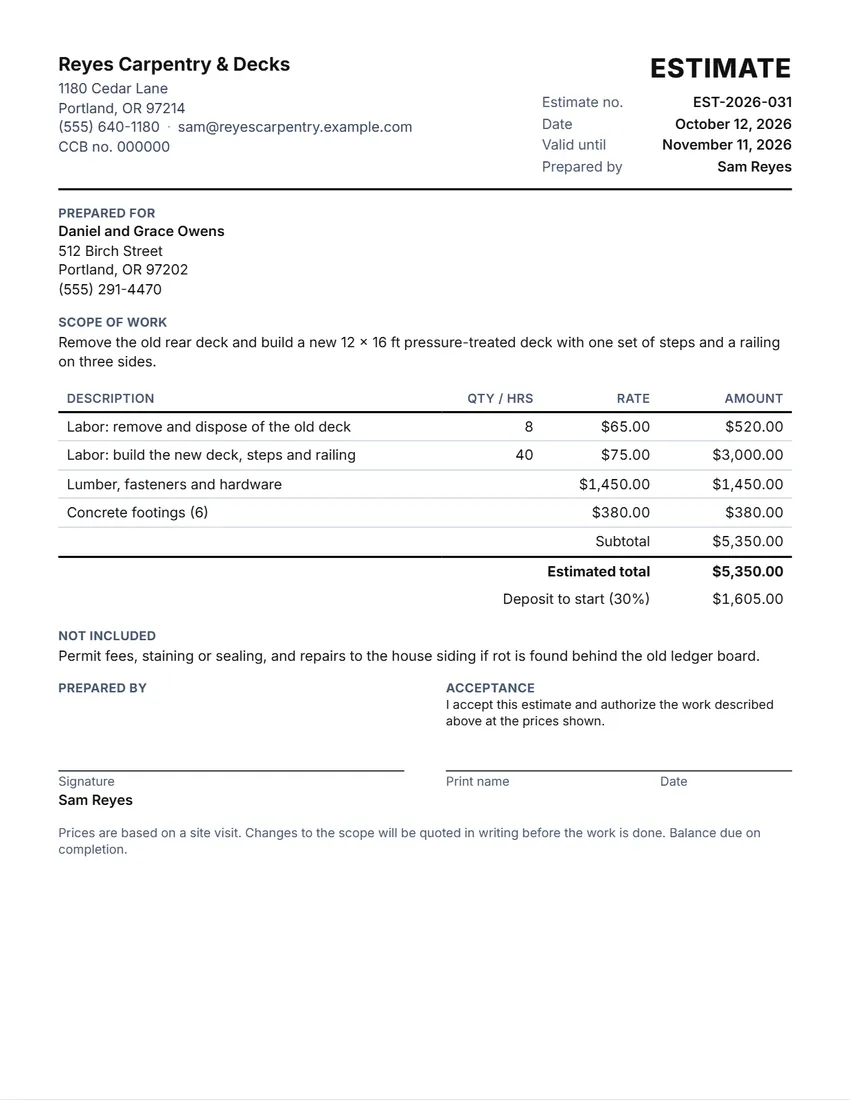 Default layout
ClassicYour logo and details at the top, the title and number on the right.
Start with this layoutOpen
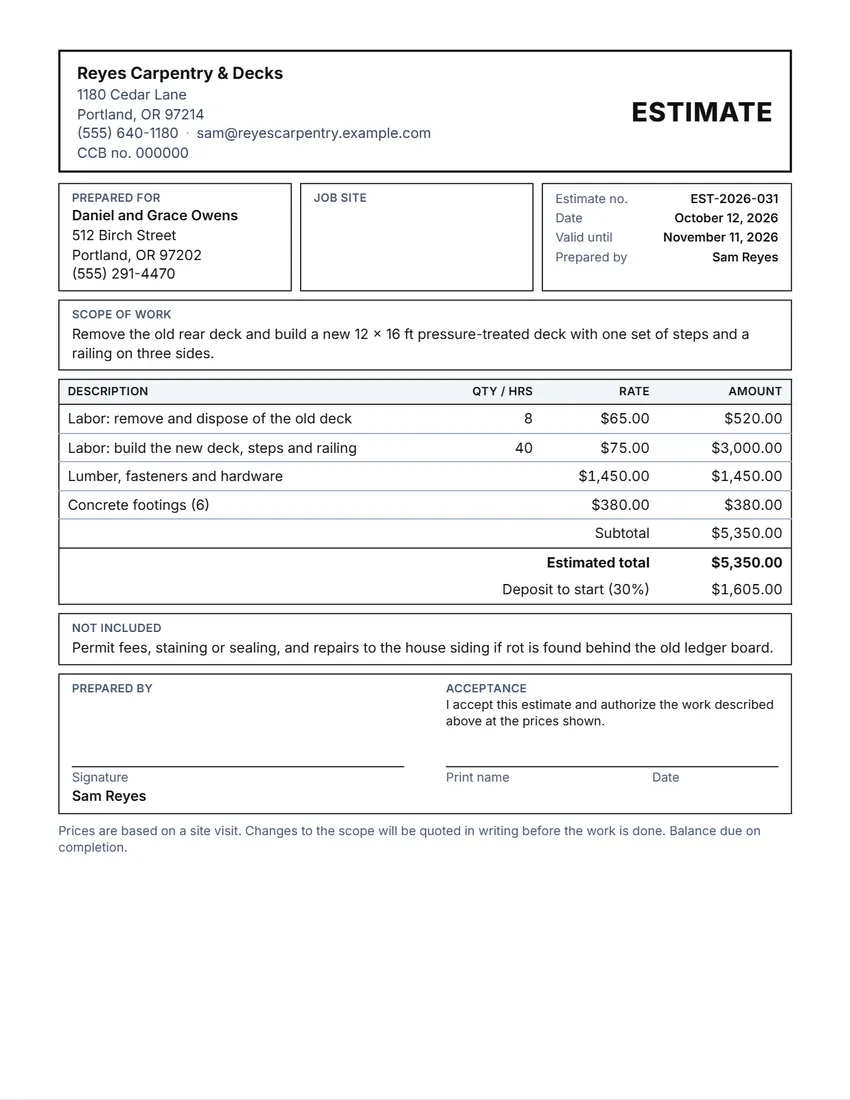 Layout
BoxedRuled boxes like a printed form.
Start with this layoutOpen
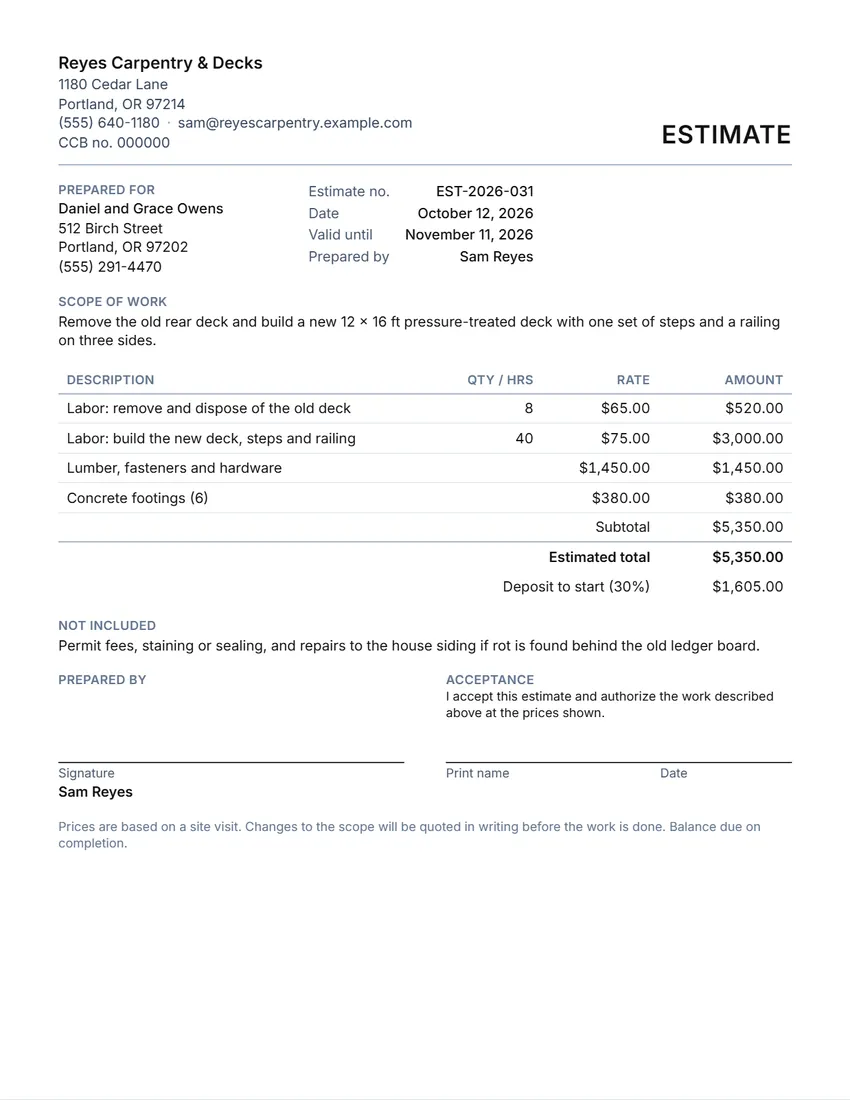 Layout
SimpleClean and light: thin lines, little ink.
Start with this layoutOpen
Prefer to fill it in by hand? Print a blank template and write on it.
Made for a specific case
Related tools
Goes well with this one
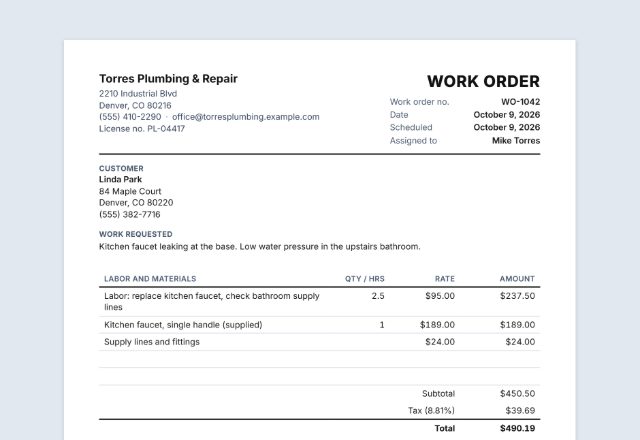 Work orderCustomer said yes?Open
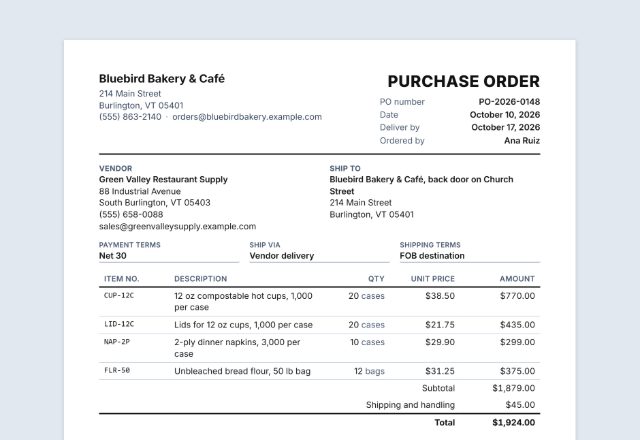 Purchase orderOrdering materials for the job?Open
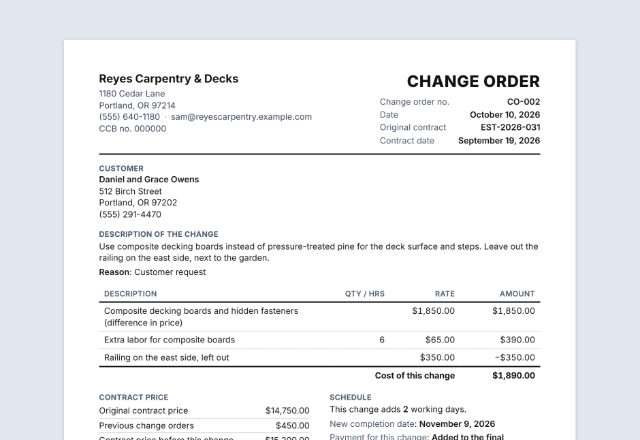 Change orderCustomer wants changes after signing?Open
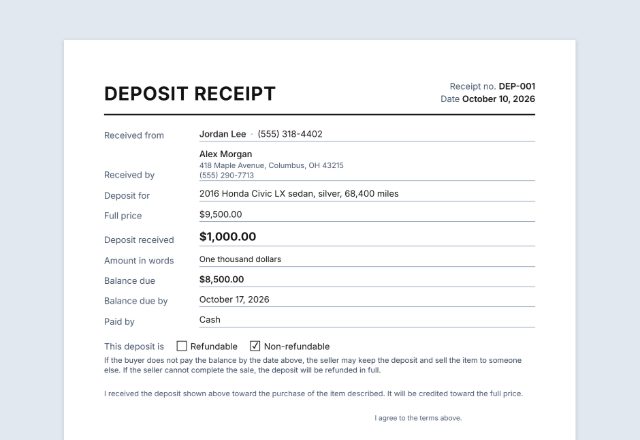 Deposit receiptCustomer paid the deposit?Open
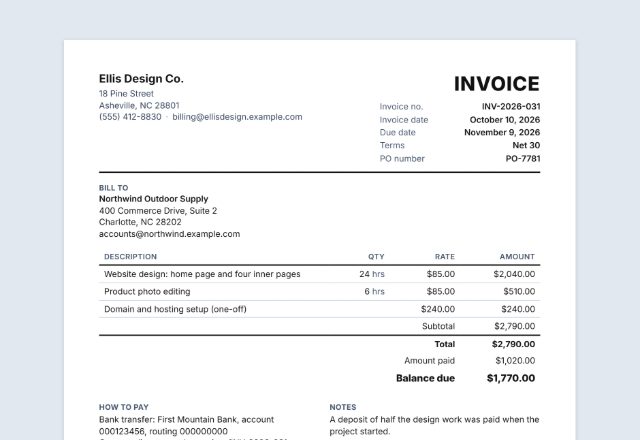 InvoiceJob finished?Open
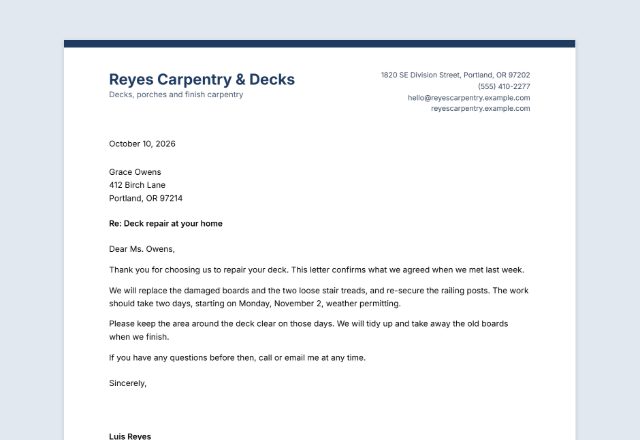 LetterheadWriting to a client?Open
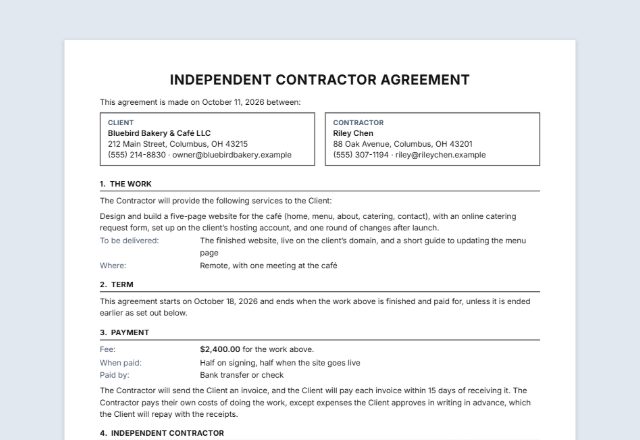 Contractor agreementHiring out the work, or taking it on?Open
Was this tool useful?
Notice: Generated via SnapPaperwork. For genuine estimates only. Do not use it to take a deposit for work you do not mean to do, or to copy another business’s name or license number.
Something missing? Tell me what you need.
What is a job estimate?
A job estimate is a written price for a piece of work, given before it starts. It lists the work, the labor and materials with prices, the total, how long the price is good for and what is not included. Use it so the customer knows the cost, then turn it into an invoice when the work is done.
How to write a job estimate in 3 steps
-
Describe the job
Who it is for, where the work is, and what it includes, in plain words. Choose “Estimate” or “Quote” for the title.
-
Price it line by line
Labor in hours times your rate, materials at cost or a fixed price. Tax, total and any deposit are worked out for you. Say what is not included.
-
Send it and get it signed
Print it or share the PDF. When the customer signs to accept, keep a copy and turn it into a work order.
What a job estimate should include
- Your business name, contact details and any license number
- An estimate number, the date, and how long the price is good for
- The customer’s name and the job address
- The scope of work: what you will do, in plain words
- Labor and materials, line by line, with the total and any tax
- The deposit to start, if you take one
- What is not included
- Your terms: how changes are handled and when payment is due
- A place for the customer to sign and accept
Estimate, quote, work order or invoice?
| Paper | When | What it does |
|---|---|---|
| Estimate | Before the job | Your best idea of the cost. The final bill may differ if the job turns out different |
| Quote | Before the job | Often used for a fixed price for the work described. Many trades use the two words loosely, so say which you mean |
| Work order | When the job is booked and done | Tells the technician what to do and records what was done |
| Invoice | After the job | Asks the customer to pay |
Deposits and written contracts
An estimate is a price for the customer to consider. For larger jobs, especially on homes, some states also ask for a written contract with set wording before the work starts.
California, for example, asks for a written home improvement contract signed before work begins, and a down payment of no more than $1,000 or 10% of the contract price, whichever is less (Business and Professions Code § 7159). Check the rules where you work, and with your licensing board, before you ask for a deposit.
Checked in October 2026. This page is general information, not legal advice.
Tips for estimates that win the job
- Visit the site before you price it, and write down what you saw.
- Split labor and materials so the customer can see where the money goes.
- Give an end date (“Valid until”): material prices change.
- List what is not included: permits, painting, hidden damage. It is the most common cause of arguments.
- Agree in writing how changes are priced before you start, then write a new estimate or change order for each one.
Frequently asked questions
Is this job estimate generator free?
Yes. It is free to use, needs no account or sign-up, and never adds a watermark or a SnapPaperwork logo to your estimate.
What is the difference between an estimate and a quote?
Many businesses use “estimate” for an approximate price and “quote” for a fixed price for the work described, but the words are often used loosely. Choose the title you want, and say in your terms whether the price can change.
How is the total worked out?
Each line is quantity (or hours) times the rate; leave the quantity empty for a fixed price. The lines are added up, the tax rate is applied to the subtotal, and a deposit typed as a percentage (30%) is worked out from the total.
How long should an estimate be valid?
Often 30 days, so material prices do not catch you out. The form sets “Valid until” to 30 days after the date; change it or clear it.
How much deposit can I ask for?
It depends on the job and the state. Some states limit deposits on home improvement work: in California, for example, no more than $1,000 or 10% of the contract price, whichever is less. Check the rules where you work.
Can the customer accept it by signing?
Yes, there is a place for the customer to sign and date it. For larger home jobs, some states also require a written contract with specific wording, so check whether your estimate is enough on its own.
Can I add my logo?
Yes. Upload a PNG or JPG in “Your business”. It stays in your browser and is printed at the top.
Are my details uploaded or stored on your servers?
No. Everything you type, your logo and your signature stay in your browser and are never sent to me. On a shared computer, press “Clear Form” when you are done.
How do I save the estimate as a PDF?
Click “Print / Save PDF” and choose “Save as PDF” as the printer, or click “Download PDF” to save a file straight to your phone or computer. “Share” opens your device’s share menu with the PDF attached, for example to email it to the customer.