Free Printable Order Form TemplateList your items and prices, then type in a customer’s order or print blank forms for customers to fill in. Print it, save it as a PDF or send it. No sign-up, and nothing you type is uploaded.
Layout
Whole page · the printed page has no watermark or logo.
This order form is longer than one page and will print on two pages. Remove empty lines, shorten the notes, or try another layout.
Examples3 layouts filled in with made-up details. Open one to start with that layout, or print a blank template to fill in by hand.
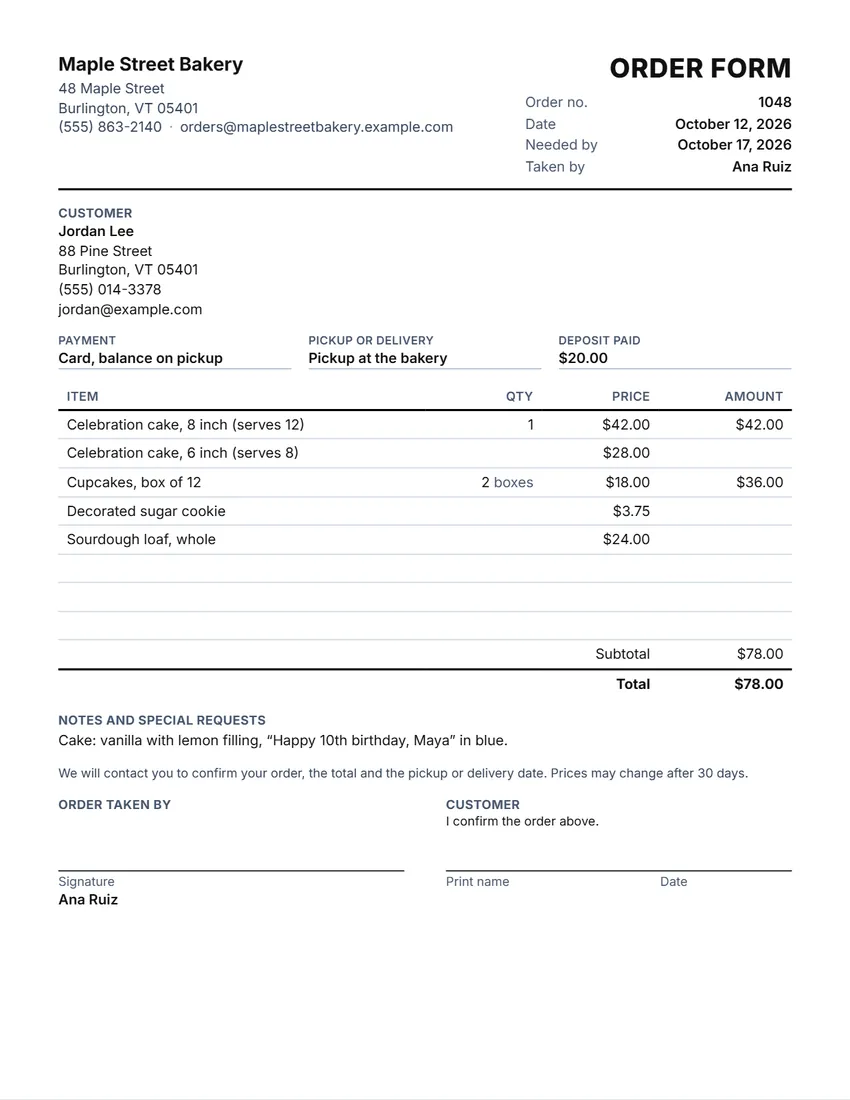 Default layout
ClassicYour logo and details at the top, the title and order number on the right.
Start with this layoutOpen
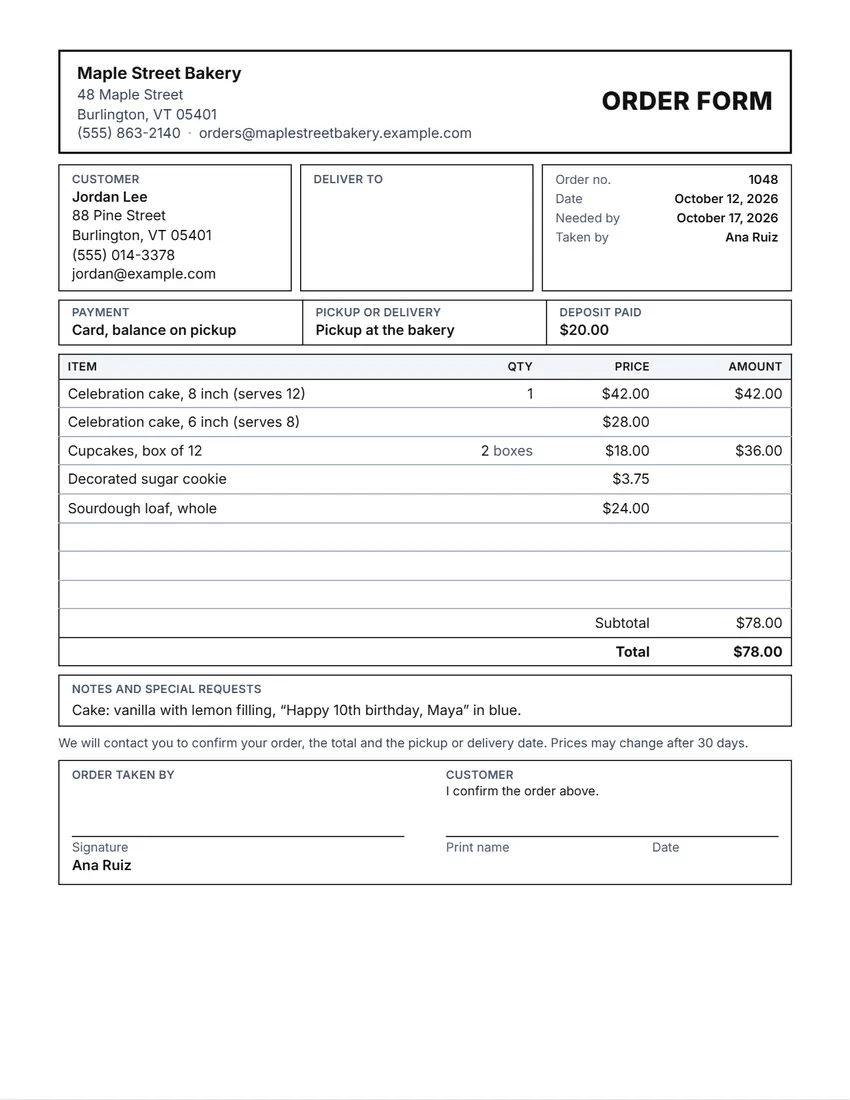 Layout
BoxedRuled boxes like a printed form.
Start with this layoutOpen
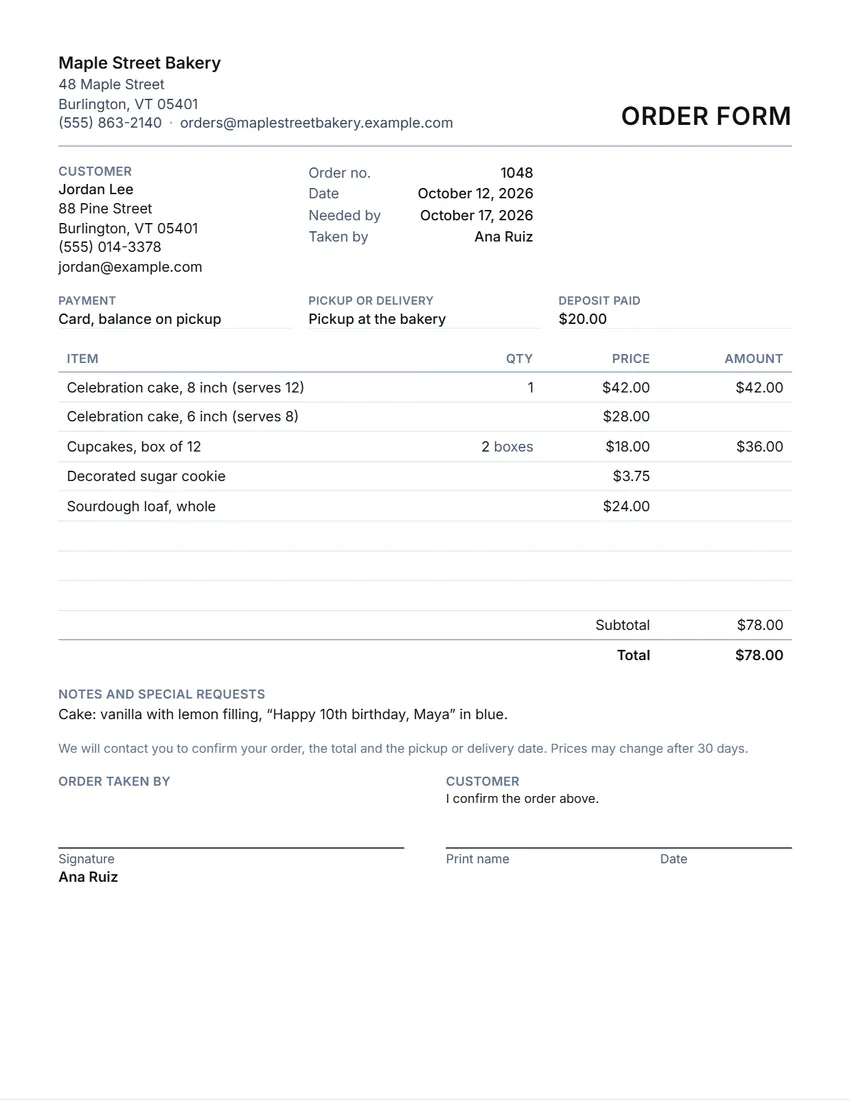 Layout
SimpleClean and light: thin lines, little ink.
Start with this layoutOpen
Prefer to fill it in by hand? Print a blank template and write on it.
Made for a specific case
Related tools
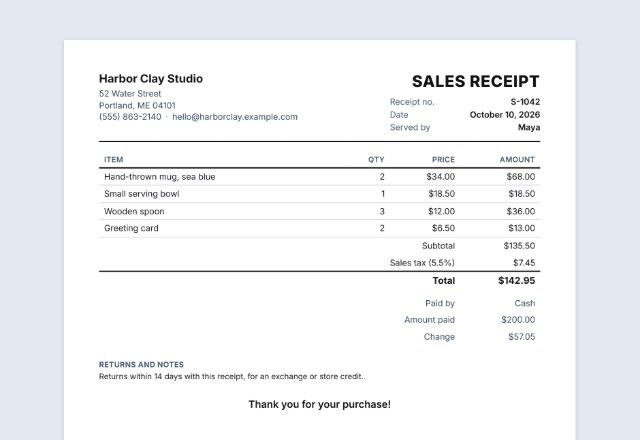
Goes well with this one
Was this tool useful?
Notice: Generated via SnapPaperwork. For your own business. Do not use it to take orders in another business’s name, or for goods you do not mean to supply.
Something missing? Tell me what you need.
What is an order form?
An order form is a sheet a customer fills in to order from you. It lists your items and prices, with a place for quantities, the customer’s details and pickup or delivery. Print it for a market stall, a bakery or a craft shop, then total each order.
How to make an order form in 3 steps
-
List your items and prices
Add your business and logo, then the items you sell with their prices. Turn on the item number column if you use codes.
-
Type an order, or print blank forms
Type the customer and the quantities and the totals are worked out. Or leave them empty: the form prints with lines for customers to fill in.
-
Confirm and keep a copy
Note pickup or delivery, the payment and any deposit, have the customer sign, and give them a copy. “New order” keeps your item list for the next one.
What to put on an order form
- Your business name, address, phone or email, and your logo
- An order number and date, and when the customer needs it
- The customer’s name and how to reach them, and a delivery address if needed
- Your items with their prices, and the quantity of each
- The subtotal, any discount, sales tax, a delivery fee and the total
- How the customer will pay, any deposit paid, and pickup or delivery
- Special requests, and a signature to confirm the order
Tips for taking orders
- Print a stack of blank forms with your items and prices for a counter, a market stall or a school fundraiser.
- Ask for a deposit on custom orders, and write it on the form so the balance is clear.
- Write down details that are easy to get wrong: flavors, sizes, colors, names and allergies.
- Confirm the total and the pickup or delivery date with the customer before you start.
- Sales tax depends on where you sell and what you sell. Check with your state or local tax office.
Order form, purchase order, invoice or receipt?
- An order form records what a customer wants to buy from you.
- A purchase order is what your business sends to a supplier to buy from them.
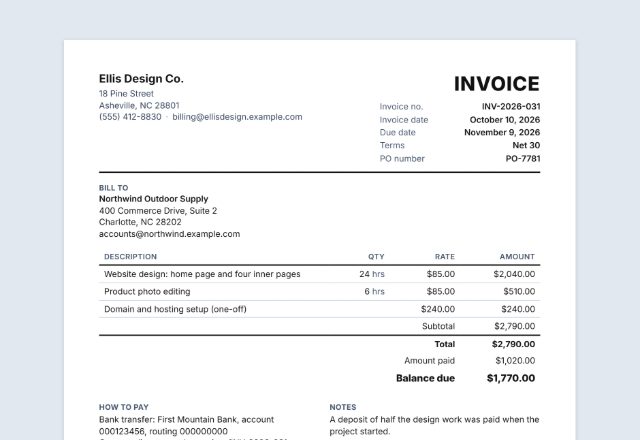
- An invoice asks for payment; a sales receipt shows a payment was made.
General information, not legal or tax advice.
Frequently asked questions
Is this order form maker free?
Yes. It is free to use, needs no account or sign-up, and never adds a watermark or a SnapPaperwork logo to your form.
Can I print blank order forms with my prices?
Yes. List your items and prices and leave the customer and the quantities empty. Lines without a quantity print with an empty amount and total, for customers to fill in by hand.
Does it add up the order?
Yes. Type the quantities and the amounts, subtotal, discount, sales tax, delivery fee and total are worked out for you.
What does “New order” do?
It keeps your business, logo, signature and your list of items and prices, clears the customer, quantities and notes, and adds one to the order number.
Can I add a deposit?
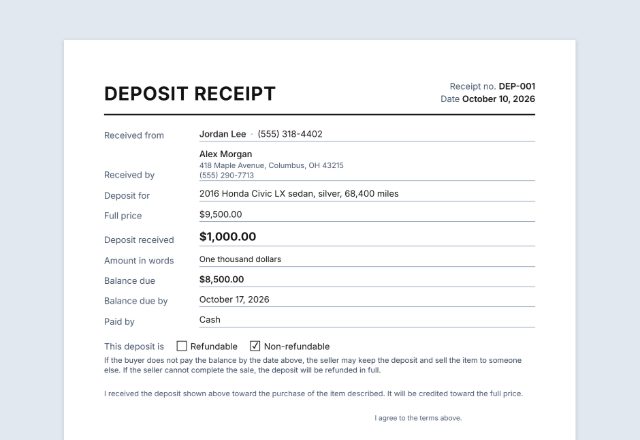
Yes. Type it in “Deposit paid”, for example $20.00. It prints in the payment line so the customer and you both have a record.
Is my information uploaded or stored on your servers?
No. Everything you type stays in your browser and is never sent to me. It is saved on your own device so it is there next time.