Free Permission Slip TemplateFill in the trip or activity, check the preview, then print a stack for the class or save a PDF to email to parents. Families fill in the rest by hand. No sign-up, and nothing you type is uploaded.
Layout
Whole page · the printed page has no watermark or logo.
The form is longer than one page. Shorten the longest writing, leave out an optional section, or try another design.
Examples3 layouts filled in with made-up details. Open one to start with that layout, or print a blank template to fill in by hand.
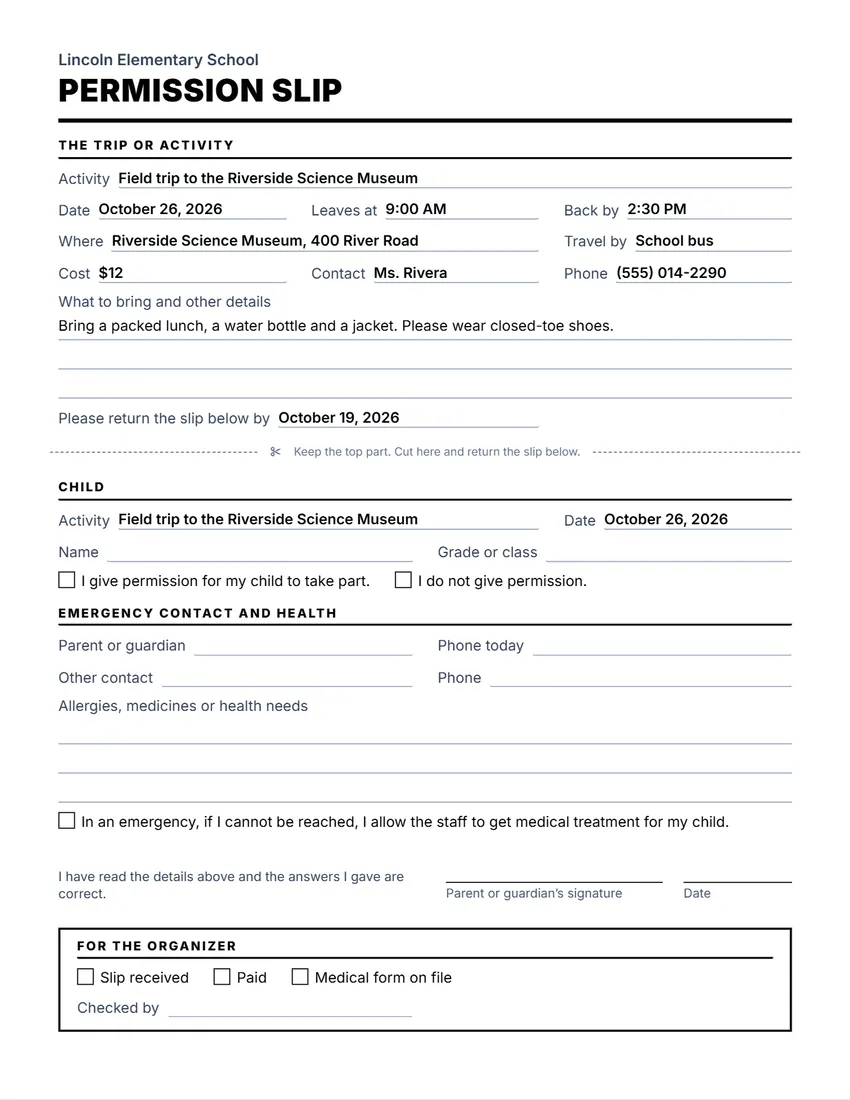 Default layout
ClassicLarge title over a heavy rule, sections in small capitals.
Start with this layoutOpen
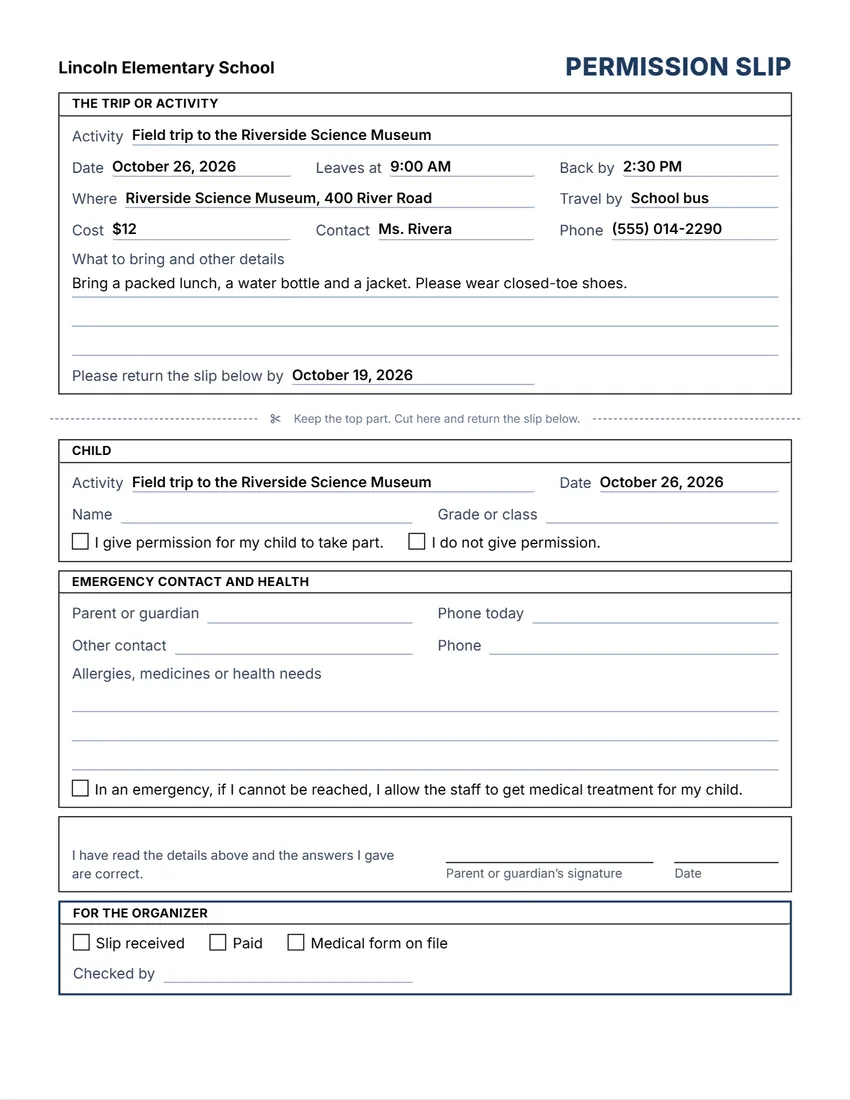 Layout
BoxedEvery section in a ruled box, like a printed office form.
Start with this layoutOpen
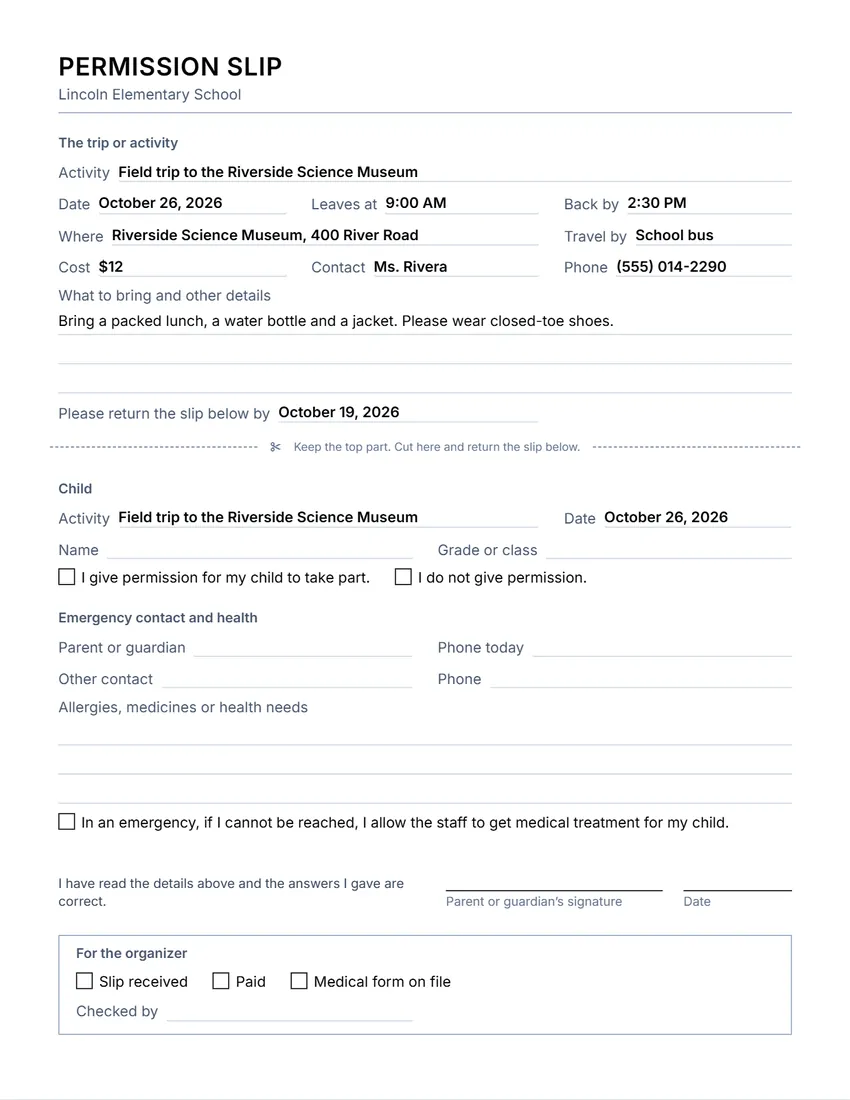 Layout
SimpleThin grey rules and plain headings. Least ink.
Start with this layoutOpen
Prefer to fill it in by hand? Print a blank template and write on it.
Related tools
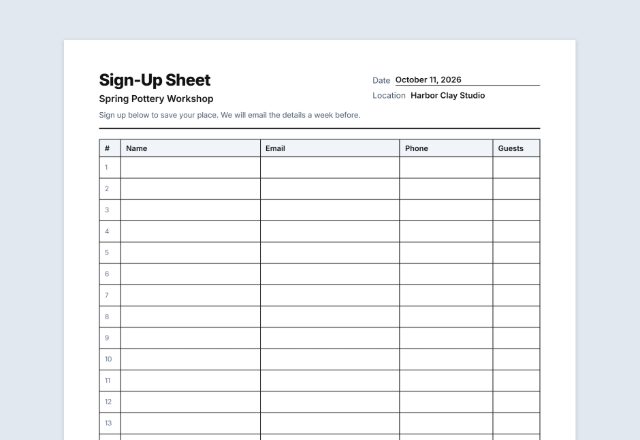
Goes well with this one
Was this tool useful?
Notice: Generated via SnapPaperwork. For your own school, club or team. Never sign a permission slip for a child you are not the parent or guardian of.
Something missing? Tell me what you need.
What is a permission slip?
A permission slip is a form a parent or guardian signs to allow a child to join an outing or an activity. The top part gives the details of the trip, and the bottom part is returned with a signature and emergency contacts. Send it home with a return date.
How to make a permission slip in 3 steps
-
Describe the trip or activity
What it is, the date, when it leaves and gets back, where, how everyone travels, the cost, who to call, and what to bring.
-
Print or email it to families
Leave the child’s name, contacts and health notes empty for parents to fill in, or fill them in for one child.
-
Collect the signed slips
Parents tick yes or no, add an emergency contact and health needs, and sign. Take the slips with you on the trip.
What to put on a permission slip
- Your school, club or team, and what the trip or activity is
- The date, when it leaves and gets back, and where it is
- How everyone will travel, the cost and who to contact
- What to bring and anything parents should know
- The child’s name and class, and a clear yes or no
- Emergency contacts for the day, and allergies, medicines or health needs
- The parent or guardian’s signature and the date
Tips for trips and activities
- Send slips home early and give a clear return date.
- Check whether your school or district has its own form, or extra rules for travel, swimming or overnight trips.
- Keep the signed slips and emergency numbers with the group leader for the whole trip.
- Health information is private: share it only with the staff who need it, and keep or destroy the slips safely afterwards.
- The emergency treatment line is a simple consent, not a full medical consent form. Use your organization’s form if it has one.
Printing for a whole class
- Fill in the trip details and leave the child and contact parts empty.
- Tick “Print this section” under “For the organizer” if you want boxes to track paid and returned slips.
- Print one per child at 100% (Actual size), or email the PDF to families.
General information, not legal advice. Schools, districts and clubs often have their own rules and forms for trips and activities.
Frequently asked questions
Is this permission slip maker free?
Yes. It is free to use, needs no account or sign-up, and never adds a watermark or a SnapPaperwork logo to your form.
Can I print one slip for the whole class?
Yes. Fill in the trip details and leave the child’s name, contacts and health notes empty. Every empty field prints as a line to write on.
Can parents say no?
Yes. The slip has two boxes: “I give permission” and “I do not give permission”. Parents tick one by hand.
Is the medical line a full medical consent?
No. It is a short consent for emergency treatment when the parent cannot be reached. Many schools and clubs have their own medical forms; use those if they apply.
Can I change the wording?
Yes. Click any heading, label or box on the form, or use the Wording panel, to rewrite it. You can also add a box for the organizer to track paid and returned slips.
Is my information uploaded or stored on your servers?
No. Everything you type stays in your browser and is never sent to me. It is saved on your own device so it is there next time.