Free Petty Cash Voucher TemplateFill in the form, check the preview, then print the sheet and cut along the dashed lines. Fill in one voucher, or print a pad of blank numbered ones. No sign-up, and nothing you type is uploaded.
Design
Whole page · the printed page has no watermark or logo.
Examples2 layouts filled in with made-up details. Open one to start with that layout, or print a blank template to fill in by hand.
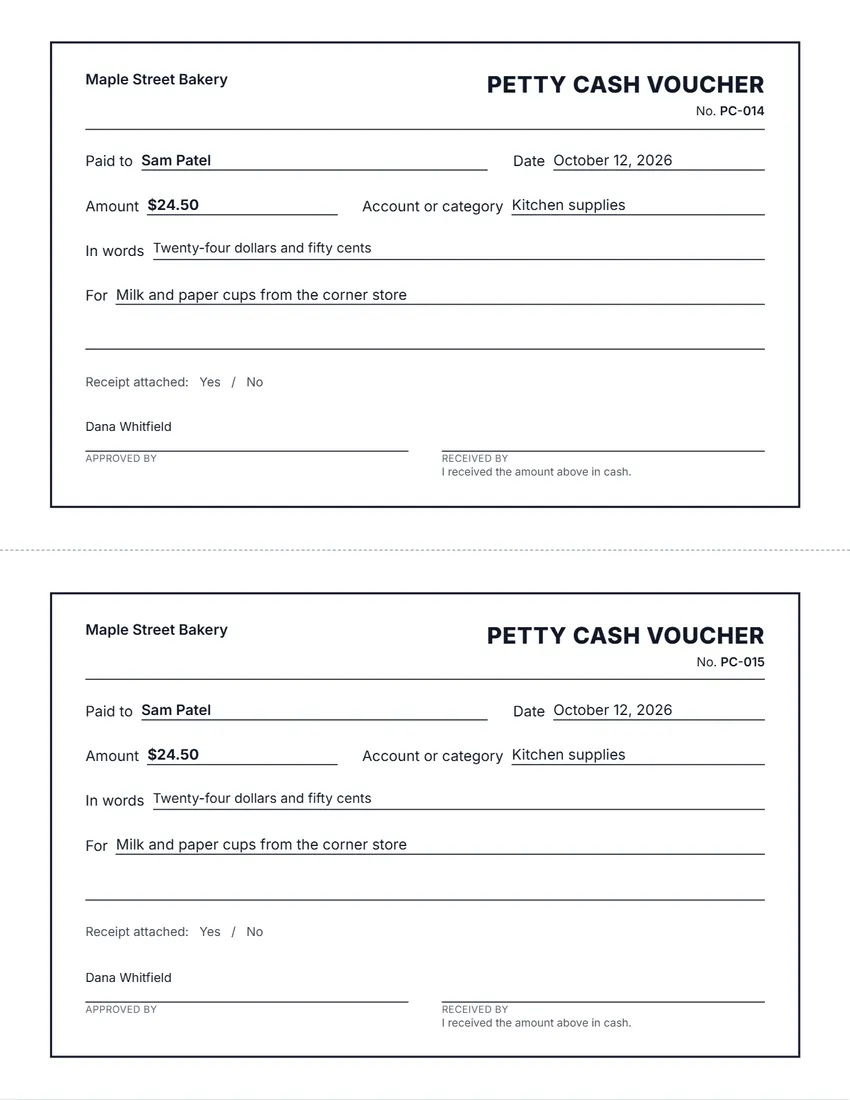 Default layout
StandardThin frame, ruled lines.
Start with this layoutOpen
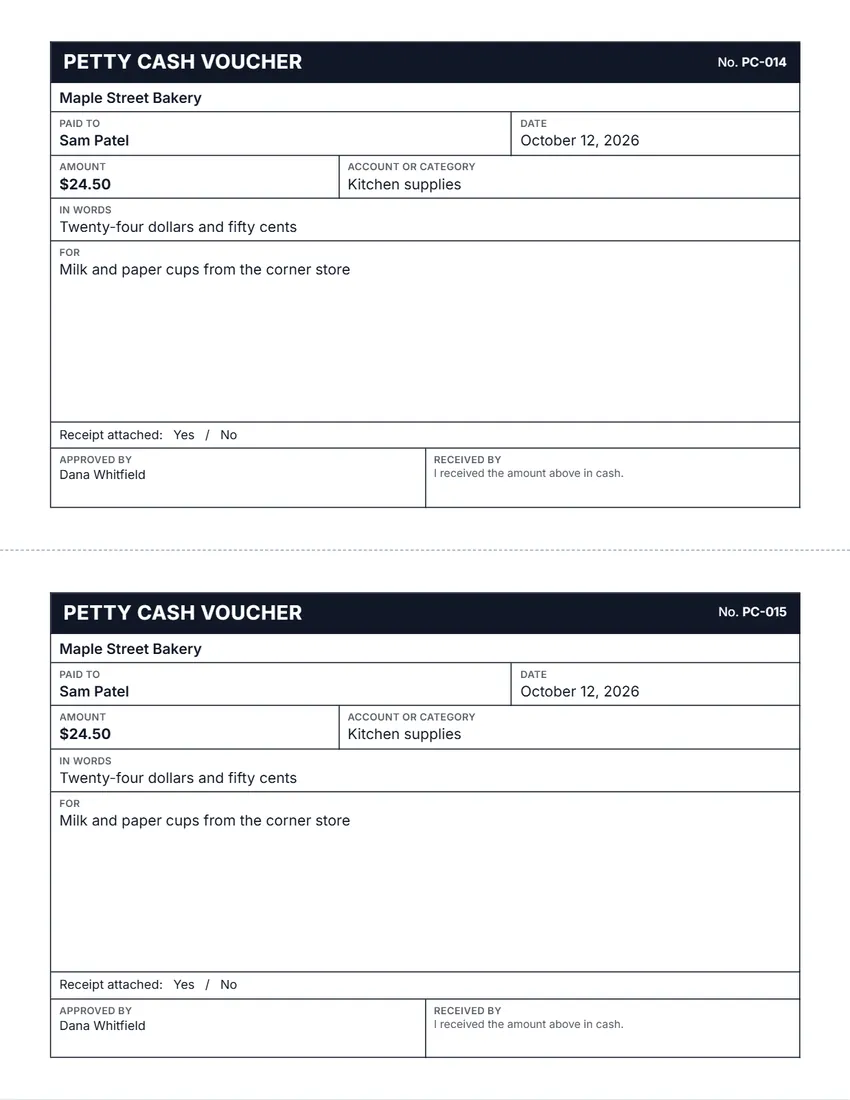 Layout
BoxedA colour band and ruled boxes, like a printed voucher pad.
Start with this layoutOpen
Prefer to fill it in by hand? Print a blank template and write on it.
Related tools
Goes well with this one
Was this tool useful?
Notice: Generated via SnapPaperwork. For your own organization’s petty cash only. A voucher with a false amount, payee or signature can be fraud.
Something missing? Tell me what you need.
How to use petty cash vouchers in 3 steps
-
Fill one in, or leave it blank
Type who was paid, the date, the amount and what it was for; the amount in words is written for you. Or leave the payment empty and print a pad of blank vouchers to keep with the cash box.
-
Number them and pick a design
Each voucher gets its own number, so a missing one stands out. Choose 2 or 3 vouchers per page and up to 10 pages; “Next batch” carries the numbers on.
-
Sign, attach the receipt, file it
The person who approves the payment and the person who takes the cash both sign. Staple the shop receipt to the voucher and keep it in the cash box until the box is topped up.
What a petty cash voucher should show
- A voucher number, so every payout can be found and none goes missing
- The date of the payment
- Who received the cash
- The amount in figures and in words, so it cannot be changed easily
- What the money was spent on, and the account or category for the books
- Whether a receipt is attached
- The signature of the person who approved it, and of the person who received it
Running a petty cash box
Most petty cash boxes run on a fixed float, for example $200. Every time cash goes out, a voucher goes in, so the cash plus the vouchers always add up to the float.
When the cash runs low, add up the vouchers by account, take the total from the main bank account to top the box back up to the float, and file the vouchers with that top-up.
Count the box now and then with someone else present. If the cash and vouchers do not add up to the float, write down the difference and the date straight away.
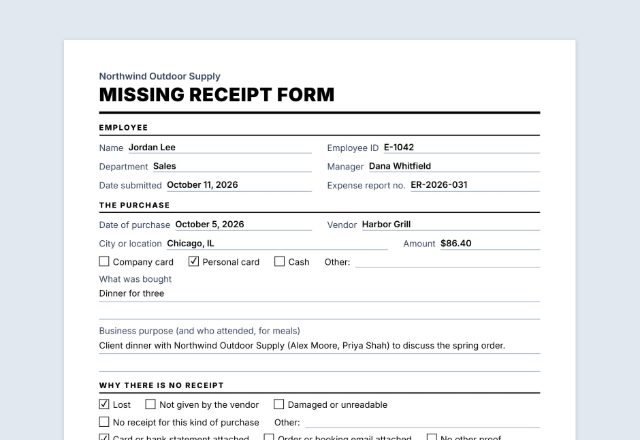
Keep one person in charge of the box, set a limit for a single payout, and ask for a receipt every time. When a receipt is lost, a missing receipt form can stand in for it.
General information, not accounting or tax advice. Ask your accountant how your business should record petty cash.
Frequently asked questions
Is this petty cash voucher template free?
Yes. It is free to use, needs no account or sign-up, and never adds a watermark or a SnapPaperwork logo to your vouchers.
What is a petty cash voucher?
A small slip that records one payment from a petty cash box: who got the money, how much, when, what for, and who approved it. It replaces the cash that left the box until the box is topped up.
Can I print blank vouchers to fill in by hand?
Yes. Leave the payment details empty and every voucher prints with lines to write on. Keep numbering on so the pad is numbered in order.
How many vouchers fit on a page?
Two larger vouchers or three smaller ones per US Letter or A4 page. Choose up to 10 pages at a time; the numbers carry on from page to page.
Is the amount in words written for me?
Yes. Type the amount as a number and the words follow the currency and country you choose, for example “Twenty-four dollars and 50 cents”. You can click the words on the voucher to rewrite them.
Do I still need the shop receipt?
Yes, whenever you can get one. The voucher records the payout from the box; the receipt shows what was bought. Staple it to the voucher and tick “Yes” next to Receipt attached.
Are my details uploaded or stored on your servers?
No. Everything you type, and your logo, stays in your browser and is never sent to me. On a shared computer, press “Clear Form” when you are done.
How do I save the vouchers as a PDF?
Click “Print / Save PDF” and choose “Save as PDF” as the printer, or click “Download PDF” to save a file straight to your phone or computer. Each page of the PDF is one sheet of vouchers.