Free Room Rental Agreement TemplateFill in the form, check the preview, then print it or save it as a PDF. No sign-up, and nothing you type is uploaded.
Layout
Whole page · the printed page has no watermark or logo.
Examples2 layouts filled in with made-up details. Open one to start with that layout, or print a blank template to fill in by hand.
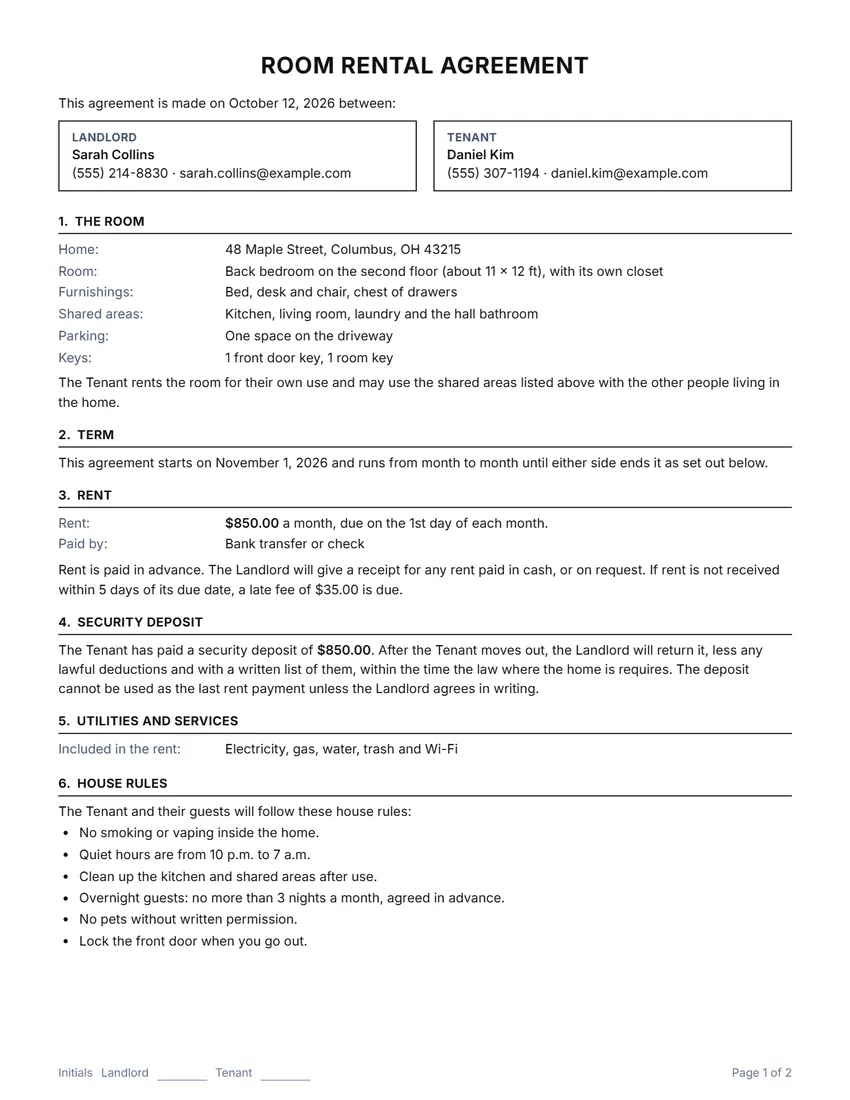 Default layout
ClassicCentered title, the two sides in boxes, ruled section headings.
Start with this layoutOpen
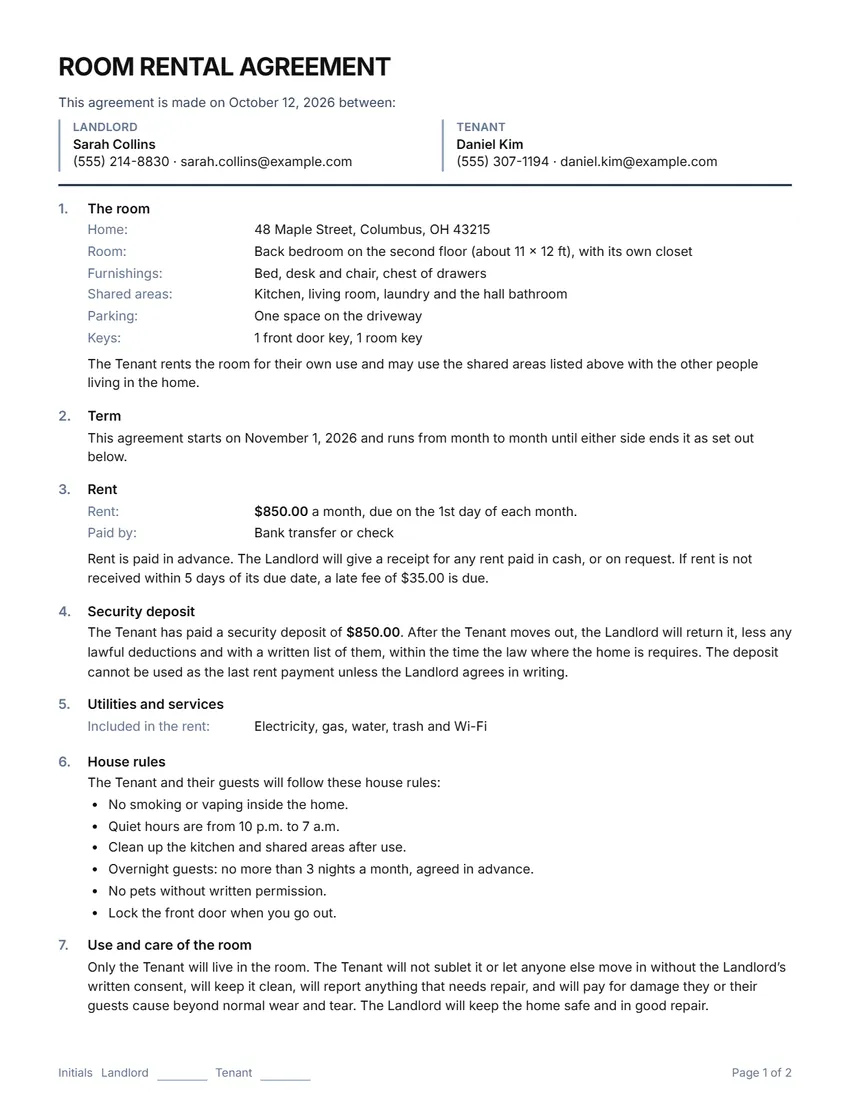 Layout
ModernTitle on the left, section numbers in a margin column. Saves ink.
Start with this layoutOpen
Prefer to fill it in by hand? Print a blank template and write on it.
Related tools
Goes well with this one
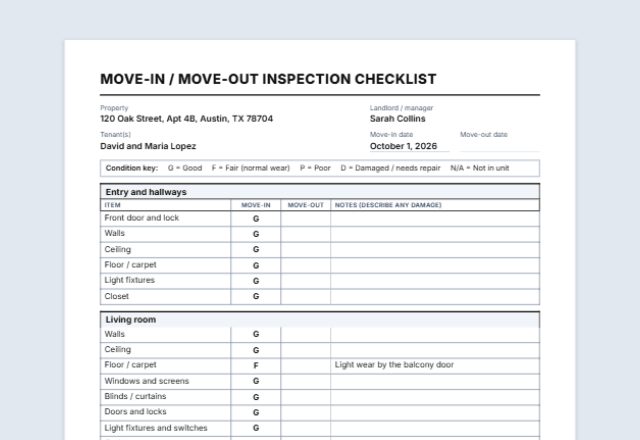
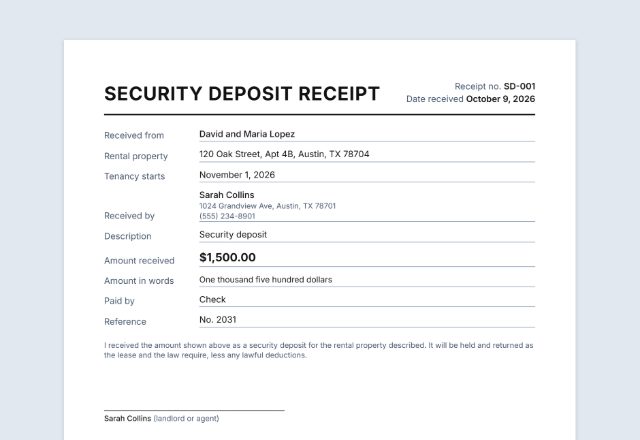
Was this tool useful?
Notice: Generated via SnapPaperwork. For real rental arrangements only. Do not use it to rent out a room you have no right to let, or to back up a false address or rental history.
Something missing? Tell me what you need.
How to make a room rental agreement in 3 steps
-
Fill in both sides and the room
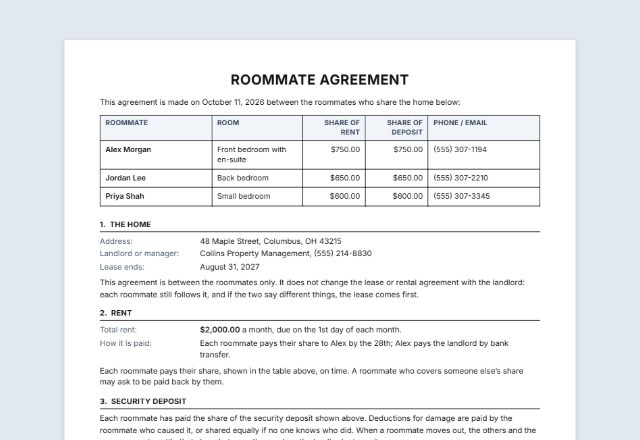
Who is renting out the room and who is renting it, the address, which room, and the parts of the home you share.
-
Set the rent and the house rules
The rent and when it is due, any deposit or late fee, what the rent includes, notice periods and your house rules. Every sentence on the page can be rewritten.
-
Sign it and keep a copy each
Print two copies and both sign, or sign on screen and share the PDF. Attach a move-in checklist if you made one.
What a room rental agreement should include
- The names of both sides and how to reach them
- The address of the home and which room is rented
- The parts of the home that are shared: kitchen, bathroom, laundry, parking
- The start date, and the end date for a fixed term
- The rent, when it is due and how it is paid
- Any security deposit or late fee
- Which utilities are included in the rent
- House rules: guests, quiet hours, smoking, pets, cleaning
- Notice before entering the room, and notice to end the agreement
- Both signatures, with the date
Renting a room: rules that can be different
The law on renting out a room depends on where the home is, and often on whether the owner lives there too. A few examples, read in the official texts:
- California: one lodger in the owner’s home
- Where the owner lives in the home and rents a room to a single lodger, either side can end a periodic arrangement with written notice, given as the general rule for periodic tenancies (§ 1946) requires and delivered in one of the ways the law lists. When the notice runs out, the lodger’s right to stay ends. The section applies only where one lodger lives with the owner. California Civil Code § 1946.5
- England: a lodger who shares your home
- A lodger who lives in your home and shares a kitchen, bathroom or living room with you or your family is likely to be an excluded occupier: reasonable notice, usually the length of the rent period, is enough to end the letting, without a court order. A lodger who shares no living space is likely to have basic protection, and you need a court order if they will not leave. GOV.UK: your lodger’s tenancy type
- Lead-based paint (US homes built before 1978)
- The federal lead paint disclosure rule covers leases of housing built before 1978, but its definitions count “rentals of individual rooms in residential dwellings” as 0-bedroom dwellings, which are left out of “target housing” unless a child under 6 lives, or is expected to live, there. Renting out a whole home or apartment built before 1978 is usually covered. Read the definitions to see how they apply to your home. 40 CFR 745.103
- Tax in the US
- Rent you receive is generally taxable rental income. A security deposit you may have to return is not income; the part you keep can be. IRS Tax Topic 414
- Tax in the UK
- If you let part of your only or main home, the Rent a Room Scheme may let you earn up to £7,500 a year tax-free (£3,750 if you share the income with someone else). GOV.UK: Rent a room in your home
Checked in October 2026. Laws change: check the rules where the home is.
Tips for renting out a room
- Meet the person and check references before you agree.
- Agree on the house rules before moving day, and write them into the agreement.
- Walk through the room together and record its condition; a move-in checklist makes this easy.
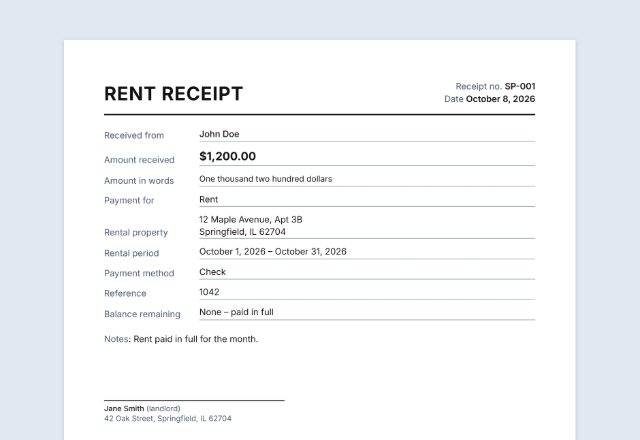
- Give a receipt for every rent payment, especially cash.
- Each side keeps a signed copy, plus a record of payments and notices.
- If you rent the home yourself, check your lease first: many leases need the landlord’s consent before you rent out a room.
This page is general information, not legal or tax advice. For a lease with a lot at stake, ask a local lawyer or tenant-landlord service to look it over.
Frequently asked questions
Is this room rental agreement generator free?
Yes. It is free to use, needs no account or sign-up, and never adds a watermark or a SnapPaperwork logo to your agreement.
What is the difference between a lodger and a tenant?
It depends on the law where the home is. In general, a lodger rents a room in a home where the owner lives and shares it with them, while a tenant usually has more of the home to themselves and more protection in law. The words you choose for the two sides do not by themselves decide which one someone is.
Can I rent out a room in a home I rent?
Often only with your landlord’s permission: many leases forbid subletting without it. Check your lease, and ask your landlord in writing before you agree with anyone.
Is a signed room rental agreement binding?
It is an agreement between the two of you, but the law where the home is always comes first: a term that goes against it does not count. This template keeps to general terms. For anything unusual, or a lot at stake, ask a local lawyer or tenant-landlord service.
Can I change the wording?
Yes. Click any sentence on the page, or open the Wording panel, to rewrite it. Add your own terms under “Other terms” and change the house rules to suit your home. When you rename the two sides, every sentence follows.
How many pages is it?
Usually two. It runs over as many pages as it needs without splitting a section across two pages, and each page can have lines for both sides’ initials.
Is my information uploaded or stored on your servers?
No. Everything you type stays in your browser and is never sent to me. The form is saved on your own device so it is there next time; the drawn signatures are never saved.