Airbnb Cleaning Checklist PrintableStart from a turnover list for a short-term rental, change the tasks to fit your property, then print one for every clean or save it as a PDF. No sign-up, and nothing you type is uploaded.
Layout
Whole page · the printed page has no watermark or logo.
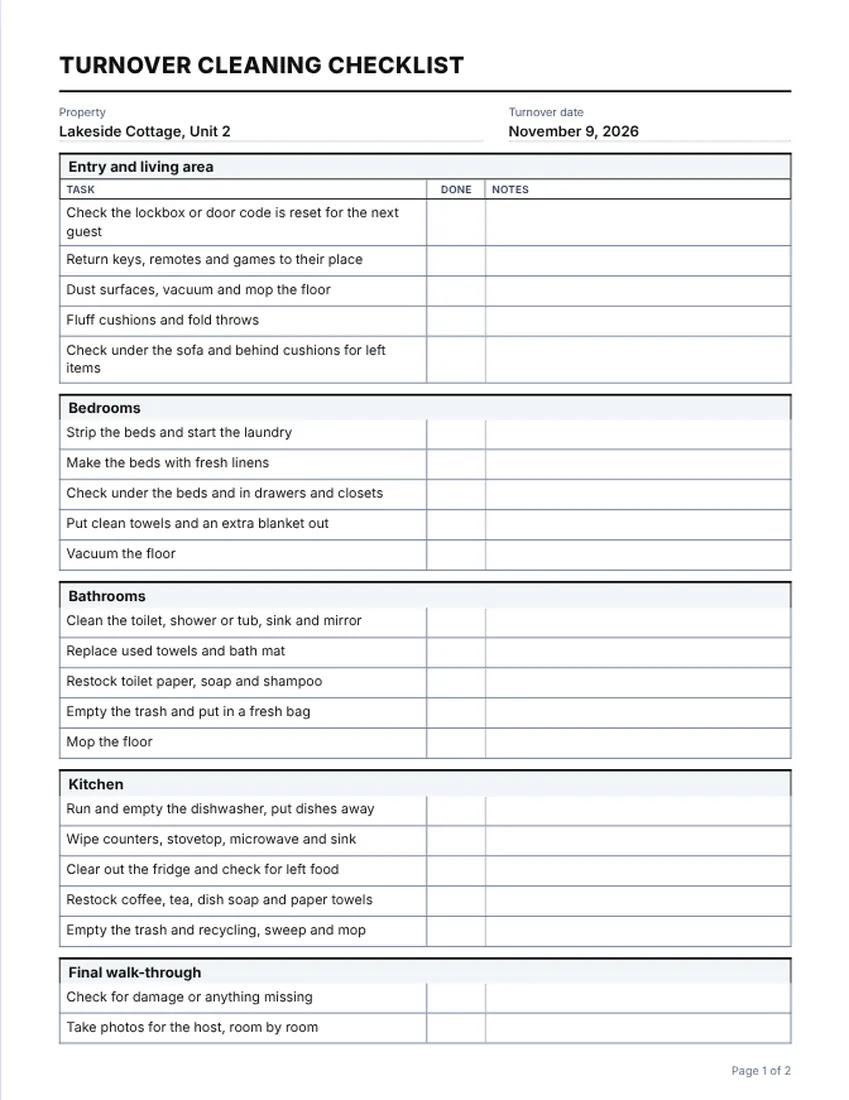
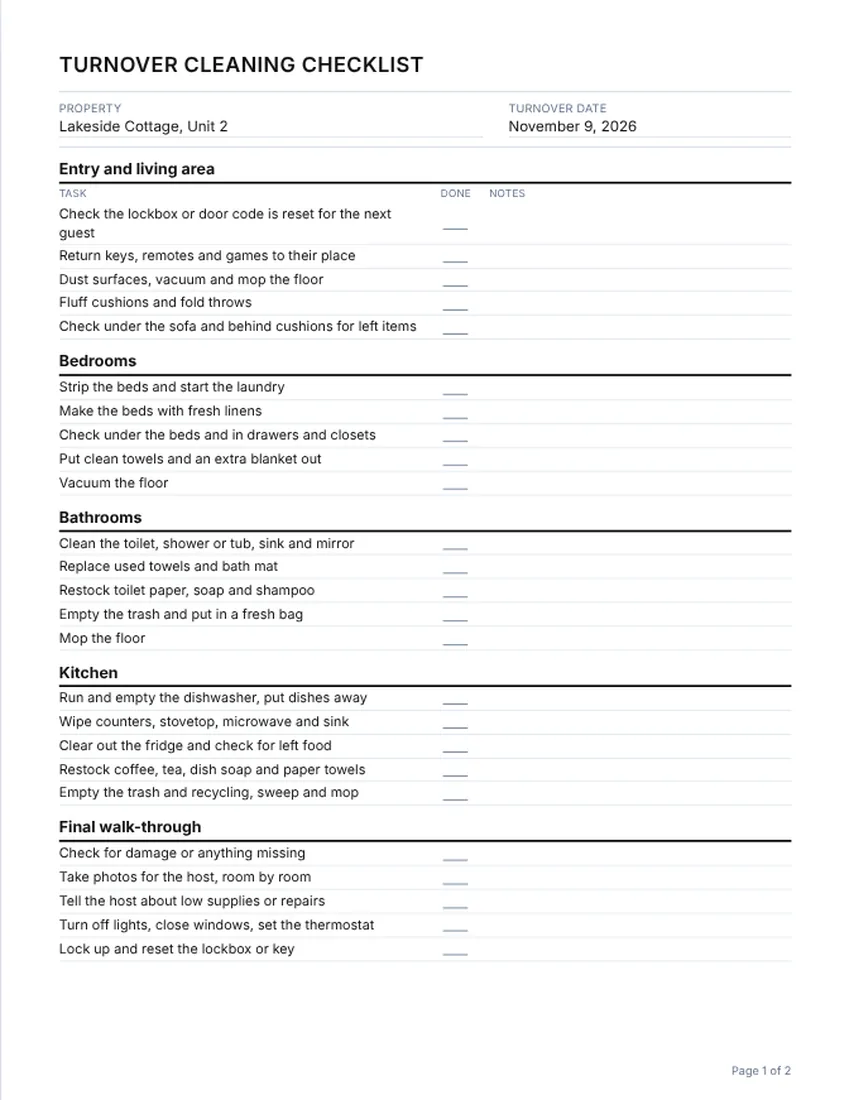
Examples2 layouts filled in with made-up details. Open one to start with that layout.
More versions of this form
Related tools
Goes well with this one
Was this tool useful?
Notice: Generated via SnapPaperwork. For genuine work and payments only. A document with false amounts, dates or details can be illegal.
Something missing? Tell me what you need.
How to make a turnover cleaning checklist
-
Check the rooms and tasks
The list opens with the rooms of a typical rental. Edit task names, add the rooms you have and delete the ones you don’t.
-
Add the property and the date
Type the name of the property or unit and the turnover date. Add a note for anything special this time, such as a late checkout.
-
Print one for every clean
Print a copy for each turnover. The cleaner ticks each box as they go and signs at the bottom. Keep the finished sheets with your records.
What a vacation rental turnover checklist should cover
- Bedrooms: strip and wash linens, make the beds fresh, check under the beds and in drawers
- Bathrooms: toilet, shower or tub, sink, mirror, fresh towels, restock soap and toilet paper
- Kitchen: dishes, counters, fridge, stovetop, microwave, coffee and cleaning supplies
- Living areas: dust, vacuum, mop, tidy cushions, check for items guests left behind
- Restocking: consumables the next guest expects, and a note of what is running low
- Damage check and photos for the host, room by room
- Lockbox or key reset, thermostat, lights and windows before you leave
Sample tasks by room
Use these as a starting point and change them to match your property and your host’s standards.
- Entry and living area: reset the lockbox or door code, vacuum and mop, look behind cushions
- Bedrooms: change linens, put out an extra blanket, check closets for left items
- Bathrooms: scrub, replace towels and bath mat, restock toiletries
- Kitchen: run the dishwasher, wipe appliances, empty the fridge of left food
- Final walk-through: photos, damage check, low-supplies note, lock up
Why use a checklist between guests
Turnovers are often tight, with a few hours between checkout and check-in. A printed list with a box for each task helps the cleaner not skip a step, and gives the host a record of what was done and when.
If a guest reports a problem later, a signed sheet and the photos you took at the walk-through help you see what happened. Keep them for as long as you keep your other booking records.
Tips for hosts and cleaners
- Tick the box only when the task is done, and write a short note for anything you could not finish.
- Take your photos before you start cleaning when you find damage, and again at the end.
- Keep a stock list of supplies in the same place so restocking is quick.
- Add a task for any rule specific to your property, such as bins on a certain day.
- Rules for short-term rentals, such as permits and taxes, depend on where the property is. Check your city and state rules.
Checked in November 2026. This page is general information, not legal advice. Rules differ from place to place and change over time.
Frequently asked questions
What should an Airbnb cleaning checklist include?
Tasks by room for bedrooms, bathrooms, kitchen and living areas, restocking supplies, a damage check with photos for the host, and resetting the lockbox or key. Add your own tasks for anything specific to your property.
Is there a printable Airbnb cleaning checklist I can edit?
Yes. This page opens with a turnover list that you can change: rename tasks, add or remove rooms and add notes. Then print it or save a PDF. It is free and needs no account.
How do I use a turnover checklist with a cleaner?
Print one copy for each turnover. The cleaner ticks each box, writes a note on any task that was not done and signs at the bottom. You then check the sheet, and keep it.
Can I use this for a vacation rental or a short-term rental?
Yes. It suits an Airbnb, a vacation rental, a guest house or a cabin. Change the rooms and tasks to match your place.
Can I add photos of the property to the checklist?
The checklist has a task line for taking photos, but the photos themselves stay on your phone. Keep them in a folder with the date and the property name.
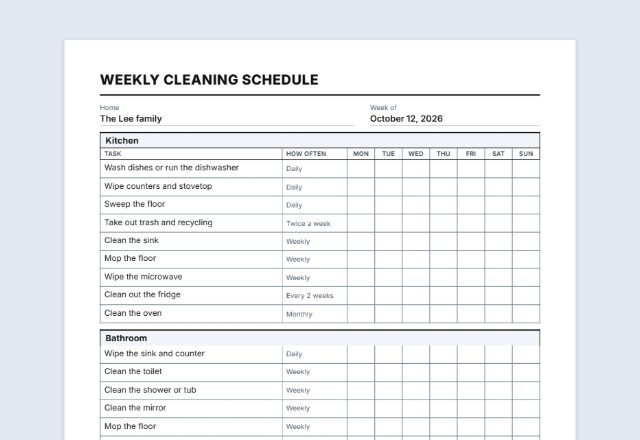
Can I use a different layout, or a weekly schedule?
Yes. Use the layout picker for a lined layout, and switch the kind of sheet to a weekly schedule if you need one. This page starts with a one-time checklist.