Free Change Order Form TemplateFill in the form, check the preview, then print it or save it as a PDF for your customer to sign. No sign-up, and nothing you type is uploaded.
Layout
Whole page · the printed page has no watermark or logo.
This change order is longer than one page and will print on two pages. Shorten the description, remove empty lines, or try another layout.
Examples3 layouts filled in with made-up details. Open one to start with that layout, or print a blank template to fill in by hand.
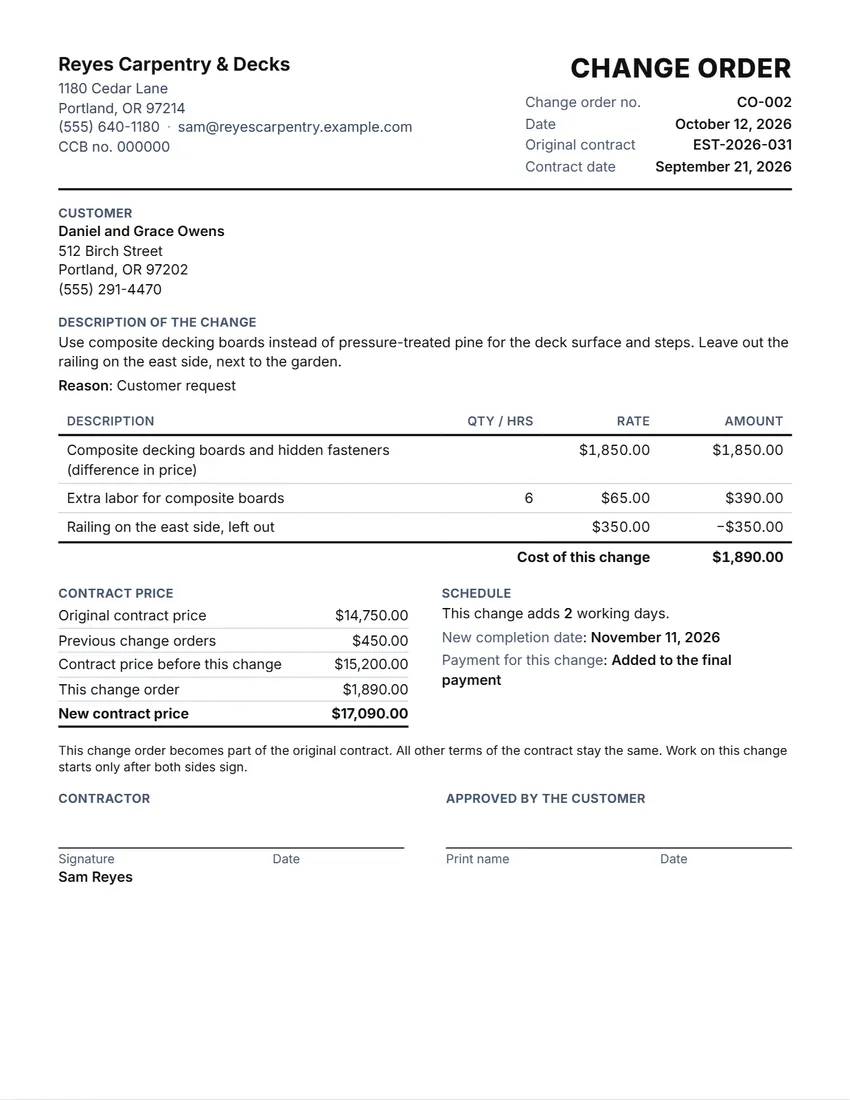 Default layout
ClassicYour logo and details at the top, the title and contract on the right.
Start with this layoutOpen
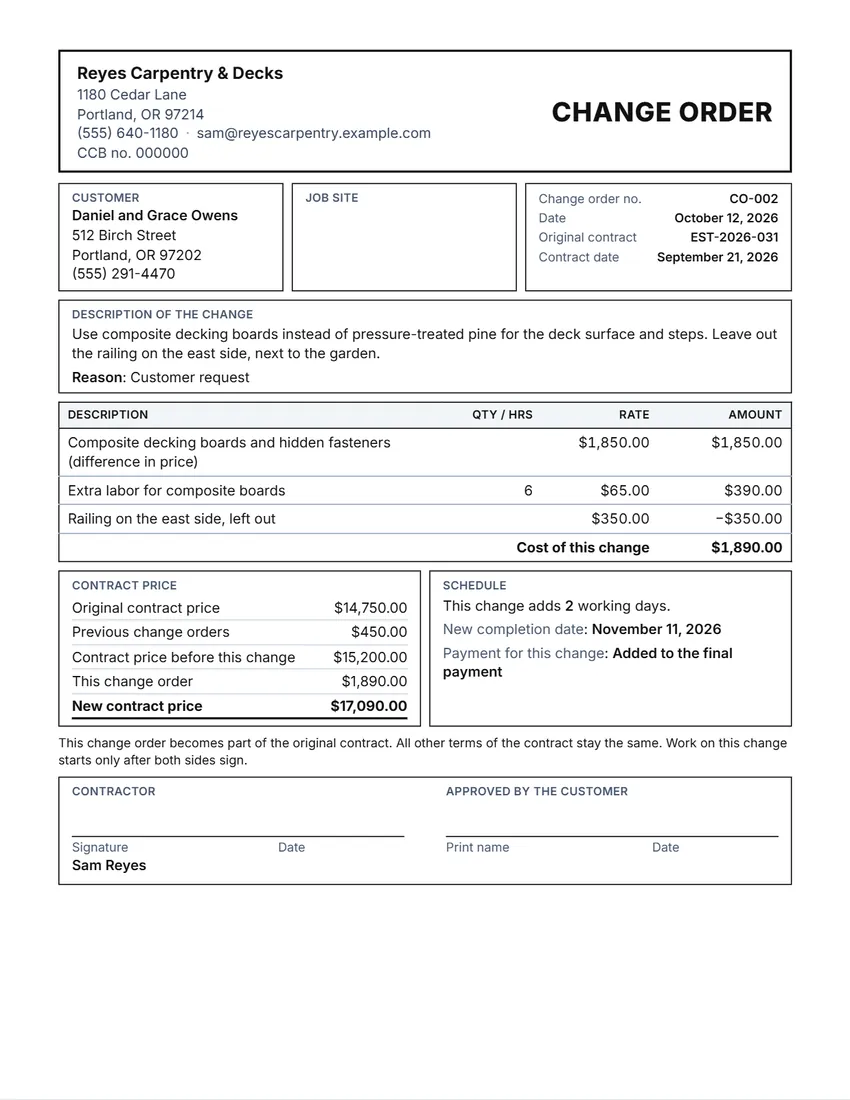 Layout
BoxedRuled boxes like a printed form.
Start with this layoutOpen
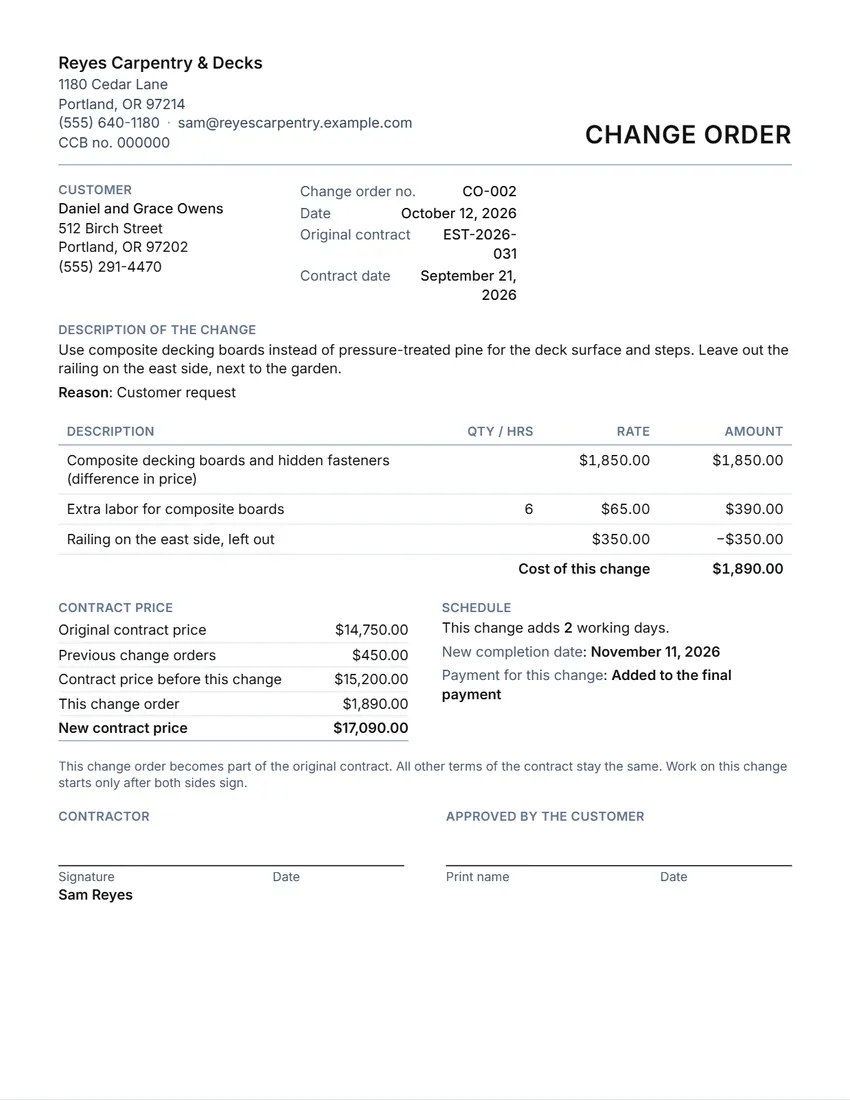 Layout
SimpleClean and light: thin lines, little ink.
Start with this layoutOpen
Prefer to fill it in by hand? Print a blank template and write on it.
Related tools
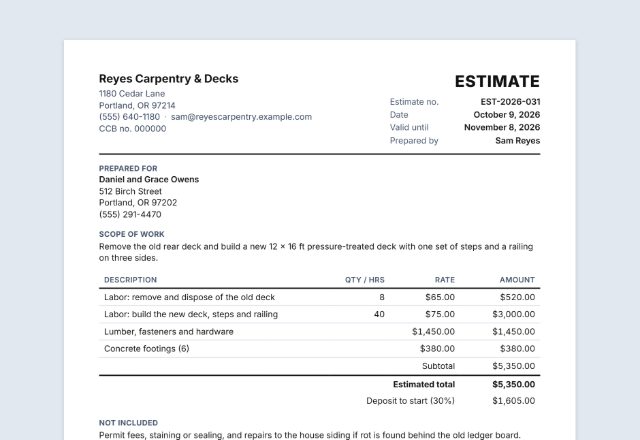
Goes well with this one
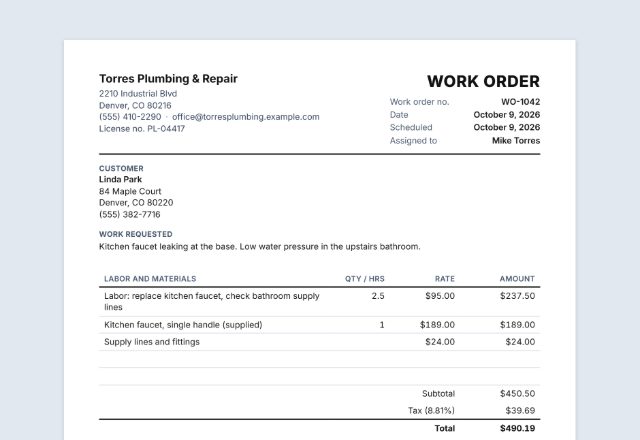
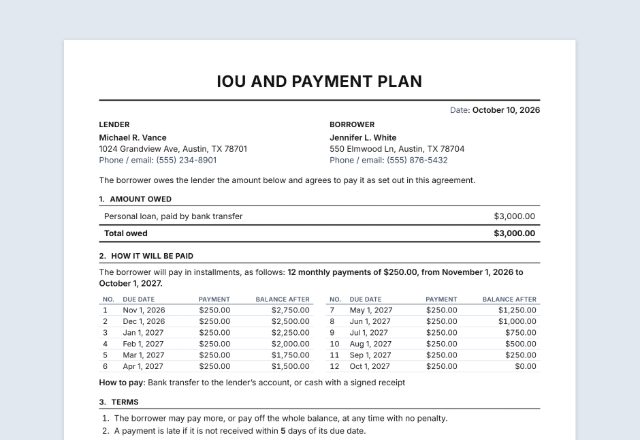
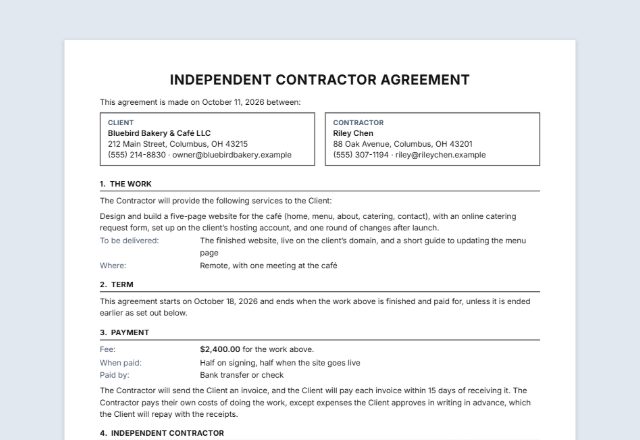
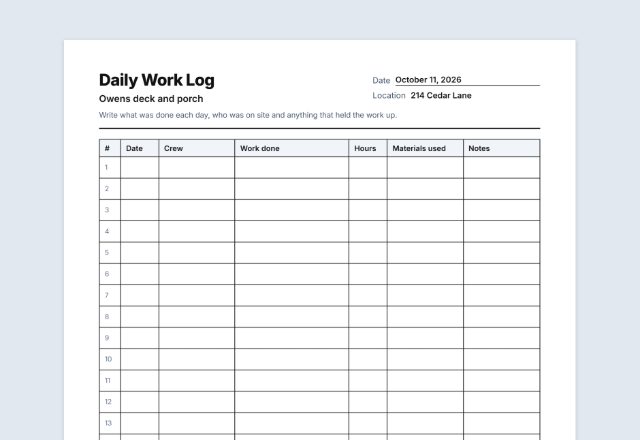
Was this tool useful?
Notice: Generated via SnapPaperwork. For real changes agreed with your customer. Do not use it to add charges a customer did not agree to, or to sign for someone else.
Something missing? Tell me what you need.
What is a change order?
A change order is a written record of a change to work that was already agreed, such as extra work, removed work or a new price. It shows what changed, what it costs and how the schedule moves, with signatures from both sides. Fill one in before the changed work starts.
How to make a change order in 3 steps
-
Say which contract it changes
Add your business, the customer, and the number and date of the contract or estimate you are changing.
-
Describe the change and its cost
What is added, removed or done differently, and why. List the extra costs and any credits; the cost of the change and the new contract price are worked out for you.
-
Agree the schedule and sign before the work
Say whether the completion date moves. Sign, and have the customer sign before you start the changed work.
What a change order should include
- The original contract or estimate it changes, with its date
- A clear description of the change, and the reason
- The cost of the change, line by line, with any credits
- The contract price before the change and the new contract price
- Any change to the schedule or completion date
- How and when the change is paid
- Signatures of the contractor and the customer, with the date
Why put changes in writing
Most disputes on building and repair jobs are about extras: work the customer thought was included, or a price the contractor thought was agreed. A signed change order settles both before the work is done.
Some states set rules for home improvement change orders. Maine, for example, requires every change order to a home construction contract to be in writing and signed by both sides, to detail the changes that alter the price, and to state both the previous price and the revised price; the rest of the work stays on the original terms unless agreed otherwise (Maine Revised Statutes, Title 10, § 1488). Check the rules where you work and in your contract.
Sign before the changed work starts. A change order signed afterwards is harder to rely on, and some contracts and state rules require it first.
Keep every signed change order with the contract, numbered in order. The next one starts from the new contract price.
Tips
- Write the description so a stranger could understand it: what, where and how much.
- Show credits for work taken out, not just extra charges.
- If the change needs more time, say how many working days and the new completion date.
- Use “Start the next change order” for the next change on the same job: the price of this one is added to “Previous change orders”.
Checked in October 2026. This page is general information, not legal advice. Your contract and the rules where you work apply.
Frequently asked questions
Is this change order generator free?
Yes. It is free to use, needs no account or sign-up, and never adds a watermark or a SnapPaperwork logo to your change order.
What is a change order?
A signed agreement to change the work in a contract or estimate after it was agreed: what changes, what it costs (or saves), and any change to the schedule. It becomes part of the original contract.
Can a change order lower the price?
Yes. Tick “Credit” on a line for work taken out. Credits show with a minus sign and come off the cost of the change, so the new contract price can go down.
How do I handle several change orders on one job?
Number them in order (CO-001, CO-002…). Click “Start the next change order”: the number goes up, and this change is added to “Previous change orders”, so the next one starts from the right price.
Does the customer have to sign?
It is the best way to show the customer agreed to the change and the price, and some states require both signatures. The page has a line for the customer to sign and date.
Is my information uploaded or stored on your servers?
No. Everything you type stays in your browser and is never sent to me. The form is saved on your own device so it is there next time.
How do I save the change order as a PDF?
Click “Print / Save PDF” and choose “Save as PDF” as the printer, or click “Download PDF” to save a file straight to your phone or computer. “Share” opens your device’s share menu with the PDF attached.