Free Daily Work Log & Punch ListChoose the kind of sheet, set your columns, check the preview, then print or save it as a PDF. No sign-up, and nothing you type is uploaded.
Layout
Whole page · the printed page has no watermark or logo.
Examples2 layouts filled in with made-up details. Open one to start with that layout, or print a blank template to fill in by hand.
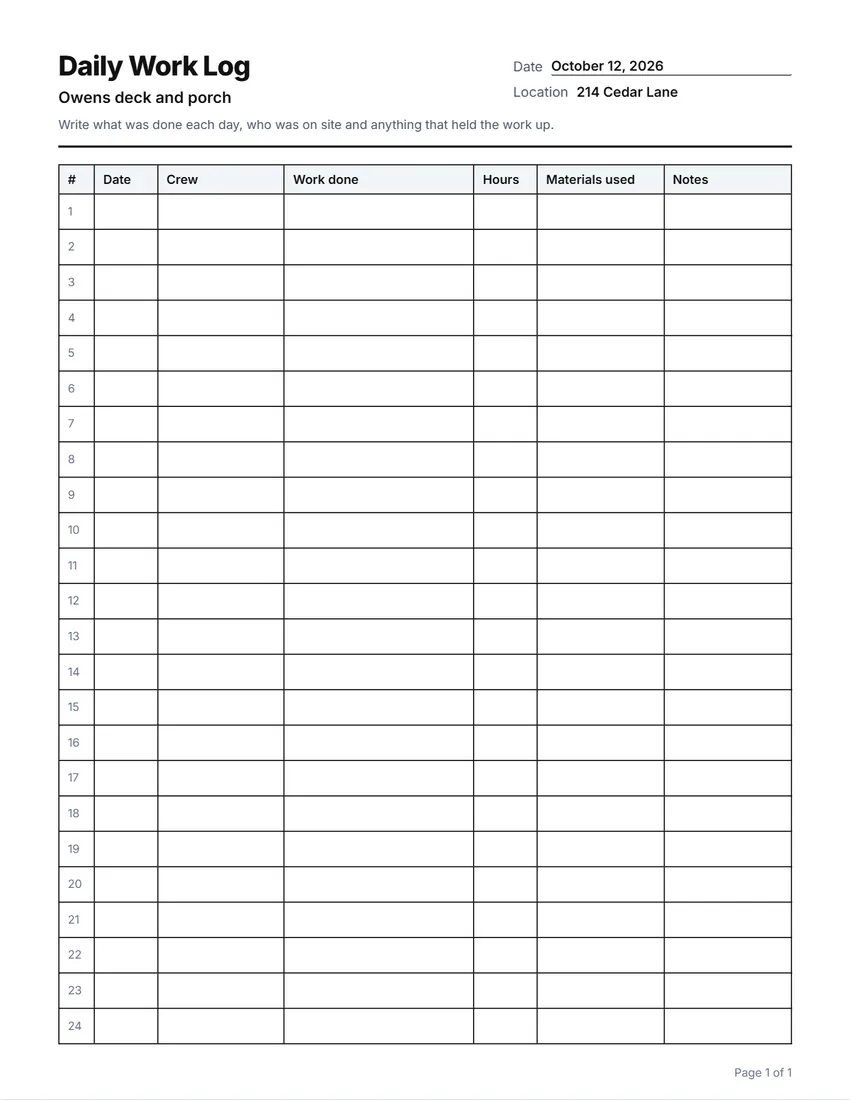 Default layout
GridEvery cell boxed, like a printed sign-in book.
Start with this layoutOpen
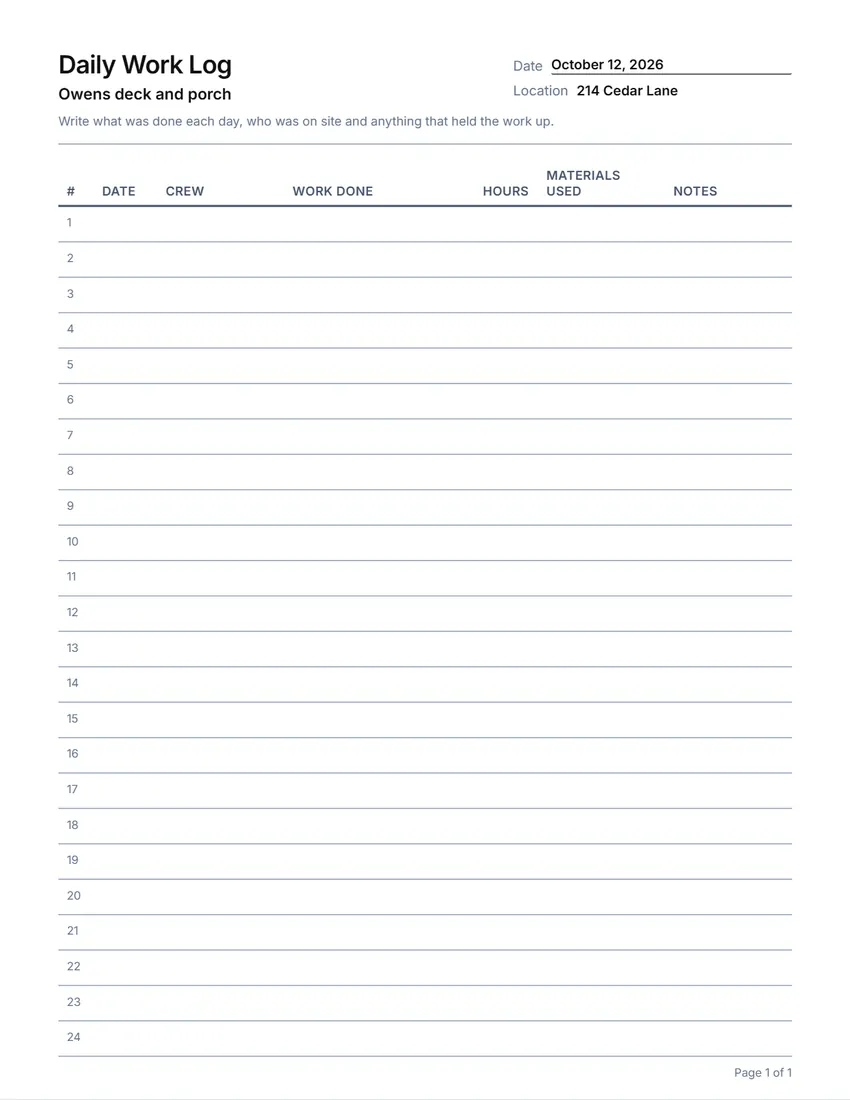 Layout
LinedLines between the rows only. Saves ink.
Start with this layoutOpen
Prefer to fill it in by hand? Print a blank template and write on it.
Related tools
Goes well with this one
Was this tool useful?
Notice: Generated via SnapPaperwork. For your own jobs. Write entries when the work happens; a log filled in later, or with work that was not done, is not a true record.
Something missing? Tell me what you need.
How to make a work log or punch list in 3 steps
-
Choose the kind of log
A daily work log, a punch list, a job site daily report, a materials log, a crew time log or an equipment log. Each starts with the usual columns, which you can rename, widen, move, remove or add to.
-
Name the job and print rows in
Add the job, the address and a short instruction. For a punch list, list the rooms; for a crew log, the names. They go in the first column.
-
Keep it on site
Print enough pages for the job and keep them on a clipboard in the truck or on site. Fill a row in every day.
Which log do you need?
- Daily work log: the date, who worked, what was done, hours, materials used and notes.
- Punch list: the small things left to fix before handover, room by room, with who will do it, by when, and a box for when it is done and checked.
- Job site daily report: date, weather, who was on site, work done and any delays.
- Materials log: deliveries and materials used, with quantities and who received them.
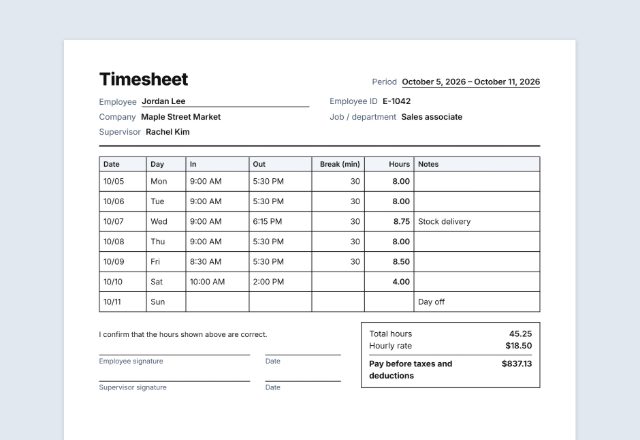
- Crew time log: each person’s time in and out and the task, for the whole crew on one sheet. For one person’s week, the timesheet adds up the hours.
- Equipment log: machine hours, fuel and who ran it.
Logs that help when there is a question
A short note every day, written on the day, is worth more than a long one written a week later.
Note delays and their cause (weather, a late delivery, a change asked for by the client). If the schedule or the price later changes, the log shows why.
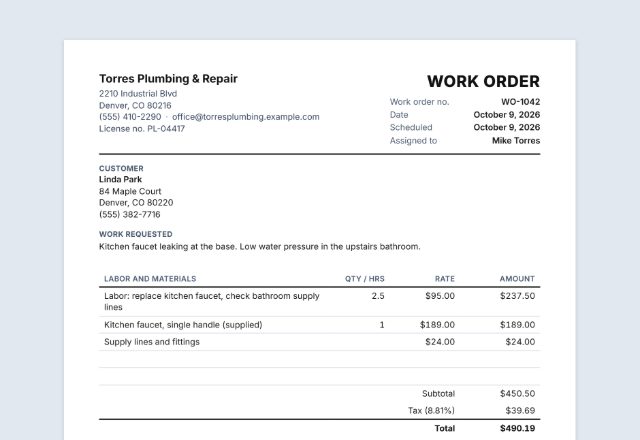
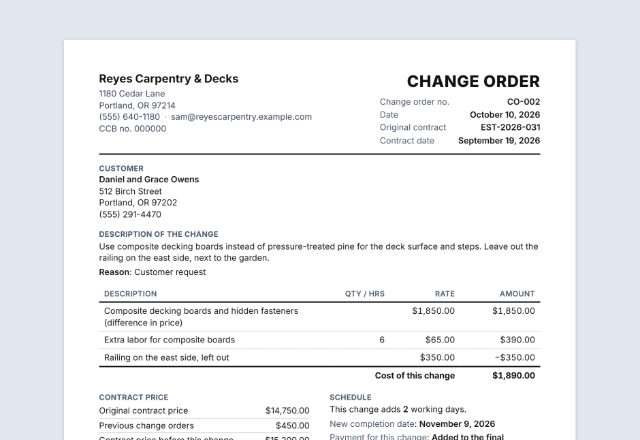
When the client asks for extra work, write a change order before doing it, and note it in the log.
Tips for logs that get filled in
- Keep the log where the work is: on a clipboard in the truck or by the door of the job.
- For a punch list, walk the job with the client and write each item as you go; initial it when it is fixed.
- Date every row, even on a page already dated at the top.
- Take photos of the work and write the photo numbers in the notes.
- Keep finished logs with the job’s contract, estimate and invoices.
Checked in October 2026. This page is general information, not legal advice.
Frequently asked questions
Is this work log maker free?
Yes. It is free to use, needs no account or sign-up, and never adds a watermark or a SnapPaperwork logo to your log.
What is a punch list?
A list of the small things still to fix or finish before a job is handed over: a missing outlet cover, a paint touch-up, a door that sticks. Each item gets a location, who will do it and a box to mark it done.
Can I print the rooms or names on the sheet?
Yes. Type them one per line under “Rooms, names or items to print” and they go in the first column. Repeat a room for more than one row.
Can I change the columns?
Yes. Rename, widen, move or remove any column, or add your own, up to eight.
Is this the same as a timesheet?
The crew time log lists the whole crew on one sheet. For one person’s week, with hours added up and overtime, use the timesheet.
Is my information uploaded or stored on your servers?
No. Everything you type stays in your browser and is never sent to me. It is saved on your own device so it is there next time.