Free Printable Timesheet TemplateFill in the hours, check the preview, then print it or save it as a PDF. Leave the times empty for a blank timesheet. No sign-up, and nothing you type is uploaded.
Layout
Whole page · the printed page has no watermark or logo.
This timesheet is longer than one page and will print on two pages. Turn off the notes column or the signature lines, shorten the notes, or choose a shorter period.
Examples2 layouts filled in with made-up details. Open one to start with that layout, or print a blank template to fill in by hand.
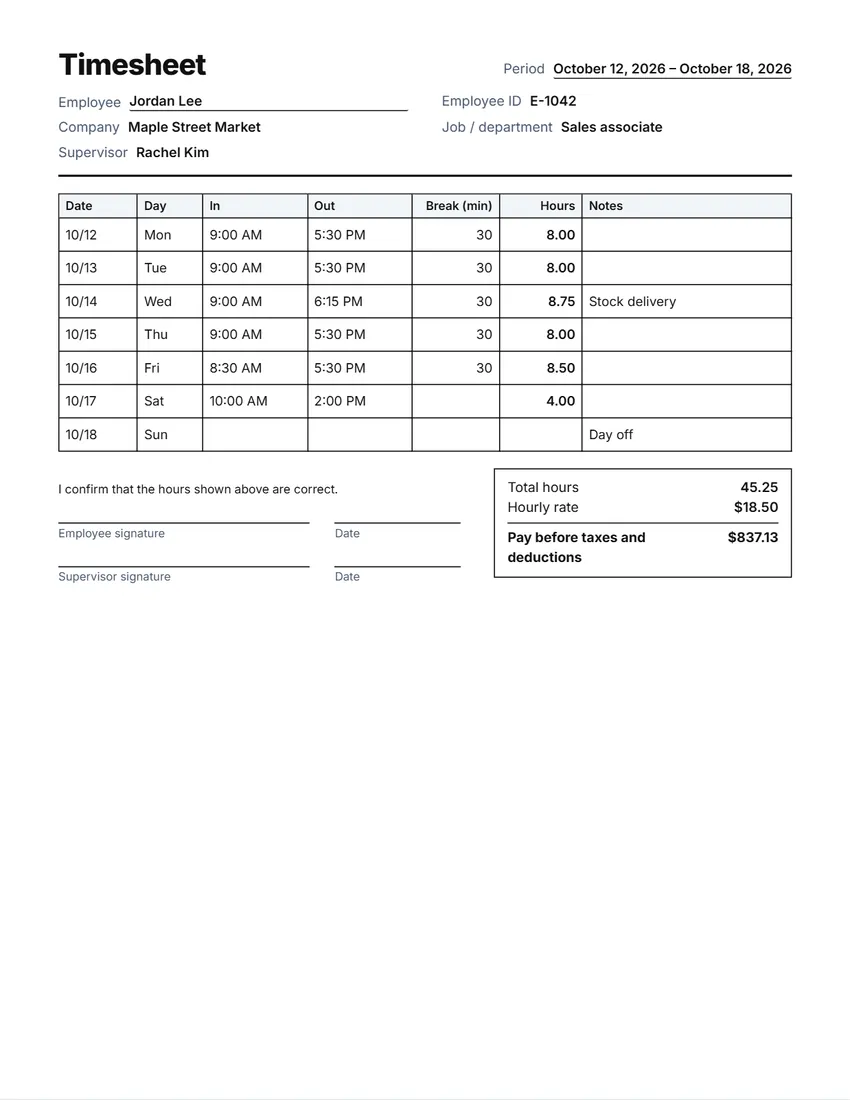 Default layout
ClassicA ruled grid like a printed time card.
Start with this layoutOpen
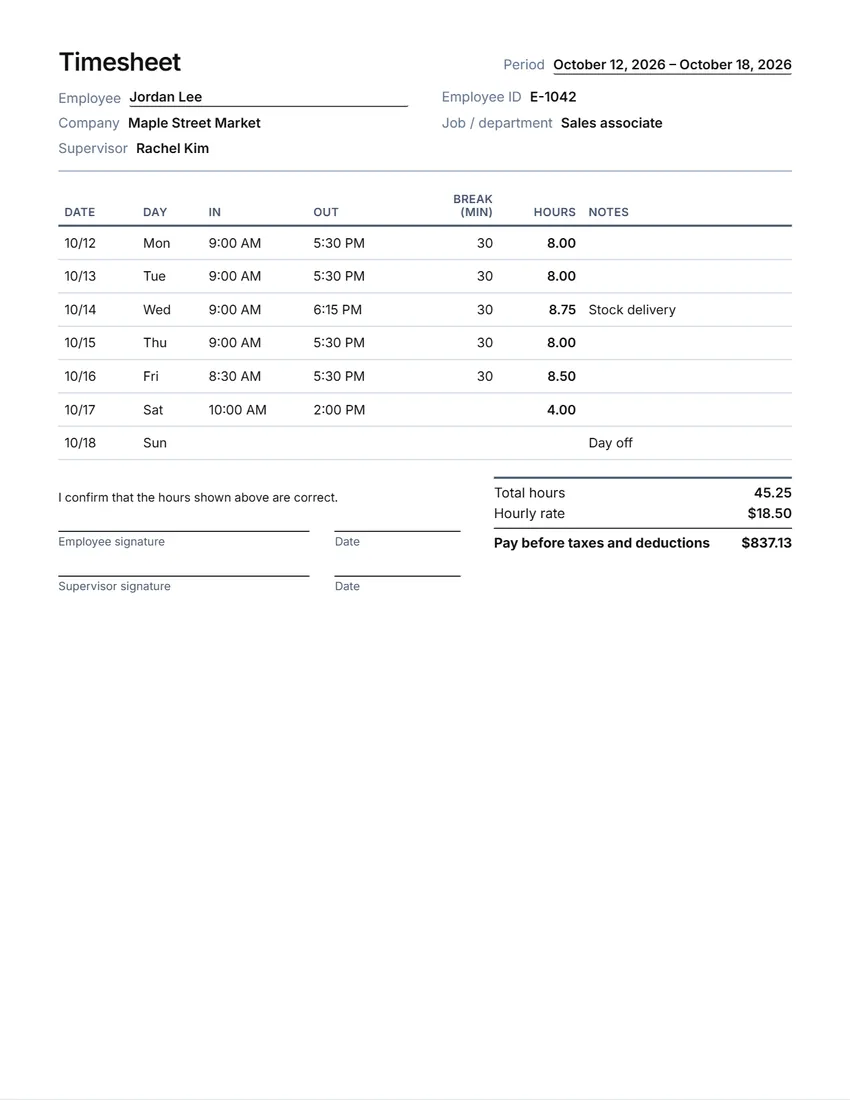 Layout
SimpleLines between the rows only. Saves ink.
Start with this layoutOpen
Prefer to fill it in by hand? Print a blank template and write on it.
Related tools
Goes well with this one
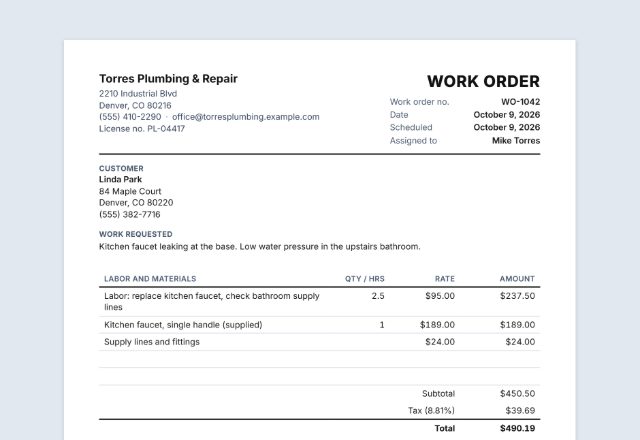 Work orderLogging hours for a job?Open
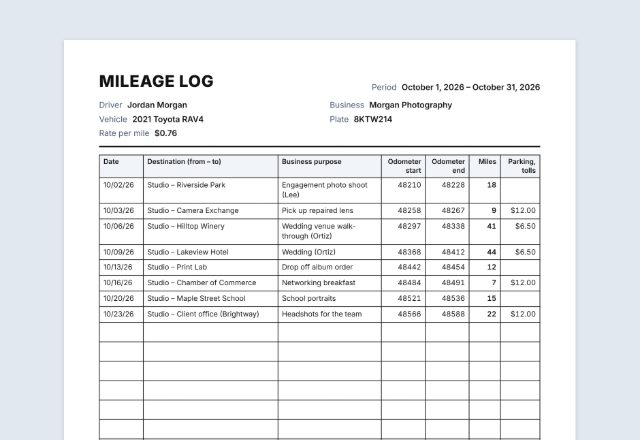 Mileage logDriving for work too?Open
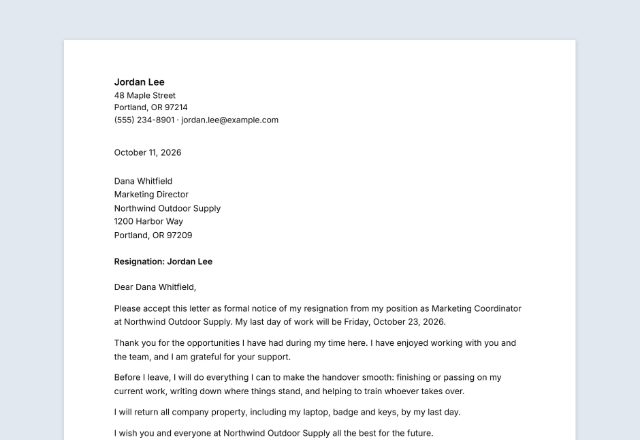 Resignation letterHanding in your notice?Open
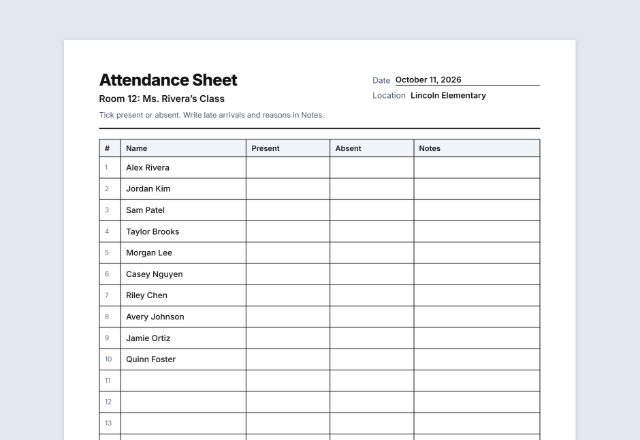 Attendance sheetJust need attendance, not hours?Open
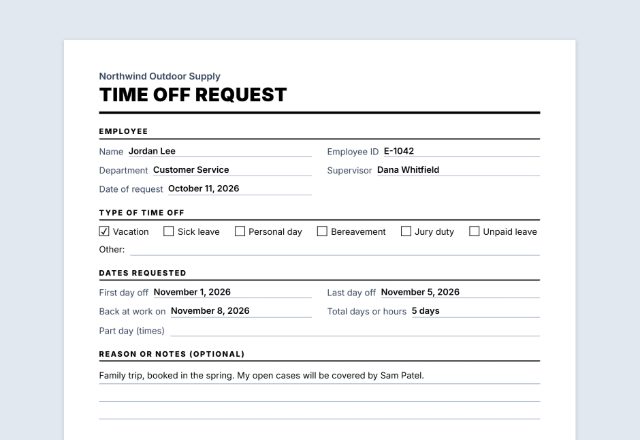 Time off requestStaff asking for time off?Open
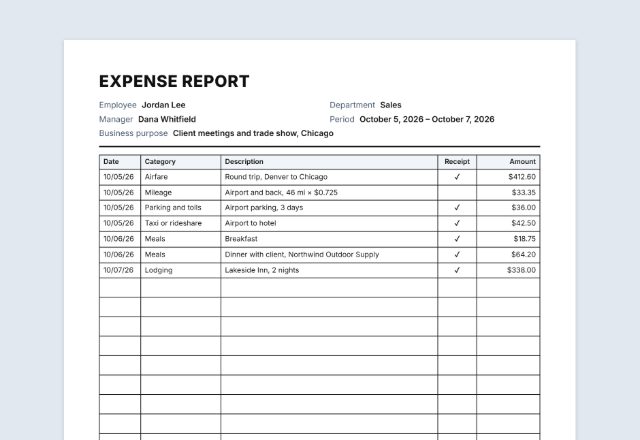 Expense reportClaiming expenses too?Open
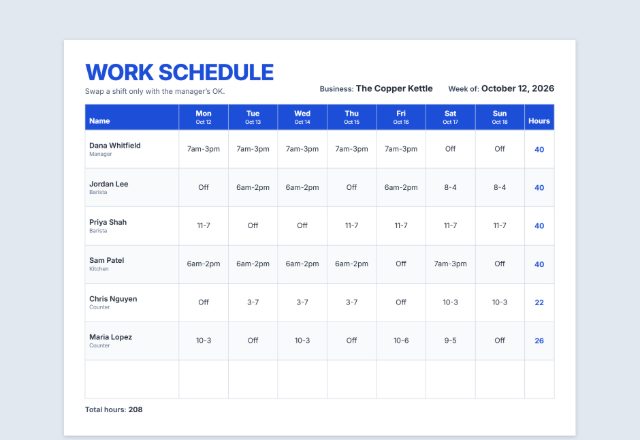 Work schedulePlanning next week’s shifts?Open
Was this tool useful?
Notice: Generated via SnapPaperwork. For hours that were really worked. A timesheet with false hours, dates or signatures can be fraud, and this is not a pay stub.
Something missing? Tell me what you need.
What is a timesheet?
A timesheet is a record of the hours a person worked, day by day, for a week, two weeks or a month. It shows start and finish times, breaks and the total. Fill it in each day and have it signed before it goes to payroll or the client.
How to make a timesheet in 3 steps
-
Choose the period
One week, two weeks or a month, and the first day. Leave the first day empty to print a blank timesheet with lines for the dates.
-
Fill in the hours
Time in, time out and the unpaid break for each day. The hours for each day, each week and the whole period are added up for you.
-
Add overtime and pay if you need them, then sign
Choose an overtime rule and an hourly rate to see regular and overtime hours and pay before taxes. Print, and sign with the supervisor.
What a timesheet should show
- The employee’s name, and the company, job or department
- The period, and the day each week starts
- Time in and time out for each day, and any unpaid break
- Hours worked each day and each week, and the total
- Regular and overtime hours, when overtime applies
- Signatures of the employee and the supervisor, with the date
Hours, breaks and overtime
Hours worked are usually the time from clocking in to clocking out, less unpaid meal breaks. Under the US Fair Labor Standards Act, short rest breaks of about 5 to 20 minutes count as hours worked, while a real meal break (usually 30 minutes or more) does not, if the worker is fully relieved from duty (29 CFR 785.18 and 785.19).
Under the same law, covered employees who are not exempt get at least time and a half for hours over 40 in a workweek. A workweek is a fixed, regularly recurring period of 168 hours (7 days in a row) that may start on any day, and hours cannot be averaged over two or more weeks. The federal law does not require overtime pay for nights, weekends or holidays as such (DOL Fact Sheet #23).
Some states go further. California, for example, also counts hours over 8 in a workday as overtime, pays double time over 12 hours in a day, and has its own rules for the seventh day worked in a workweek (Labor Code § 510). This timesheet works out daily and weekly overtime when you choose that rule, but not double time or seventh-day hours: check those yourself.
Rounding times to the nearest 5, 6 or 15 minutes is accepted by the Department of Labor only when it averages out so employees are paid for all the time they actually work (29 CFR 785.48). This timesheet uses the exact times you enter.
Keeping timesheets
- US employers must keep payroll records for at least 3 years, and records such as time cards for 2 years (DOL Fact Sheet #21). No particular form is required, so a printed timesheet works, as long as it is complete and accurate.
- Keep the signed timesheets in order by period, with the payroll records for the same dates.
- If a timesheet is corrected, cross out and initial the change rather than writing over it.
Checked in October 2026. This page is general information, not legal or payroll advice. State laws and union agreements can add their own rules.
Frequently asked questions
Is this timesheet generator free?
Yes. It is free to use, needs no account or sign-up, and never adds a watermark or a SnapPaperwork logo to your timesheet.
Can I print a blank timesheet?
Yes. Leave the times empty and every day prints as lines to write on. Leave the first day empty as well to write the dates by hand.
How are the hours worked out?
Time out minus time in, minus the unpaid break you enter. A time out earlier than the time in counts past midnight, so night shifts add up correctly.
Does it work out overtime?
Only when you choose a rule: hours over 40 in a week, or hours over 8 in a day and over 40 in a week. Weeks are counted in runs of 7 days from the first day. It does not work out double time, holidays or seventh-day rules.
Can it show pay?
Yes. Enter an hourly rate and the timesheet shows pay before taxes and deductions, with overtime at 1.5 times the rate. It is not a pay stub and does not work out taxes.
Can I show hours as 7:30 instead of 7.50?
Yes. Choose “Hours:minutes” under Hours shown as. 7.50 hours and 7:30 are the same amount of time.
Can I make a biweekly or monthly timesheet?
Yes. Choose two weeks or a month as the period. Each week gets its own total, and a whole month fits on one page.
Is my information uploaded or stored on your servers?
No. Everything you type stays in your browser and is never sent to me. The form is saved on your own device so it is there next time.
How do I save the timesheet as a PDF?
Click “Print / Save PDF” and choose “Save as PDF” as the printer, or click “Download PDF” to save a file straight to your phone or computer. “Share” opens your device’s share menu with the PDF attached.