Free Printable Check RegisterAdd your checks, card payments and deposits and watch the balance, tick what has cleared the bank, then print it or save it as a PDF. Or print blank register pages to fill in by hand. Nothing you type is uploaded.
Layout
Whole page · the printed page has no watermark or logo.
Examples2 layouts filled in with made-up details. Open one to start with that layout, or print a blank template to fill in by hand.
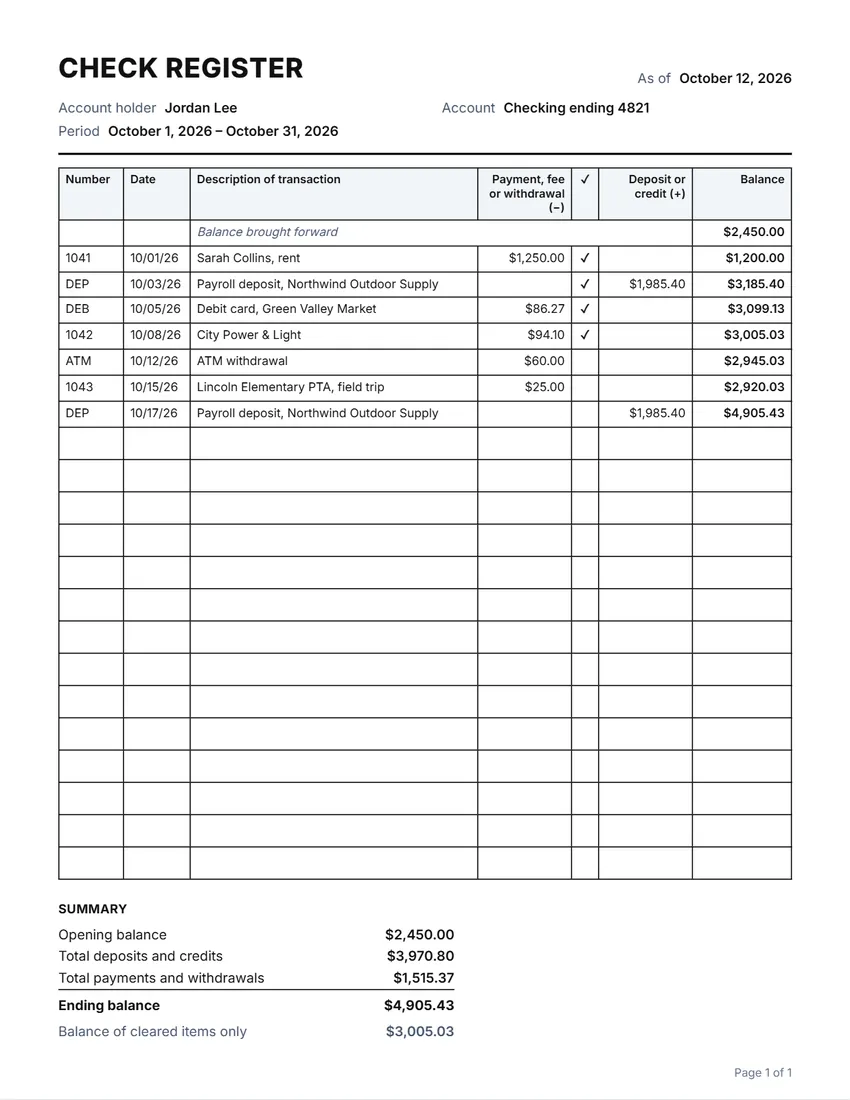 Default layout
GridRuled cells like a printed check register.
Start with this layoutOpen
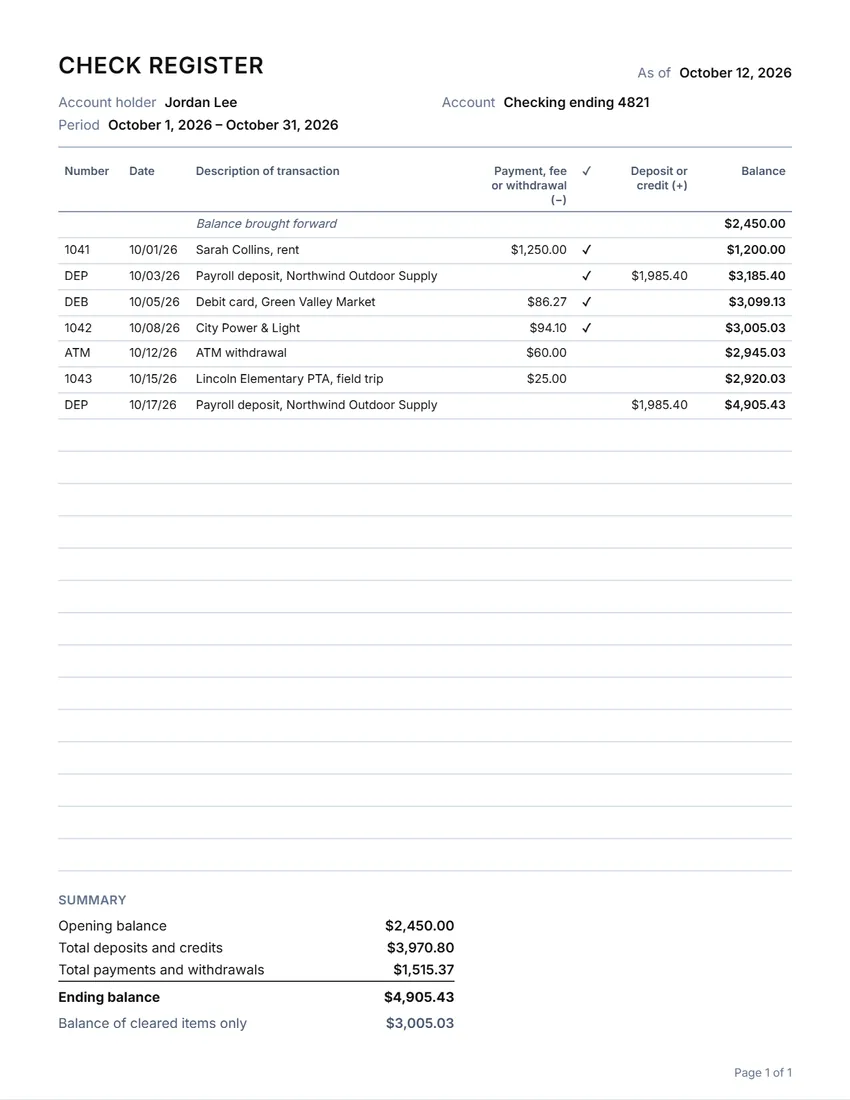 Layout
LinedLines between the rows only. Saves ink.
Start with this layoutOpen
Prefer to fill it in by hand? Print a blank template and write on it.
Related tools
Goes well with this one
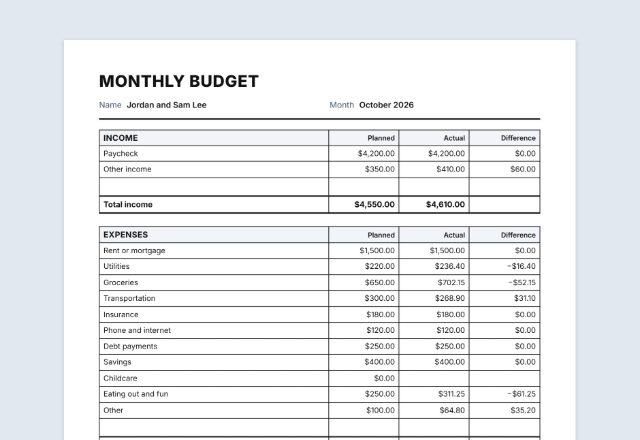
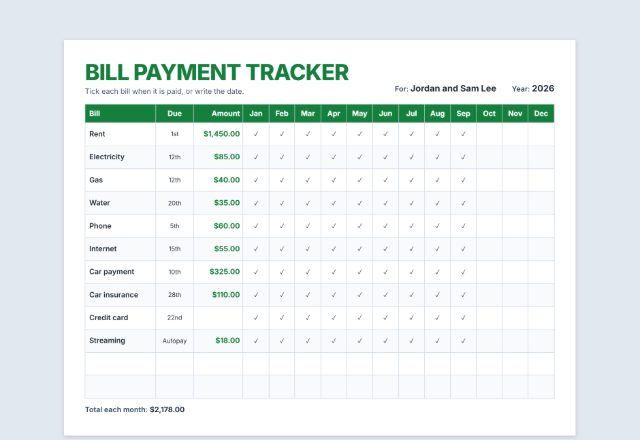
Was this tool useful?
Notice: Generated via SnapPaperwork. For your own records. A check register is not a bank statement; do not use it to show a balance or payments you do not have.
Something missing? Tell me what you need.
How to keep a check register in 3 steps
-
Start from your balance
Write the balance brought forward (your last statement, or what you put in when you opened the account), your name and the last four digits of the account.
-
Add every check, payment and deposit
Checks get their number; card payments, transfers, ATM withdrawals and fees go in too. The balance after each line is worked out for you.
-
Tick what has cleared
When the bank statement comes, tick each entry it shows. The balance of cleared items should match the statement; anything left unticked is still on its way.
What to write in a check register
- The check number, or a short code: DEP for a deposit, DEB for a debit card, ATM for cash, TFR for a transfer, FEE for a bank fee
- The date you wrote the check or made the payment
- Who you paid, or where the money came from
- The amount in the payment column (money out) or the deposit column (money in)
- A tick in the ✓ column once it shows on your statement
How to balance it against your bank statement
- Tick every entry in the register that appears on the statement.
- Add anything on the statement you have not written down yet, such as fees, interest or automatic payments, and tick it.
- Compare the balance of cleared items with the statement’s ending balance. If they differ, look for a missed entry, a wrong amount or two numbers swapped.
- Checks still not cleared after a few months may never have been cashed. Ask your bank what to do with an old check.
Tips
- Write each entry as you go, not at the end of the month.
- Never write the full account number on a sheet you might lose; the last four digits are enough.
- Keep the register with your checkbook, and the old pages with your statements.
Frequently asked questions
Is this check register free?
Yes. It is free to use, needs no account or sign-up, and never adds a watermark or a SnapPaperwork logo to your pages.
Can I print a blank check register?
Yes. Leave the entries empty and the page fills with rows to write on. Add up to ten extra blank pages, and fill in the name and account by hand if you like.
How is the balance worked out?
It starts from the balance brought forward, then each deposit is added and each payment taken away, line by line in the order you list them. A balance below zero is shown with a minus sign.
What does the ✓ column mean?
Tick an entry when it shows on your bank statement. The summary shows the balance of the ticked entries only, which should match the statement once everything has cleared.
Does it connect to my bank?
No. Nothing is connected or sent anywhere. Everything you type stays in your browser and is saved only on your own device.
Is my information uploaded or stored on your servers?
No. Everything you type stays in your browser and is never sent to me. It is saved on your own device so it is there next time.