Free HVAC Invoice TemplateAdd the service, parts and labor, check the preview, then print the invoice or save it as a PDF. No sign-up, and nothing you type is uploaded.
Layout
Whole page · the printed page has no watermark or logo.
This invoice is longer than one page and will print on two pages. Shorten the descriptions or the notes, or try another layout.
Examples2 layouts filled in with made-up details. Open one to start with that layout.
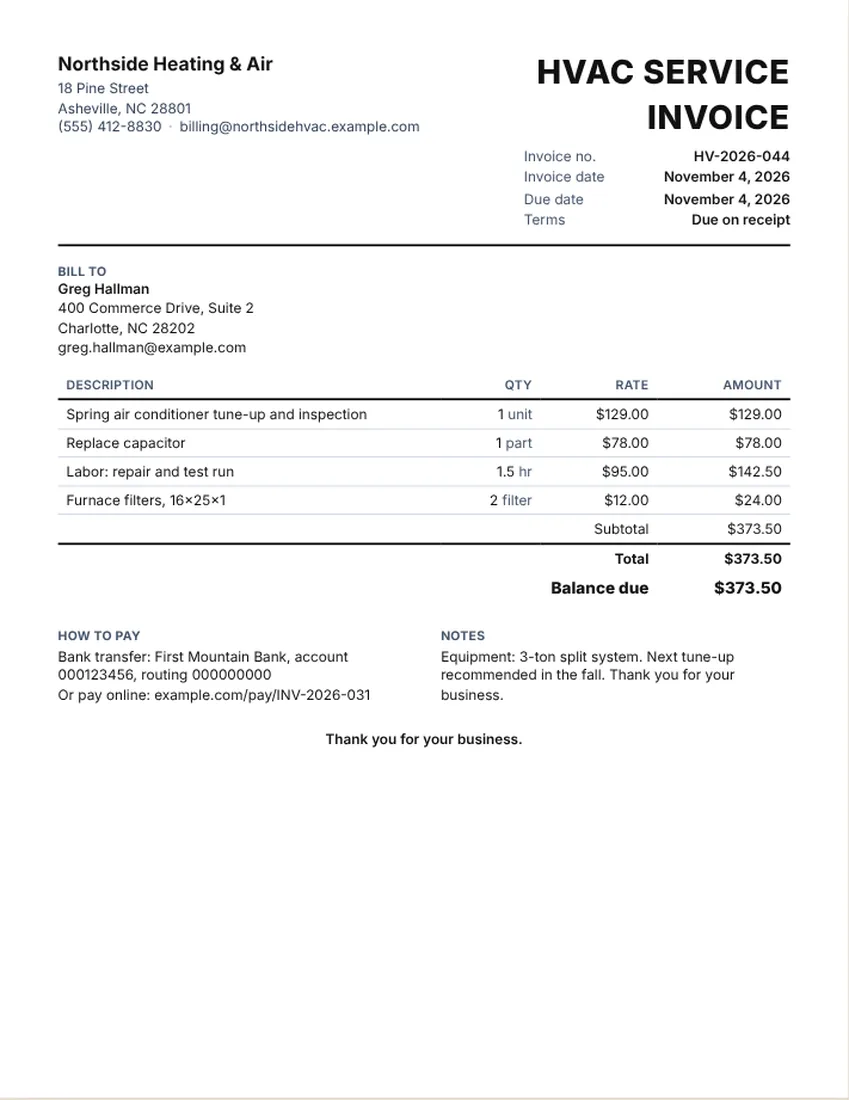
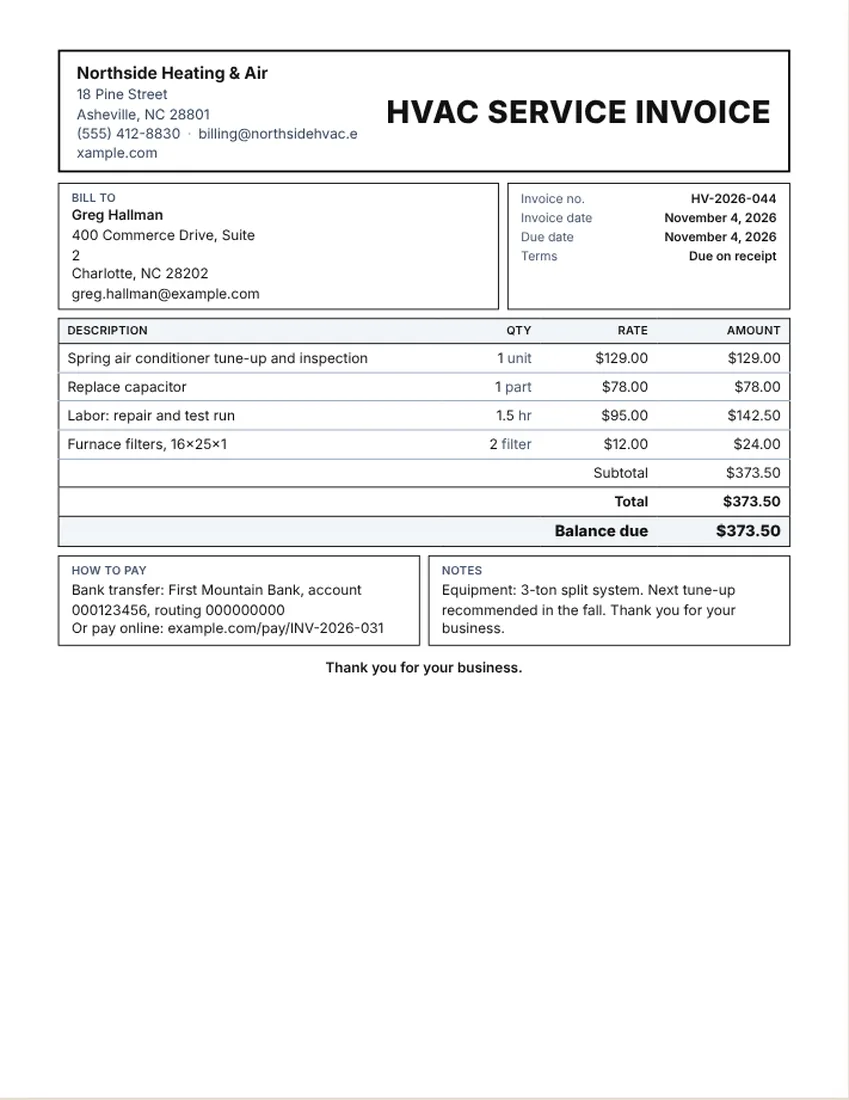
More versions of this form
Related tools
Goes well with this one
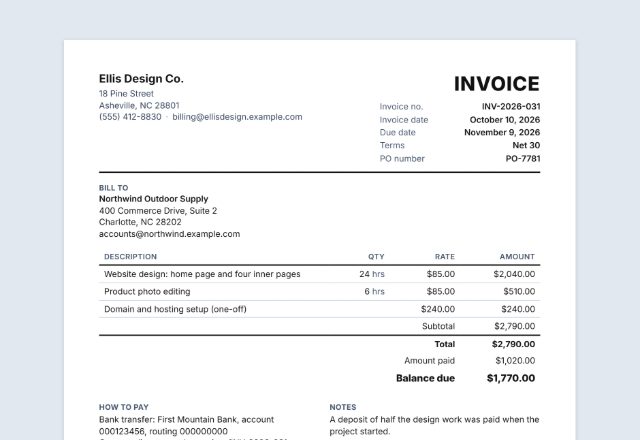
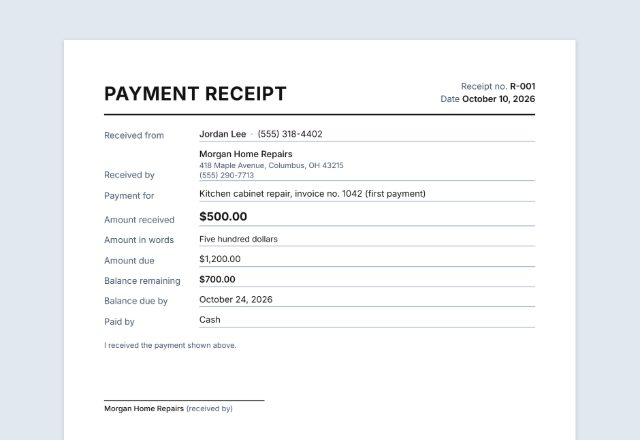
Was this tool useful?
Notice: Generated via SnapPaperwork. For genuine work and payments only. A document with false amounts, dates or details can be illegal.
Something missing? Tell me what you need.
How to make an HVAC or air conditioning service invoice
-
Add your business and the customer
Your company name, phone and email, then the customer’s name and the address of the equipment.
-
List the service, parts and labor
Put the tune-up or service call on one line, each part on its own line, and your labor in hours or as a flat price.
-
Note the equipment and send it
Add the system type in the notes, enter anything already paid, then print, save a PDF or email it.
An HVAC invoice records what you did to the heating or cooling system, the parts you used and the time it took, then shows the total and the balance due. It works for tune-ups, repairs and installs.
What to put on an HVAC invoice
- Your business name and contact details, and the customer’s name and service address
- An invoice number, the date, and the date of the visit
- The equipment worked on, such as “3-ton split system” or “gas furnace”
- The service performed: tune-up, repair, install or inspection
- Parts, such as capacitors, filters or thermostats, one per line with a quantity
- Labor, in hours at your rate or as a flat price
- Any fees you passed on to the customer, on their own lines
- The total, any payment received, the balance due and how to pay
Sample line items for heating and cooling work
The sample invoice has a tune-up, a replacement part, labor and filters. Its prices are made up. They are not a price guide, so use your own rates.
- Seasonal tune-up and inspection (per unit)
- Service call or diagnostic fee (per call)
- Hourly labor (per hour)
- Capacitor, contactor, motor or other repair part (per part)
- Air filters (per filter)
- Thermostat install (per thermostat)
- Refrigerant or supplies used (per job, listed on its own line)
- Equipment install (per ton or per unit, with labor shown separately)
How to price: per unit, per ton or per hour
Tune-ups are usually one price per unit, and many contractors repeat that price for every system they service. Repairs are often a service call plus parts plus hourly labor. Installs are priced per unit, sometimes quoted by the ton of cooling capacity.
Write the unit on every line (unit, hour, part, ton) and keep parts apart from labor. Customers who read the invoice later, or send it to a landlord or insurer, will understand it faster.
Tips for a clear HVAC invoice
- Put the make, model or size of the system in the notes so the record is useful next season.
- Say what you checked in a tune-up, such as filter, coils, refrigerant level and drain line.
- Note any follow-up you recommended, even if the customer said no.
- Keep a copy. Customers sometimes need one for a landlord, a warranty claim or a rebate form.
- Certification and refrigerant rules differ by place. Check your state’s rules, and ask your tax adviser about tax.
Checked in November 2026. This page is general information, not legal advice. Rules differ from place to place and change over time.
Frequently asked questions
What should an HVAC invoice include?
Your business details, the customer and service address, the date, the equipment, the service done, parts and labor on separate lines, the total, anything already paid, the balance due and how to pay.
Can I use this for an air conditioning service invoice?
Yes. It works for air conditioning, heating and ventilation work alike. Change the line descriptions to match what you did.
How do I bill a tune-up?
Add one line, for example “Spring air conditioner tune-up and inspection”, with one unit at your price. Use a quantity of two if you serviced two systems.
Is there a free HVAC invoice template?
Yes. This page is one. It is free, needs no account and adds no watermark. What you type stays in your browser.
Where do I record the model of the unit?
Put it in the notes at the bottom, or in the description of the service line. It helps next time you or another technician visit.
Can I use it as a receipt after payment?
Yes. Enter the amount paid and the balance shows zero. Print it or save a PDF, or give a separate payment receipt.